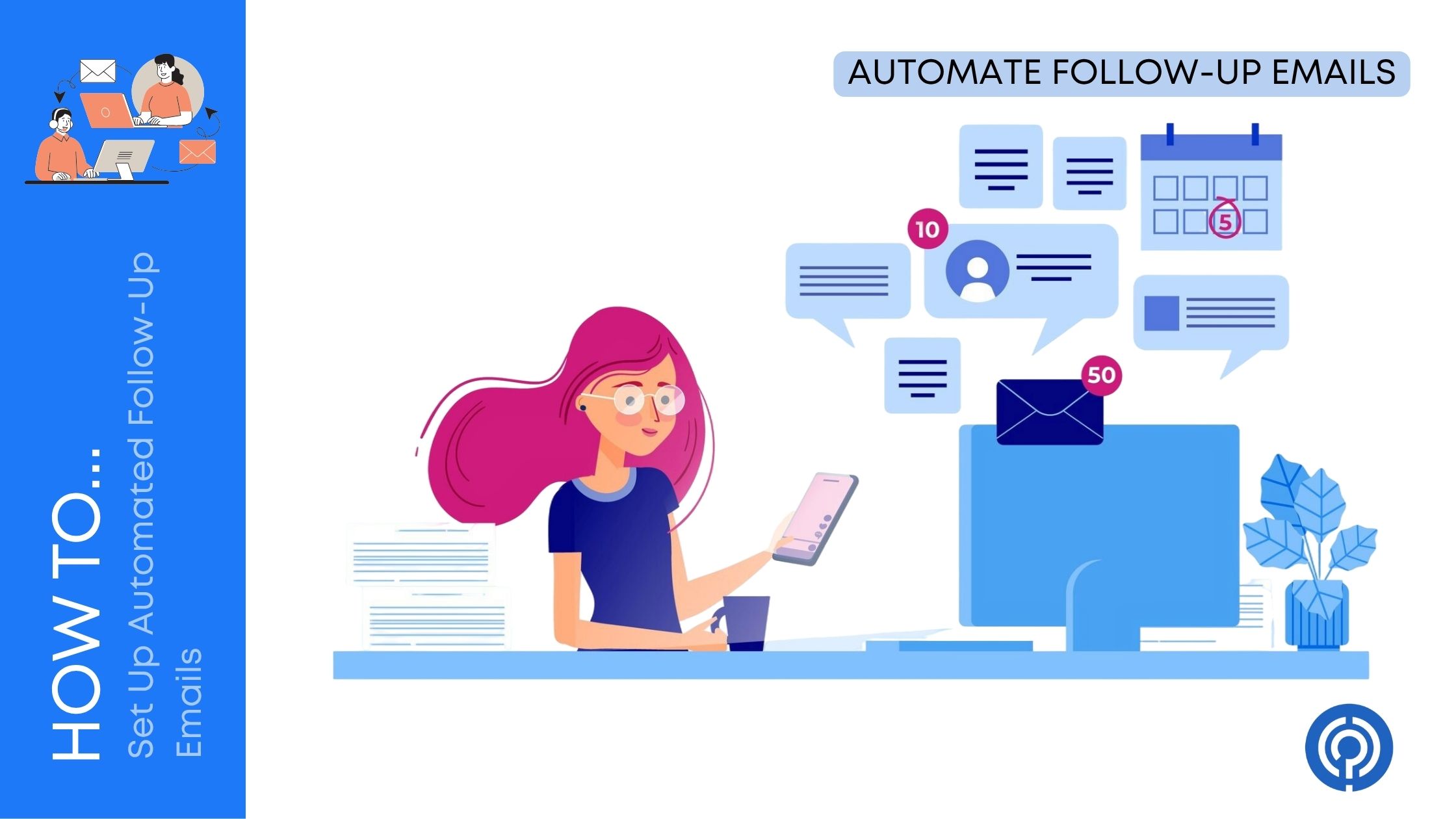
If you are manually sending follow-up emails, you are wasting a lot of time and probably leaving money on the table. Most people do not reply to the first email. They are busy, distracted, or simply forget. That is exactly why automated follow-up emails are so powerful.
With the right setup, your emails keep working in the background, nudging leads, prospects, and customers at the right time without you lifting a finger. In this guide, you will learn step by step how to set up automated follow-up emails that feel personal, not robotic.
We will stay tool-agnostic, so whether you use HubSpot, Mailchimp, ActiveCampaign, or any other platform, you can apply these same principles.
Why Automated Follow-Up Emails Matter?
Before you touch any automation tool, it helps to understand why follow-ups are so important.
- Most replies happen after the first email
- Follow-up increases response rates, bookings, and sales
- It keeps your brand visible without annoying people
- It saves hours of manual checking, copying, and sending
Think about your own inbox. You ignore or miss plenty of emails, but when someone follows up politely after a few days, you are more likely to respond. Automated follow-ups simply do this at scale, consistently, and on time.
Step 1: Define Your Follow-Up Goal
Every follow-up sequence must have one clear goal. If you skip this step, your emails will feel unfocused and pushy.
Common goals include:
- Getting a reply
- Booking a call or demo
- Completing a purchase or checkout
- Downloading a resource
- Confirming a meeting or event attendance
Ask yourself:
- What do I want this person to do after this sequence?
- How will I know the sequence worked?
Once you know the goal, every email and every call to action should gently push in that direction.
Step 2: Map the Follow-Up Journey
Now you design the sequence, not just a single email. Think of it as a small story spread over multiple messages.
A simple follow-up journey usually looks like this:
- Initial email: Introduces the offer, idea, or request
- Follow-up 1 (2–3 days later): Light reminder, same core message, slightly different angle
- Follow-up 2 (5–7 days later): Add value: resource, answer common question, short case study
- Follow-up 3 (7+ days later): “Last gentle nudge”, respectful opt-out tone
More elaborate journeys can have 5–7 emails, but if you are just starting, 3–4 is enough.
When mapping your journey, decide:
- How many follow-ups you will send
- How many days you will wait between each one
- What the angle of each email will be
Keep it simple at first. You can always optimize later.
Step 3: Segment Your Audience
The biggest mistake with follow-up emails is treating everyone the same. Automation does not mean blasting identical emails to everyone. It means sending the right message to the right person at the right time.
Useful ways to segment:
- By stage
- New leads
- Warm leads (clicked, visited pricing page)
- Customers
- Inactive users
- By behavior
- Opened but did not click
- Clicked but did not reply
- Did not open at all
- By source
- Webinar registrations
- Newsletter sign-ups
- Demo requests
- Lead magnet downloads
You do not need advanced segmentation from day one. Start with two simple segments, for example:
- People who never responded
- People who clicked but did not complete the action
Write slightly different follow-up journeys for each.
Step 4: Choose Your Automation Tool
You can set up automated follow-up emails with many platforms. The exact buttons and screens will differ, but the logic is always the same:
- A trigger starts the automation
- Conditions decide who continues and who stops
- Actions send emails, apply tags, update fields, etc.
Popular tools that support follow-up workflows include:
If you use Gmail or Outlook for one-to-one outreach, you can also use tools that sit on top of your inbox to automate sequences (for example, sales engagement platforms).
When choosing a tool, focus on:
- Ease of building workflows
- Ability to segment contacts
- Good deliverability
- Simple reporting


Pick one and stick with it for a while. Most tools offer similar core features for follow-ups.
Step 5: Write Your Follow-Up Email Sequence
Now comes the part that actually moves people: the content. Automation only works when the emails feel human and relevant.
General writing rules
- Keep it short and clear
- Use a simple, friendly tone
- Make the subject lines conversational
- Have one main call to action per email
- Write like you are talking to one person
Basic structure for each follow-up email
- Subject line: Simple, personal, curiosity-driven
- Opening line: Reference the previous email or context
- Value or reminder: Short benefit, answer, or resource
- Call to action (CTA): One clear next step
- Soft close: Friendly sign-off, low-pressure tone
Example follow-up sequence (B2B demo request)
Email 1: Initial outreach (already sent manually or via another automation)
Goal: Get them to book a demo.
Follow-up 1 (2–3 days later)
- Subject: Quick follow-up on my last note
- Body idea:
- Mention your previous email
- Acknowledge they are busy
- Restate the benefit in one sentence
- Add a clear CTA link or button to book a time
Follow-up 2 (5 days later)
- Subject: Thought this might help
- Body idea:
- Share a short case study or result
- Focus on a single problem they likely have
- Link to a resource (video, article, guide)
- Repeat CTA to schedule a call
Follow-up 3 (7+ days later)
- Subject: Should I close this loop?
- Body idea:
- Be honest and light
- Give them an easy way to say not now
- Let them know you will not keep chasing
- Offer they can always reply later if priorities change
You can adapt this structure for ecommerce (abandoned cart follow-ups), SaaS trials, events, or any other use case.
Step 6: Set Triggers and Conditions
Your next step is to tell your automation tool exactly when to start and stop sending follow-ups.
Common triggers
- Contact fills out a form
- Contact joins a specific list or segment
- Contact abandons a cart
- Contact attends or registers for a webinar
- Deal or lead moves to a certain stage in your CRM
Choose one primary trigger for each follow-up sequence. For example:
- “When someone submits the demo request form, enroll them in the demo follow-up sequence.”
Smart conditions to avoid annoying people
You also want to stop or adjust follow-ups when people:
- Reply to your email
- Click your main CTA
- Complete the desired goal (book a call, buy, register)
- Unsubscribe
Most tools let you add rules such as:
- If contact replies, remove from sequence
- If contact completes purchase, stop abandoned cart follow-ups
Configure these from the start. This keeps your automation feeling polite and respectful.
Step 7: Define Timing and Frequency
Timing can make or break your automated follow-ups. Send too often and you feel spammy. Wait too long and they forget who you are.
A simple timing pattern that works well in many cases:
- Follow-up 1: 2–3 days after the initial email
- Follow-up 2: 5–7 days after follow-up 1
- Follow-up 3: 7–10 days after follow-up 2
For ecommerce or very time-sensitive flows (like abandoned cart):
- Follow-up 1: 1–3 hours after abandonment
- Follow-up 2: 24 hours later
- Follow-up 3: 2–3 days later
General tips:
- Avoid sending multiple automated sequences at the same time to the same person
- Prefer business hours in the contact’s time zone, when possible
- Do not be afraid of follow-ups, but avoid daily nagging unless it is a short-term campaign
Step 8: Personalize Your Follow-Ups
Automation should not feel robotic. A few small touches can make your emails feel like they were written just for them.
Simple personalization elements
- First name in greeting or subject
- Mention company name or role
- Refer to what they did
- Downloaded a guide
- Signed up for a trial
- Attended a webinar
For example:
- “I saw you downloaded our guide on X last week…”
- “You started a trial but haven’t set up your first project yet…”
Behavioral personalization
If your tool supports it, you can go deeper:
- If someone clicked your pricing page but did not buy, send a follow-up about pricing questions.
- If someone opened all emails but never clicked, test a different offer or shorter CTA.
Start small: add a few variables like first name and what they did. Then expand into behavioral rules as you get comfortable.
Step 9: Test Before You Go Live
Never launch an automation without testing it first. A broken workflow can mean people receiving the wrong email at the wrong time, or nothing at all.
Here is a simple test checklist:
- Test with your own email
- Add yourself to the trigger (e.g., fill the form)
- Make sure each email arrives at the right time and in the right order
- Check links and buttons
- All links should work
- Bookings, forms, or checkouts should lead to the right page
- Verify conditions and exits
- Reply to one of the emails and check if the sequence stops
- Complete the goal (like signing up or booking) to see if follow-ups stop
- Check formatting on mobile and desktop
- Make sure emails look good on phones
- Avoid giant images or tiny fonts
Take 30–60 minutes to test thoroughly. It saves a lot of headaches later.
Step 10: Track Performance and Optimize
Once your follow-up sequence is live, treat it as a living system. Automation is not “set it and forget it.” You will get the best results when you review and improve regularly.
Metrics to monitor
- Open rate: Are subject lines working?
- Click-through rate (CTR): Are people engaging with your CTA or links?
- Reply rate (for sales sequences): Are you starting real conversations?
- Conversion rate: Are people completing the goal (booking, buying, signing up)?
- Unsubscribe and spam complaints: Are you annoying people or targeting the wrong audience?
What to optimize
- Try different subject lines on low-open emails
- Shorten long emails with low clicks
- Move your main CTA higher up in the email
- Adjust timing if people are not engaging
Treat each change like a small test. Give it enough time and enough contacts before judging results.
Common Mistakes to Avoid
Automated follow-ups are powerful, but they can backfire if misused. Watch out for these common pitfalls:
- Sending too many emails in a short period
- Ignoring replies and letting automation continue as if nothing happened
- Using vague subject lines that look like spam
- Writing generic, copy-paste content that does not reference what the person actually did
- Forgetting to exclude existing customers from prospect sequences
- Never checking your spam and promotions placement
If you focus on being useful, respectful, and clear, you will avoid most problems.
Simple Templates to Get You Started
Here are quick skeletons you can adapt to your own style and tool. Keep them short and natural.
Follow-up 1 (after a lead magnet download)
- Subject: Did this help with [topic]?
- Body idea:
- “You downloaded our guide on [topic] a few days ago…”
- Ask if they found what they were looking for
- Offer a quick tip or extra resource
- CTA: reply with a question, book a call, or visit a useful page
Follow-up 2 (after no response)
- Subject: One more thing that might help
- Body idea:
- Acknowledge you reached out before
- Share a short example or case
- “If [problem] is still on your radar, this might be useful…”
- CTA: clear, single action
Follow-up 3 (polite close)
- Subject: Happy to close the loop
- Body idea:
- Let them know you do not want to keep bothering them
- Give two simple options: “Yes, interested” or “Not now”
- Make it easy for them to opt out without guilt
You can plug these structures directly into your automation tool and refine based on your audience.
Wrapping Up
Automated follow-up emails are one of the simplest and highest-impact systems you can build into your marketing and sales. They quietly handle what humans are bad at: consistent, timely, polite follow-ups.
You have seen how to:
- Define a clear goal for each sequence
- Map a simple follow-up journey
- Segment your audience so messages stay relevant
- Choose a tool and set triggers, timing, and conditions
- Write human, helpful emails that feel personal
- Test, track, and optimize over time
Start with one follow-up sequence in the area that hurts the most right now, whether that is lead follow-up, abandoned carts, or trial onboarding. Keep it simple, make it human, and let data guide your tweaks.
Once you see how much time and opportunity automation unlocks, you will wonder how you ever worked without it.
Leave a Comment