There’s a category of security risk that rarely generates headlines but quietly accumulates inside most organizations: the shared link that was created for a specific purpose, used once, and then forgotten while remaining fully active.
A freelancer sends a client a Dropbox link to a project deliverable. The project closes. Six months later that link still works. The client moved on; their former employee — who has since left — still has it bookmarked. The folder it points to has since been reorganized and now contains materials from other engagements. Nothing dramatic happened. Nothing obviously went wrong. But a thread of access that should have terminated months ago is still open.
Multiply that by the volume of file sharing that happens across any active team over the course of a year, and the picture gets uncomfortable quickly. Most file access problems aren’t the result of sophisticated attacks or policy failures. They’re the result of links that outlived their purpose.
Expiration dates on shared files are the operational control that closes those threads systematically — without requiring anyone to remember to go back and revoke access manually.
Why Manual Revocation Consistently Fails
The instinct to rely on manual revocation is understandable. Someone shares a file, they know they shared it, and when the need has passed they’ll remove access. The logic is sound. The execution rarely keeps pace.
The practical failure modes are predictable. The person who created the share leaves the organization, and with them goes institutional awareness that the link exists. Files get reorganized or moved to new folder structures, and the share persists because the sharing permission is attached to the item rather than tracked separately. Teams dealing with high volumes of external collaboration — agencies, professional services firms, media companies — accumulate hundreds of active external share links across their storage platforms, and auditing them periodically is a task that consistently falls below other priorities.
According to research published by Varonis on data exposure risk, the average organization has thousands of files exposed through open, unmonitored share links at any given time — many of them with no business justification for remaining accessible. The problem isn’t malicious intent. It’s the absence of a mechanism that enforces access termination by default rather than requiring someone to actively remember to close it.
Expiration dates shift the default. Instead of access persisting until someone intervenes, access terminates unless someone explicitly extends it. The burden of action moves from revocation to deliberate continuation — a much more conservative posture.
What Expiration Controls Actually Look Like in Practice
The mechanics of link expiration vary by platform, but the core function is consistent: you set a date and time at which a shared link becomes inactive, and the platform enforces that automatically without requiring any follow-up action.
More granular implementations include the ability to set view limits — a link that expires after it’s been opened five times rather than after a fixed date — and password protection layered on top of expiration, so the link requires authentication before it even becomes viewable. Some enterprise platforms log every access event against a shared link, giving you a complete audit trail of who accessed a file, when, from which IP address, and through which specific link.
For organizations working under data governance frameworks like GDPR, HIPAA, or SOC 2, that audit trail isn’t a convenience feature. It’s an operational requirement. Demonstrating that access to personally identifiable information or protected health data was time-limited and logged is a core element of showing adequate data control practices to auditors.
The least sophisticated version of expiration control — a simple link deactivation date — addresses the majority of everyday file sharing risk. The more granular controls matter in regulated environments or anywhere the consequences of unauthorized access are particularly serious.
Platform-Specific Expiration Features Worth Knowing
Dropbox
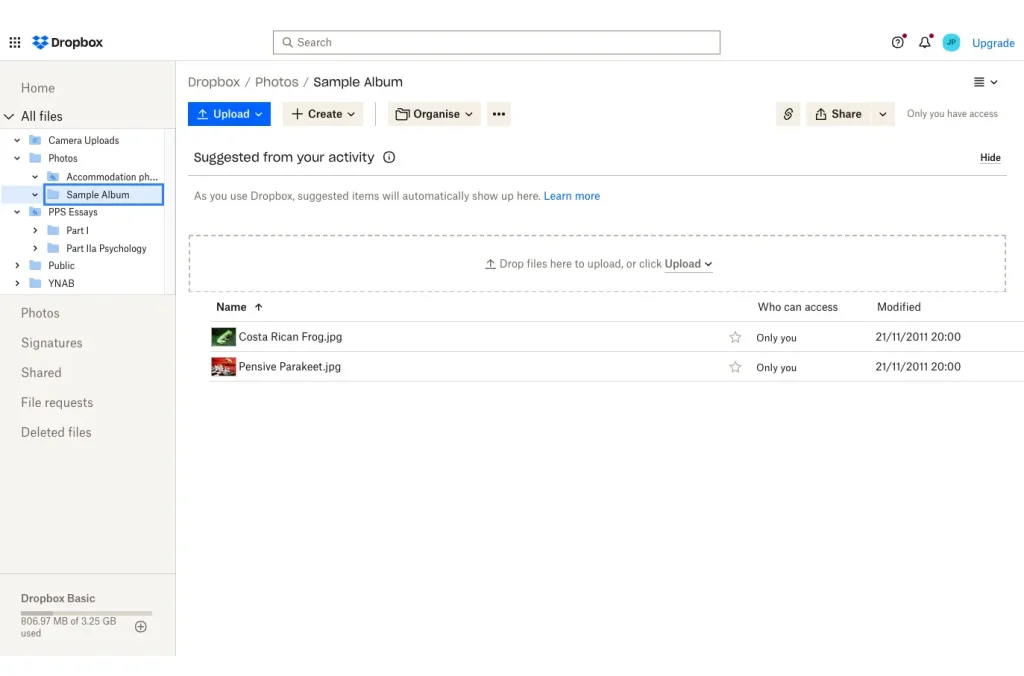
Dropbox supports link expiration on shared file and folder links across its business tiers. When generating a shared link, you can set an expiration date from the link settings panel before sending — the link automatically deactivates on that date without requiring any further action.
For teams, Dropbox Business admins can set a maximum link duration policy for the whole organization, preventing users from creating links that never expire, or links that last longer than a maximum defined period by admins.
That policy-level control is what transforms expiration from an individual discipline into a systematic practice — the platform enforces the behavior rather than relying on each team member to remember.
Dropbox also surfaces sharing activity at the account and team admin level, allowing administrators to audit which links are currently active, when they were created, and when they’re set to expire — giving visibility into the organization’s current external exposure without requiring manual tracking.
Box
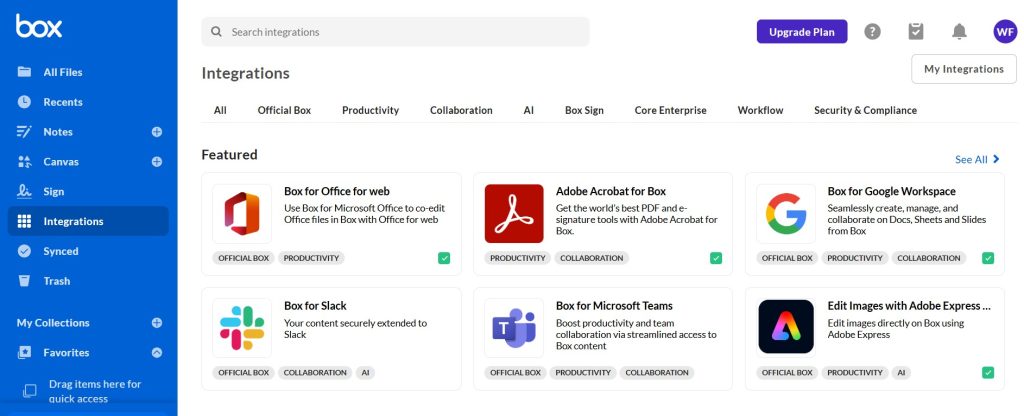
Box builds expiration and access governance into the core of its sharing architecture in ways that go meaningfully beyond basic link expiry.
In addition to link-level expiration, Box supports collaborator-level expiration — you can grant a specific person access to a folder with an end date, after which their access is automatically revoked regardless of whether they have the link. That distinction matters for extended external collaborations. A freelancer given folder access for a three-month project can have their access automatically removed on the project close date without the account owner having to take any action.
Box Shield — Box’s security intelligence layer — provides additional controls for regulated environments, including the ability to apply data classification labels to files that automatically restrict sharing options based on content sensitivity. A file labeled as confidential can be prevented from being shared via external link at all, regardless of individual user intentions. For organizations managing genuinely sensitive intellectual property or regulated data, that classification-driven restriction is a qualitatively different level of control than manual user compliance.
DocuSign
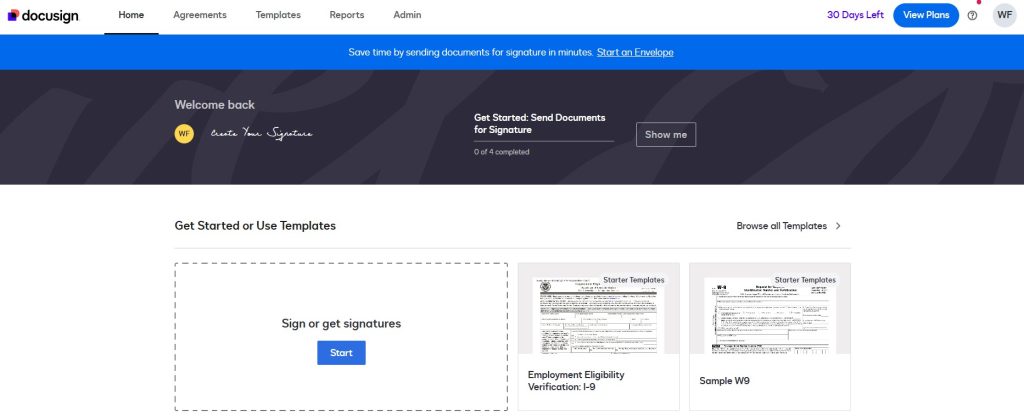
DocuSign addresses file expiration from a different angle that’s worth understanding separately. Rather than general file storage link expiry, DocuSign manages time-bound access to documents in the context of signature workflows and post-execution document access.
When a contract or agreement is sent for signature, the signing link can be configured to expire after a specified period — preventing a document from sitting indefinitely in a recipient’s email, unsigned, accessible to anyone who gains access to that email thread. After execution, DocuSign’s document retention settings control how long completed documents remain retrievable through the platform.
For legal teams and contract administrators managing high volumes of agreements, those controls close specific exposure windows that general cloud storage platforms don’t address: the gap between document issuance and execution, and the post-execution retention period during which legacy documents remain accessible in perpetuity by default.
Building Expiration Into the Sharing Habit
Expiration controls are only effective when they’re consistently applied at the point of sharing, not added retroactively. That means the behavior needs to be embedded in the workflow rather than treated as an optional extra step.
A few practices that make consistent application realistic rather than aspirational:
Set a personal default. Most cloud storage platforms allow you to configure a default expiry duration for any link you generate — whether that’s seven days, thirty days, or ninety days. Select a default that matches your usual sharing habits, and you’ll automatically add expiration to every link you create, without having to consider it every time.
Match the expiry to the purpose. A link shared with an external auditor for a two-week review window should expire in two weeks. A link sent to a client for a project deliverable review should match the feedback period, not an arbitrary duration. Taking thirty seconds to set the expiry to align with the actual business purpose is the highest-value habit in this entire practice.
Audit active shares periodically. Most enterprise storage platforms provide a view of currently active external shares. Scheduling a monthly review — even a fifteen-minute scan — catches links that have outlived their purpose and are approaching the kind of forgotten-access scenario described at the start of this piece.
For context on how file access controls fit into a broader team security posture, our guide on how to share passwords safely with team members covers the adjacent discipline of access credential hygiene — the combination of both practices closes the majority of everyday external access risk for most teams.
When Expiration Isn’t Enough on Its Own
Link expiration addresses the access persistence problem but doesn’t address the data-at-rest problem. A recipient who downloaded the file before the link expired retains a copy regardless of what happens to the sharing link. For genuinely sensitive documents, expiration controls should be accompanied by:
Access-only sharing where supported — platforms that allow viewing without downloading, so the file is never transferred to the recipient’s local storage. Box and several document management platforms offer this for supported file types.
Rights management for high-sensitivity documents — technology that embeds access controls into the file itself, so the document enforces permissions on the recipient’s device regardless of how they obtained the copy. This is overkill for most everyday sharing scenarios but relevant for genuinely confidential materials like M&A documents, unreleased financial results, or proprietary technical specifications.
Encryption at rest and in transit — ensuring that even if a file or link is intercepted, the underlying content is protected. This is a baseline rather than an advanced control at this point, and any storage platform worth using for sensitive business files should offer it by default.
According to the Cloud Security Alliance’s guidance on data sharing governance, a layered approach combining time-limited access, access logging, and classification-based sharing restrictions represents current best practice for organizations handling sensitive data in cloud environments.
Conclusion
Expiration dates on shared files are one of the most practical access controls available to individuals and organizations — not because they solve a particularly exotic security problem, but because they systematically address the most common one: access that persists because nobody took action to end it. Setting a default expiry on every shared link, matching expiry duration to the actual business purpose, and using platforms that enforce organization-wide expiry policies turns a widely neglected discipline into a consistent practice that runs in the background without demanding ongoing attention.



Leave a Comment