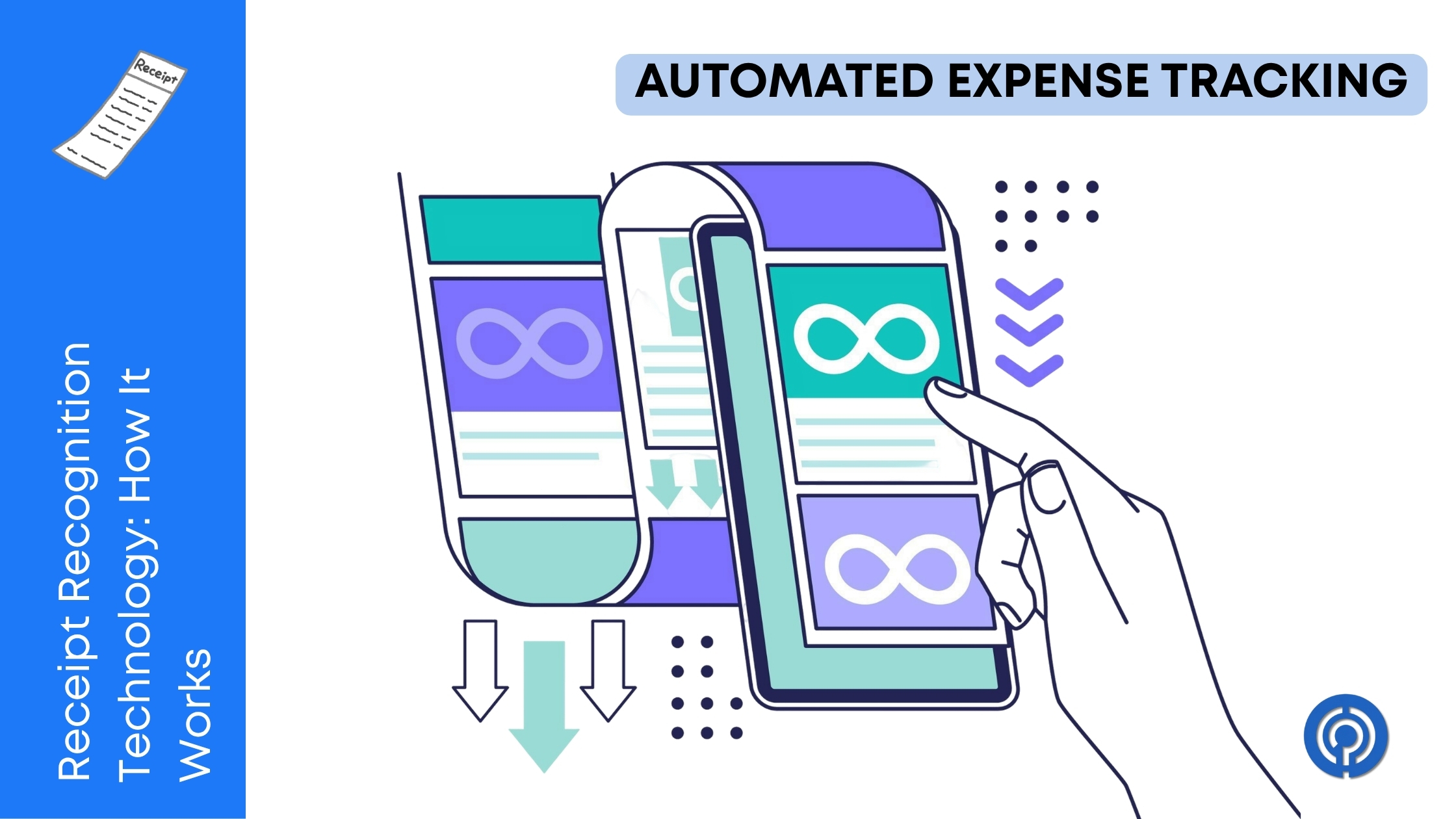
We need to have a serious conversation about that crumpled ball of thermal paper on your car’s center console. You know the one. That faded, coffee-stained lunch receipt from three weeks ago that you swear you are going to manually type into a spreadsheet this weekend. Spoiler alert: you are not going to do it. You are going to wait until the absolute last possible minute before tax season, panic, and then spend a miserable Sunday afternoon trying to decipher whether that blurry smudge says 18 dollars or 78 dollars.
We have all been there. Manual expense tracking is a specific kind of modern torture. But you have probably noticed that the alternative—snapping a quick photo with your phone and watching the data magically populate into your accounting software—feels a bit like witchcraft. You take a poorly lit picture of a receipt that spent three days in your pocket, and somehow, the app knows exactly where you ate, what day it was, how much tax you paid, and what category the expense belongs to.
It is not magic, though it often feels like it. It is receipt recognition technology, a highly specialized application of computer vision and machine learning. If you have ever wondered what actually happens during those three seconds while the little loading icon spins on your screen, pull up a chair. I am going to explain exactly how this software takes a messy physical piece of paper and turns it into clean, usable financial data.
The Bouncer at the Club: A Fresh Analogy
So how does this technology work? Imagine receipt recognition as a very well trained doorman at the door of a popular club. When you hand the bouncer your ID, they do not just stare blankly at the plastic card. They do not care about the artistic background of the driver’s license or the font choice. They are performing a rapid, targeted visual search for very specific data points.
They look at the birthdate first to verify your age. They look at the expiration date to know it’s a legit card. Finally, they might check the photo and compare it to your face, looking for the holographic security stamp along the way. They ignore the clutter and extract only the information that matters for their specific job.
Receipt recognition software does the exact same thing to your crumpled restaurant bill. When you feed it an image, the system does not just save a picture of the paper. It actively interrogates the image. It looks for the vendor name at the top, scans the middle for line items, hunts for the date, and zeroes in on the final total at the bottom. The technology ignores the coffee stains, the weird wrinkles and the pre-printed promotional text at the bottom, pulling out only the financial data points you need to balance your books.
Step One: Cleaning Up Your Mess (Pre-Processing)
Before the software can even attempt to read the text on your receipt, it has to fix your terrible photography skills. This phase is known as pre-processing, and it is arguably the most crucial step in the entire operation.
When you snap a photo of a receipt on your desk, you are rarely giving the software a perfect image. The lighting is probably uneven, casting dark shadows across the paper. The receipt might be folded in half. You might be holding it at a weird angle. If the software tried to read the raw image, it would fail miserably.
So, the system runs the image through a digital car wash. First, it performs something called binarization. This eliminates the colour and grey scale of the image, turning each and every pixel to either pure black or pure white. This gives the greatest contrast between text and background. Next, the software tackles deskewing. If you took the photo at a 45-degree angle, the algorithms detect the physical borders of the paper and virtually rotate and flatten the image so the text reads horizontally, just like a scanned document.
Finally, the system applies noise reduction. It mathematically smooths out the image, erasing the visual interference caused by crinkles, lint, and coffee rings. This ensures that the digital record is pristine, which is actually a massive deal for compliance. After all, if the text is completely illegible due to poor capture quality, it will not hold up during an audit. This is precisely why high-quality image retention is a core requirement for adhering to strict IRS self-employed expense guidelines regarding document proof.
Step Two: The Legacy of Optical Character Recognition
Once the image is cleaned up and perfectly flat, the software brings out the heavy machinery: Optical Character Recognition, commonly known as OCR.
OCR has been around for decades. In its simplest form, OCR is the process of teaching a computer to look at a cluster of black and white pixels and realize that a specific arrangement of pixels represents the number 8, while another arrangement represents the letter B. The computer scans the document line by line, character by character, translating visual shapes into machine-readable text data.
But here is the catch. Basic OCR is relatively dumb. If you run a basic OCR program on a receipt, it will happily spit out a massive, unformatted text file containing every single word and number printed on the page. It will read the name of the restaurant, the price of your meal, the address, the phone number, and the cashier’s name. But it has absolutely no idea what any of those words mean. It cannot distinguish between a phone number and a total price. It just sees raw text without context.
In the early days of automated accounting, developers tried to solve this by building rigid, rule-based templates. They essentially wrote code that said the total price is always located exactly two inches from the bottom of the page, aligned to the right margin. This worked perfectly fine until you visited a mom-and-pop diner that printed their totals at the very top of the page. The rigid rules would break, the system would panic, and it would record your total expense as zero dollars.
To fix this, modern financial tools completely ditched the rigid templates. With a powerful expense tracking app such as Expensify, the software is not depending on obsolete structural rules. Instead it uses clever context.
Step Three: Giving the Computer a Brain (Machine Learning and NLP)
This is where things get genuinely impressive. To transform raw, dumb text into structured financial data, modern receipt recognition systems use Machine Learning and Natural Language Processing.
Instead of programming rigid rules, software engineers feed millions of different receipts into an artificial intelligence model. They show the computer receipts from gas stations, fancy hotels, hardware stores, and tiny local coffee shops. Over time the machine learns to recognise patterns by context rather than by physical geography on the page.
For example, the system learns that if it sees the word “Total” or “Amount Due,” the number immediately following it is probably the final price. It learns that dates are usually formatted with slashes or dashes and typically appear near the top or bottom of the slip. It learns that the largest font size at the very top of the page is almost always the vendor name.
More importantly, it learns how to handle messy edge cases. If you handwrite a 15 USD tip on a printed restaurant bill and scribble a new total at the bottom, advanced AI models are trained to recognize human handwriting, read the new numbers, and calculate the math to ensure the new written total matches the printed subtotal plus the handwritten tip. It is a highly sophisticated contextual puzzle, and the software solves it in a fraction of a second.
This level of contextual awareness is critical for detailed bookkeeping. For instance, if you are using an extraction specialist tool like Dext, the software is not just grabbing the final price. It is actively reading through the individual line items, isolating the sales tax, and sorting the entire purchase into the correct tax category for your accountant.
Surviving the Real World (Why You Actually Need This)
Understanding the technical mechanics is fun, but the real value of this technology becomes glaringly obvious when you look at practical, everyday business scenarios.
Imagine you are a freelance consultant who travels constantly for client meetings. In the span of three days, you might accumulate taxi receipts, hotel invoices, client dinner bills, and airport coffee slips. If you rely on manual entry, you are carrying around a growing pile of paper anxiety. You have to save every slip, bring them home, flatten them out, and manually type vendor names, dates, and amounts into a spreadsheet. It is a massive drain on your time, and human error is practically guaranteed. You will inevitably type 45 dollars instead of 54 dollars, and your reconciliation process will be a nightmare at the end of the month.
Now imagine replacing that entire workflow with automated recognition. You finish your client dinner, pay the bill, snap a photo with your phone while waiting for your coat, and throw the physical paper in the trash. The software reads the vendor, extracts the tip, categorizes it as a meals and entertainment expense, and syncs it directly to your general ledger. By the time you get to the airport, your bookkeeping is already done.
This kind of rapid, automated data entry is especially vital if you manage a small business that struggles with cash flow visibility. You cannot afford to wait until the end of the month to know exactly how much money is leaving your business. It is the exact same logic behind accepting digital payments online to accelerate incoming cash. If you speed up your accounts receivable through digital invoicing but leave your accounts payable bogged down in manual receipt entry, you are only solving half of the cash flow equation. You need real-time data on both ends to run a healthy operation.
Handling the Edge Cases: When the Robot Gets Confused
As brilliant as receipt recognition technology is, it is not flawless. The physical world is messy, and sometimes, a piece of paper is just too damaged or confusing for an algorithm to decipher.
What happens when you spill an entire cup of black coffee directly over the total amount due? What happens when the printer at the gas station runs out of ink, and the text is nothing more than a faint gray whisper? But what if you are on a trip overseas and the receipt is a confusing mess of foreign languages and multiple currencies?
For these edge cases the machine learning model produces a confidence score. If the system is very sure the vendor is a big hardware store and the total is 120 USD, it pushes the data through automatically. But if the receipt is badly faded, and the system is unsure of the final total, it flags the transaction.
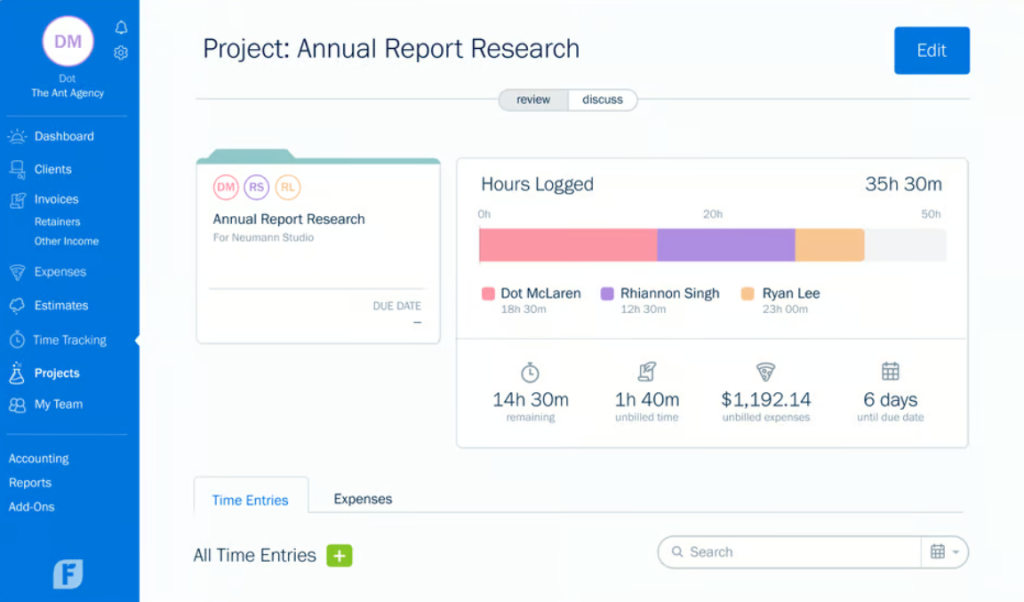
This is where human-in-the-loop validation comes in. Instead of guessing and risking a massive accounting error, the software pauses and routes the flagged image to a human operator or prompts you directly on your phone to manually verify the fuzzy number. Comprehensive platforms that handle full-cycle billing and expenses, such as FreshBooks, rely heavily on this hybrid approach. The software handles the vast majority of the heavy lifting, but it relies on human oversight to catch the weird, messy exceptions that computers simply cannot process yet.
Choosing the Right Tool for Your Messy Receipts
Not all receipt recognition engines are created equal. If you are tired of playing data-entry clerk on your weekends, you need to implement a solution, but picking the right one requires knowing what matters for your specific workflow.
Are you a solo operator who just needs to snap a few photos a week? A lightweight mobile app with built-in OCR will be more than enough to save your sanity. But if you run a company with twenty employees who are all submitting complex, multi-page travel itineraries and handwritten expense reports, you need an enterprise-grade engine. You should be looking for high extraction accuracy, multi-currency support, and the ability to read complex line items automatically.
If you are currently evaluating your options, I highly recommend checking out Gartner’s market analysis on expense management software. It provides a heavily researched breakdown of which platforms actually deliver on their data extraction promises and which ones still struggle to read a basic restaurant bill accurately.
The Bottom Line
We are living in an era where you can order a car from a supercomputer in your pocket. There is absolutely no logical reason why you should still be typing data from small, greasy pieces of paper into a spreadsheet by hand.
Receipt recognition technology is no longer an experimental luxury reserved for massive corporations with endless IT budgets. It is a highly accessible, surprisingly affordable standard feature in almost every modern accounting tool. The algorithms have been trained, the pre-processing digital car washes are highly efficient, and the contextual machine learning models are smarter than ever before.
The next time a cashier hands you a receipt, do yourself a favor. Snap a picture, let the algorithms do the heavy lifting, and throw the paper away. Your accountant will thank you, your weekends will be yours again, and you will never have to squint at a faded coffee stain to figure out your tax deductions again.


Leave a Comment