So you’ve built your courses. Organized your modules. Set up your quizzes. Everything looks great inside the platform. And now you’re staring at a very empty learner dashboard wondering — how do I actually get people in here?
That’s the part most LMS tutorials gloss over. They spend pages on content creation and then drop a single paragraph about “inviting users.” But enrollment is where a lot of training programs quietly fall apart. Either the process is so clunky that learners give up halfway through signing up, or admins manually enter hundreds of people one at a time, or nobody configured the right access permissions and learners land inside the system with no idea what they’re supposed to do. According to eLearning Industry’s LMS market research, poor user onboarding and access setup is consistently cited among the top reasons learners fail to engage with a new LMS in its first three months.
Let’s fix that. Here’s how student enrollment actually works — and how to set it up so it runs smoothly whether you’re onboarding five people or five thousand.
First, Know Which Enrollment Method Fits Your Setup
Not all enrollment looks the same. The right method depends entirely on who you’re enrolling, how often it happens, and how much control you want over the process. Pick the wrong one and you’re either drowning in admin work or handing out access to people who shouldn’t have it.
There are three core models most LMS platforms support, and many platforms let you mix and match them depending on the course.
Manual enrollment is exactly what it sounds like — an admin adds learners one by one, by name or email address. It’s fine for small groups, one-off cohorts, or situations where every enrollment needs a human decision. Not great if you’re adding fifty people every Monday morning. That gets old fast.
Self-enrollment lets learners register themselves — either openly (anyone with the link can join) or with a password or enrollment key. This works brilliantly for open training programs, public-facing courses, and onboarding flows where you want people to get started immediately without waiting for an approval. The risk is access control—if the link gets shared too widely, you end up with people inside courses they shouldn’t be in.
Automated enrolment connects your LMS with another system—your HR system, your CRM, your e-commerce checkout—and enrols based on events. Someone gets hired? They’re automatically enrolled in the company induction course. A customer buys your online course? They land in the platform five minutes later without you touching anything. This is the gold standard for scale, but it requires proper integration setup upfront.
Manual Enrollment: Doing It Right When You Have to Do It
Manual enrollment is slower, but there are ways to make it less painful.
Most platforms let you bulk-import learners via a CSV file rather than adding people one at a time. Prepare your spreadsheet with the required fields — usually name, email, and any group or department tags — and upload in one step. If your LMS supports it, set the import to automatically assign learners to specific courses based on a column in your spreadsheet. That way the upload does double duty: creates the accounts and handles course assignment at the same time.
One thing a lot of admins skip: sending a proper welcome message as part of the enrollment flow. Most platforms let you customize the email a learner receives when they’re added to the system. Don’t leave it as the default template. Write a message that tells them why they’re there, what they’re expected to complete, and by when. A confused learner is a learner who doesn’t log in.
Self-Enrollment: Setting It Up Without Losing Control
Self-enrollment is convenient, but a little structure goes a long way.
If you’re using enrollment keys — a password learners enter to access a course — treat those keys the same way you’d treat any shared credential. Rotate them periodically. Don’t post them publicly. And consider using group-specific keys if different cohorts have access to different content, so you can track who came in through which channel.
For genuinely open courses — free training resources, public-facing content, marketing lead magnets — an open self-enrollment link is fine. Just make sure you’ve thought through what learners can see and do once they’re inside. A new learner landing on an open course shouldn’t accidentally have access to a premium module or a private cohort discussion board. Check your permission settings before you publish the enrollment link anywhere.
One more thing: set up email verification if your platform supports it. It prevents fake signups and keeps your learner data clean, which matters more than you’d think when you start pulling completion reports.
Automated Enrollment: The Setup That Pays Off Long-Term
If you’re managing training for a team of any significant size, automated enrollment is worth whatever time you spend getting it right initially.
The most common integration pattern for corporate LMS setups is connecting the LMS to your HR system. When a new hire is added to your HR platform with a specific start date, role, or department tag, the LMS creates their account and assigns the appropriate onboarding courses automatically. No admin intervention. No waiting for someone to manually add them before their first week starts. It just happens.
For course creators selling access to their programs, the equivalent integration is between your payment processor or e-commerce platform and your LMS. The account is created and the course assigned immediately after the purchase is confirmed. It works seamlessly and it keeps the whole experience feeling professional and frictionless for paying customers.
Most of these integrations are done through APIs and webhooks for technical settings. For teams without dedicated developers, platforms like Zapier act as a bridge between applications that don’t natively talk to each other, including most LMS platforms, with no custom code required.
How Three Different LMS Platforms Handle Enrollment
Every platform has its own enrollment logic, and understanding how your specific tool works saves a lot of head-scratching later.
TalentLMS — Flexible Enrollment for Corporate Training
TalentLMS handles enrollment through a combination of groups, branches, and course assignment rules that make it genuinely practical for organizations managing multiple departments or locations.
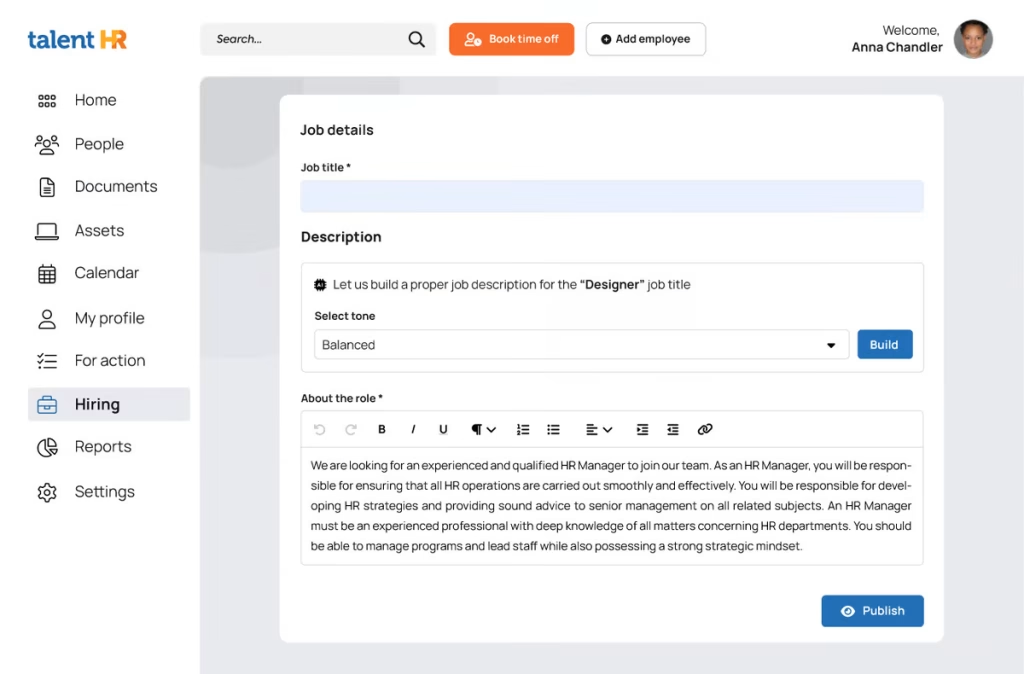
Create automated enrolment rules based on group membership so that anyone who is added to the “Sales Team” group will automatically be enrolled in sales onboarding and product training courses without any further admin step. With branches you can create separate LMS environments for different business units or external partners, each with their own pools of learners and course catalogues – all managed from one admin account.
TalentLMS connects with the major HRIS platforms and provides SSO, so learners can access the platform using their existing company credentials rather than creating an LMS account, which is a plus for HR-connected organisations. That single point of friction removal makes a meaningful difference to completion rates, especially for mandatory compliance training where the learner has no intrinsic motivation to create yet another login.
Teachable — Streamlined Enrollment for Course Creators
Teachable approaches enrollment from a creator economy angle — it’s built around selling access to courses rather than managing organizational training programs.
When a student buys a course through Teachable’s checkout, they’re automatically enrolled. The platform takes you through account creation, payment confirmation and course access in one flow. For creators offering free courses, Teachable supports coupon codes and free enrollment links that give you control over who accesses what without adding complexity to the learner experience.
Where Teachable genuinely earns its place is in the affiliate and bundle enrollment scenarios. You can sell course bundles — grouping multiple courses together at a single price point — and Teachable automatically grants access to all included courses upon purchase. Affiliate partners can drive enrollments through tracked links, and Teachable handles the payout calculations on the backend. For a solo creator running a course-based business, that ecosystem covers most enrollment scenarios without requiring third-party integrations.
360Learning — Collaborative enrolment & peer-powered learning
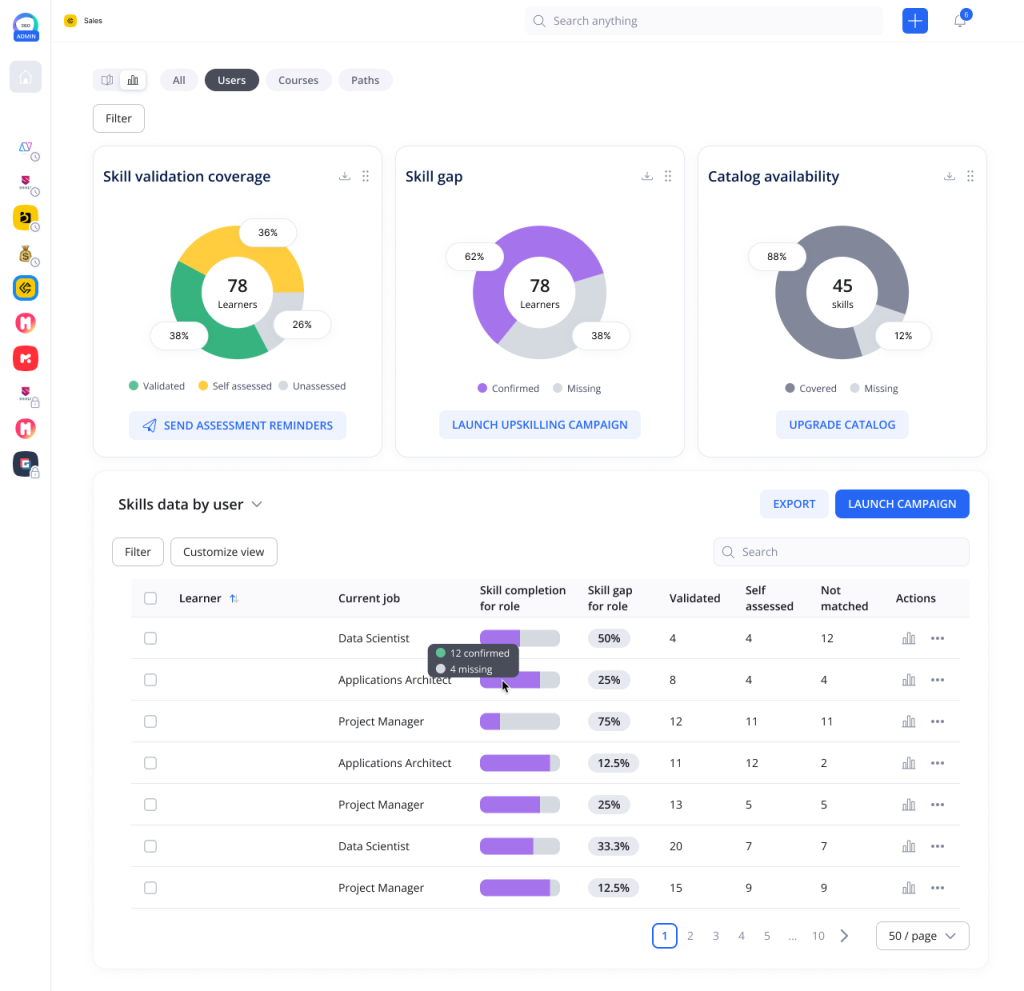
360Learning has a very different approach to enrolment, in line with its approach to collaborative learning. It stresses learner-initiated, peer-nominated participation in a course, rather than top-down, admin-driven enrolment.
Subject matter experts inside your organization can create and publish courses, and learners can enroll in relevant content based on their own professional interests alongside manager-assigned mandatory training. The platform tracks enrollment patterns and learning interest data that helps L&D teams understand which topics generate organic demand — useful intelligence when deciding where to invest course creation resources next.
For organizations running cohort-based programs, 360Learning supports structured enrollment windows, waitlists, and scheduled cohort launches, which mirrors the paced learning experience of a live training calendar rather than always-available self-paced content.
The Enrollment Details That Actually Affect Completion
Getting someone enrolled is step one. Getting them to complete is a different conversation — but the enrollment setup does influence it.
Set completion deadlines at enrollment time, not as an afterthought. Learners who receive a course assignment with no due date treat it as optional, regardless of how it’s framed. Assigning a course alongside a clear completion window creates the same cognitive commitment as any other deadline. Brandon Hall Group research on learning technology consistently shows that structured onboarding programs — including clear enrollment timelines and completion expectations — improve new hire productivity significantly faster than unstructured self-paced access alone.
Send a day-one email. Not a system notification — an actual message, even if it’s automated, that feels like it came from a person. Tell the learner what the course covers, approximately how long it takes, and who they can contact if they hit a problem. That small investment at enrollment dramatically reduces the number of “I didn’t know I was supposed to do this” conversations four weeks later.
Track enrollment-to-start rates alongside completion rates. If a large percentage of enrolled learners never open the course at all, the problem isn’t completion — it’s activation. The fix is usually in the welcome communication, the login experience, or the enrollment notification timing, not in the course content itself.
For some context on how enrolment plays a role in your overall people ops strategy, the guide on time to hire metrics and benchmarks talks about how quicker onboarding processes—including automated LMS enrollment—help to reduce time-to-productivity for new hires.
Conclusion
Student enrollment in your LMS doesn’t have to be a manual grind or a technical headache. Get clear on which enrollment method fits your learner volume and access requirements, configure the welcome experience properly, and invest in automation as soon as your scale justifies it. The easier you make it for learners to get in and get started, the better everything downstream looks — completion rates, engagement, and the actual impact of your training program.
Leave a Comment