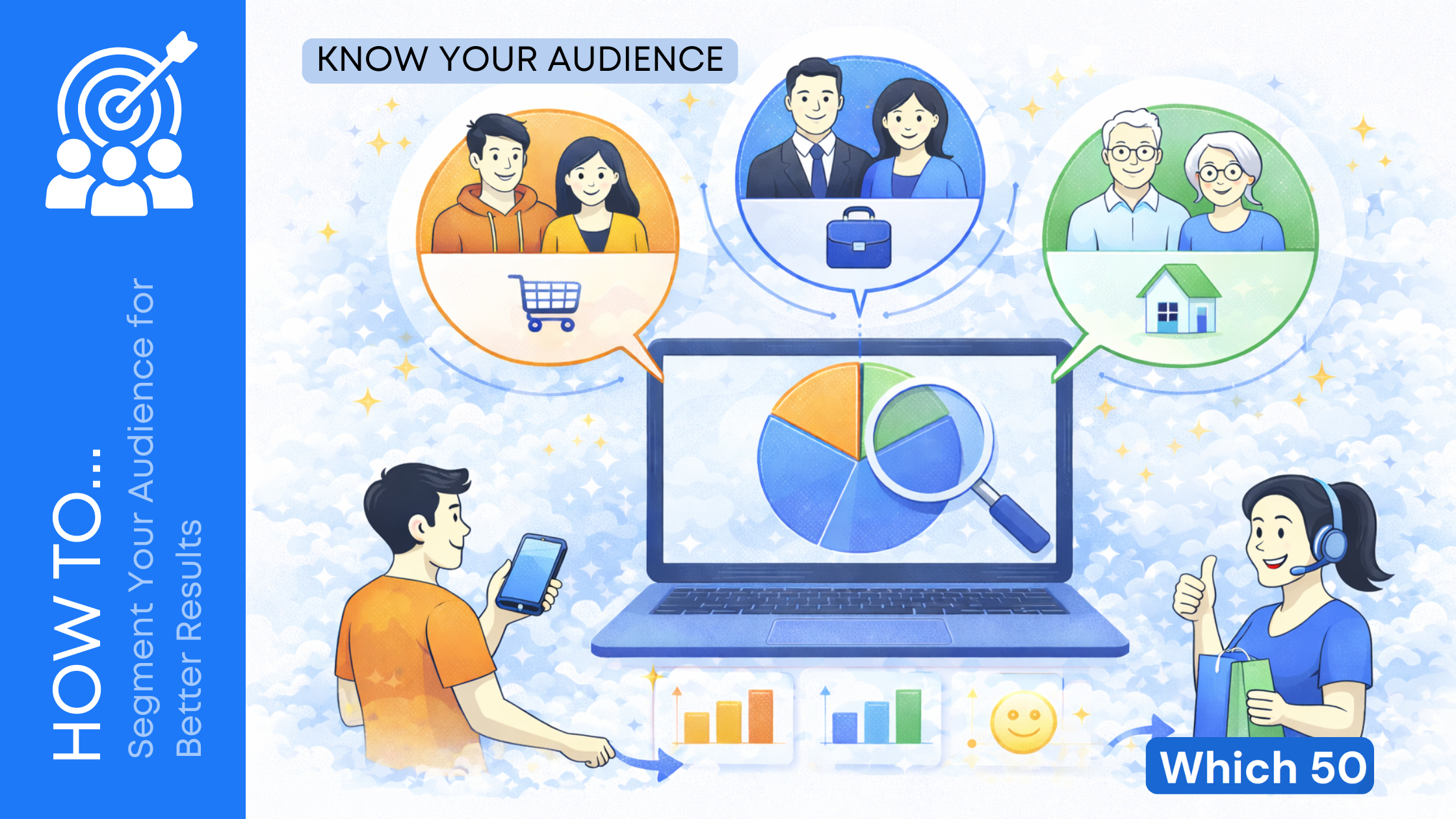
How well your marketing performs has less to do with how loud you shout and more to do with who you are talking to and what you are saying. That is where audience segmentation comes in.
Instead of sending one generic message to everyone, you break your audience into smaller groups based on what they care about, how they behave, and where they are in their journey. Done right, segmentation boosts open rates, conversions, and customer loyalty without increasing your budget.
This guide walks you through how to segment your audience step by step so you get better results from every campaign.
What Is Audience Segmentation?
Audience segmentation is the process of dividing your broad audience into smaller, more specific groups that share common traits. You then tailor your content, offers, and messaging to each group.
In simple terms:
One big “list” becomes multiple smart segments.
Each segment gets content that feels relevant instead of random.
You can segment based on:
- Who they are
- What they do
- What they have done with your brand
- What they want or struggle with
When your message matches the person, results improve almost automatically.
Why Segmentation Matters So Much?
If you are still blasting the same email or ad to everyone, you are leaving money on the table.
Here is what effective segmentation usually leads to:
- Higher engagement: More opens, clicks, replies, and visits because messages feel personal.
- Better conversion rates: Offers match the right people at the right time.
- Lower unsubscribe rates: People do not feel spammed with irrelevant content.
- More revenue per customer: You can cross-sell, upsell, and retain better with targeted campaigns.
- Clearer insights: You understand which types of customers respond to which messages.
Think of segmentation as moving from shouting in a crowded room to having focused one-to-one conversations at scale.
The Main Types of Audience Segmentation

You do not have to use every type at once. Start with the ones that make the most sense for your business.
1. Demographic Segmentation
This is the most basic and common type.
You group people based on:
- Age
- Gender
- Location
- Income level
- Job title or industry
- Education level
Example:
A B2B SaaS company segments by job role: founders, marketers, finance leaders. Each group gets different content and offers.
Demographics are a good starting point but not enough on their own. People with the same age or title can still think and behave very differently.
2. Geographic Segmentation
Here you segment based on where someone is:
- Country, region, or city
- Time zone
- Climate or season
- Urban vs rural
This is crucial if your offer, pricing, language, or timing changes by location.
Example:
An e‑commerce brand sends winter product campaigns to colder regions first and adjusts shipping and promos by country.
3. Psychographic Segmentation
Psychographics look at the inside of your audience:
- Values
- Interests
- Lifestyle
- Attitudes and beliefs
- Personality traits
This helps you connect on a deeper emotional level.
Example:
A fitness brand splits people into segments like “performance-focused athletes,” “busy professionals wanting quick workouts,” and “beginners wanting gentle routines.” The workouts, emails, and copy for each group feel very different.
4. Behavioral Segmentation
Behavioral segmentation is based on what people actually do, not what they say.
You can segment by:
- Website activity (pages viewed, time on site, content consumed)
- Email behavior (opens, clicks, replies)
- Purchase history (recent buyers, high spenders, one-time buyers)
- Product usage (active users, inactive users, power users)
- Engagement level (highly engaged vs cold)
This is one of the most powerful segmentation types because behavior often tells you intent.
Example:
Someone who visits your pricing page three times in a week is sending a clear signal. They should be in a “hot lead” segment, not treated like a casual blog reader.
5. Firmographic Segmentation (for B2B)
If you sell to businesses, you segment companies, not just people.
Firmographic data includes:
- Company size
- Industry
- Revenue
- Location
- Technology stack
- Business model (B2B, B2C, marketplace)
Example:
A software company offers different plans and messaging for startups, mid‑market companies, and enterprises. Each group has its own landing page and email flow.
6. Lifecycle or Journey-Based Segmentation
This focuses on where someone is in their relationship with you:
- New leads
- Marketing qualified leads
- Sales qualified leads
- New customers
- Active customers
- At‑risk or churned customers
Each stage calls for a different approach.
Example:
New leads get educational content. New customers get onboarding. At‑risk customers get win‑back campaigns with check‑ins or special offers.
Step-by-Step: How to Segment Your Audience
Let’s walk through a simple process you can follow.
Step 1: Clarify Your Goals
Before you create a single segment, answer:
- What do you want to improve?
- Email open rates?
- Free‑to‑paid conversions?
- Repeat purchases?
- Demo bookings?
Your goal will guide which segmentation rules matter most.
Example goals:
- “Increase trial-to-paid conversion by 20 percent in 3 months.”
- “Reduce email unsubscribes by half.”
- “Get more repeat purchases from existing customers.”
Step 2: Audit the Data You Already Have
You cannot segment without data.
Check what you currently collect across:
- Email platform or CRM
- Analytics tools
- Ad platforms
- Payment or e‑commerce systems
- Product usage tools
Useful data might include:
- Name and email
- Country or city
- Device type
- Pages visited
- Forms submitted
- Purchases and order value
- Last activity date
- Industry or role if you are B2B
Note what is reliable, what is missing, and what you can start collecting with simple changes (like adding one field to a signup form).
Step 3: Choose 2–4 Key Segmentation Dimensions
Resist the urge to overcomplicate things.
Pick a small set of dimensions that directly support your goal. For example:
- For better email performance:
- Engagement level
- Location
- Customer vs non‑customer
- For better conversion from trial to paid:
- Product usage level
- Company size
- Role of the user
- For repeat purchases in e‑commerce:
- Purchase frequency
- Last purchase date
- Category preference
Start small. You can always refine later.
Step 4: Build Simple Segments First
Here are some practical segments you can set up quickly in most tools.
By Engagement
- Highly engaged: Open most emails, click often, visit site regularly
- Moderately engaged: Open sometimes, occasional clicks
- Inactive: No opens or clicks for 60–90 days
You can then send:
- VIP content or early access to highly engaged contacts
- Re‑engagement campaigns for inactive contacts
By Customer Status
- Leads (never bought)
- First‑time buyers
- Repeat buyers
- High‑value buyers (based on lifetime value)
You can then:
- Educate leads
- Nurture first‑time buyers into repeat buyers
- Offer loyalty perks to high‑value customers
By Behavior and Intent
- Viewed pricing page but did not convert
- Abandoned cart or checkout
- Downloaded a specific guide or attended a webinar
Each behavior can trigger a tailored follow‑up, not a generic blast.
Step 5: Tailor Your Message to Each Segment
Segmentation is only useful if you act on it.
Ask yourself for each segment:
- What do they already know?
- What are they trying to achieve?
- What might be stopping them?
- What is the next logical step for them?
Then adjust your:
- Subject lines
- Email content
- Offers and CTAs
- Landing pages
- Ad copy and creative
Example:
For people who abandoned checkout, your email could:
- Remind them of what they left behind
- Address common objections (shipping, returns, sizing)
- Offer help or a limited‑time incentive
That is far more powerful than a general newsletter they do not care about.
Step 6: Automate Where You Can
Manually managing segments quickly becomes impossible as you grow. Use automation features in your email platform or CRM. Some of the top CRM tools available currently on the market are Vtiger CRM, Pepper Cloud CRM and Cognism. Don’t forget to give it a shot!


You can:
- Add or remove people from segments based on triggers (signup, purchase, link click, page view)
- Start automated flows when someone enters a segment (onboarding, upsell, win‑back)
- Update scores based on behavior (lead scoring)
Examples of automations:
- If someone downloads a pricing guide, move them into “high intent lead” and start a tailored nurture sequence.
- If a customer has not purchased in 90 days, move them into a “lapsed customer” segment and send a reactivation flow.
Automation keeps segments up to date without constant manual work.
Step 7: Test, Measure, and Improve
Segmentation is never “set and forget.”
For each segment and campaign, track:
- Open rates
- Click‑through rates
- Conversion rates
- Revenue per recipient
- Unsubscribe and spam complaint rates
Then test:
- Different angles for the same segment
- Different segment definitions (for example, 30 days inactive vs 60 days)
- New segments based on patterns you see in the data
Over time, you will discover which segments respond best and where to focus your energy.
Common Mistakes to Avoid
Even with good tools, it is easy to go off track. Watch out for these.
Over‑Segmentation
Creating too many tiny segments can:
- Make campaigns hard to manage
- Spread your data too thin
- Lead to confusion and inconsistent messaging
Start simple. Only add new segments when you have a clear use case and enough people in them to matter.
Using Only Demographics
Demographics are helpful but shallow. Two people with the same age and income may behave completely differently online.
Always combine demographic or firmographic data with:
- Behavior (what they do)
- Lifecycle stage (where they are)
- Interests or preferences (what they care about)
Ignoring Data Quality
Poor data equals poor segmentation.
Common issues:
- Old, inactive contacts
- Missing or wrong fields
- Duplicate records
Make time regularly to:
- Clean your list
- Remove or suppress dead contacts
- Fix key fields
- Standardize values (for example, job titles or industries)
Forgetting the Human Behind the Segment
It is easy to think in labels like “MQL” or “Enterprise” and forget these are real people with problems and goals.
When building and messaging segments, ask:
- If I were this person, would this message be useful?
- Does this feel like spam or like help?
Good segmentation should make your marketing feel more human, not robotic.
How to Get Started Today?
If segmentation feels overwhelming, keep it simple and follow this quick start plan:
- Pick one main goal.
For example, “re‑engage inactive subscribers” or “get more repeat purchases.” - Create just 2–3 segments tied to that goal.
For example, “inactive 30 days,” “inactive 60 days,” and “active subscribers.” - Write one tailored message for each segment.
Make it specific to where they are right now. - Set a simple rule or automation so people move between segments automatically.
- Review results after a few campaigns and refine.
Once you see the lift from even basic segmentation, you will never want to go back to one‑size‑fits‑all campaigns.
Wrapping Up
Audience segmentation is not a fancy marketing trick. It is the foundation of modern, effective communication.
By breaking your audience into meaningful groups and talking to each group in a way that matches their needs, you:
- Respect their time
- Make your content more relevant
- Improve your results without always spending more
You do not need perfect data or advanced tools to start. Even simple segments based on engagement, location, and customer status can make a real difference.
Take one step today. Create one smart segment, send one tailored message, and watch how your audience responds. From there, keep refining. Over time, segmentation turns scattered marketing into a structured, predictable system that delivers better results with less guesswork.


Leave a Comment