
Picture this. A developer fixes a login bug on a Tuesday. By Thursday, someone reports the exact same bug, except now it happens on a different browser and nobody remembers who touched that code last, or why the original fix didn’t stick. Sound familiar? That’s not a coding problem. That’s a tracking problem, and it’s one of the most common ways good teams lose weeks they didn’t need to lose.
Bugs are inevitable. Every project, no matter how careful the planning or how senior the engineers, ships with defects hiding somewhere in the code. What separates a team that ships confidently from one that’s constantly fighting fires isn’t the number of bugs they produce. It’s whether they have a system for catching, recording, prioritizing, and closing them before those bugs quietly compound into something much worse.
Here’s exactly what a real bug tracking and management process looks like, and how to build one your team will actually stick to.
Why “Just Fix It” Doesn’t Scale
In a two-person side project, you can get away with fixing bugs as you spot them and moving on. There’s no process because there’s barely a team. But the moment you add a QA tester, a second developer, a product manager, or a support team fielding customer complaints, informal fixes stop working. Someone reports a bug in Slack. Someone else fixes a similar-sounding issue without realizing they’re different. A third person closes a ticket that was never actually resolved because the fix only worked in staging.
This is exactly the gap that formal bug tracking closes. A defined workflow means every bug has a single source of truth: what it is, who’s responsible, how severe it is, and whether it’s actually fixed or just appears fixed.
The cost of skipping this step is well documented. Research prepared for the National Institute of Standards and Technology found that inadequate software testing infrastructure costs the U.S. economy tens of billions of dollars annually, largely because more than half of software defects aren’t caught until late in development, when fixing them is far more expensive than catching them early (NIST’s 2002 economic impact report on software testing). Bugs found in production don’t just cost more in engineering hours. They cost trust, churn, and sometimes real revenue.
Step 1: Capture Every Bug the Same Way
The single biggest failure point in bug management isn’t the fixing. It’s the reporting. A bug report that says “checkout is broken” is nearly useless. A bug report that includes steps to reproduce, the expected versus actual behavior, environment details, and a screenshot or log file saves the assigned developer an hour of guesswork before they’ve even opened the code.
Standardize this with a template. Every bug report, whether it comes from an automated test suite, a QA engineer, or a customer support ticket, should answer the same handful of questions: What did you do? What did you expect to happen? What actually happened? On what device, browser, or environment? Teams that skip this step end up with a backlog full of vague, duplicate, or unreproducible tickets that nobody wants to touch, which is its own kind of technical debt.
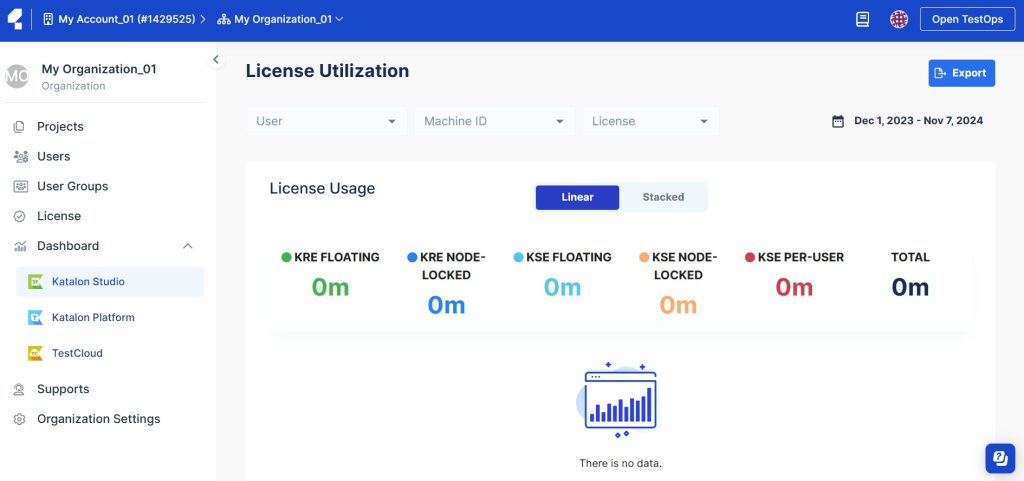
If your team runs structured QA cycles, tools like Katalon can automate a lot of this capture work by running test suites and flagging failures with the reproduction data already attached, which cuts down on the back-and-forth between testers and developers.
Step 2: Log It Somewhere Everyone Can See
Once a bug is captured properly, it needs a home. Spreadsheets and email threads might work for a five-person team shipping once a quarter, but they collapse fast once release cadence picks up. A dedicated bug tracker gives every issue a permanent record, a status, an owner, and a history of every comment and change made to it.
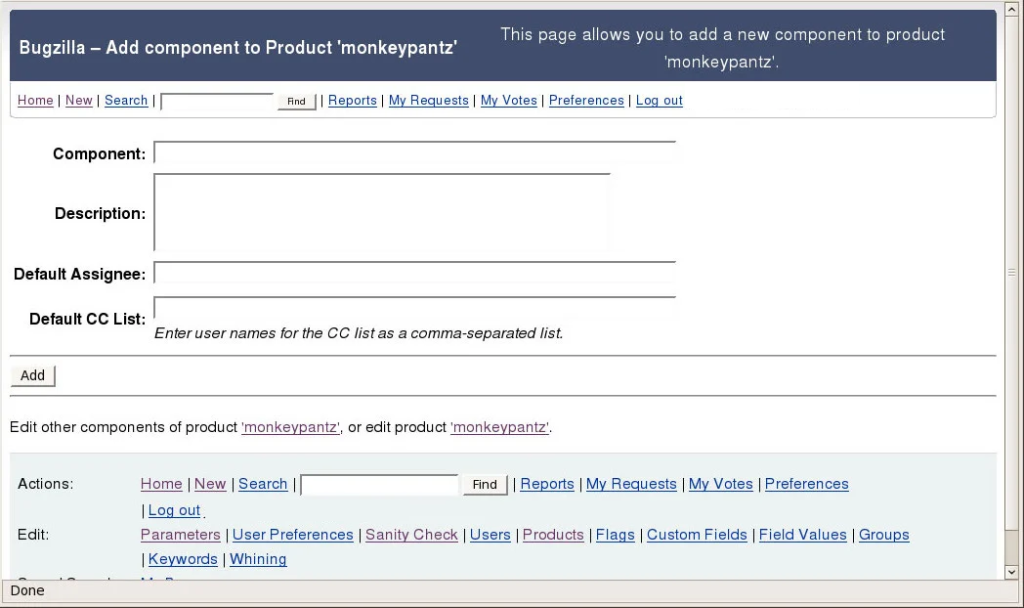
Jira is the tool most engineering teams default to, largely because it lets you customize workflows, link bugs to the specific feature or sprint they affect, and pull reporting on trends over time. Smaller teams or open-source projects often lean on something lighter. Bugzilla has been a mainstay in this space for years precisely because it’s built for one job, tracking defects, and does it without the overhead of a full project management suite.
Whichever tool you land on, the goal is the same: one place, one format, one status system. A bug that lives in three different tools is a bug that’s easy to lose.
Step 3: Triage Before You Assign
Not every bug deserves the same urgency. A typo in a footer link and a checkout flow that silently drops transactions are both “bugs,” but treating them with equal priority is how teams burn a sprint on cosmetic fixes while a revenue-impacting issue sits untouched.
Triage is the process of reviewing new bugs on a regular cadence, usually weekly for most teams, and assigning them a severity and priority. Severity describes the technical impact (does it crash the app, or is it a visual glitch), while priority describes the business impact (does it need fixing today, or can it wait for the next release). Microsoft’s own guidance on bug tracking in Visual Studio frames this well, noting that triage is where a team decides whether a bug should be fixed at all, and if so, who picks it up and when it gets verified once resolved (Microsoft Learn’s bug tracking and verification guide).
A good rule of thumb: if a bug touches payments, data loss, security, or a core user flow, it jumps the queue regardless of how it was reported. Everything else gets sorted by how many users it affects and how often.
Step 4: Assign Ownership, Not Just Tickets
Assigning a bug to a person and assigning ownership of a bug are two different things. The first is administrative. The second means that person is accountable for the outcome, not just for touching the ticket once. Teams that skip this distinction end up with bugs bouncing between three developers, each one making a small change and reassigning it without anyone actually driving it to resolution.
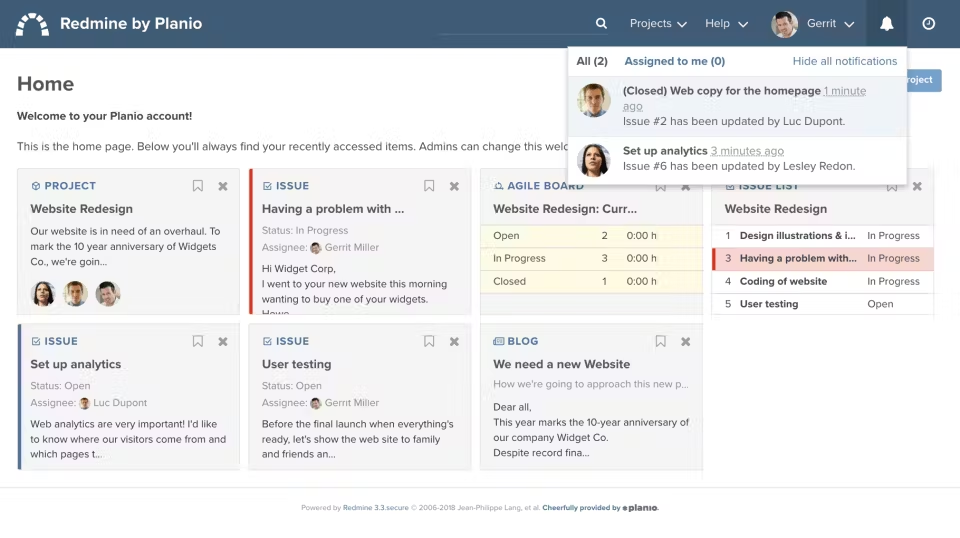
For teams managing bugs alongside broader engineering work, Redmine is worth a look because it ties issue tracking directly into project timelines and resource allocation, so a bug isn’t floating in isolation from the sprint it’s supposed to be part of. That context matters when you’re deciding whether a fix needs to happen this week or can reasonably wait.
Step 5: Verify, Don’t Just Close
This is the step teams skip most often, and it’s the one that lets bugs resurface weeks later. A developer marks a ticket “resolved” the moment their local test passes. Nobody actually confirms the fix works in staging, on the reported browser, or against the original reproduction steps. The ticket closes, everyone moves on, and three weeks later the same issue comes back through customer support, except now it’s harder to trace because the original report is buried in a closed-tickets archive.
Build a verification step into your workflow that’s separate from the fix itself. Whoever originally reported the bug, or a QA tester if it came through automated testing, should confirm resolution before the ticket closes for good. It adds a small amount of friction, but it’s far cheaper than reopening the same investigation from scratch later.
Step 6: Look for Patterns, Not Just Individual Fixes
Once you’ve got a few months of tracked bugs behind you, the data itself becomes useful. Are most defects clustering around a specific module? Is one release cycle consistently producing more bugs than others? Are certain types of bugs, like edge-case input validation, showing up repeatedly across different features?
This is where bug tracking stops being purely reactive and starts informing how your team writes and reviews code. If a particular area of the codebase keeps generating tickets, that’s a signal it needs a refactor, better test coverage, or a second set of eyes during code review, not just another quick patch. Teams that regularly review their bug data alongside broader quality metrics tend to catch these patterns months before they’d otherwise notice, and there’s more detail on how teams benchmark this kind of detection performance in our piece on bug detection rate benchmarks across teams.
Wrap Up
None of this works if it feels like bureaucracy bolted onto a team that just wants to ship. The trick is keeping the process lightweight enough that reporting a bug takes two minutes, not twenty, while still being structured enough that nothing falls through the cracks. Start small: pick one tool, define one report template, and run one weekly triage meeting. Add complexity only when you actually feel the pain of not having it.
Teams that treat bug tracking as a habit rather than a chore end up shipping faster, not slower, because they’re not constantly rediscovering problems they already solved once.



Leave a Comment