Every support team has a version of the same ten conversations on repeat. Shipping timelines. Password resets. Refund eligibility. Cancellation procedures. Billing discrepancies. These questions arrive in predictable patterns, and the agents handling them are effectively rewriting the same explanation from scratch dozens of times a day.
Canned responses — pre-written reply templates stored inside your support platform — are the most direct way to recover that time without sacrificing the quality of the interaction. Done well, they make responses faster, more consistent, and often more accurate than improvised replies. Done badly, they feel robotic, fail to address the actual question, and erode the trust that good support builds over time.
The difference between a canned response library that genuinely improves your team’s output and one that collects dust in a settings menu almost always comes down to how the templates were written, how they’re organized, and whether agents are empowered to personalize them rather than sent them verbatim.
Why the “Copy, Paste, Send” Approach Fails
The version of canned responses that damages customer relationships is the one where an agent pastes a generic template that only partially addresses the customer’s situation — leaving key questions unanswered, missing context the customer provided, or referring to circumstances that don’t match the customer’s account.
Customers recognize templated responses. Most have received enough of them to identify the telltale signs: responses that don’t reference anything specific they said, answers that address a slightly different version of their question, phrasing that reads like it was written for a brochure rather than a conversation. When that recognition sets in, the customer’s confidence that their issue is being genuinely handled drops sharply.
The fix isn’t abandoning canned responses. It’s designing them to be personalized, not just sent. A well-crafted canned response functions as a strong structural foundation — it covers the substance of the answer accurately and completely — and leaves clear, obvious spaces where the agent inserts specific details relevant to this particular customer’s situation.
According to Zendesk’s Customer Experience Trends Report, 72% of customers expect support agents to have immediate access to their account information and history. A canned response that ignores the customer’s specific context fails that expectation before the agent even hits send. Templates that include dynamic fields for name, order number, product, or issue detail — filled in before sending — close most of that gap.
Identifying Which Questions Deserve a Canned Response
Not every question warrants a template, and building a bloated library of marginally different variations creates its own friction when agents can’t quickly find the response they need.
The most useful starting point is your ticket data. Sorting your last three to six months of support tickets by question type — most helpdesk platforms make this straightforward with tagging or category filters — reveals which question categories account for the highest volume. The top ten to fifteen categories by volume are the ones that will generate the most return on template investment.
Within those high-volume categories, look for questions that also meet a second criterion: the answer is substantively the same across most instances. Shipping timeline questions for standard orders have a consistent answer. Refund eligibility under your standard policy has a consistent answer. Password reset procedures have a consistent answer. Complex billing disputes, escalated complaints, and nuanced technical issues where the right answer depends heavily on specific circumstances are generally better handled with agent knowledge than templates — forcing a template there creates the “copy, paste, send” problem at exactly the wrong moment.
The resulting library should be focused rather than exhaustive. Fifty targeted, well-written templates that agents use regularly are worth far more than two hundred variations that overwhelm the search function and gather dust.
Writing Templates That Actually Sound Human
The gap between a canned response that reads like a human wrote it and one that reads like it came from a corporate policy document usually comes down to a few specific choices.
Lead with acknowledgment before explanation. Templates that jump immediately into the procedural answer — “To reset your password, please click the link below…” — skip the acknowledgment step that signals the customer’s message was actually read. Starting with a brief, genuine acknowledgment of what the customer asked or experienced before moving into the answer changes the tone of the entire response. “I can see why that’s confusing — here’s how it works” reads fundamentally differently from a direct procedural answer, even if the information that follows is identical.
Write at the reading level of your actual customers. Support responses written in formal business English — passive voice, multi-clause sentences, technical terminology — slow comprehension and create unnecessary distance. Conversational, direct language that mirrors how a knowledgeable friend would explain something is almost always more effective. Read your draft template aloud. If it sounds like something you’d read in a terms-of-service document rather than something you’d say, rewrite it.
Build in explicit personalization gaps. Rather than writing templates in the passive voice that could apply to anyone, write them with clear placeholders: [customer name], [order number], [product they purchased], [specific issue they described]. Some platforms handle this through merge tags automatically; others require agents to fill in manually. Either way, the template should make it obvious what needs to be personalized before it’s sent.
Include a follow-up invitation. Ending every response with an open invitation for further questions — genuinely phrased, not boilerplate — signals that the support channel is available and that the agent considers the interaction ongoing rather than closed. “If that doesn’t resolve it or you have follow-up questions, I’m here” reads differently than “Please let us know if you have any other questions,” even though they convey the same sentiment.
Organizing Your Library for Real-World Use
A canned response library that agents can’t navigate quickly defeats much of its purpose. The organizational structure needs to match how agents think when they’re handling a live ticket — by topic, by product area, or by customer type — not by the order in which templates were created.
Category-based organization works well for most teams: group templates by the type of question they address (account, billing, shipping, returns, technical, onboarding) and make the categories match the ticket tags or categories your team already uses. An agent working a billing ticket should be able to open the billing category and find relevant templates without scrolling through shipping and returns templates to get there.
Naming conventions matter more than most teams realize. Template names that describe the situation — “Refund — standard policy, eligible” and “Refund — standard policy, not eligible” — are far more scannable than “Refund Response 1” and “Refund Response 2.” Agents under queue pressure don’t have time to open templates to figure out which one they need.
Set a review cadence. Templates that were accurate when written become outdated when policies change, pricing updates, or products are discontinued. A quarterly review of your full library — checking whether each template still reflects current policy and current product information — prevents the embarrassing situation of an agent sending a customer information that no longer applies.
Three Platforms With Strong Canned Response Features
Freshdesk — Team-Wide Template Management at Scale
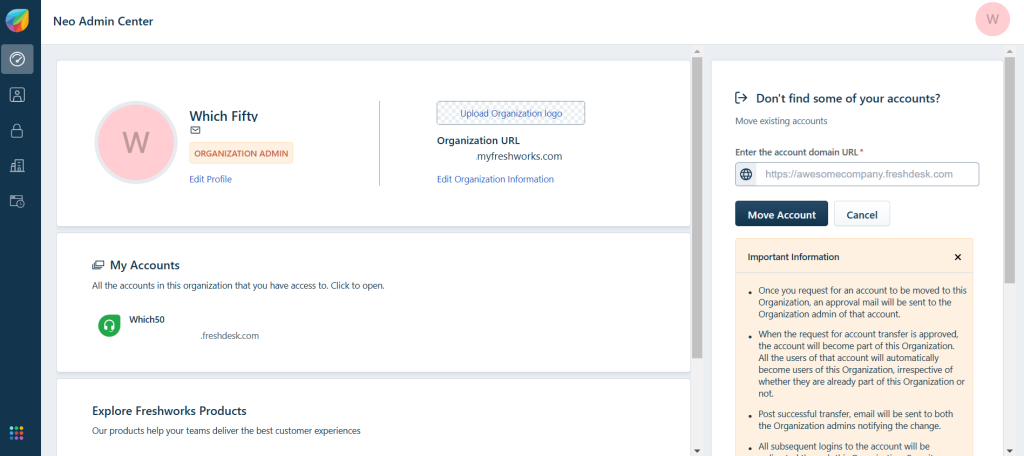
Freshdesk calls its canned responses “canned responses” and handles them across email, chat, and phone support channels from a unified inbox. Administrators can create team-wide templates that all agents access, or allow agents to build personal templates for their own use.
Their canned response library has a search function that uses keywords in both template names and template content, so it’s easy to find the right response even within a large library. If you support multiple product lines or brands, Freshdesk’s folder structure allows you to organise your templates in a hierarchy, so your product-specific templates don’t mix with your general account templates in a single list.
Help Scout — Saved Replies Built for Customer-First Teams
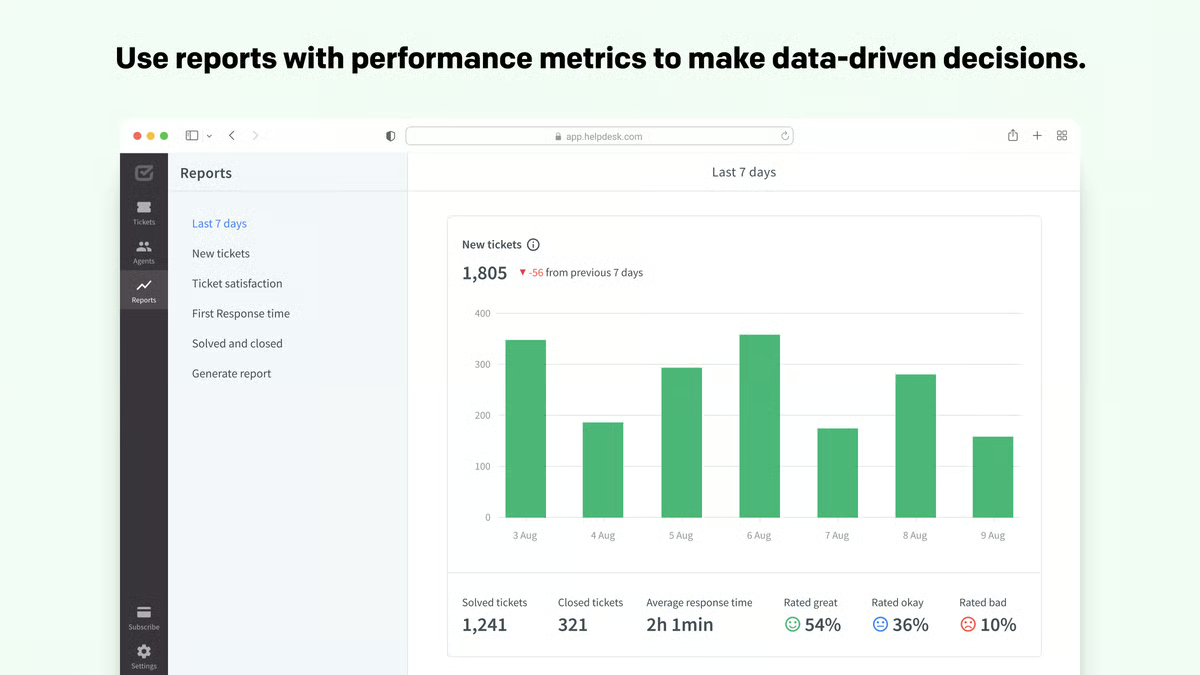
Help Scout has canned responses in the form of “Saved Replies,” which are embedded directly into the compose window. Agents can search saved replies by keyword while drafting a response — the results appear inline without leaving the email — which reduces the friction of switching between windows during a live conversation.
Help Scout also surfaces related saved replies based on the content of the incoming ticket, which is useful for newer agents who may not yet know which template applies to a given situation. Combined with its customer profile sidebar — showing full conversation history, account details, and previous tickets — agents using saved replies have the customer context they need to personalize the template accurately before sending.
Front — Shared Inbox With Collaborative Template Building

Front approaches canned responses through what it calls “snippets” — short-form templates that can be inserted into replies across email, SMS, and chat channels. Where Front differentiates is in its collaborative template management: team members can suggest new snippets, managers can review and approve them before they go live, and usage analytics show which snippets are being used most frequently and which are being ignored.
That usage data is genuinely useful for template library maintenance. If a snippet that was created to handle a common question isn’t being used, either the question has become less common, the template isn’t effective enough for agents to reach for it, or it’s named or categorized in a way that makes it hard to find. Knowing which templates are underperforming gives library managers the signal they need to update, rename, or retire them.
Measuring Whether Your Templates Are Actually Working
Creating the templates is the starting point. Understanding whether they’re improving support quality requires tracking a few specific metrics over time.
Once you deploy templates to ticket categories, the average handle time on those categories should drop, as you’re saving time on writing repetitive responses from scratch. If handle time doesn’t move, either agents aren’t using the templates or the templates require so much customization that they’re not providing meaningful time savings.
Customer satisfaction scores on tickets handled with templates should be at least comparable to those handled without — ideally identical or slightly higher if template accuracy reduces the errors that improvised responses sometimes contain. A drop in satisfaction scores in template-heavy categories is a strong signal that the templates are being sent too mechanically without sufficient personalization.
According to Forrester’s research on customer service agent effectiveness, agents who have access to well-organized, accurate knowledge resources — including response templates — resolve issues faster and generate higher satisfaction scores than those working from memory alone. The quality of the resource matters as much as its existence.
Our guide on the best live chat tools for e-commerce covers the broader customer support tooling landscape, including how live chat platforms handle proactive messaging and automated response flows that complement canned response libraries in high-volume environments.
Conclusion
Canned responses work when they’re treated as a quality investment rather than a time-saving shortcut. Writing templates that acknowledge the customer’s situation, including explicit personalization fields, organizing the library in a way that matches agent workflow, and reviewing content regularly to keep it accurate — these are the practices that separate a template library agents rely on from one they bypass in favor of writing from scratch. The time savings are real. So is the risk of doing it poorly. Building the library deliberately is what determines which outcome you get.

Leave a Comment