Ever felt buried under stacks of payroll sheets, scratching your head over tax deductions that never seem to add up? You’re not alone. Most small business owners and HR folks dread tax season because manual calculations eat up hours and often lead to costly mistakes. But here’s the good news. Tools exist today that do all the heavy lifting for you, automatically crunching numbers based on the latest rules.
Imagine running payroll in minutes, with taxes perfectly calculated and filed without you breaking a sweat. That’s the power of automation. It keeps you compliant, saves time, and lets you focus on growing your business instead of chasing tax codes. In this guide, we’ll walk through everything step by step. You’ll learn why automation beats manual work, which taxes matter most, top software picks, setup tips, and real tricks to avoid pitfalls.
By the end, you’ll have a clear plan to get your employee taxes handled automatically.
Why Manual Tax Calculations Hurt Your Business?
Manual tax work starts simple but quickly turns chaotic. You pull salary data, check brackets, apply withholdings, and pray nothing changes mid-year. One slip, like missing a state update, means penalties from the IRS or Indian tax authorities. Businesses lose thousands yearly to errors or late filings. Automation eliminates that risk by pulling live rates and rules. It also frees your team. Instead of hours on spreadsheets, they handle strategy or client calls.
Think about scaling. Hiring 10 more people manually? Nightmare. Automated systems scale effortlessly, calculating per employee based on their unique setup like location or exemptions. Speed tops the list too. What took days now runs in clicks, with previews before finalizing. Accuracy skyrockets, and compliance becomes effortless with auto-filing forms like W-2 or India’s Form 16.
Taxes You Must Calculate
Taxes vary by country, but core ones stay similar. In the US, federal income tax uses progressive brackets from 10% to 37% for 2026, based on W-4 details like dependents and filing status. FICA covers Social Security at 6.2% up to $168,600 and Medicare at 1.45% with no cap, plus 0.9% extra for incomes over $200,000 single.
States pile on: zero in Texas or Florida, up to 13.3% top in California. Local taxes hit some cities too. Switch to India. Income tax slabs go 0% up to ₹3 lakh, then 5% to 30%, chosen new or old regime annually. Provident Fund takes 12% from both sides on basic + DA. ESI applies 3.25% employer, 0.75% employee for salaries under ₹21,000.
Professional tax: ₹200-2,500 monthly by state like Tamil Nadu’s slabs. TDS deducts monthly, reconciled in annual returns. Global teams blend these, needing smart software.
Top Payroll Software for Automatic Taxes
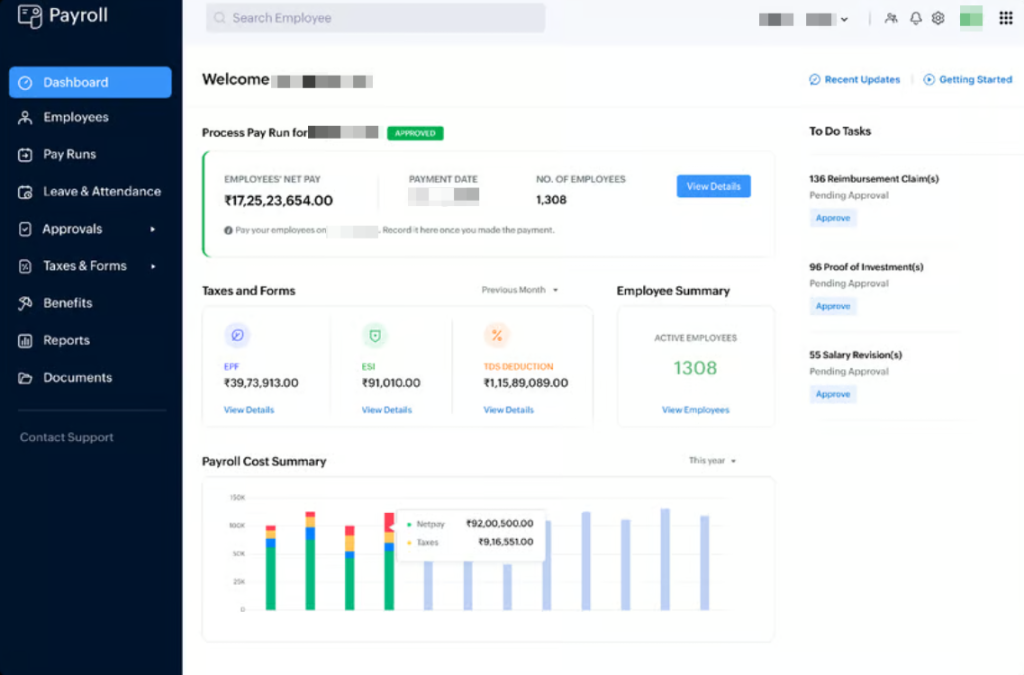
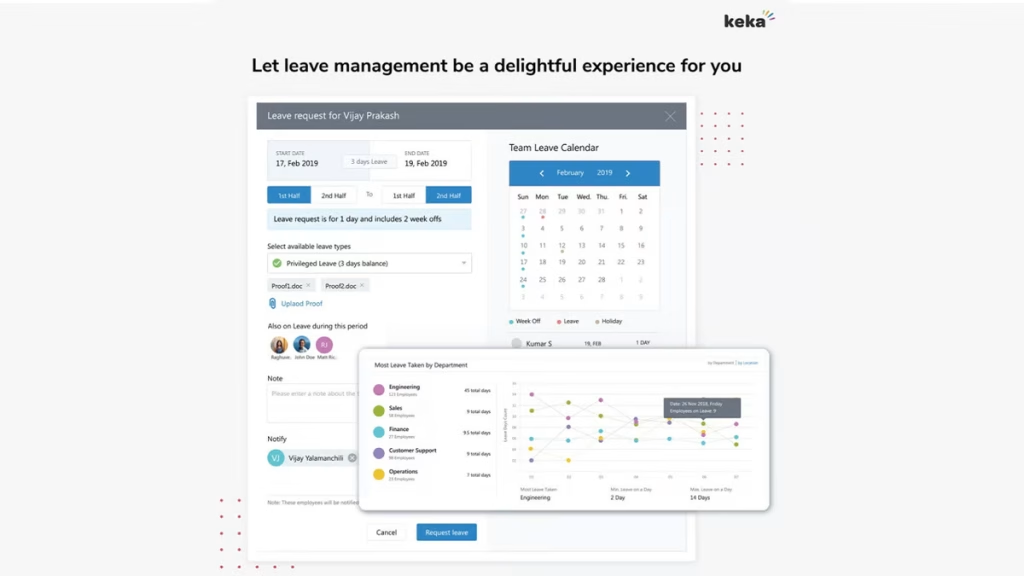
Picking the right tool matches your location and size. Gusto rules for US small businesses, auto-filing federal, state, local taxes across all 50 states. QuickBooks Payroll adds tax guarantees up to $25,000, perfect if you already use it for books. In India, Zoho Payroll handles full compliance: PF, ESI, TDS, PT across states, with Form 16 auto-generated. Keka stands out for easy declarations, computing 80C, NPS, housing loans to minimize tax.
Here’s a side-by-side look:
- Gusto: US focus, full filing, $40/mo + $6/emp
- QuickBooks Payroll: Accuracy guarantee, integrates accounting, $45/mo + $6/emp
- Zoho Payroll: India TDS/PF expert, ₹35/user/mo
- Keka: Declaration magic, custom pricing hire borderless


Step-by-Step Guide to Setting Up Automation
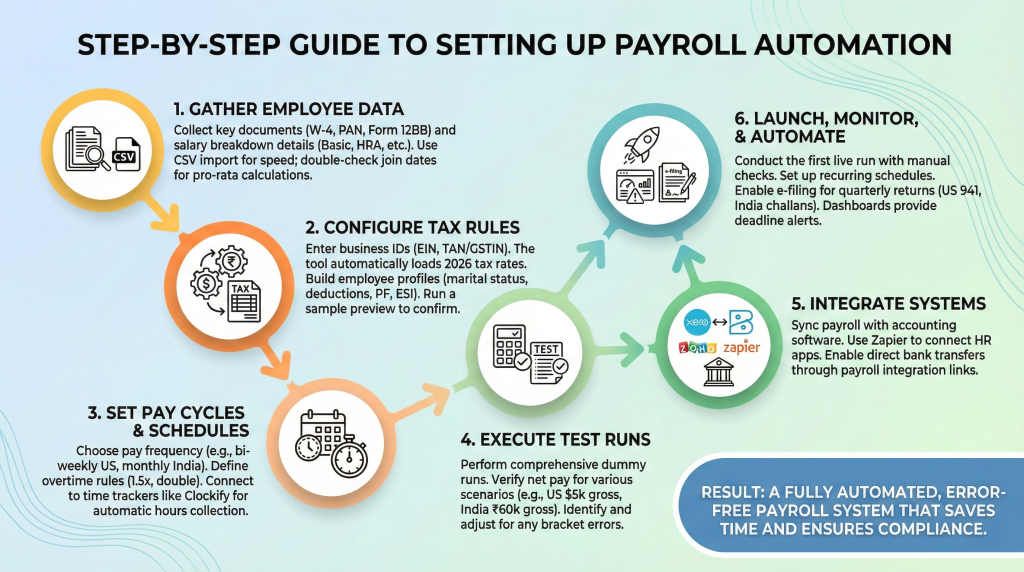
1. Gather Employee Details First
Collect key docs upfront.
- For US, grab W-4 forms showing allowances and extras.
- India needs PAN, Form 12BB for exemptions like 80C proofs.
- List salary breakdown: basic pay, HRA, conveyance, overtime potential.
Use CSV import for speed on larger teams. Double-check join dates for pro-rata calculations.
2. Configure Tax Rules and Profiles
- Enter business IDs: EIN US, TAN/GSTIN India. Tool loads 2026 rates automatically.
- Build profiles: marital status, state, pre-tax deductions like 401k or medical.
- India specifics: PF number, ESI eligibility, regime choice.
Run a quick preview on sample pay to confirm.
3. Choose Pay Cycles and Schedules
- Pick frequency: bi-weekly common for US, monthly standard India.
- Set rules: overtime 1.5x US, double Sundays India.
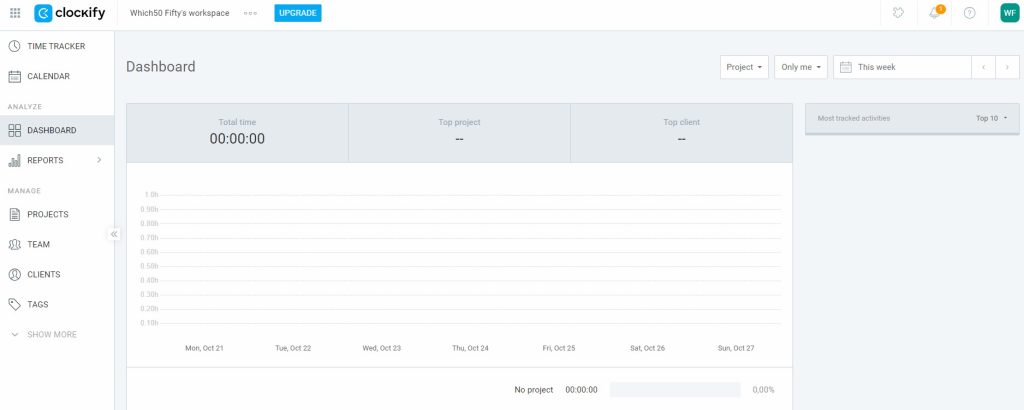
Link to time trackers like Clockify to pull hours auto.
4. Run Test Payrolls Thoroughly
Dummy runs everything.
- Verify US net pay: $5k gross single ~$3,800 after taxes.
- India ₹60k: ~₹52k net post PF/TDS.
Spot issues like wrong brackets, adjust.
5. Integrate Your Tools Seamlessly
Hook to Xero or Zoho Books for accounting sync.
Zapier connects HR apps. Enable bank transfers via payroll links.

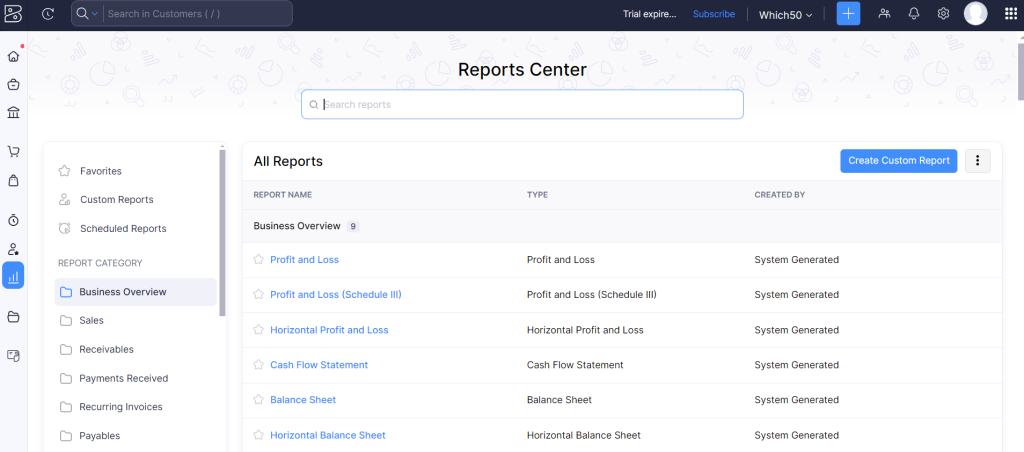

6. Launch, Review, and Automate Fully
- First real run: manual check payslips.
- Set recurring schedules. Enable e-filing for quarters: US 941, India challans.
Dashboards alert deadlines.
Overcoming Common Hurdles in Automation
Multi-state teams trip folks up. Good software applies correct withholdings per address. Contractors? Auto-separates W-2 from 1099 taxes. Mid-year changes like marriage? Employees update self-service portals. Year-end rush? Bulk generate forms, e-file in bulk. Offshore pay? Tools convert currencies, apply local rules for US-India splits. Vendor support matters: pick ones with chat like Gusto.
Advanced Features Worth Exploring
- AI forecasts liabilities, predicts cashflow hits.
- Employee portals for W-4 updates, tax projections.
- Full audit logs for IRS audits.
- Mobile approvals for timesheets.
- Industry benchmarks compare your setup.
- Pre-tax benefits auto-deduct health, transit.
Maintenance Tips for Long-Term Success
- Quarterly audits: update addresses, exemptions.
- Train backups hands-on.
- Yearly cost review vs manual savings.
- Test full cycles annually.
- Subscribe to tax alerts.
Scaling Automation with Growth
- Under 50? SMB tools suffice. 100+? ADP scales.
- Multi-company? Enterprise unlocks.
- Costs stay per-head, efficiency soars.
Payroll automation changes everything. Jump in with these steps, and watch stress vanish. Your focus shifts to what matters most.
Wrap Up
Switching to automatic employee tax calculations isn’t just smart, it’s a game-changer for any growing business. You cut out the guesswork, stay ahead of compliance headaches, and free up hours for what really drives your company forward.
Tools like Zoho Payroll and Clockify make it simple to integrate everything seamlessly. Pick one that fits your setup, follow the steps we covered, and you’ll wonder how you ever managed without it.
Your team gets accurate payslips on time, you avoid fines, and everyone wins. Time to automate and get back to building something great.


Leave a Comment