Starting a mailing list with zero subscribers is one of those tasks that sounds simple until you actually sit down to do it. You pick a platform, set up a form, place it on your website, and then wait. A week goes by. Maybe three people sign up, and one of them is you testing the form. The problem isn’t the platform or the form design—it’s that collecting email addresses requires giving people a concrete reason to hand them over, and most new lists skip that step entirely.
Building a mailing list from scratch means getting the mechanics right and the incentive right at the same time. You need a signup form that actually converts, an offer that makes the exchange feel worthwhile, and a delivery system that keeps new subscribers engaged long enough to stick around past the first email. None of these pieces are complicated on their own, but getting all three working together from day one is where most people stall out.
This guide covers how to set up, grow, and maintain a mailing list when you’re starting from nothing.
Get the Foundation Right Before Promoting Anything
Before you share a single link or mention your newsletter anywhere, the backend needs to be airtight. Subscribers who sign up and then receive a broken welcome email or no email at all won’t come back.
- Choose a platform early and commit to it. Switching email providers after you have a few hundred subscribers is annoying. Switching after a few thousand is painful. Pick a tool that handles what you need today and has room for where you’re headed. We’ll cover specific options further down.
- Set up a welcome email immediately. The highest-engagement email you will ever send is the one that arrives within sixty seconds of someone subscribing. Use it to confirm what they signed up for, deliver any promised lead magnet, and set expectations for how often you’ll be in their inbox. Skip the corporate introduction—write it like you’re talking to one person, because you are.
- Create at least one signup form and one landing page. The form goes on your website. The landing page gives you a standalone URL to share on social media, in podcast appearances, in guest posts, and anywhere else you don’t control the page layout. Both should load fast, describe the value clearly, and ask for as little information as possible—email address only, unless you have a specific reason to collect more.
What Actually Gets People to Subscribe
The signup form is just the container. What fills it is the offer.
- Lead magnets still work if they solve a specific problem. A ten-page PDF that recaps information people can find in a blog post won’t move anyone. A one-page checklist, a template, a swipe file, or a short toolkit that saves someone an hour of work this week will. Specificity is what converts—”Get our marketing guide” is vague. “Download the exact cold email template that booked 14 calls last month” gives someone a reason to act right now.
- Content upgrades outperform generic opt-ins. Instead of a single sitewide popup, create a targeted offer for each high-traffic piece of content. A blog post about onboarding workflows gets a signup box offering an onboarding checklist. A post about budgeting gets a downloadable spreadsheet template. The relevance between what someone is reading and what you’re offering is the biggest factor in whether they subscribe.
- Social proof accelerates signups. Once you have even a small subscriber count, use it. “Join 400 marketers who get this every Tuesday” performs better than “Subscribe to our newsletter” because it answers two questions at once: who else is reading this, and how often will I hear from you.
Platforms That Make the First Hundred Subscribers Easy

Mailchimp — Best for Getting Started With Zero Budget
Mailchimp is the default recommendation for new lists, and the free tier is the reason. You get up to five hundred contacts, a drag-and-drop email builder, basic automation, and signup forms without paying anything until the list grows past that threshold.
For a new list, Mailchimp’s landing page builder and embedded form options are enough to cover the basics. The automation builder lets you set up a welcome sequence without writing code, and the audience dashboard gives you a clean view of growth trends as your list starts to climb.
MailerLite — Best for Clean Design on a Small Budget
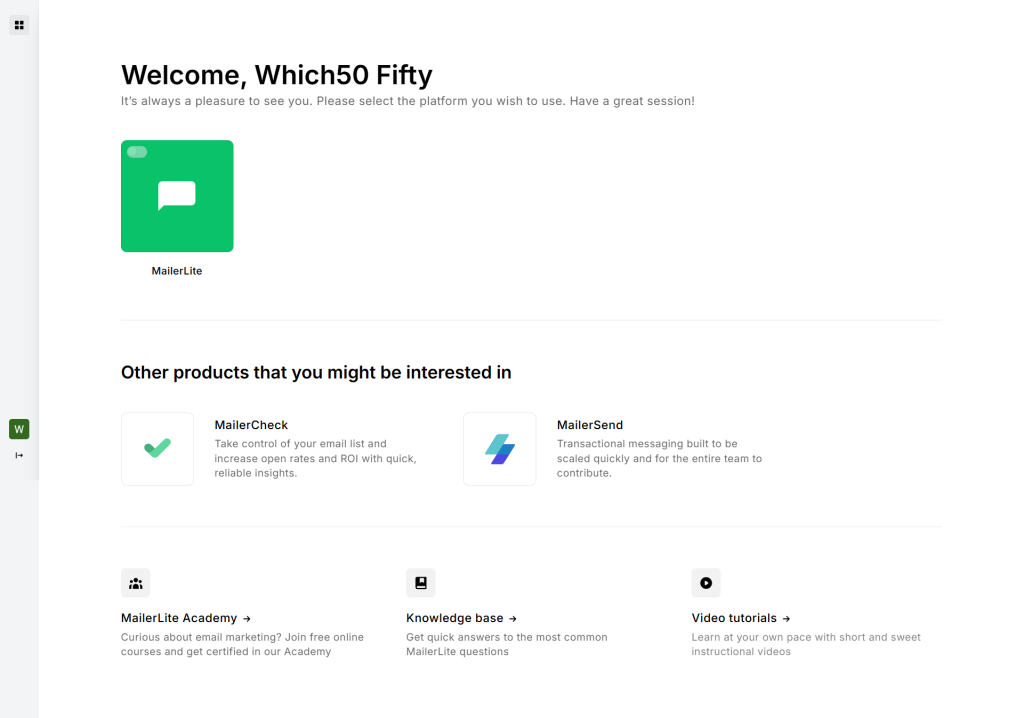
MailerLite is the platform that gets recommended most often by solo creators and small teams, and for good reason. The free plan covers up to one thousand subscribers, and the email editor produces cleaner, more modern-looking emails than most competitors at the same price point.
The landing page and popup builders are strong for a tool at this level. You can spin up a dedicated signup page, connect it to an automation, and have a full welcome sequence running in under an hour. For people who care about how their emails look from day one, MailerLite earns its reputation.
ConvertKit — Best for Creators Building an Audience
ConvertKit is built specifically for writers, podcasters, course creators, and anyone whose mailing list is the business rather than a marketing channel attached to a separate product.
The tag-based subscriber management system is the standout feature. Instead of creating separate lists for different audiences, you tag subscribers based on what they signed up for, what they clicked, and what they purchased. That structure keeps your list organized from the start rather than forcing you to clean up a mess later when you have ten different signup forms feeding into one unstructured list.
GetResponse — Best for Combining Email With Landing Pages and Webinars
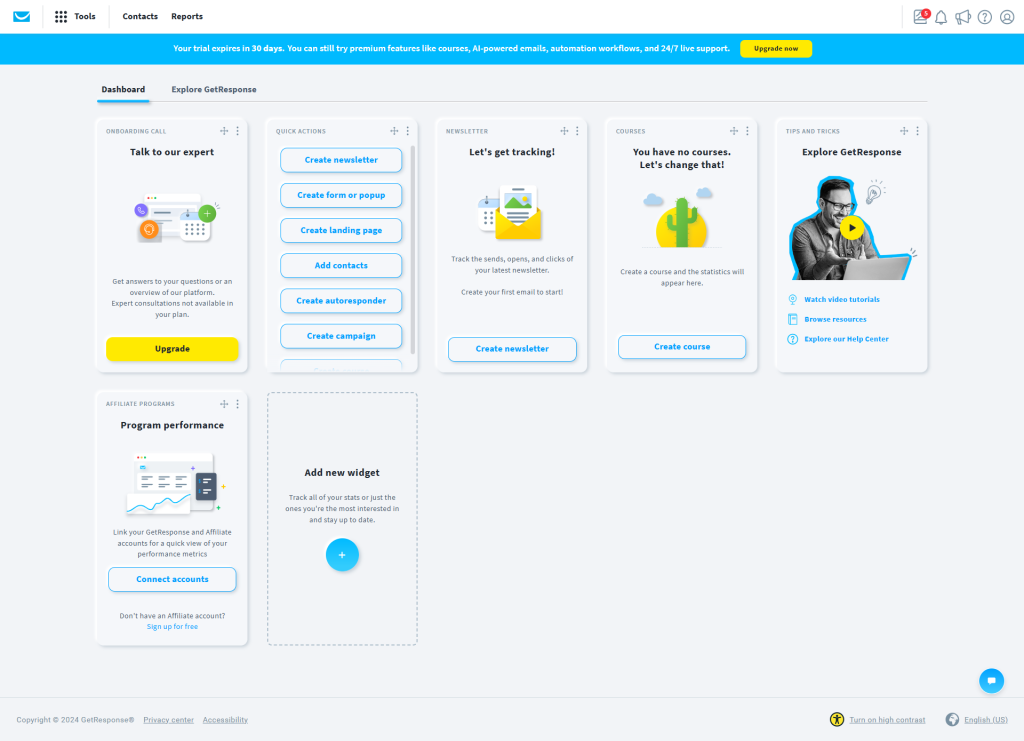
GetResponse bundles email marketing with a landing page builder and webinar hosting in a single platform. For anyone planning to grow their list through webinars, live sessions, or event-based content, having all three in one place cuts out the integration headaches that come with stitching separate tools together.
The conversion funnel feature walks you through building a complete signup-to-nurture sequence step by step, which is useful if this is your first time setting up email automation and you want guided structure rather than a blank canvas.
Klaviyo — Best for E-Commerce List Building
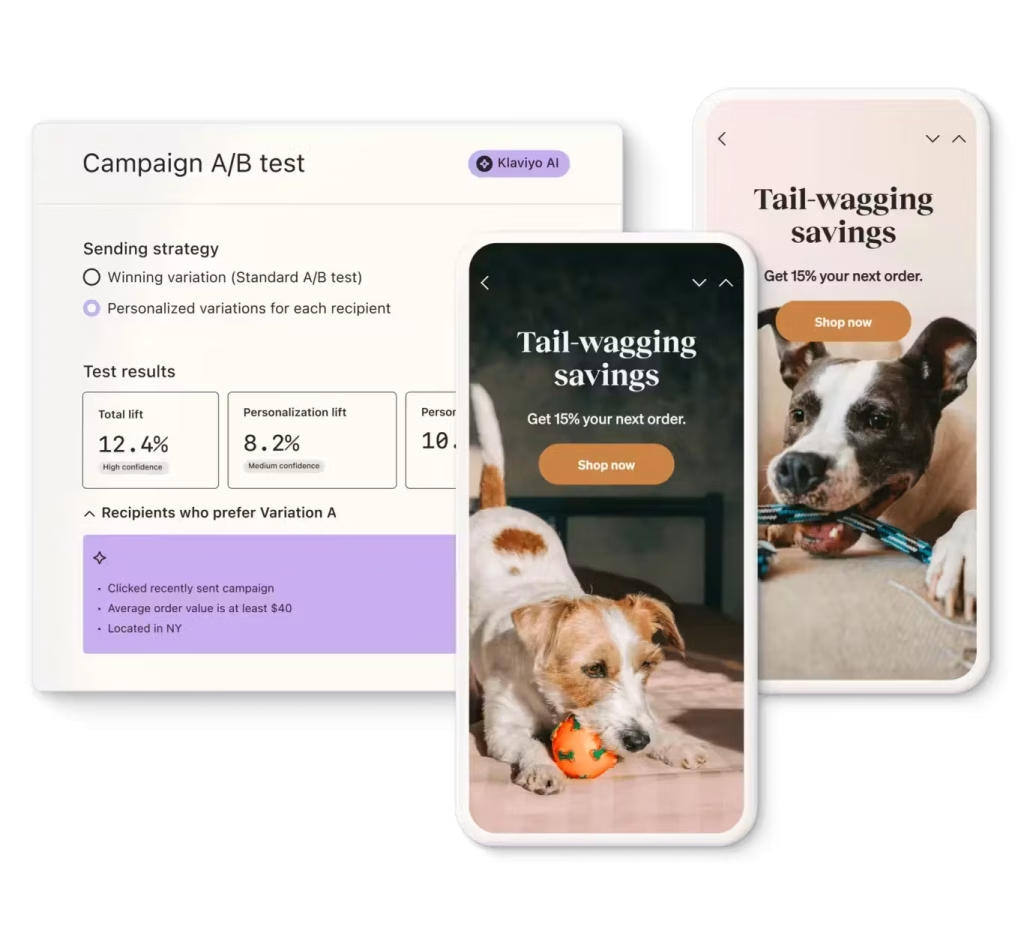
For online stores where the mailing list is tied directly to product purchases and cart activity, Klaviyo connects email signups to the shopping experience in ways general-purpose tools don’t handle natively.
Signup forms can trigger based on browsing behavior—exit intent popups, scroll-depth triggers, or timed offers based on how long someone has been on a product page. The real strength is what happens after signup: automated flows based on purchase history, browse abandonment, and price drop alerts that keep subscribers engaged with content directly tied to what they’ve already shown interest in.
Omnisend — Best for Multi-Channel List Growth
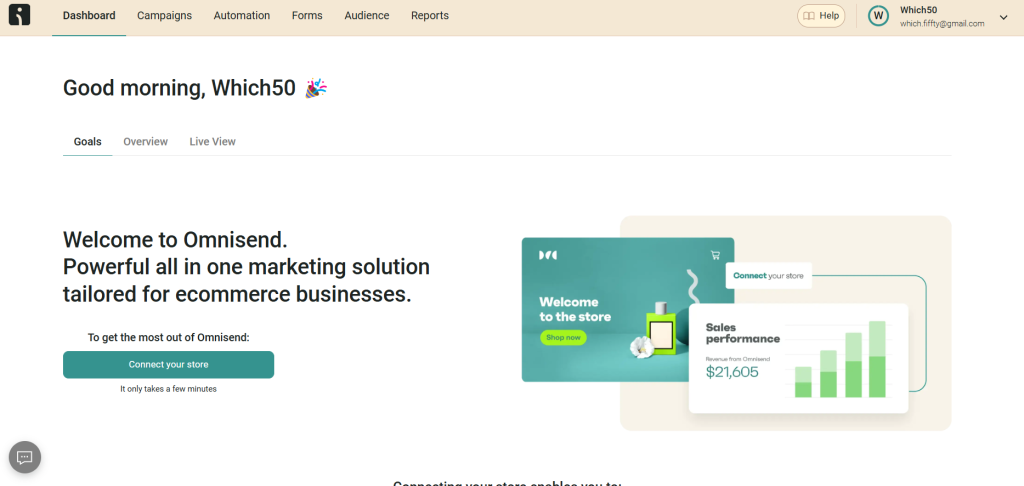
Omnisend treats the mailing list as one piece of a broader communication strategy that includes SMS and push notifications alongside email. If you plan to collect phone numbers along with email addresses from the start, Omnisend handles both in a single subscriber profile rather than forcing you to manage them separately.
The pre-built signup form templates are geared toward e-commerce, with spin-to-win wheels, gamified popups, and tiered discount offers that drive higher opt-in rates than a standard “enter your email” box.
How to Keep Subscribers After They Sign Up
Getting the signup is the easy part. Keeping people on the list—and keeping them opening emails—is where most new lists quietly bleed subscribers.
- Send your first real email within forty-eight hours of someone subscribing. The welcome email confirms they signed up. The second email proves the list is worth staying on. Wait a week and they’ve already forgotten who you are.
- Pick a consistent schedule and stick to it. Weekly is the sweet spot for most new lists. It’s frequent enough to build familiarity without burning through your content ideas in the first month.
- Write subject lines for the inbox, not for yourself. Your subscriber sees your subject line next to twenty other unread messages. If it doesn’t spark curiosity or promise something specific, it won’t get opened.
- Prune inactive subscribers early. After ninety days, anyone who hasn’t opened a single email is dragging down your deliverability. Send a re-engagement email, and if they still don’t respond, remove them. A smaller list with high engagement outperforms a larger one that mostly ignores you.
Conclusion
Building a mailing list from scratch is slower than most guides make it sound, but it compounds faster than almost any other marketing channel once the foundation is solid. The first hundred subscribers are the hardest. After that, every piece of content you publish, every social post you share, and every collaboration you do feeds into a system that’s already working.
Mailchimp, MailerLite, ConvertKit, GetResponse, Klaviyo, and Omnisend each handle the mechanics differently depending on whether you’re a solo creator, an e-commerce store, or a team building a marketing funnel. Pick the one that fits your starting point, get your first form live today, and focus on making every email worth opening. The list will grow from there.


Leave a Comment