Setting up a new online shop is a massive thrill. You spend weeks designing the pages, tweaking your ads, and choosing stock you love. Then, the first notifications chime on your phone. It’s an amazing feeling.
But then, reality hits. You realize you just sold three items that are actually out of stock. Or, even worse, you look at your bank account and realize all your cash is tied up in a garage full of winter coats that won’t sell until December. Poor inventory management can quickly turn your dream business into a logistics nightmare. It leads to wasted money, stressed-out weekends, and angry customers who will never buy from you again.
Keeping your stock in check is about way more than just counting cardboard boxes in a backroom. It is about keeping your cash flow healthy and ensuring your buyers actually get what they paid for. Let’s look at how to build a simple, headache-free way to handle your products.
Why Stock Control Keeps Your Store Alive
Think of inventory management like the drummer in a local band. If the drummer falls off the beat, the whole song falls apart. In e-commerce, your inventory system keeps the beat behind the scenes while your marketing, website design, and customer service play the melody.
When you manage your inventory the right way:
- You prevent stockouts and overselling. There is nothing worse than telling a excited customer that the item they just paid for isn’t actually available.
- You keep your cash flowing. Instead of buying too much inventory that sits on shelves gathering dust, you keep your cash free for marketing and growth.
- It speeds up how fast you pack and ship. Knowing exactly where every item is stored means your team can pack and ship orders in half the time.
- You make better buying decisions. Studying what sells quickly helps you negotiate better deals with your suppliers and plan your promotions.
The Conversational Guide to Smart Stock Management
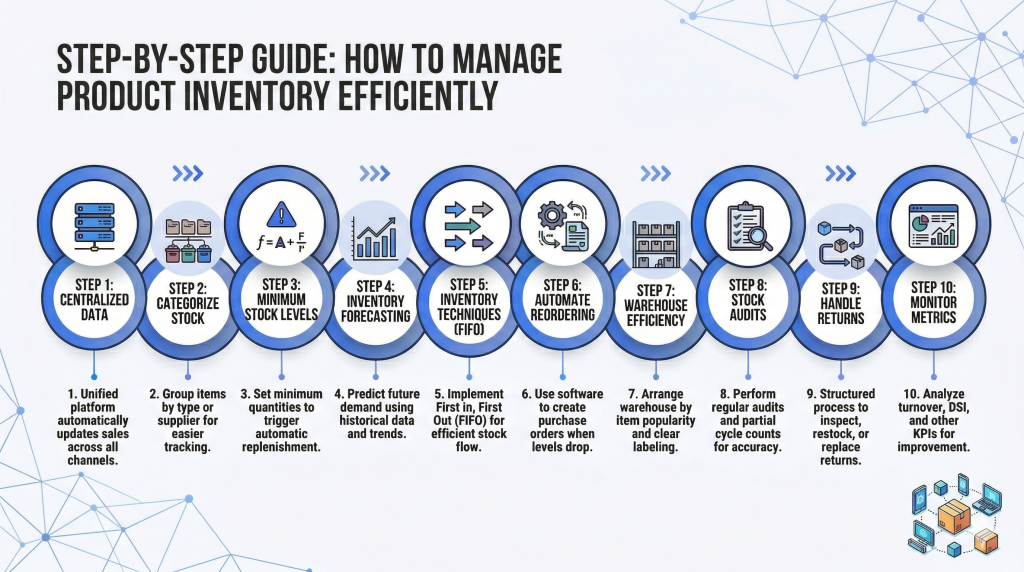
Setting up a solid system doesn’t have to be intimidating. If you want to keep your stock counts accurate and your shipping fast, try building this simple workflow:
Centralize all your sales channels
If you sell on your own website, Amazon, and Etsy, you cannot use separate spreadsheets to track stock. You need one central dashboard. When a customer buys a shirt on Amazon, your system should instantly update your Shopify stock level so you don’t accidentally double-sell that same shirt to someone on your website.
Categorize your products logically
Sort your items into clean, sensible groups. You might want to break things down by season, the type of product, or even where they physically sit in your backroom. This makes it easy to see which products are your money-makers and which ones are just taking up valuable shelf space.
Establish reorder points
Don’t wait until you run out of a product to order more. Set a minimum safety number for every item. When your stock hits that number, it should trigger a new order with your supplier. You can calculate this by studying your average daily sales and how long it takes your supplier to ship new items to you.
Study seasonal trends
Don’t guess how much stock you need next month. Look at your history. If you know sales spike during the holidays, plan your purchases months in advance. Good forecasting prevents you from running out of stock during your busiest sales seasons.
Modern Tools to Handle the Hard Work
You don’t have to do all this tracking manually. There are fantastic software options designed to automate the boring parts of inventory management.
Shopify
If you’re just getting started, the features built right into Shopify are incredibly convenient. You can monitor your counts, sort products into groups, and keep your stock numbers matching across your site and social pages without having to install a bunch of third-party plugins.
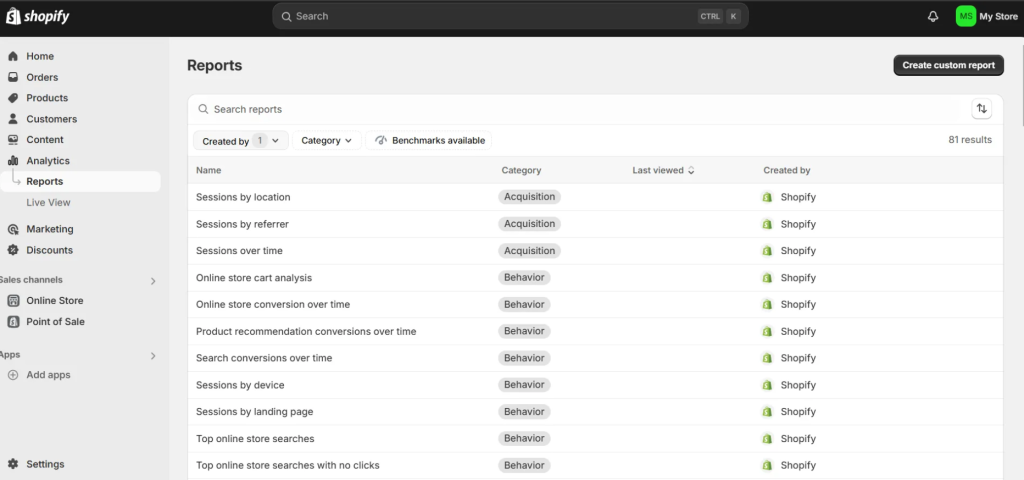
Shopify’s built-in inventory features help you track products, manage stock automatically, and sync across multiple sales channels. It’s ideal for small to medium-sized stores that want simplicity and centralization.
Cin7
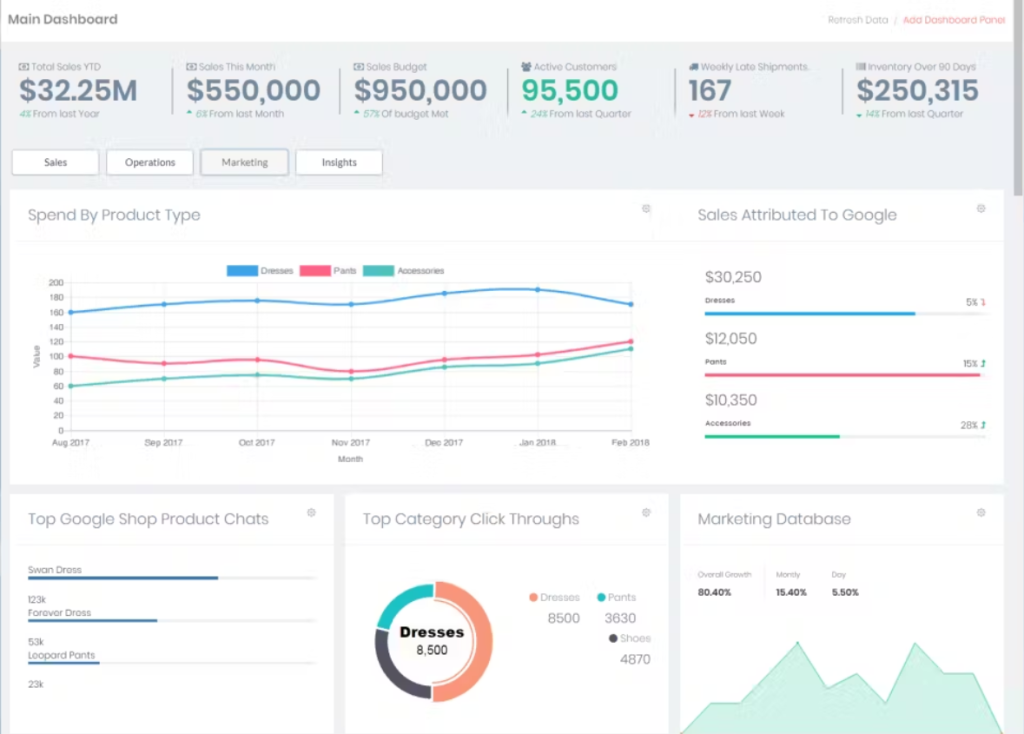
When your sales start climbing and things get a bit more complex, you’ll need something beefier. Cin7 is a cloud setup that pulls your warehouse tracking, wholesale deals, and physical retail sales into a single dashboard.
ShipBob
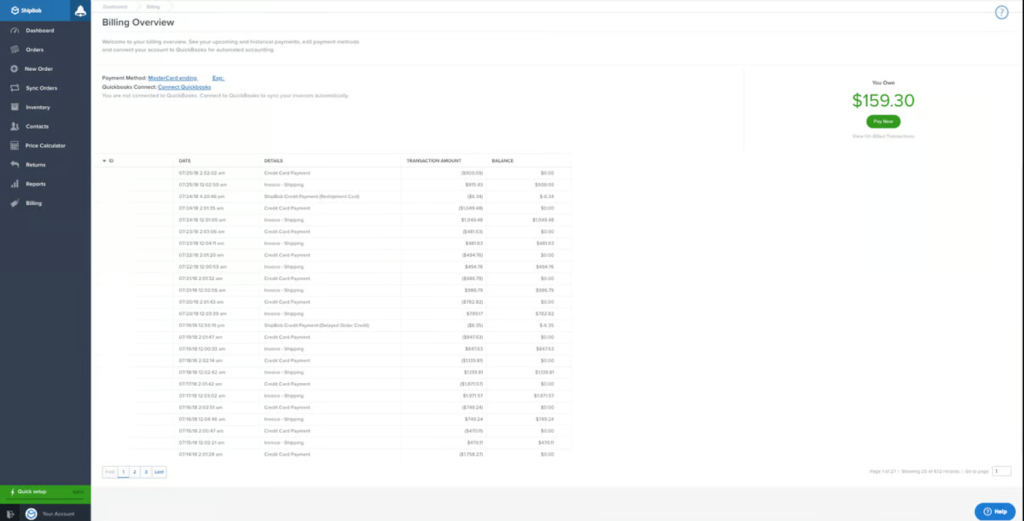
If you don’t want to pack boxes in your living room anymore, ShipBob is a lifesaver. They handle your warehousing and shipping, and their software integrates directly with your online store. You send your inventory to their fulfillment centers, and they pack and ship the orders as they come in.
Zoho Inventory & Inventory Planner
For businesses that need a clean middle ground, Zoho Inventory offers excellent multi-channel syncing. If your primary struggle is figuring out how much stock to order for the future, Inventory Planner uses advanced forecasting to tell you exactly when and what to restock.
Habits to Keep Your Stock Counts Accurate
Even the best software won’t save you if you don’t build clean habits. Try integrating these routines into your weekly schedule:
- Try cycle counting instead of full audits. Shutting down your entire store for a massive stock count is a nightmare. Instead, count one small section of your warehouse every week. By the end of the month, you’ll have audited your entire stock without disrupting your business.
- Handle returns with precision. When a customer returns an item, scan it back in immediately. Inspect it to see if it is resellable, and update your stock levels. Muddled returns are the number one reason stock counts get out of sync.
- Keep your team trained. Make sure everyone who handles your products—from the people unpacking shipments to the customer service reps—uses the same software. Making sure everyone inputs data the exact same way is how you prevent inventory errors from piling up.
The Bottom Line
When you get down to it, handling your stock shouldn’t mean staying up all night playing detective with a spreadsheet. It’s really about setting up a simple, hands-off routine that ticks along in the background.
Once you get all your sales channels talking to each other, put reorders on autopilot, and let software do the tracking, the logistical headaches disappear. You finally get to focus on growing your brand and talking to your community, rather than panicking over missing boxes or shipping delays. Focus on the foundations first, establish simple habits, and let your software do the heavy lifting.



Leave a Comment