So you want to sign contracts online and actually have them mean something legally. Good news—you can. But there’s a catch. Not all digital signatures are created equal, and just drawing your name in a little box doesn’t automatically make a document enforceable. A few things have to be in place first.
Here’s the thing: most countries already have laws that recognize electronic signatures. In the US it’s ESIGN and UETA. In Europe it’s eIDAS. These laws basically say digital signatures are valid as long as you can prove the signer agreed and you can prove the document wasn’t changed afterward. That’s the whole ballgame.
What Actually Makes a Digital Signature Legal
Let’s keep it simple. Three things matter.
- One: The person signed on purpose. They knew they were signing. They weren’t tricked. Most platforms show a consent screen before anything happens—that’s what it’s for. Don’t skip it.
- Two: You can prove who signed it. At minimum, the platform should log the signer’s email address, the time they signed, and their IP address. For bigger contracts—think employment agreements, loan docs, anything with real money attached—you want stronger verification. That means SMS codes, ID document scans, or knowledge-based questions. More steps feel annoying, but they make the signature a lot harder to dispute later.
- Three: The document wasn’t touched after signing. Reputable platforms seal the document with a cryptographic hash the moment everyone signs. If anyone changes even a single character after that, the seal breaks. That’s how you prove the document is exactly what everyone agreed to.
If your platform does all three of those things automatically, you’re covered for most standard business contracts.
Here’s the Catch—Some Documents Still Need Wet Ink
Digital signatures don’t work for everything. Wills, certain property deeds, adoption paperwork, and some court documents still require physical signatures and sometimes notarization, depending on where you are. Before you go fully digital on a specific document type, it’s worth a quick check for your jurisdiction. Most platforms flag this but don’t always cover every edge case.
Tools That Do the Compliance Work For You
DocuSign — Best for High-Stakes Contracts
DocuSign is the name most lawyers and enterprise procurement teams actually recognize and trust. When a contract shows up signed through DocuSign, nobody questions whether it’s valid. That familiarity matters.
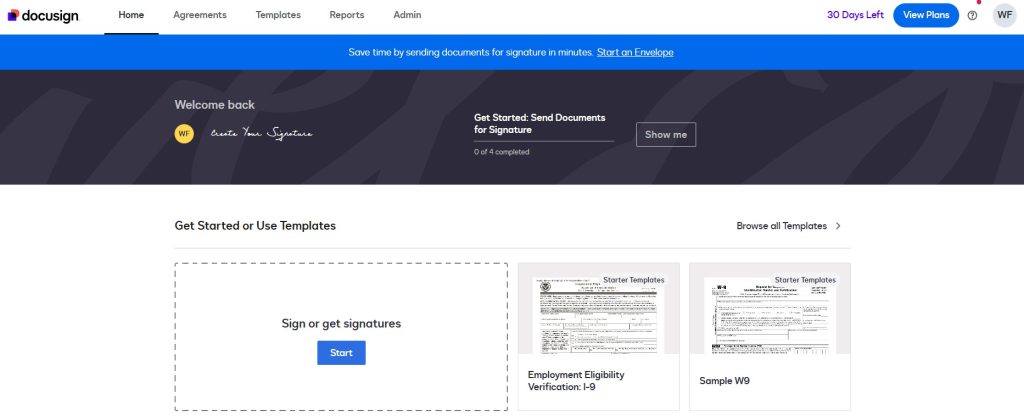
Every signed document comes with a Certificate of Completion—timestamps, IP addresses, email addresses, access logs for every signatory. You can also turn on stronger identity checks if you need them: SMS codes, ID scanning, knowledge-based questions. For anything where you really can’t afford a dispute, those extra steps are worth it.
eSignatures — Best for Developers Who Want to Build It In
eSignatures. is for teams who want to collect signatures inside their own product rather than sending people off to a separate platform. The API is clean, the docs are solid, and you can trigger the whole signing flow programmatically.
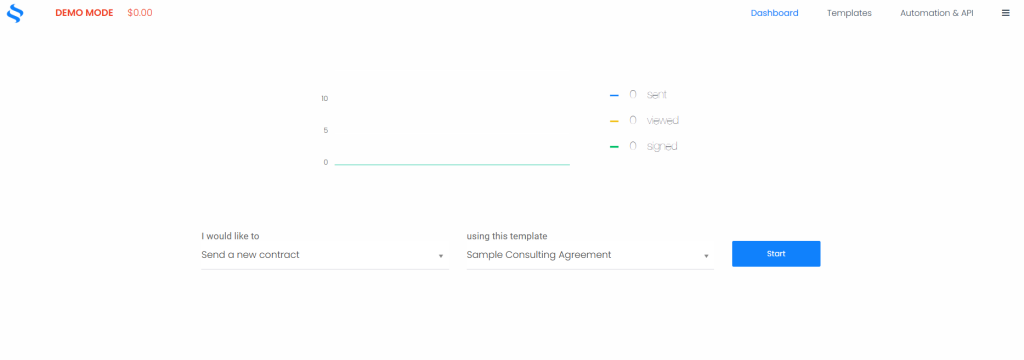
And here’s what makes it work legally: every signed document gets a full audit log and a cryptographic hash. You also get webhooks that fire the moment a document is signed—so you can automatically update your CRM, store the contract, or send a confirmation email without anyone touching a button.
eSignly — Best for Small Businesses That Just Need It Done
eSignly is the no-fuss option. Upload a doc, drag in the signature fields, add the signer’s email, hit send. Five minutes tops. The signed document comes back with the timestamp and audit data you need for it to hold up legally.
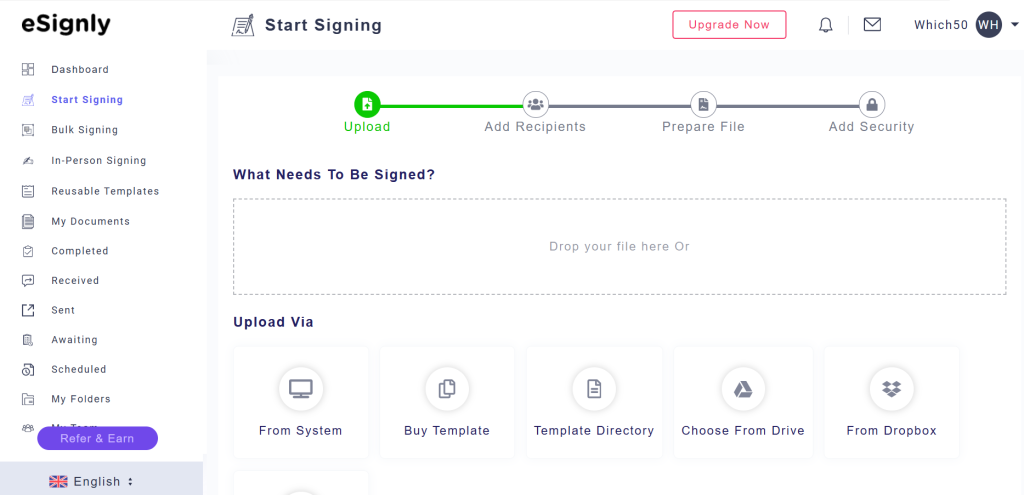
If you’re a freelancer or small business owner signing NDAs, service agreements, and client contracts, you don’t need enterprise software. eSignly covers what you actually need without the enterprise price tag.
Jotform — Best When You Need a Signature and a Form at the Same Time
Jotform works differently from the others. Instead of a standalone document, you embed a signature field directly inside a form. So if you’re doing client intake, consent forms, or service agreements where you’re also collecting other information—Jotform handles it all in one step.
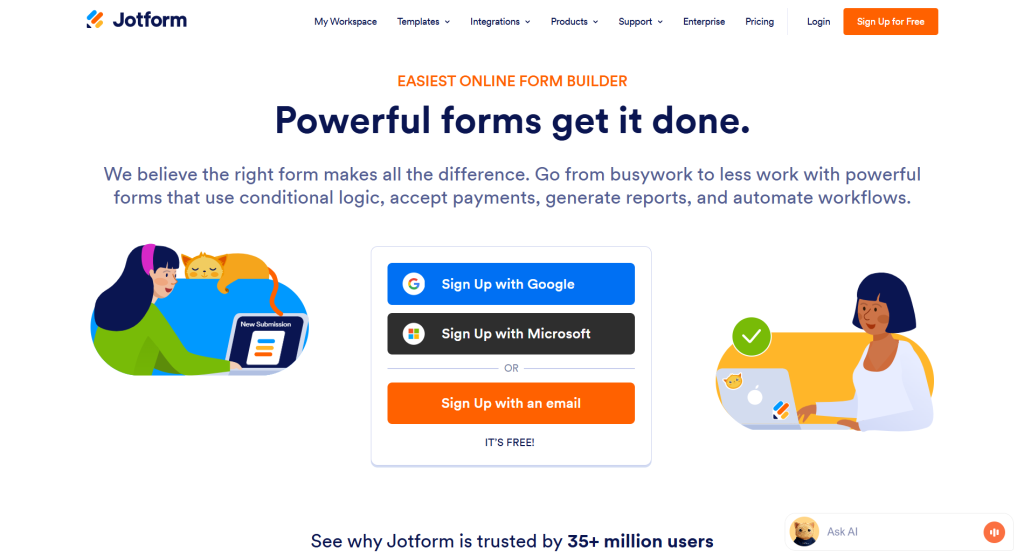
The signed submission gets stored with a timestamp and session data. That’s usually enough for standard consent and agreement scenarios. And if you’re already using Jotform for intake or data collection, adding a signature field to an existing form is honestly the easiest thing you’ll do all week.
Quick Checklist Before You Use Any of These
A few things to confirm regardless of which platform you pick:
- Does it create an audit trail automatically? Screenshots of emails don’t count. You need timestamped logs tied to a tamper-evident document.
- Does it show signers a consent screen before they sign? This establishes intent, which is legally important.
- Does it let you turn up identity verification for riskier documents? Not always necessary, but good to have the option.
- Does it store signed documents securely? A valid signature means nothing if you lose the file. Make sure you can download and back up everything.
- Does it comply with your jurisdiction’s e-signature law? Most established platforms do. But if you’re dealing with international signatories, it’s worth confirming.
Conclusion
Digital signatures are valid. They’re enforceable. They save time and paper. But the signature is only as good as the platform behind it.
DocuSign is the go-to for anything where legal credibility really matters. eSignatures.io is the move if you’re building signature collection into your own app. eSignly is the right call for small teams who just want something simple and legally solid. And Jotform is the easiest option when you need the signature and the intake form in one place.
Pick the one that fits your workflow. Make sure it does audit trails properly. And stop printing things just to sign and scan them.


Leave a Comment