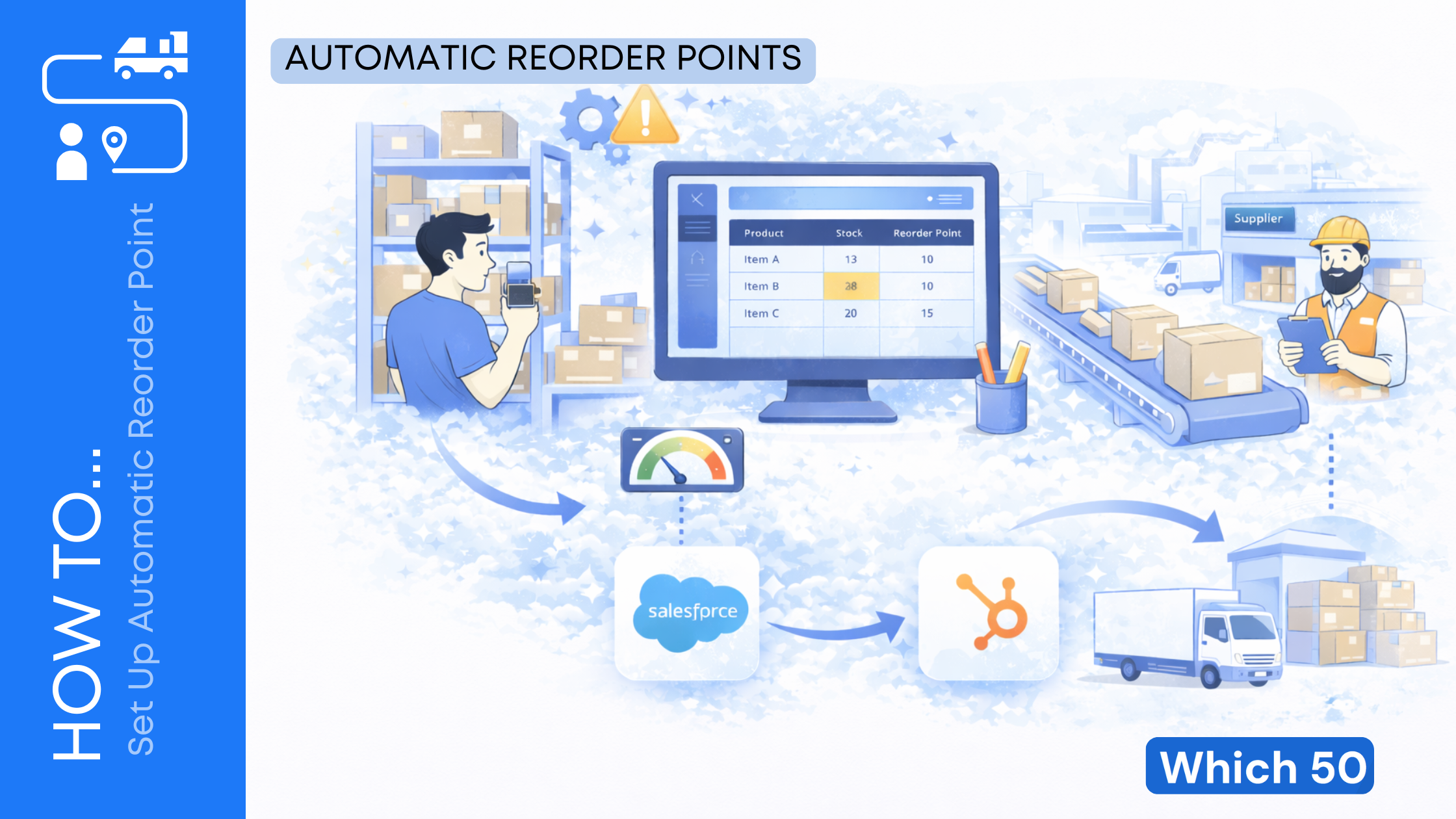
Running out of stock is stressful. You lose sales, disappoint customers, and then you rush into expensive last-minute orders. On the other side, overstock eats cash, fills your storage space, and leaves you with items that might never sell.
That is why automatic reorder points are so useful. They help you reorder at the right time, based on real demand and real supplier lead times, so you can stay in stock without overbuying.
This guide breaks it down in simple terms. You will learn what reorder points are, how to calculate them, how to automate them in your system, and how to keep improving them as your business grows.
What Is a Reorder Point?
A reorder point (often called ROP) is the inventory level where you should place a new order so you do not run out before the next shipment arrives. In plain English, it is your “order more now” number.
If your reorder point is set correctly, it helps you:
- Avoid stockouts and missed sales
- Reduce panic ordering and rush shipping
- Stop tying up cash in extra inventory
- Keep customers happy with reliable availability
Most businesses start with a simple rule like “reorder when we hit 20 units.” That can work for a while, but it breaks quickly when demand changes or lead times shift. A real reorder point is based on math and data, not guessing.
The Simple Reorder Point Formula
A widely used approach is:
Reorder Point = Demand During Lead Time + Safety Stock. This is the core idea used in many inventory systems and guides.
A common way to write it is:
Reorder point = (Average daily demand × Lead time in days) + Safety stock
So you need three inputs:
- Average daily demand
- Lead time (in days)
- Safety stock
Once you have those, you have a reorder point you can trust.
Here is the complete detail about Automatic reordering rules, watch it for better understanding.
Step 1: Calculate Your Average Daily Demand
Average daily demand is how many units you typically sell or use per day.
Here are easy ways to calculate it:
- 30-day average: Total units sold in last 30 days ÷ 30
- 90-day average: Total units sold in last 90 days ÷ 90
- Seasonal average: Use last year’s same season if your sales spike in certain months
If your sales are steady, a 30-day or 90-day average works well. If your sales are seasonal, you will need different reorder points at different times of the year.
Tip: Do not use a “best month” as your average. It will push your reorder points too high.
Step 2: Find Your Real Lead Time (Not the “Quoted” Lead Time)
Lead time is the time between placing an order and receiving it. A supplier may say “7 days,” but reality can be different.
To get a more realistic lead time:
- Look at your last 5 to 10 purchase orders
- Count the days from order date to delivery date
- Use the average
Lead time matters because your reorder point must cover demand while you are waiting for replenishment.
NetSuite also highlights lead point demand as average lead time multiplied by average daily usage, which is the core demand-during-lead-time piece.

Step 3: Set Safety Stock That Fits Your Risk Level
Safety stock is extra inventory you keep as a buffer in case:
- Demand jumps unexpectedly
- Your supplier ships late
- A shipment arrives short or damaged
- You get a sudden promotion or viral moment
In the simplest setup, safety stock is a fixed number of units you decide to keep on hand.
A common “simple but effective” way to choose safety stock is to express it as a few days of extra demand. Example: keep 5 days of average demand as safety stock.
The key idea is that safety stock protects you from variation. Netstock describes safety stock as the amount that covers demand and lead time variability, which is why it is added to reorder point calculations.
A Practical Safety Stock Shortcut (Good for Beginners)
If you are just getting started, use this:
- Low risk items (cheap, easy to get): 2 to 5 days of demand
- Medium risk items: 5 to 10 days of demand
- High risk items (slow supplier, expensive stockouts): 10 to 20 days of demand
You can refine later.
Step 4: Put It Together With a Clear Example
Let’s say you sell a popular water bottle.
- Average daily demand: 12 units/day
- Supplier lead time: 10 days
- Safety stock: 60 units (about 5 days of demand)
Now calculate:
- Demand during lead time = 12 × 10 = 120
- Reorder point = 120 + 60 = 180 units
So when stock reaches 180 units, your system should trigger a reorder.
This is the logic behind the reorder point formula explained by inFlow Inventory, where reorder point equals average daily unit sales times lead time plus safety stock.
Step 5: Decide Reorder Quantity (Because ROP Alone Is Not Enough)
A reorder point tells you when to order. It does not tell you how much to order.
You have a few options:
Option A: Fixed Reorder Quantity (Simple)
Example: When stock hits 180 units, reorder 500 units.
This is easy and works well when supplier minimums or carton sizes are fixed.
Option B: Order Up To Level (More Flexible)
Instead of ordering a fixed quantity, you order enough to reach a target level.
Example:
- Reorder point: 180
- Target level: 700
When you hit 180, you order 520 to get back to 700.
Option C: Use EOQ (Advanced)
EOQ, or Economic Order Quantity, is designed to balance ordering costs and holding costs. It is useful when you want to optimize cash flow and storage over time.
If you are early in the process, start with fixed quantities. EOQ is great, but you can add it later.
Step 6: Set Up Automatic Reorder Points in Your System
Now the automation part.
Most inventory systems have some form of:
- Reorder points (minimum stock level)
- Reorder quantity
- Lead time settings
- Safety stock settings
- Alerts or automatic purchase order creation
Your setup will look slightly different depending on your software, but the workflow is usually the same.
The Basic Automation Workflow
- Enter each SKU’s lead time
- Set a reorder point for each SKU
- Set safety stock (if your system supports it separately)
- Choose reorder quantity rules (fixed amount or order up to)
- Turn on alerts or automatic PO creation
Brightpearl notes that modern systems can track inventory levels and alert you when an item reaches its reorder point, which streamlines purchasing and helps prevent stockouts.
What to Automate First (So It Does Not Get Overwhelming)
If you have hundreds of SKUs, start with the most important ones:
- Your top-selling 20% of products (usually drive most revenue)
- Items with long lead times
- Items that cause customer complaints when out of stock
- Items with high margin
Get those right first, then expand.
Step 7: Use Inventory Position, Not Just “On Hand”
This is one of the biggest mistakes businesses make.
If you only look at “inventory on hand,” you may reorder too late, because you forget:
- Backorders
- Units already promised to customers
- Units already on the way from suppliers
A better number is inventory position:
- Inventory position = Inventory on hand − Backorders + Inventory on order
If your system supports it, make reorder triggers based on inventory position. It gives you a more realistic view of what you actually have available.
Step 8: Add Smart Rules for Real-Life Situations
Your business is not a math worksheet. So you need rules that match reality.
Here are practical rules worth adding:
Minimum Order Quantities (MOQs)
If your supplier requires ordering at least 200 units, your reorder quantity should respect that.
Case Packs and Pallets
If items arrive in packs of 24, order in multiples of 24. This avoids receiving mess and counting problems.
Supplier Reliability Adjustments
If a supplier is often late, increase safety stock or adjust lead time.
NetSuite mentions that the lead point demand formula is an average estimate and does not account for variability, which is why safety stock helps when lead times or demand fluctuate.
Separate Reorder Points by Location
If you stock in multiple warehouses, each location needs its own reorder point based on its own demand.
Step 9: Review and Improve Reorder Points Monthly
Reorder points should not be “set it and forget it.” Demand changes, suppliers change, and your business changes.
A simple monthly review can save you a lot of money.
Monthly Checklist
- Check your top 20 SKUs for stockouts or near misses
- Compare actual supplier lead time vs the value in your system
- Review items with high overstock
- Update safety stock for items with volatile demand
- Adjust reorder points for seasonal items
Brightpearl also recommends reviewing and adjusting reorder points as sales patterns and lead times evolve to keep optimization on track.
Step 10: Track the Results (So You Know It’s Working)
Once you automate reorder points, you should see improvements. Track these metrics:
- Stockout rate (how often you hit zero)
- Fill rate (how often you can fulfill orders immediately)
- Inventory turnover (how fast inventory moves)
- Cash tied up in inventory
- Rush shipping costs
- Backorder volume
If your stockouts drop but overstock climbs, your safety stock might be too high. If overstock is fine but stockouts still happen, lead time or demand estimates may be off.
Common Mistakes to Avoid
Here are the errors that cause most reorder point problems.
- Using supplier quoted lead time instead of real lead time
- Ignoring seasonality and promo spikes
- Setting one safety stock number for everything
- Not using inventory position when backorders exist
- Failing to execute on reorder alerts
NetSuite points out a very real truth: reorder points only work if you consistently reorder when you hit them, and automation helps because it is hard to reorder at the exact right moment manually.
A Simple Setup Plan You Can Follow This Week
If you want a clear plan, use this 7-day approach.
- Export your SKU list and last 90 days of sales
- Calculate average daily demand for top 50 SKUs
- Pull lead times from recent purchase orders
- Choose safety stock days per SKU category
- Calculate reorder point for each SKU
- Enter reorder point and reorder quantity into your system
- Turn on alerts, then test with 2 to 3 SKUs first
You do not need perfection on day one. You need a system that is better than guessing.
Wrap Up
Automatic reorder points are one of the easiest ways to make inventory less stressful. When you set them correctly, you stop running out of your best sellers, and you stop wasting cash on slow-moving stock. More importantly, your customers get what they want, when they want it.
Start with the simple formula: (average daily demand × lead time) + safety stock. Then build from there. Automate reorder triggers in your inventory system, review the numbers monthly, and keep adjusting as your demand and suppliers change.
Reorder points are not just an inventory trick. They are a way to protect sales, protect cash flow, and keep your operations calm even when your business is growing.


Leave a Comment