We have all been there. You have a burning question about a billing error or a broken feature, you reach out to a company, and you get passed around like a hot potato. First, you are talking to a generic, soulless bot. Then a front-line rep tells you they don’t have the authority to help. Suddenly, you are staring at a blank screen waiting for a “specialist” who never shows up. It is brutal.
When customer queries get lost in organizational limbo, your churn rate skyrockets. Customers do not care about your internal structural hierarchy, your departmental boundaries, or who reports to whom. They just want their problems solved fast. If you want to keep them around, you need a bulletproof mechanism to route issues to the right department instantly.
Here is exactly how you fix the chaos and build a seamless support ecosystem.
Create Clear Department Responsibilities
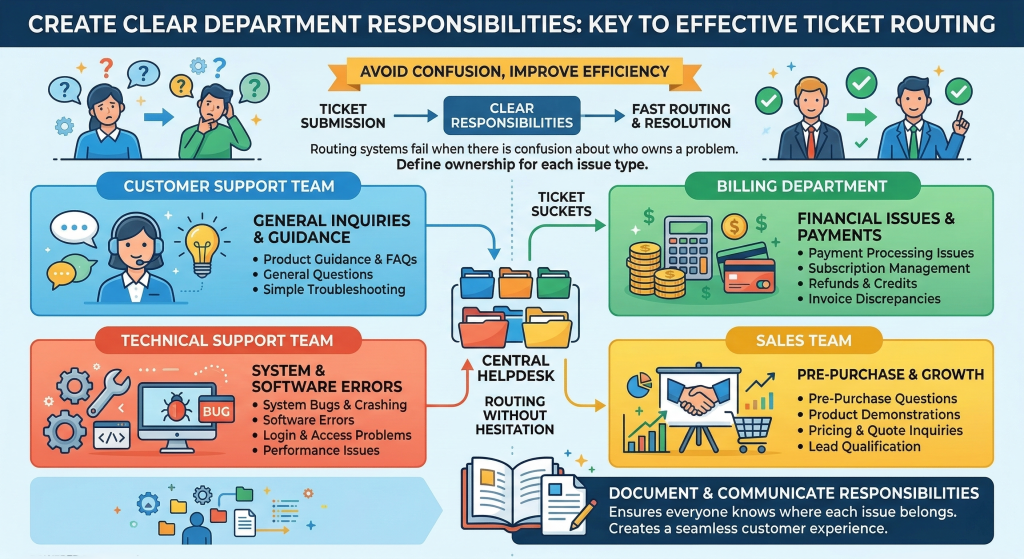
Before you even touch a piece of software, you have to fix the human architecture behind it. The single biggest bottleneck in support is ambiguity. If your team does not know exactly where their authority ends and another department’s begins, tickets will sit rotting in a queue. You need to establish hard boundaries and crystal-clear definitions for who owns what.
Let’s look at how a healthy support architecture breaks down. It shouldn’t look like a messy web; it should look like a clean, predictable highway.
The Technical Support Tier
This is not for basic password resets or users wondering where a button moved. This team owns deep product bugs, API failures, server timeouts, and structural breakages. If a line of code is misbehaving or your database is dropping requests, it goes here. The people in this tier need direct access to your engineering team, and they shouldn’t be distracted by everyday customer hand-holding.
The Billing and Accounts Desk
Keep them separated from general inquiries. Refunds, subscription upgrades, failed invoices, payment gateway errors, and contract renewals belong strictly to this pod. If you are using a comprehensive CRM platform like Hubspot to track your deals and lifecycle stages, your billing desk should live inside those customer profiles. When a customer writes in saying their credit card was charged twice, the ticket needs to land on a desk that can look at the contract history immediately without asking three different managers for permission.
Customer Success vs. Account Management
Here is a massive trap that young companies fall into constantly. They mix up success and support. Customer success should handle proactive onboarding, driving product adoption, and helping clients hit their strategic goals. Account management handles the legalities of renewals and upsells.
Do not let your success managers get buried under day-to-day bug troubleshooting. If your proactive success team is spending four hours a day fixing broken UI elements for angry users, your long-term strategic retention numbers will tank.
Build Smart, Intent-Based Intakes
Stop using a single, generic “support@company.com” email address as your primary intake channel. It is an absolute black hole. When everything dumps into one massive bucket, your team wastes hours manually reading, tagging, and transferring items.
Instead, segment your inbound volume right at the point of contact. If you are managing a high-volume operation, you need robust platforms to build these direct paths. Heavy hitters like Zendesk excel here because they allow you to set up multi-brand, highly customized contact forms that dynamically change based on what the user selects.
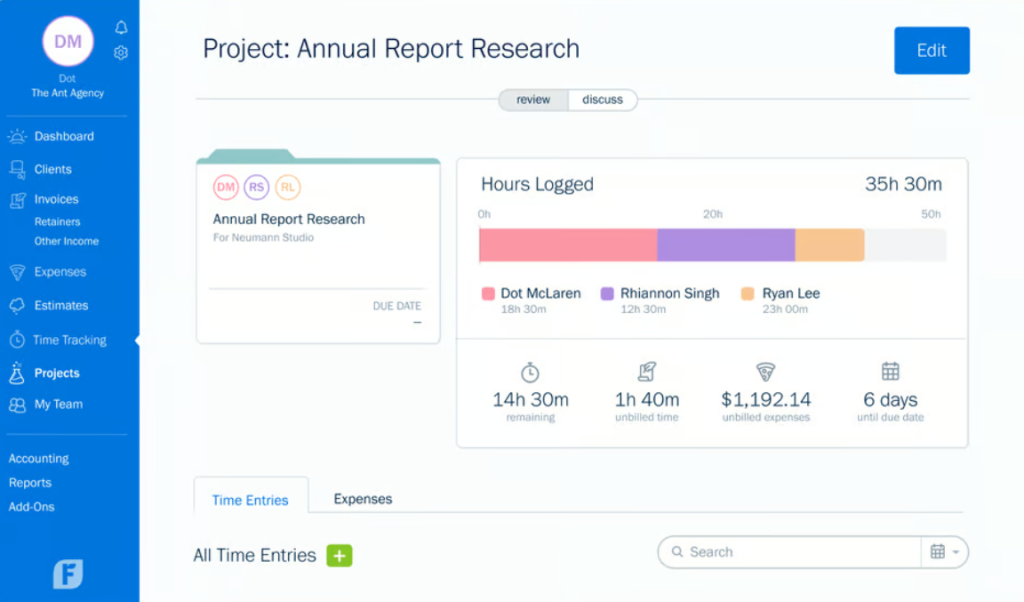
Instead of asking them to type a long essay into an empty box, give them clear, high-level options to choose from before they hit submit. Use simple choices like:
- “I have a question about my invoice or pricing.”
- “I found a bug in the mobile app.”
- “I need help setting up my team onboarding.”
By forcing a tiny bit of categorization upfront, you give your systems the clean data they need to push the ticket to the correct team immediately. It cuts down manual triage time to zero.
Deploy Data-Driven Routing Rules
Once you have categorized the incoming tickets, you need an engine that understands what to do with them. Do not rely on manual dispatchers. It’s too slow, and human dispatchers introduce bias and fatigue.
If you want a modern, unified approach to handling this across email, chat, and phone, take a look at an omni-channel platform like Freshworks. It allows you to build conditional routing rules based on keywords, customer tiers, or specific communication channels.
For instance, if a ticket contains the words “cancel,” “refund,” or “overcharged,” the system should bypass the general queue entirely and land directly in the high-priority billing queue.
Similarly, you can set up VIP routing. If your highest-paying enterprise client opens a ticket, it shouldn’t wait behind a free-trial user’s basic question. The system should read the customer record, recognize their value tier, and instantly bump them to your senior engineers or dedicated account managers.
Watch Behavior, Not Just Ticket Counts
Routing isn’t just about moving a ticket from point A to point B. The truth is, it’s about understanding how your users navigate your product before they even decide to cry out for help. If you only look at your support queue volume, you are missing half the story.
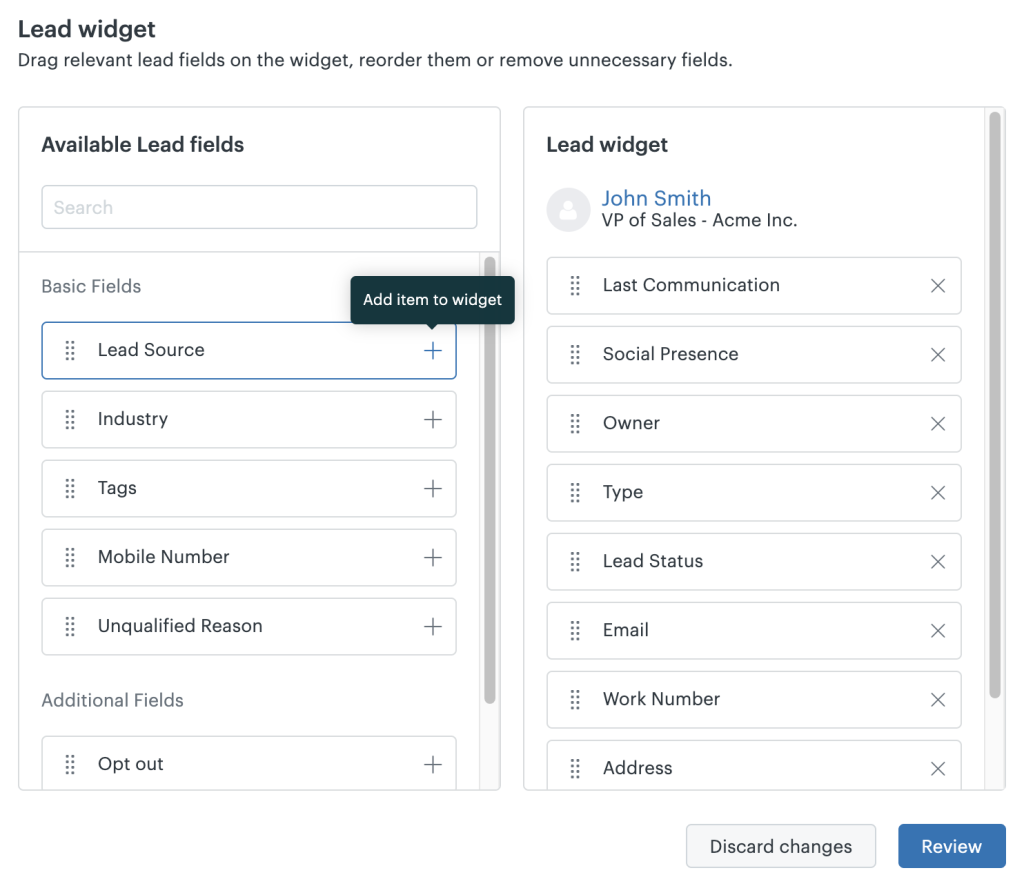
You need to leverage advanced behavior analytics tools like Kissmetrics to see exactly what actions a user took right before they opened that support panel.
Did they click a broken checkout button three times? Did they get stuck on a specific integration settings page for ten minutes?
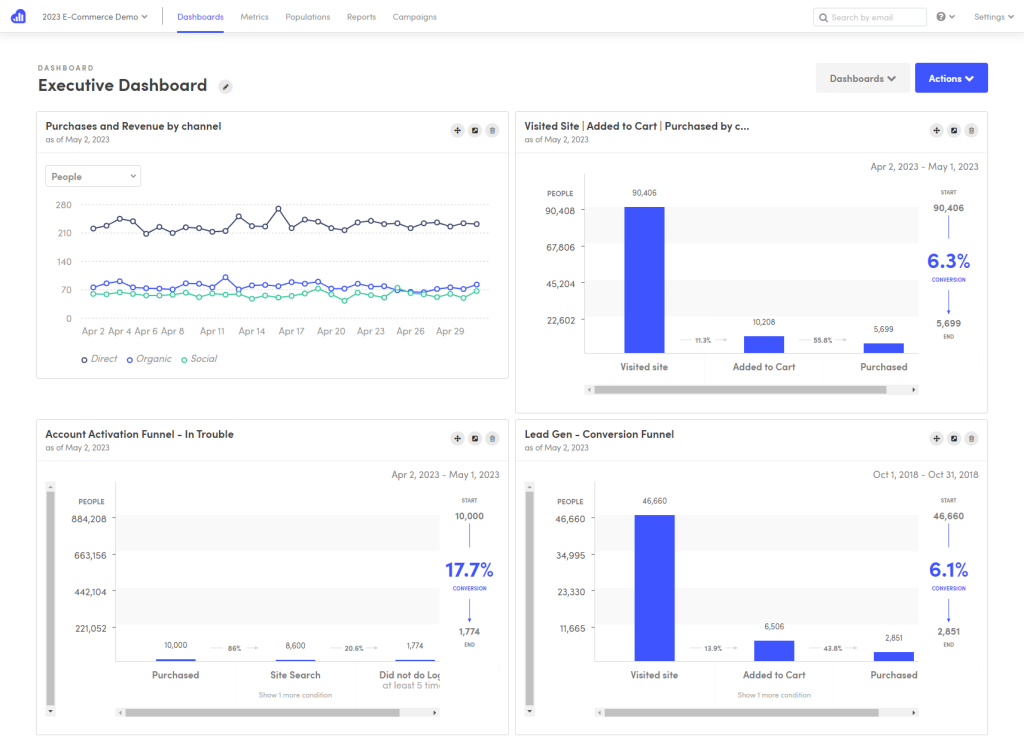
When you tie behavioral data to your support architecture, your routing becomes highly contextual. If the system knows a user just experienced three consecutive payment failures on your checkout page, it doesn’t just route their eventual support ticket to the billing team—it routes it with the exact event log showing what went wrong. Your agents don’t have to ask, “What steps did you take?” They already know, and they can fix it on the first reply.
Focus on Immediate Conversations
Sometimes, email ticketing is just too slow for critical issues. If a customer is stuck on a high-intent page, you want to route them to a live human instantly before they close the tab and walk away.
For real-time intervention, deploying a dedicated live chat solution like Intercom works wonders. It allows you to target users based on their live session data. If a user is on your pricing page and opens a chat, they shouldn’t get routed to a technical support agent. They should get routed directly to a sales or account representative who can close the deal right there.
If they are deep inside the developer documentation, the chat should route to a technical support engineer. Matching the channel to the user’s immediate context changes the entire dynamic of the conversation.
Wrap Up
Look, building a great routing system isn’t a set-it-and-forget-it project. You have to constantly audit where the friction lies.
Keep a close eye on your “Internal Transfer” metric. If a specific type of ticket is being transferred two or three times before it finds a resolution, your intake questions are failing. It means your customers are misclassifying their problems, or your automated keywords are misinterpreting their intent.
Spend time refining your documentation, tweak your routing keywords every month, and ensure your team has the agency to update the rules when they notice consistent patterns. The goal is simple: one ticket, one destination, and a fast resolution. Skip the corporate runaround, treat your user’s time like gold, and your retention metrics will take care of themselves.



Leave a Comment