Think about the last time you visited a site to ask a quick question about a purchase. Instead of getting help, you’re stuck staring at a loading animation or waiting on hold to talk to a rep. By the time someone finally answers your email, you’ve already bought from their competitor. If you make customers wait, you lose them.
In business, slow support is a silent killer.
That is why helpdesk automation is growing so fast. Customers want instant solutions, and teams are running out of hours in the day. But automation isn’t about firing your support staff and letting algorithms take over. The goal is to hand off the repetitive grunt work to software. By handing these chores to algorithms, you free up your support staff. They can then spend their hours on critical client problems that require human insight and careful attention. Let’s look at how to deploy these changes without causing friction.
What Actually Is Helpdesk Automation?
At its core, helpdesk automation is using software to handle routine customer support requests without manual effort. Instead of a support rep typing out the exact same password-reset link forty times a day, the system does it automatically.
Think of things like routing incoming tickets, sending follow-up surveys, setting up client portals, and deploying chat interfaces. For instance, if a customer wants to know where their package is, the system can lookup the tracking code and email them the details in a split second.
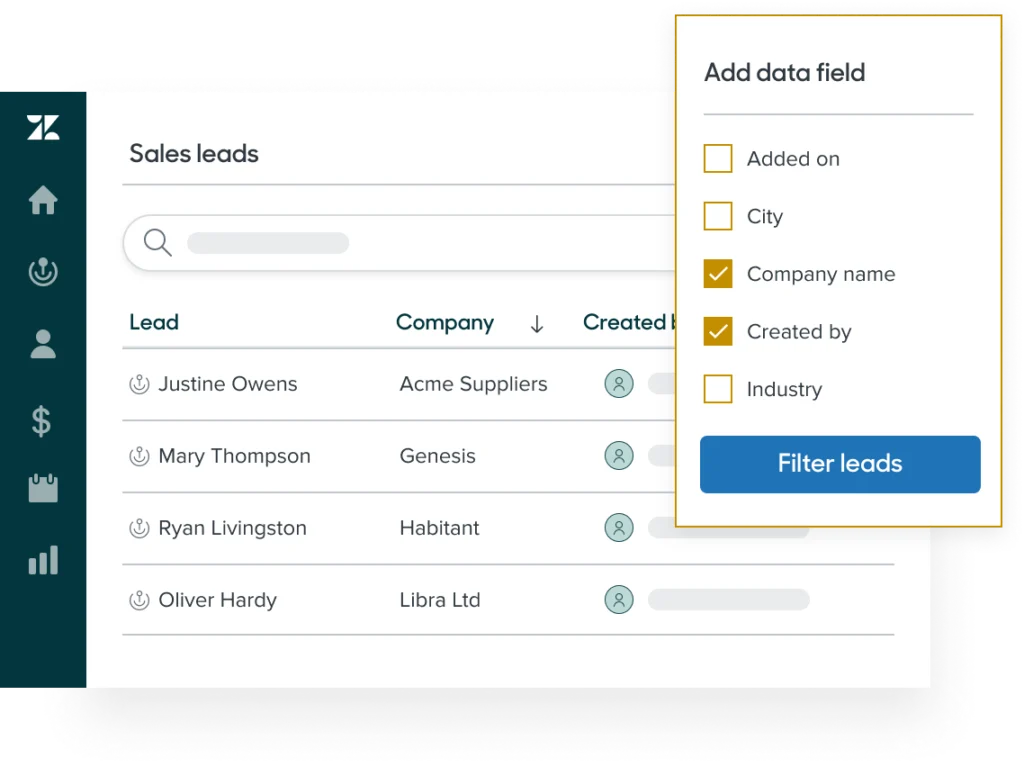
By using tools like Zendesk, support departments can categorize tickets, assign them to the correct agents, and use pre-written templates. It brings order to a messy inbox.
The Reality Check: Why Everyone Is Automating
People have zero patience these days. A day-long wait time might have worked years ago, but now it feels like an eternity. Studies by Salesforce research show that most buyers expect an answer the minute they send a message. Doing all that work with a manual queue is a recipe for high payroll costs and missed tickets.
Plus, force-feeding your support team the same basic password reset questions fifty times a day will burn them out. Automating these quick queries allows your reps to focus on actual, complex problems that require real human thought.
Here is a quick look at the support desk math:
- Going manual: Your wait times climb, your team is stressed, reviews are hit-or-miss, and your only choice is to hire more people.
- Going automated: Simple answers go out in seconds, the daily workload drops, ratings stay consistent, and you keep your support costs predictable.
Handling routine questions automatically makes it much easier to scale up as your customer base expands.
The Power of Let-Me-Fix-It-Myself (Self-Service)
Honestly, most customers would prefer not to talk to you. They want to find the fix themselves, resolve the issue, and get on with their work. That’s why self-service is so powerful. By writing setup guides, an FAQ page, and a searchable knowledge base, you let users solve their own issues in a minute. When they find the solution themselves, they never submit a ticket in the first place. You can use platforms like HelpJuice to build these document centers so users can find solutions instantly without drafting an email.
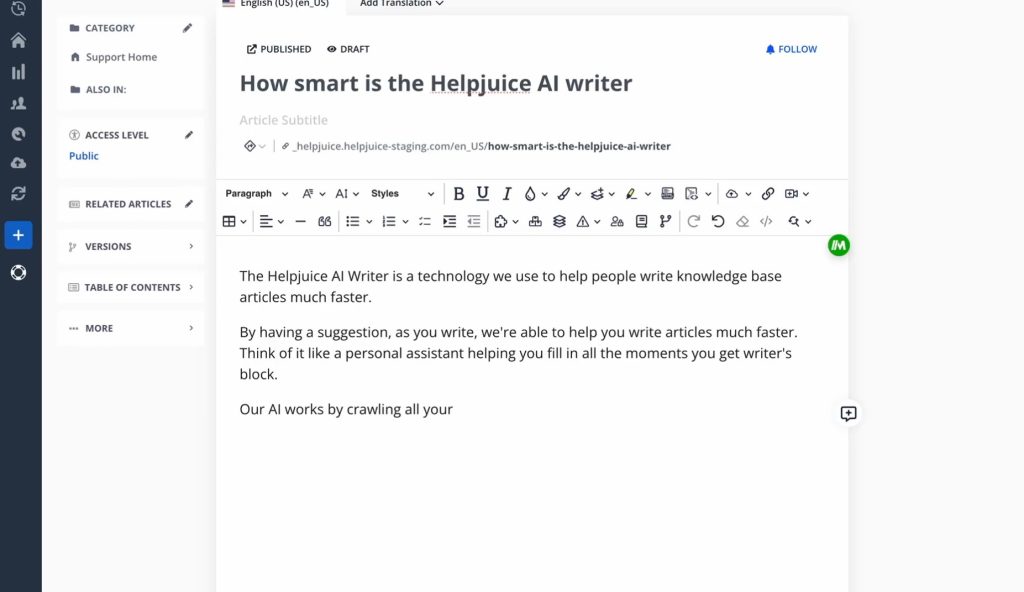
Just remember, a help center is never really finished. If you change your software interface but leave outdated screenshots in your guides, customers will get lost, get frustrated, and file a ticket anyway. You have to keep your guides current. As Gartner, points out, a self-service page is the first place most customers look. If you don’t offer one, you’re adding unnecessary steps to their day.
How Chatbots Fit into the Mix
You can’t browse the web today without seeing chat boxes pop up in the corner of your screen. They are everywhere. But there’s a huge difference between a basic bot and a modern system:
- Old bots were basically rigid phone trees. They gave you three buttons to click, and if your problem didn’t fit those categories, you were stuck in a loop.
- Modern chat engines: They understand normal conversational sentences. They can pull up order profiles, trigger password reset links, and collect basic account details before handing the conversation over to your team.
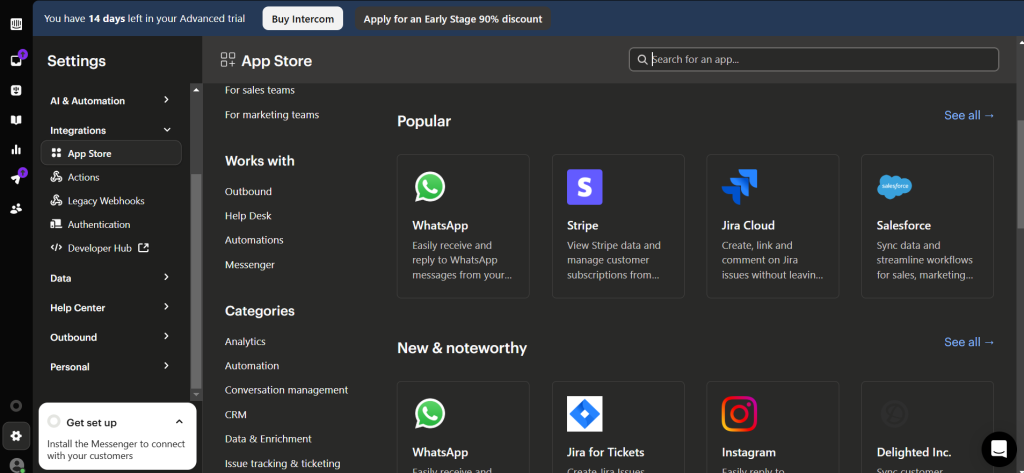
Apps like Intercom connect these two worlds by blending automated chat paths with live human support. The bot greets the customer and answers basic questions, but passes the conversation to a team member the moment things get tricky.
Where Does Automation Excel?
If you want to keep your customer base happy, only automate tasks that follow a very clear pattern. Leave unusual cases for human eyes. Here are the best places to start:
- Gathering account details first: Have a bot ask for the user’s name and account reference before your rep joins the conversation.
- Sorting your incoming messages: Let your helpdesk software read the words in a ticket, tag it automatically, and pass it to the right department.
- Handling routine questions: Standard inquiries regarding business hours, shipping rates, or return steps can be answered immediately with saved replies.
- Delivering tracking links: Automatically email transit details to buyers as soon as their package is scanned out. This cuts down on emails checking where packages are.
Where Automation Often Breaks Down
If you rely too much on software, you will push your buyers away. Keep an eye out for these errors:
- Putting bots in charge of sensitive chats: Do not use chatbots to handle payment disputes or account cancellations. Those situations require a human agent’s discretion and empathy.
- Infinite chatbot loops: When a customer types “human” five times and your chat widget keeps showing them self-help menus, they will get frustrated. You must give them a quick way to bypass the bot.
- Neglecting your guide library: When self-help guides display wrong prices or outdated details, readers will just open a new ticket anyway. Make sure your articles are correct.
How to Set It Up (Step by Step)
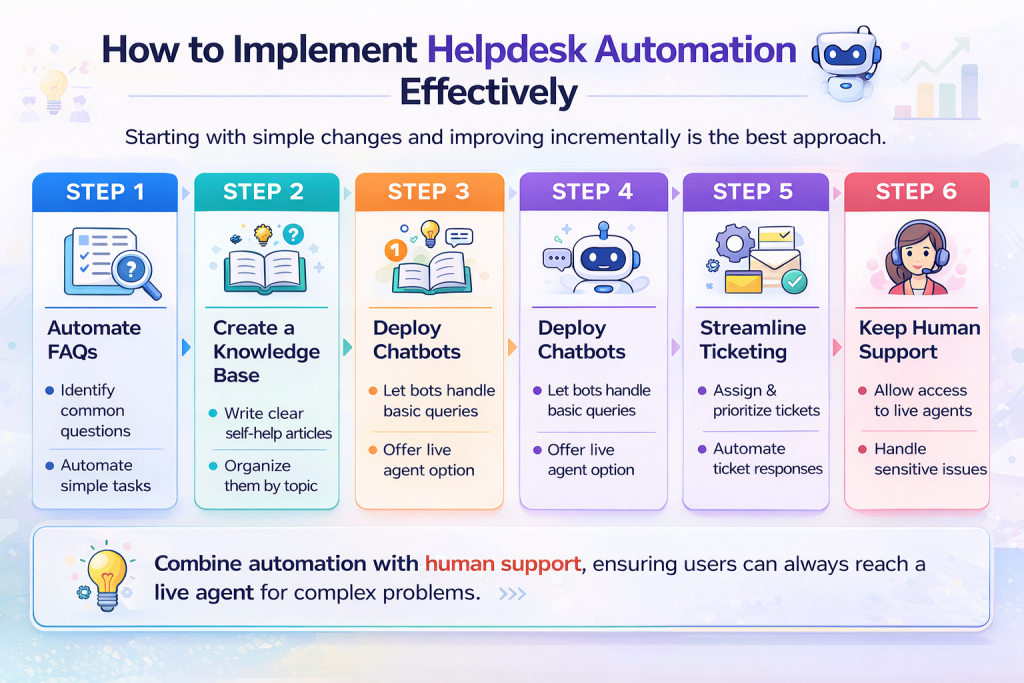
If you’re ready to build this system, don’t try to change your entire setup in one day. Take it slow:
1. Identify the common issues
Check your support inbox from the last month. Look at your records to find the five questions your team answers over and over. If you don’t track this yet, spend a few days tagging incoming requests. Focus your automation efforts on these five topics first.
2. Build your FAQ library
Write helpful, easy-to-read guides that solve these five specific questions, and post them to your help section.
3. Deploy a helper bot
Configure a simple chat widget on your site to share these FAQ links when visitors type in common search terms.
4. Route incoming issues
Set up automatic sorting rules in your helpdesk software to send billing issues straight to accounting and software problems straight to developers.
5. Keep the human escape route obvious
Always keep a clear, simple link to talk to a live rep accessible at every stage of the user’s journey.
Wrap -Up Is helpdesk automation worth it?
When you approach it strategically, automation makes your customer service run like clockwork. It reduces overhead, stops agent burnout before it starts, and gets customers what they need in seconds. Begin by looking at your most frequent requests, write some clear guide articles, use platforms like Zendesk or Intercom to handle the flow, and focus on the customer experience. Your support team and your buyers will thank you.



Leave a Comment