A signed contract that falls apart in court is not just embarrassing—it can cost your business far more than the deal was worth. Most e-signature disputes aren’t about whether someone signed. They’re about proving it. Who clicked that checkbox? From which device? At what time? Did anyone tamper with the document between signing and storage? Those are the questions that turn a closed deal into a legal headache, and your audit trail is the only thing that answers them definitively.
If your e-signature workflow doesn’t produce a complete, timestamped, tamper-evident log of every action taken on a document, you’re signing contracts on faith rather than evidence.
What an Audit Trail Actually Is
An audit trail is a chronological record of every event tied to a document’s lifecycle. For e-signatures, that means logging when the document was created, when it was sent, when each recipient opened it, when they signed it, which IP address and device they used, and whether the document was modified at any point before or after signing.
The best audit trails are embedded directly inside the final signed PDF as a separate, cryptographically sealed certificate. Even if someone copies the file, renames it, or moves it to a different server, the embedded certificate travels with the document and can be independently verified.
A bare-minimum audit trail shows you that a signature was captured. A proper one shows you the full chain of custody—enough detail to reconstruct exactly what happened if the signature is ever challenged.
The Legal Frameworks That Make Audit Trails Non-Optional
Depending on where your business operates and who you’re contracting with, compliance with specific e-signature laws may not be optional.
- ESIGN Act (United States) — Gives e-signatures the same legal weight as handwritten ones, provided there’s evidence of intent to sign and a way to retain the signed record. Without an audit trail, demonstrating that intent becomes murky in court.
- eIDAS Regulation (European Union) — Groups digital signatures into three distinct buckets: Simple, Advanced, and Qualified. If you operate across European markets, standard click-to-sign checkboxes won’t always hold up for high-stakes agreements. Advanced and Qualified tiers require verifiable identity checks and tamper-proof audit certificates to prevent signers from backing out later.
- UETA (Uniform Electronic Transactions Act) — Adopted by most US states, UETA requires that electronic records be capable of being retained and accurately reproduced. Signing a document and discarding the audit log puts you outside compliance.
- HIPAA and Financial Regulations — Healthcare and financial services operate under additional record-keeping mandates. Patient consent forms, loan agreements, and financial disclosures signed electronically need audit logs that can survive a regulatory audit, not just a legal dispute.
What a Legally Defensible Audit Trail Should Contain
Not all audit logs are equal. When evaluating an e-signature tool, look for these specific data points in every audit record:
- Timestamp with timezone: Every action must be timestamped to a precise moment, not just a date
- IP address and geolocation: Ties each signing event to a specific network location
- Device and browser fingerprint: Identifies the exact machine used to open and sign
- Email address of each signer: Confirms identity based on the invitation sent
- Document hash before and after signing: A cryptographic fingerprint that proves the document wasn’t altered
- Certificate of completion: A final, sealed PDF bundling the signed document with the complete audit log
If your current tool doesn’t provide all of these on every signed document, your contracts have compliance gaps you probably haven’t thought about yet.
Tools That Take Audit Trails Seriously
Finding software that handles audit trails properly comes down to how much verification evidence you need to collect. Here is how the leading platforms manage signature tracking in real-world environments:
DocuSign — Best for Enterprise Contract Management
For high-stakes contracts or strict industry audits, DocuSign remains the go-to standard. It logs every single touchpoint—when the email was opened, when the document was viewed, and the exact second each signature was applied—tying IP addresses and timestamps directly into a sealed PDF certificate.
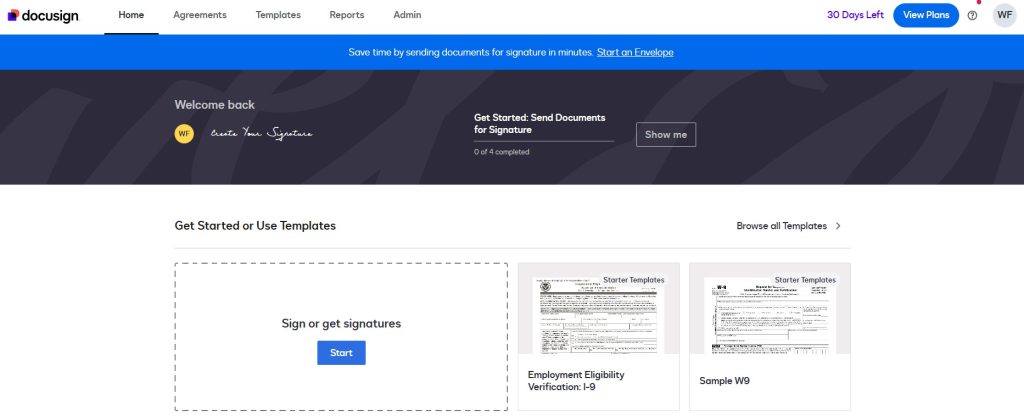
You can also layer on identity checks like SMS one-time passcodes or government ID scans, making it easy to hit Advanced or Qualified eIDAS standards when dealing with European clients.
eSignatures.io — Best for Developer API Workflows
If you’re embedding contract signing directly into your web app or internal dashboard, eSignatures lets you manage the entire lifecycle via a straightforward REST API.
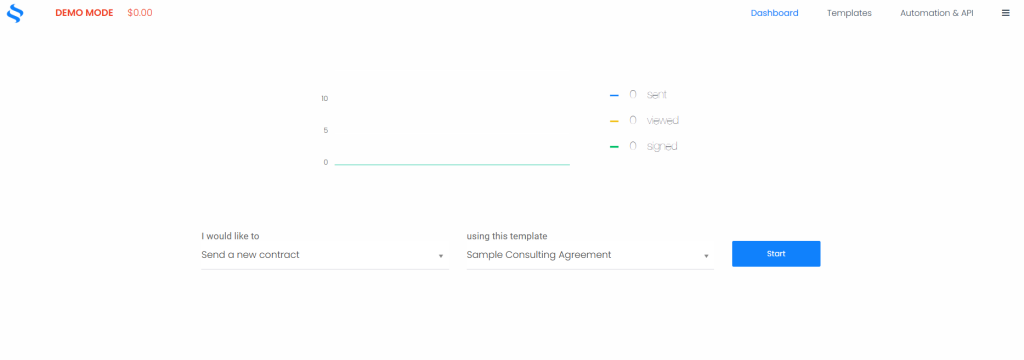
Instead of keeping your audit records trapped inside an external vendor dashboard, eSignatures.io sends full audit logs—including IP records, browser details, and timestamps—straight to your own database via webhooks as soon as a document is completed.
eSignly — Best for Small Business Budgeting
Smaller teams, freelancers, and boutique agencies rarely need massive enterprise features. eSignly gives you a straightforward signing interface that handles core legal requirements without breaking the bank.
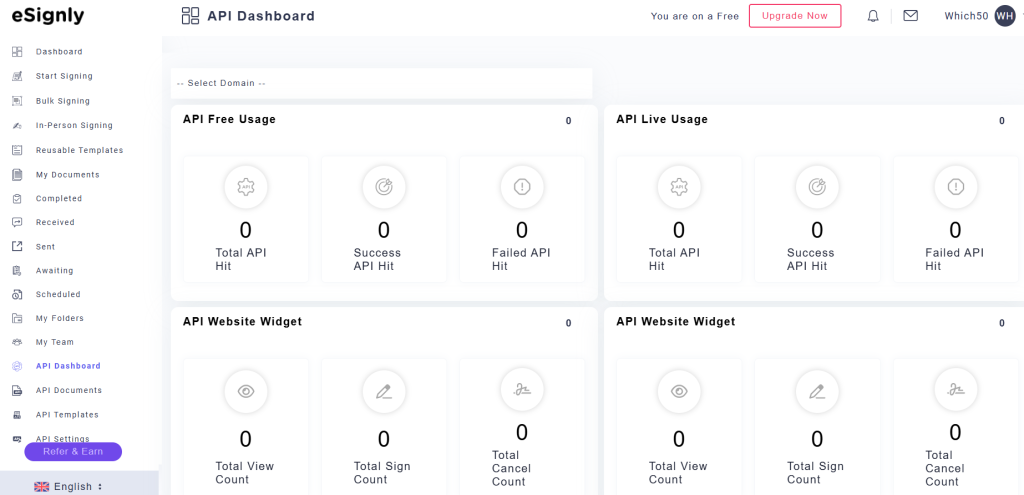
Every signed contract comes with a dedicated certificate detailing who signed, when they signed, their email, and their IP address. It gives you solid legal backing for everyday client contracts without forcing you into an expensive enterprise subscription.
DocuPhase — Best for Complex Internal Workflows
If your team deals with multi-step internal approvals before a contract ever reaches an external client, DocuPhase combines signature capture with full document management.

Rather than capturing only the final signature, DocuPhase logs everyone who reviewed, edited, or approved the draft beforehand. That full-chain history makes internal compliance reviews much smoother when auditors ask how a agreement moved through your pipeline.
JotForm — Best for Form-Based Signature Collection
If your signature use case involves consent forms, intake documents, waivers, or any form-and-sign workflow, JotForm handles the entire process from form fill to e-signature in a single step.
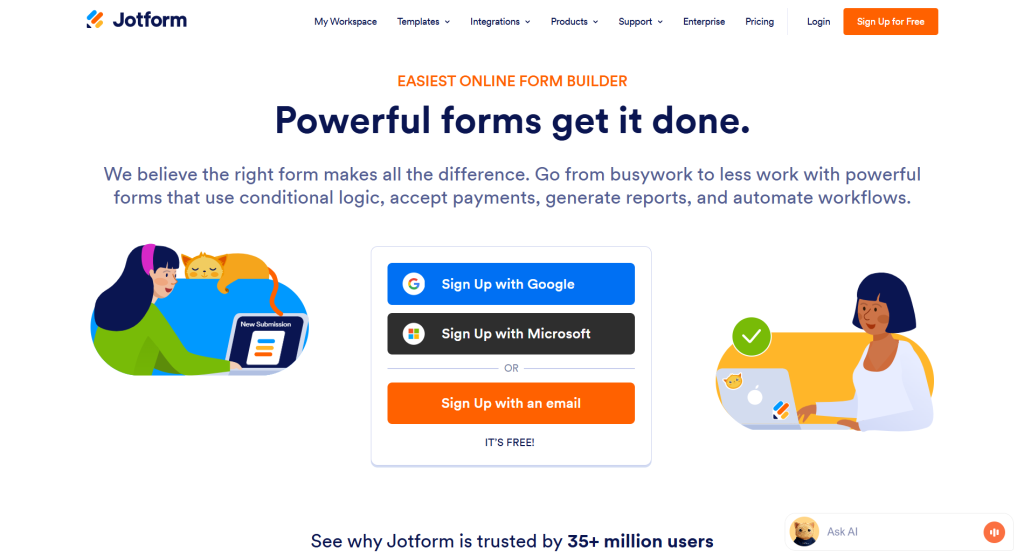
JotForm logs each submission with IP address, timestamp, and device data. Their audit records aren’t as deep as DocuSign’s for complex multi-party contracts, but for simpler consent-and-sign workflows at high volume—event registrations, patient intake, contractor onboarding—they’re a practical and cost-effective option.
How to Build a Compliant E-Signature Process
The right tool only gets you halfway. The process around it determines whether your audit trails hold up when it matters.
- Back up completion certificates immediately: Don’t leave your signed agreements living exclusively inside your vendor’s cloud dashboard. Grab the finalized PDF with its embedded audit certificate as soon as a contract completes and store it in your company’s secure storage.
- Keep signed PDFs completely untouched: Modifying a signed PDF—even fixing a minor typo or rotating a page—corrupts the cryptographic signature hash. If post-sign tweaks are needed, draw up a standard addendum instead of trying to patch the signed PDF.
- Pair verification checks with contract value: A standard email link works fine for basic internal approvals or low-stakes agreements. But if you’re closing high-value client deals or vendor agreements, turn on SMS two-factor verification or identity verification checks to guarantee the correct person is signing.
- Lock down archiving workflows early: Compliance rules dictate exactly how long business contracts have to remain on file. Set up automatic archival rules from day one so your team isn’t scrambling to locate documents during a surprise audit.
- Test your audit trail in a mock dispute scenario: Pull a completed audit log and ask yourself whether it would convince a skeptical judge. If it can’t answer where, when, and from what device the signature was captured, it needs work.
Conclusion
An e-signature without a proper audit trail is a handshake deal with extra steps. It might hold up, or it might not, and you won’t find out which until someone disputes it. Tools like DocuSign, eSignatures.io, eSignly, DocuPhase, and JotForm all generate the timestamped, tamper-evident records that turn a digital signature from a convenience into something that can actually defend your business. Pick the one that fits your volume and regulatory environment, then build the storage and retention process around it.


Leave a Comment