Every cloud platform will tell you their infrastructure is secure. And technically, most of them are right—the server-side encryption, the access controls, the compliance certifications are all real. But the incident rates tell a different story, because the majority of cloud security breaches don’t happen because the platform itself failed. They happen because someone on the customer side misconfigured a storage bucket, reused a password, or gave admin access to a contractor who left the company six months ago.
Understanding where cloud security incidents actually come from matters more than reading a provider’s compliance page. Industry data consistently shows that human error and access management failures account for a far larger share of cloud breaches than infrastructure vulnerabilities. That means the platform you choose matters less for its raw security posture and more for how well it helps you avoid the mistakes that lead to incidents in the first place.
This guide breaks down where the real risks sit, what the incident data actually says, and which tools help close the gaps that lead to breaches.
What the Incident Data Actually Shows
The raw numbers on cloud security incidents can be misleading if you don’t break them down by cause. Here’s where breaches actually originate in most cloud environments.
- Misconfiguration is the leading cause of cloud data exposure. Research from multiple cybersecurity firms consistently places misconfiguration as the root cause of between sixty and seventy percent of cloud security incidents. This includes publicly exposed storage buckets, overly permissive access policies, and default security settings that were never tightened after initial deployment. The platform provided the tools to lock things down—someone just didn’t use them.
- Credential compromise is the second most common vector. Compromised login details—weak passwords, recycled credentials from past leaks, or accounts missing multi-factor authentication—are the next biggest vulnerability. When an attacker gets into a cloud environment, they almost always walk in through the front door using legitimate credentials rather than exploiting a technical vulnerability in the platform itself.
- Insider risks and unrevoked access create quiet exposure. Employees holding far more permission than their role requires, former staff whose accounts weren’t removed on their last day, and third-party contractors left with standing admin access all contribute to incidents that standard perimeter security won’t catch.
- Connected tools and API integrations add hidden attack surface. When you link two cloud services together, you open up an entry point that neither platform fully owns. If a third-party integration or API endpoint gets compromised, it can leak data even if your primary cloud storage is locked down tight.
The issue here isn’t that cloud providers build weak platforms. It’s that the security controls built into the platform only work when someone configures and maintains them properly—and that’s where the right tooling makes the difference.
Tools That Reduce Your Exposure in Cloud Environments
Box — Best for Enterprise Cloud Storage With Granular Security Controls
Box approaches cloud storage with security governance baked into the file-sharing layer. Every file and folder can have its own access policy, watermarking rules, and download restrictions. The admin console gives security teams a single dashboard showing who accessed what, when, and from which device—which is exactly the audit trail you need when investigating a potential incident.
Box Shield, the platform’s built-in threat detection layer, uses machine learning to flag anomalous access patterns. If an account that normally accesses files from one location suddenly starts bulk-downloading documents from an unfamiliar IP range, Shield surfaces that activity before the data leaves the environment. For organizations operating under strict compliance requirements, Box’s classification labels let you tag files by sensitivity level and enforce different access rules automatically based on what the document contains.
CrowdStrike — Best for Cloud Workload Threat Detection
CrowdStrike monitors server workloads, containers, and active connections in real time, catching malicious activity that standard firewalls tend to miss.
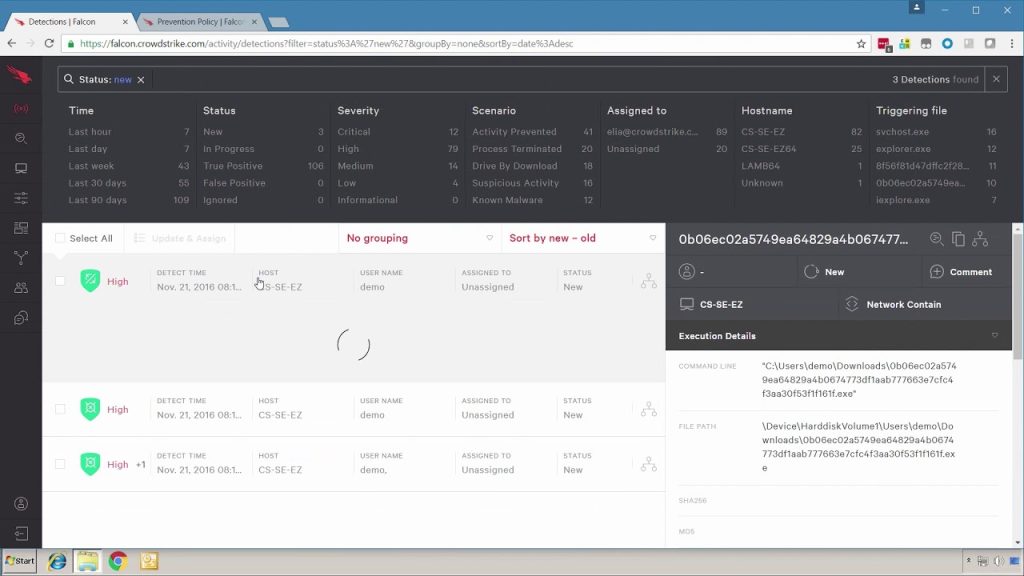
The Falcon platform provides real-time visibility into what’s running across your cloud environment—every process, every network connection, every file modification. When something deviates from established behavior patterns, CrowdStrike flags it with enough context for your security team to determine whether it’s a legitimate change or an active threat. For teams running workloads across multiple cloud providers, the unified dashboard means you aren’t switching between three different security consoles to get a complete picture.
Dropbox — Best for Team File Sharing With Built-In Access Auditing
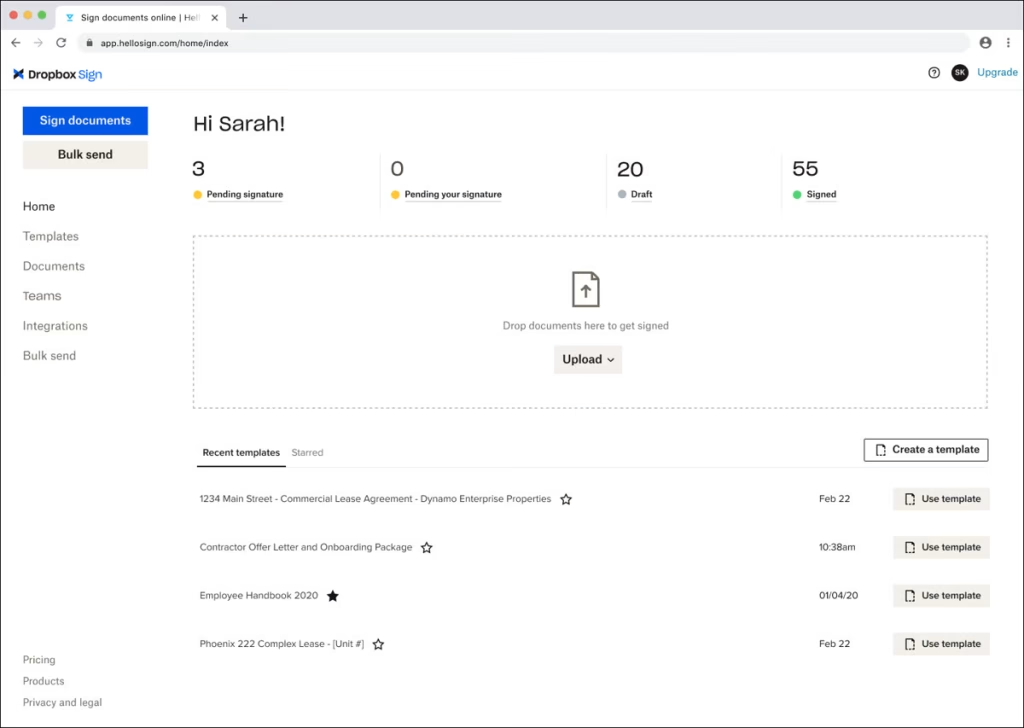
Dropbox has invested heavily in its security layer for business accounts. Admin controls let you enforce device approvals, set session timeouts, and require two-factor authentication across the entire organization rather than leaving it as an optional setting that half the team ignores.
The activity log tracks every file share, link creation, and external access event. If a shared link gets forwarded to someone outside the organization, you can see it and revoke access immediately rather than discovering the exposure weeks later. For teams that share files externally as part of normal operations, the granular link controls—password protection, expiration dates, and download restrictions—reduce the surface area for accidental data leaks.
Backblaze — Best for Secure Cloud Backup With Encryption Control
Backblaze handles the backup side of cloud security, which is often the last line of defense when an incident does occur. If ransomware encrypts your production data or an accidental deletion wipes a critical folder, the recovery story depends entirely on whether your backup infrastructure was configured properly.
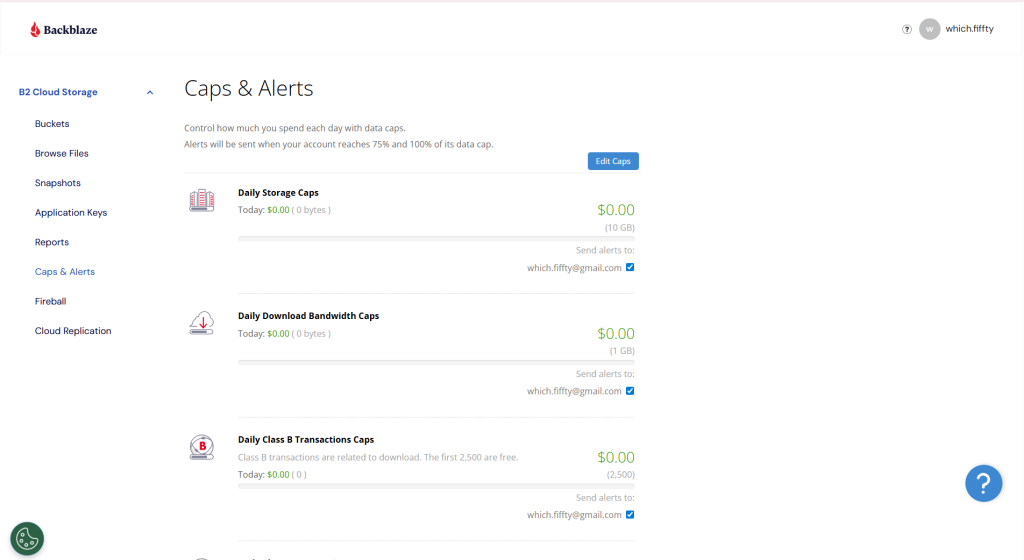
Backblaze B2 cloud storage supports server-side encryption by default and gives you the option to manage your own encryption keys rather than relying solely on the provider’s key management. Object Lock functionality lets you write backups that cannot be modified or deleted for a specified retention period, which protects against both ransomware and insider threats that target backup data specifically.
1Password — Best for Eliminating Credential-Based Cloud Breaches
Since credential compromise is the second most common cause of cloud security incidents, 1Password addresses the problem at its source by removing weak and reused passwords from the equation entirely.
The business tier gives every team member a vault for generating and storing unique, complex credentials for every cloud service they access. The admin dashboard shows which employees have weak passwords, which accounts lack two-factor authentication, and which credentials may have appeared in known data breaches. Watchtower alerts flag compromised credentials proactively rather than waiting for an incident to reveal the exposure.
Carbonite — Best for Automated Cloud Backup and Recovery
Carbonite provides continuous backup for endpoints and servers that feeds into a cloud recovery environment. For organizations where the biggest risk isn’t a breach but a data loss event—hardware failure, accidental deletion, ransomware encryption—Carbonite’s automatic backup keeps a recoverable copy of everything without requiring manual intervention.
The recovery console lets you restore individual files, full system images, or entire server environments from cloud backup, which keeps recovery time predictable even during a large-scale incident. For teams without a dedicated IT security staff, the set-and-forget backup model ensures data protection doesn’t depend on someone remembering to run a backup job every Friday.
How to Lower Your Own Incident Rate
The tools handle the technical layer. The operational habits determine whether the tools actually protect you.
- Audit access permissions quarterly. People change roles. Contractors finish projects. Employees leave. If account access isn’t reviewed regularly, you accumulate standing permissions that nobody is actively using but an attacker would happily exploit.
- Enforce multi-factor authentication everywhere, not selectively. MFA on your primary cloud platform means nothing if the backup tool, the file-sharing service, and the project management app all use password-only authentication.
- Monitor for configuration drift. The settings you locked down during initial setup will change over time as new users, integrations, and admin updates modify the environment. Regular configuration audits catch drift before it becomes exposure.
- Test your recovery process, not just your backups. A backup that exists but has never been tested is a backup you’re hoping works. Run a restore test at least once a quarter so the first time you test your recovery isn’t during an actual incident.
Conclusion
Cloud security incident rates are driven far more by how platforms are configured and managed than by flaws in the platforms themselves. Misconfiguration, credential reuse, excessive permissions, and untested backups account for the vast majority of breaches—and every one of those is preventable with the right process and tooling in place.
Box, CrowdStrike, Dropbox, Backblaze, 1Password, and Carbonite each cover a different part of the cloud security stack—from storage governance and threat detection to backup integrity and credential hygiene. The platforms that report the lowest incident rates aren’t necessarily the ones with the most advanced infrastructure. They’re the ones whose customers actually use the security features that are already built in.



Leave a Comment