Meet Sarah. She dedicated months to crafting custom, hand-poured soy candles. From selecting the perfect essential oil blends to drawing the minimalist label art and launching her Shopify store, she did everything right. Even her photos looked like they belonged in a high-end magazine—amber jars glowing in warm sunlight next to soft flannel throws.
But after a month of being live, her analytics dashboard showed plenty of traffic but absolutely zero orders.
When she asked for feedback, a friend pointed to her product page. Underneath a beautiful image of her signature lavender candle, the description read: “Organic soy wax candle. Lavender scent. 8 oz jar. Burn time 40 hours. Made in the USA.”
Sarah’s mistake is incredibly common. She wrote a spec sheet, not a product description. She described the physical object sitting in her warehouse, but she forgot to describe what that object does for the person buying it. Buyers do not search online to purchase soy wax and cotton wicks. They want a way to wind down after a chaotic workday, a scent that makes their living room feel welcoming, or a thoughtful gift for a friend.
If your online store isn’t converting, your product descriptions are likely acting as roadblocks instead of bridges. Let’s look at how to rebuild your product pages so they turn casual browsers into paying customers.
The Anatomy of a High-Converting Description: Before vs. After
To understand why some descriptions sell and others gather dust, let’s look at the exact difference between copy that describes a product and copy that sells it.
The Standard Spec List (Before)
Premium Leather Wallet
- Made of genuine leather
- Measures 4.5 inches by 3.5 inches
- Features 6 card slots and 1 bill compartment
- Available in brown and black
- Durable stitching
Why does this fail? It is dry, logical, and forces the buyer to do the mental work of figuring out why these features matter. It forces shoppers into a logical mindset where they start comparing prices instead of imagining how the product will improve their day.
The Benefit-First Approach (After)
The Slim Billfold: Ditch the Bulky Pocket Stop carrying a mini-suitcase in your back pocket. Crafted from full-grain leather that softens and develops a unique character with every passing year, this wallet is cut down to a slim profile that won’t ruin the silhouette of your favorite jeans.
- No More Pocket Bulge: At just under half an inch thick when loaded, it sits flat and comfortable.
- Quick-Access Slots: Six dedicated card pockets keep your primary cards within easy reach of your thumb.
- Stitched to Last: Reinforced nylon stitching ensures the seams won’t split, even if you double up your cards.
Why the Change Works
This version starts with a title that targets a specific annoyance, details what it feels like to carry it, and lists bullet points that explain why the specs matter to the user. It talks about the real problem—stuffed pockets—and how the construction fixes it.
Putting Your Copy Into Action: Platform Setups
Having great copy is useless if it looks terrible on the screen. Let’s look at how to upload, format, and structure your text across major e-commerce systems so your layouts stay clean and inviting.
1. Shopify: Optimizing for Search and Screen
As one of the most popular platforms online, Shopify gives you a straightforward rich text editor to format your descriptions.
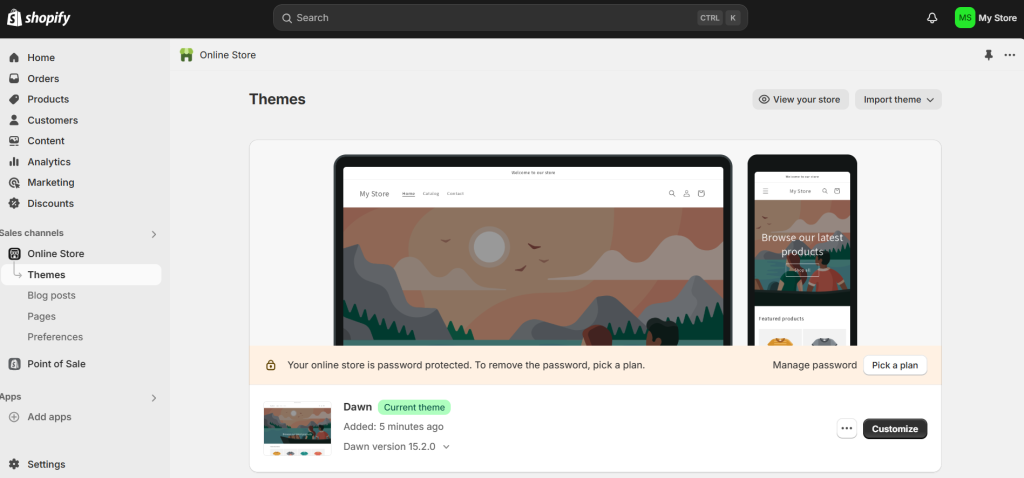
To add your description, log into your admin panel, go to Products, and click on the item you want to edit. The description box sits right next to your media uploads.
Use the formatting bar to add bold headers for different sections. This structure is essential for readability and directly impacts your e-commerce conversion rate improvement benchmarks.
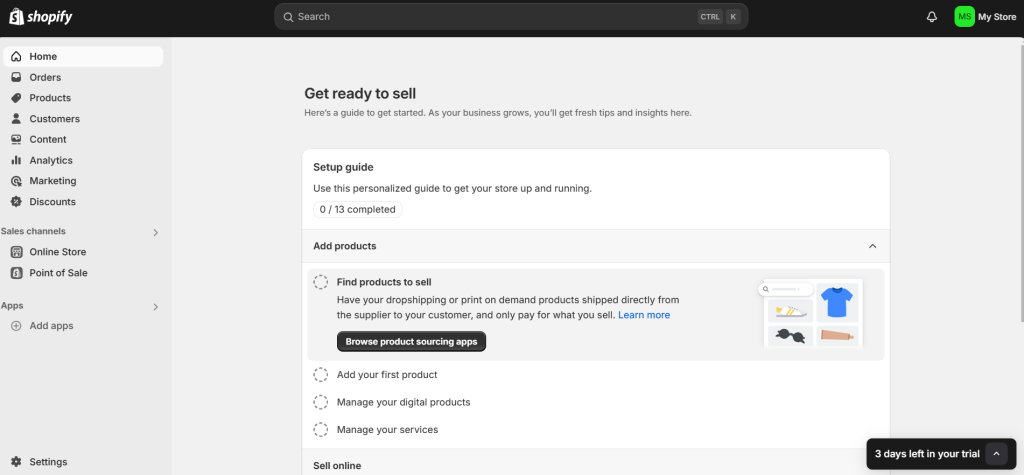
Do not forget the Search engine listing section at the bottom of the page. Shopify allows you to write a custom meta description that is separate from your main page content. This is where you write a highly compressed, 150-character hook that makes people click when your product shows up in search results.

2. WooCommerce: Blending Short and Detailed Copy
If you are using WooCommerce, you have to manage two distinct description fields. Understanding the difference between them is vital when learning how to set up your first online store.

The first field is the Product Short Description, which usually sits at the very bottom of the edit screen in WordPress. Ironically, this short description is what appears at the top of your live product page, right next to the product images and the “Add to Cart” button. Keep this section incredibly punchy—use it for your main hook and a quick bulleted list of key benefits.

The second field is the main Product Description box at the top of the edit screen. This content appears further down the live page under the “Description” tab. Use this space for the detailed story, care instructions, technical specifications, and sizing charts.

3. Etsy: Writing for the Algorithmic Shopper
On a marketplace like Etsy, your description has to do double duty. It needs to convince a human to buy, but it also needs to feed the search algorithm.
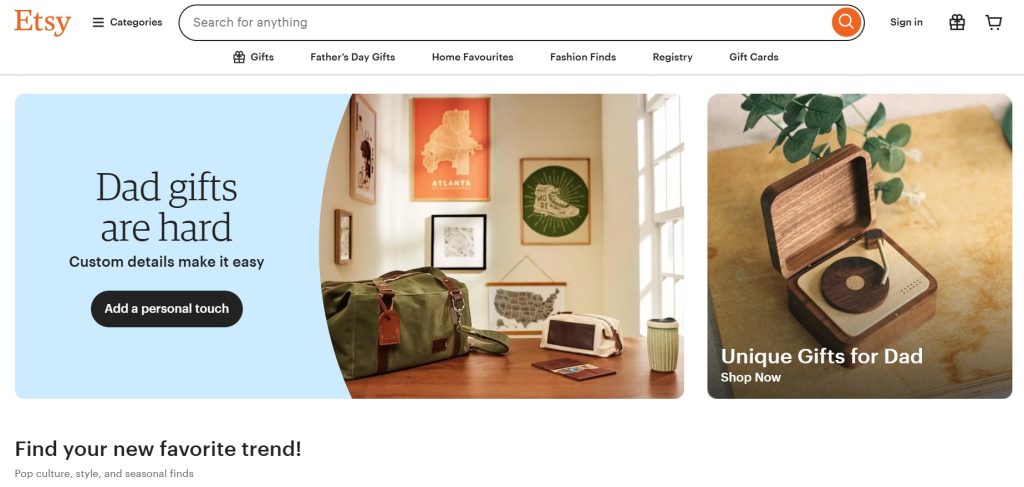
When creating a listing on Etsy, remember that the search engine indexes the terms you use in your description. Put your most important keywords in the first two sentences of your copy.
Keep your paragraphs short and use simple characters like dashes or asterisks for lists, as Etsy’s basic text editor does not support advanced HTML layout options.
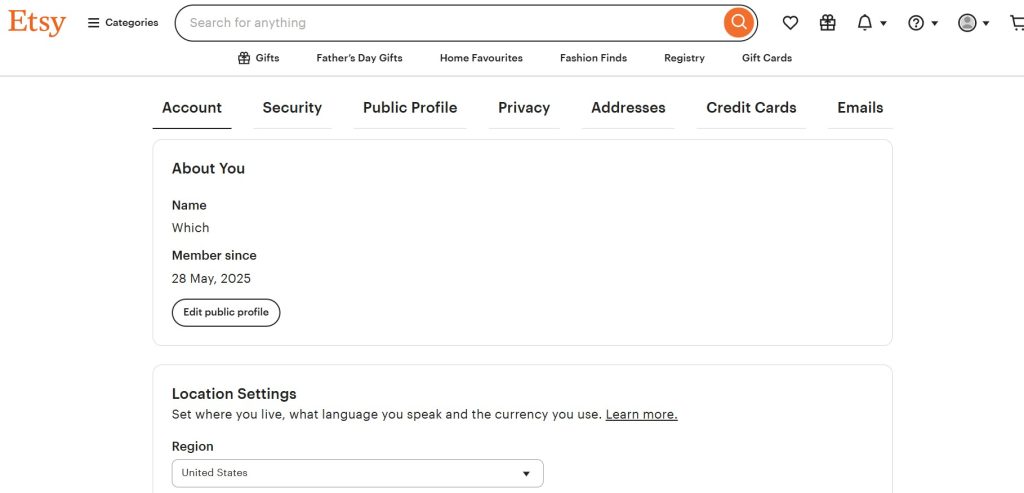
Provide clear details about processing times, shipping details, and personalization instructions directly in the description text to answer questions before a buyer has to message you.

4. Sellfy: Conversion Copy for Digital Goods
If you sell digital downloads, templates, or files, Sellfy is built for speed. Because digital buyers are looking for instant gratification, your descriptions here need to be highly focused.
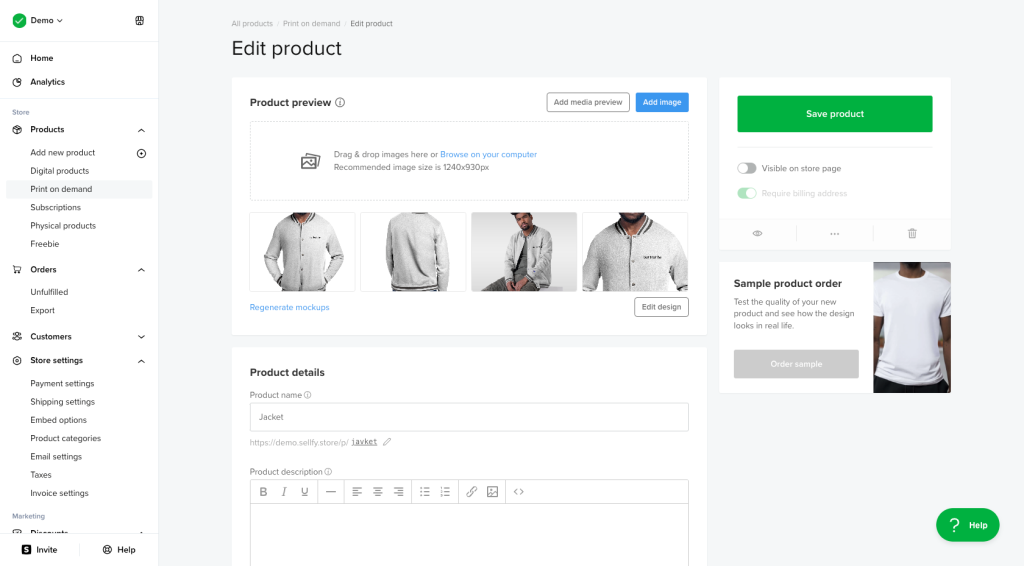
When uploading a product in Sellfy, write descriptions that focus on what the buyer will receive immediately after payment. Since there is no physical shipping, you want to eliminate checkout friction to avoid spikes in your cart abandonment reminder conversion metrics.
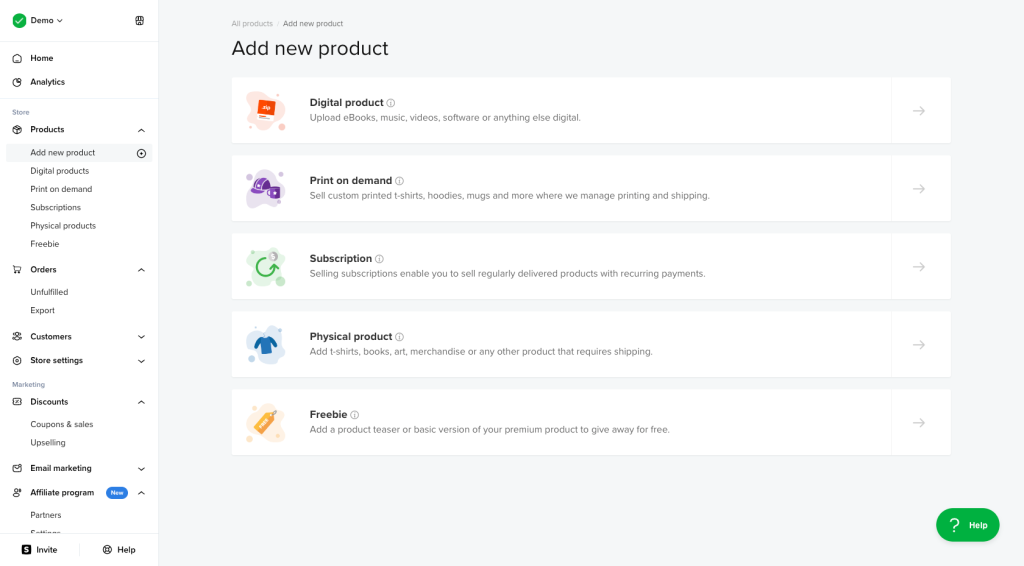
Use your copy to outline the file types included, software requirements, and licensing terms. A clean, bold list of what is inside the download folder gives buyers the confidence to hit the checkout button without hesitation.
The 4-Step Drafting Blueprint for Copy That Sells
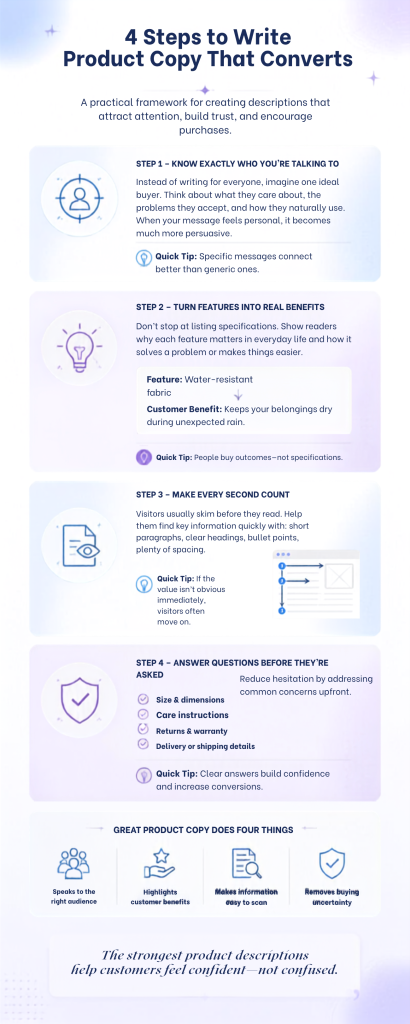
If you aren’t sure how to begin writing your copy, follow this simple workflow to build descriptions that connect with readers.
Step 1: Write to One Specific Human
Do not try to speak to everyone at once. Picture your ideal customer. Are they a busy mother looking for quick dinner solutions, or a tech enthusiast looking for the absolute latest specs? Write your description as if you are sending an email to that single person. Adopt their tone, address their specific worries, and keep it conversational.
Step 2: Use the “So What?” Filter
Every time you write down a product detail, ask yourself: so what? For example, saying your yoga mats are made of high-density foam doesn’t mean much to a beginner shopper. But if you add, “so your knees won’t ache on hardwood studio floors,” it clicks. If you don’t connect the specs to a real-world benefit, you’re leaving money on the table.
Step 3: Format for Web Scanners
People rarely read every word on a product page. Instead, they scan the layout. Data from the Nielsen Norman Group shows that most people read online articles and shopping pages in an F-shaped visual pattern. They read the top couple of lines, skim down the page, and only check the left-hand margin. To make your pages work with this habit, keep your paragraphs short, use bold words at the start of lists, and use bullet points for product details. If a customer can’t grasp the value of your product in five seconds, they will click away.
Step 4: Handle Objections Before They Happen
Every buyer has a voice in their head telling them not to buy. Your description must silence that voice. Think of the common reasons someone might hesitate to buy your product:
- Will it fit? Include sizing charts, describe the model’s height, or give measurements.
- Is it hard to clean? Explain the wash care in plain terms.
- What if I don’t like it? State your return guarantee or warranty clearly.
Laying out these facts directly on the product listing cuts down the hesitation that makes people abandon their carts.
Wrap Up
Writing a listing that sells isn’t about loading your text with buzzwords. It’s about connecting what you designed with the exact person who needs it. By focusing on benefits, structuring your layout for scanners, and setting up your copy correctly on your e-commerce platform, you will build pages that convert views into revenue.



Leave a Comment