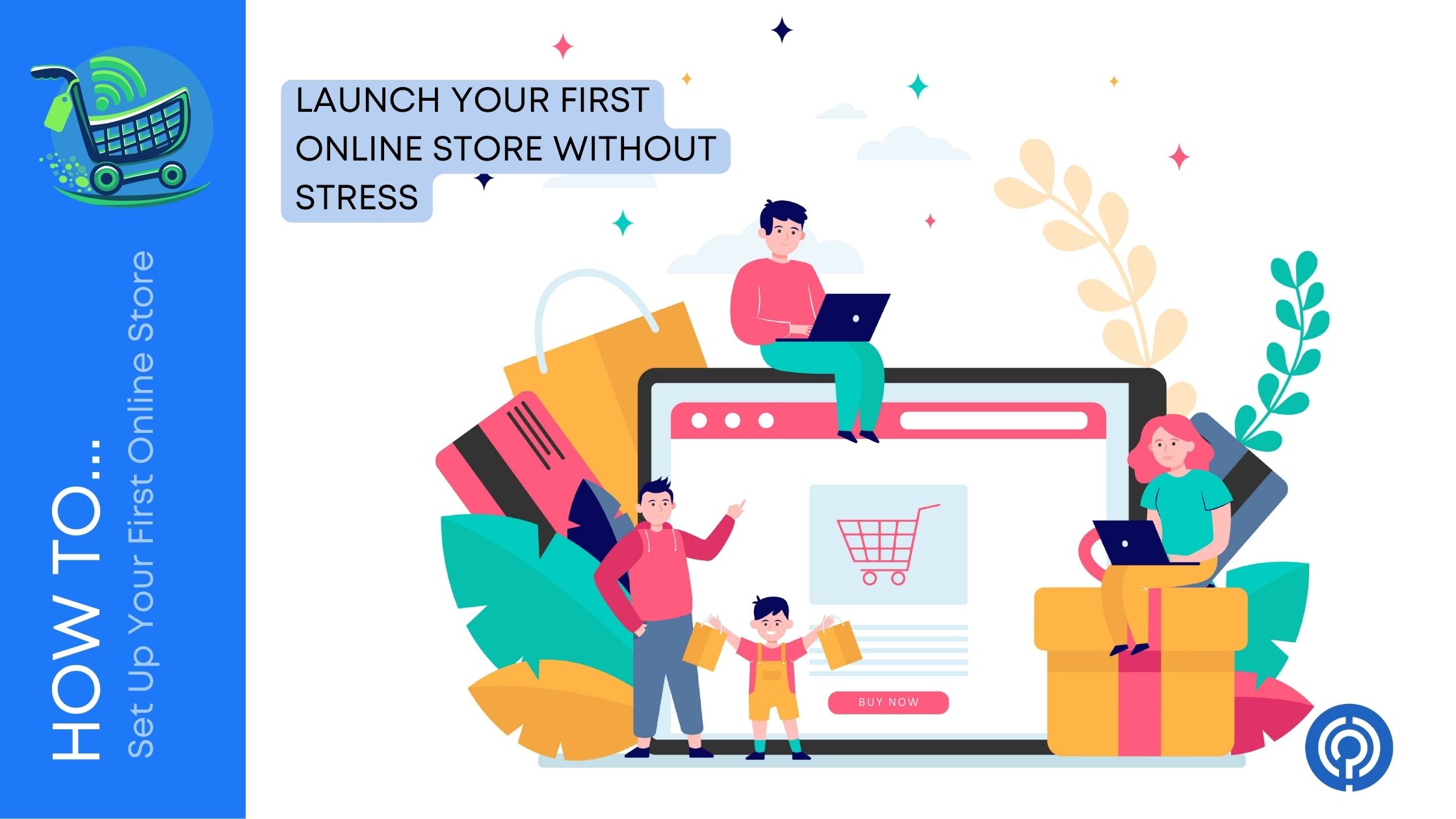
When I started my career, I always thought of starting an online store as a hustle to earn more. Whenever I thought about starting my first online store it feels exciting… and a little scary. You might be thinking: What do I sell? What platform should I use? How do I take payments without messing something up? These are the questions that always pop-up in my head. After a detailed research and trial,
Here’s the truth: you do not need everything perfect to start. You just need a clear plan, a simple setup, and a store that makes it easy for customers to buy from you.
Thus here is our curated step-by-step guide that walks you through how to set up your first online store from scratch, even if you have never sold anything online before.
Step 1: Pick What You’re Selling (And Make Sure People Want It)
Before you touch a website builder, get clear on your product. Many first-time store owners make one big mistake: they build the store first, then scramble to figure out what to sell.
Start With a Simple Product Plan
Ask yourself:
- What product can you deliver confidently?
- Can you price it with profit left over after costs?
- Can you restock it easily or deliver it consistently?
- Is it something people already buy online?
If you are stuck, start with a small product list. Even 3 to 10 products is enough for a first store.
Validate Demand Without Overthinking It
Here are easy ways to check interest:
- Search for similar products on marketplaces and see how popular they are.
- Read reviews on competing products to understand what customers love or hate.
- Use social media polls or ask friends in your target audience.
- Check search trends for keywords around your product category.
You are not trying to predict the future perfectly. You are simply trying to avoid selling something nobody wants.
Step 2: Choose Your Online Store Platform
Your platform is the tool that powers your store. It lets you:
- Add products
- Accept payments
- Manage orders
- Set up shipping and taxes
- Customize how your store looks
Most beginners choose between two main paths:
Option A: Hosted Platforms (Easier for Beginners)
These platforms handle hosting, security, and updates for you. You just log in and build your store.
Good for: beginners, non-tech users, fast launch
Option B: WordPress + WooCommerce (More Control)
This gives you more flexibility, but you need hosting, a theme, and a few more setup steps.
Good for: people who want control, customization, content-focused brands
If you want the simplest start, choose a hosted platform. If you want full ownership and flexibility, WooCommerce can be great.

Step 3: Choose a Store Name and Domain
Your store name matters, but it does not need to be perfect. It just needs to be clear, easy to remember, and easy to spell.
Quick Tips for Naming Your Store
- Keep it short and simple
- Avoid tricky spellings
- Avoid names that sound like other brands
- Make sure it matches the vibe of what you sell
Once you pick a name, buy the domain (like yourstore.com). This is your online address.
If the exact domain is not available, try small variations:
- Add “shop” or “store” (shopyourbrand.com)
- Add your product category (yourbrandcoffe e.com)
- Use “get” or “try” (getyourbrand.com)
A clean domain looks more professional and builds trust.
Step 4: Pick a Theme and Design Your Store (Keep It Simple)
This is where many beginners waste time. They spend days choosing fonts and colors before they even have products listed.
A better approach:
- Pick a clean theme
- Add your products
- Then adjust your design
What a Good Store Design Includes
Your store should feel easy, clean, and trustworthy.
Focus on:
- Simple navigation (Home, Shop, About, Contact)
- Clear product categories
- Mobile-friendly design
- Fast loading pages
- A consistent color style
A simple store that works well beats a fancy store that confuses buyers.
Step 5: Add Products the Right Way
Your product pages are where sales happen. If your product page is weak, your ads and marketing will struggle.
What Every Product Page Should Have
Make sure each product includes:
- Product title (clear, not clever)
- High-quality photos (multiple angles)
- Price
- Product description (benefits first, details second)
- Variants if needed (sizes, colors)
- Shipping info
- Return policy basics
Write Product Descriptions That Sell
A strong product description answers:
- What is it?
- Who is it for?
- What problem does it solve?
- Why is it better than alternatives?
- What exactly do you get?
Use short paragraphs and bullet points.
Example structure:
- Quick benefit statement
- Short story or use case
- Bullet list of features
- Materials, sizing, or specs
- Care instructions if needed
Remember: customers do not want a wall of text. They want clarity.
Step 6: Set Up Payments (So Customers Can Actually Buy)
Payments are one of the most important parts of your store. If checkout feels risky, customers leave.
Most platforms let you accept:
- Credit and debit cards
- Digital wallets (Apple Pay, Google Pay)
- PayPal
- Buy-now-pay-later options (depending on platform)

Payment Setup Tips
- Offer at least two payment options if possible
- Make sure your checkout looks clean and secure
- Turn on fraud protection features
- Test your checkout before launch
A smooth checkout process can improve sales more than any design tweak.
Step 7: Set Up Shipping (Without Making It Complicated)
Shipping is often the biggest stress point for new store owners. The goal is to keep it simple and clear.
Common Shipping Models
1. Free shipping
- Great for conversion
- You build the shipping cost into your pricing
2. Flat-rate shipping
- Easy to understand
- Works well if products are similar in size/weight
3. Real-time carrier rates
- Accurate, but can confuse customers if rates vary a lot
4. Local delivery or pickup
- Perfect for local businesses
Start with the simplest option that fits your product.
Shipping Tips That Prevent Problems
- Be honest about delivery times
- Add tracking if possible
- Set clear shipping zones (where you deliver)
- Add a shipping FAQ to reduce support questions
Customers do not expect perfection, but they do expect clarity.
Step 8: Handle Taxes the Smart Way
Taxes vary by region, and rules can get complicated. Most ecommerce platforms let you set up tax rules based on location, and many can calculate them automatically depending on your setup. For instance, the taxes vary for Woocommerce, Shopify, Big Cartel, Etsy, Sellfy and OpenCart; thus checking the tax details on respective sites are the primary step here.


Practical Advice
- Turn on your platform’s tax settings
- Set your store location correctly
- If you sell across states or countries, talk to a tax professional
The goal is to avoid surprises later. A little setup now saves major stress later.
Step 9: Create the Pages Every Store Needs
Even small stores need a few key pages to build trust.
Must-Have Pages
- Home page: what you sell and who it’s for
- Shop page: product listings and categories
- About page: your story and why you started
- Contact page: email form, support details
- Shipping and returns: clear, simple policy
- Privacy policy and terms: required in many cases
These pages reduce doubt and help customers feel safe buying from you.
Step 10: Set Up Your Store Policies (So You Don’t Get Burned Later)
Policies protect you and your customers. They also reduce customer service headaches.
Key Policies to Set
- Returns and refunds
- Shipping times and delays
- Damaged items process
- Exchanges
- Cancellations
Write policies in plain language. Avoid legal-sounding paragraphs. Customers should understand them quickly.
Step 11: Test Everything Before You Launch
This step saves you from embarrassing mistakes. Do not skip it.
Launch Checklist
Use this checklist:
- Place a test order
- Confirm payment works
- Confirm confirmation emails send
- Check shipping calculations
- Review product pages on mobile
- Make sure your menus work
- Check your contact form works
- Confirm your store policies are visible
- Make sure your store is not password-protected
- Ask a friend to try buying something
Even one broken checkout button can ruin your launch.
Step 12: Launch and Get Your First Sales
Once your store is live, your focus shifts from building to marketing.
Simple Marketing Ideas for Beginners
Start with:
- Posting your products regularly on social media
- Sending your launch to friends, family, and your network
- Offering a limited-time first order discount
- Partnering with small creators in your niche
- Adding your store link to all profiles and bios
- Starting an email list from day one
Your first sales usually come from people who already trust you, not strangers. Use that momentum.
Step 13: Track What’s Working (So You Grow Faster)
Your store will improve faster if you track performance early.
Watch these basics:
- Website visits
- Add-to-cart rate
- Checkout conversion rate
- Best-selling products
- Traffic sources (social, search, ads)
- Refund and return reasons
If something is not selling, it is usually one of these:
- Not enough traffic
- Wrong audience
- Product page not convincing
- Price feels too high
- Shipping cost feels too high
- No trust signals
Fix one thing at a time.
Common Mistakes First-Time Store Owners Make
Here are the big ones to avoid:
- Spending weeks on design before adding products
- Trying to sell too many products at once
- Writing vague product descriptions
- Ignoring shipping and return clarity
- Launching without testing checkout
- Depending only on ads without building an email list
- Giving up too early after a slow first week
Most stores do not “blow up” overnight. Growth comes from small improvements stacked over time.
Wrap Up
Setting up your first online store is not about doing everything perfectly. It is about getting a real store live, making it easy for customers to buy, and improving as you go.
Start small. Pick a product people want. Choose a platform that fits your comfort level. Set up payments, shipping, and key pages. Test everything. Then launch and focus on getting your first customers.
Once you get that first sale, everything changes. You stop guessing and start learning from real buyers. That is when building an online store becomes fun, and profitable.

Leave a Comment