We share files constantly. Whether you are sending a project proposal to a potential client, sharing design mockups with your team, or mailing a contract to a partner, hitting “send” is a normal part of the workday.
But once that email goes out, the radio silence can be brutal. You find yourself wondering: did they actually open it? Did it land in their spam folder? Or are they just ignoring you? It’s like dropping a letter into a mailbox, walking away, and hoping for the best. Let’s be honest, trying to run a business or manage a project this way is a bit of a guessing game.
And look, this isn’t about micro-managing your clients or acting like a spy. It’s just about knowing when to send that next email and keeping your data from ending up in the wrong inbox. Here is a simple, no-nonsense guide on how to get it set up.
Why You Actually Need to Know Who Clicked
On paper, tracking downloads sounds like a small detail you can ignore. But in the day-to-day grind, it’s a massive help.
For instance, if you send over a sales proposal, knowing the exact moment a client opens the file is a massive advantage. If you see they’ve downloaded it three times in the last hour, that is your cue to pick up the phone and check in. You catch them while your proposal is fresh in their mind.
On the security side, if you are sharing internal documents or client data, you want to make sure only authorized eyes are looking at it. By keeping tabs on who logs in, you create a simple history that stops people from sharing things they shouldn’t.
Start with What You’re Already Using
The good news is that you probably don’t need to spend extra money on new tools just to see who is opening your files. The cloud storage platforms you probably use every day have built-in tracking features that most people completely overlook.
If you share files via Google Drive, you can use the Activity Dashboard. It shows you exactly who has viewed the file and when.
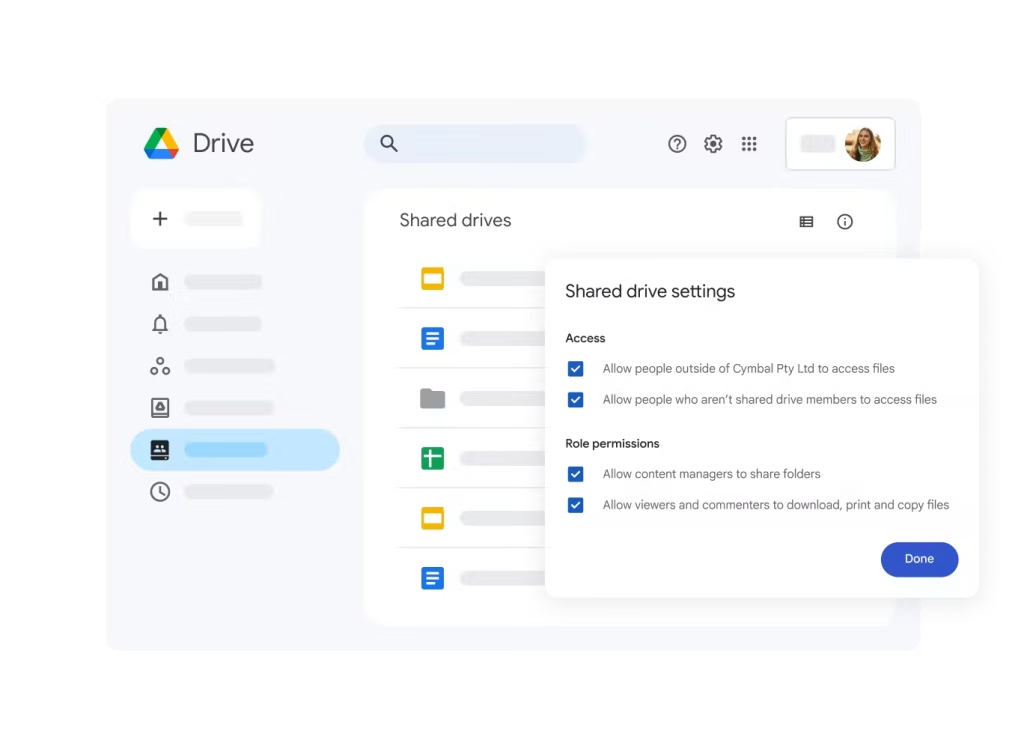
The trick here is to avoid sharing public links. If you share a link that says “anyone with the link can view,” Google can’t track individual names—it will just show you that “Anonymous Anteater” opened it. Instead, invite people by entering their specific email addresses. By doing this, Google forces them to sign in, which means your activity log will show their actual name instead of a generic animal icon.
Upgrading to Secure Sharing Apps
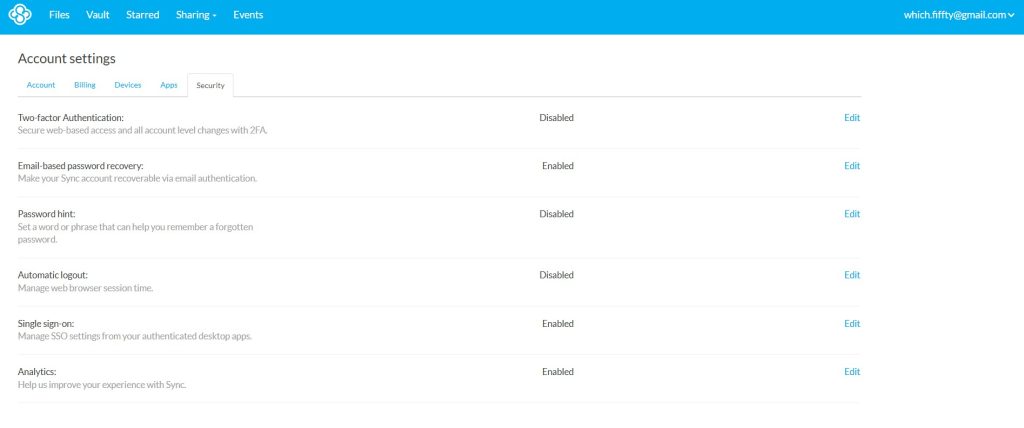
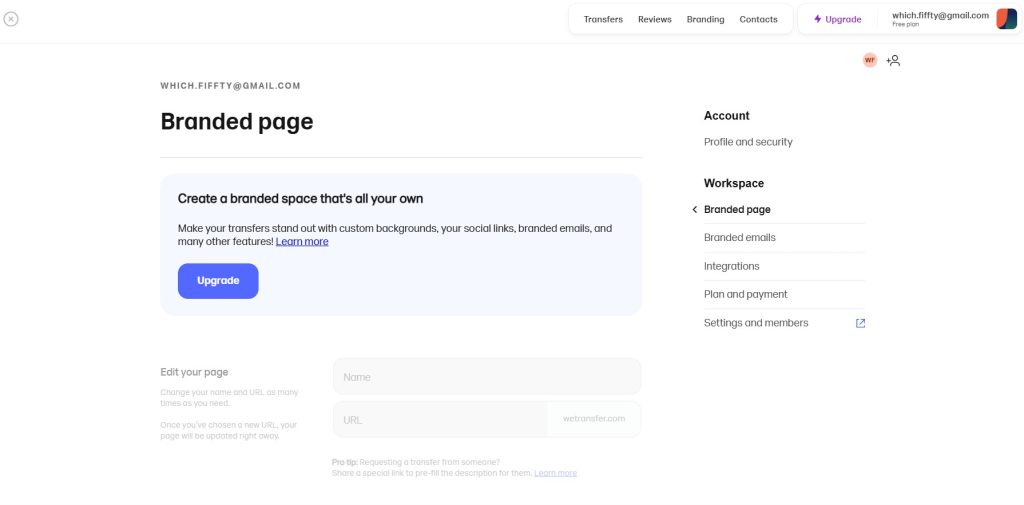
If you’re emailing giant files to clients or freelancers outside your company, normal email attachments won’t cut it. Dedicated sharing sites like WeTransfer or Sync are much better.
Sync lets you set up secure links where you can track who opens the file, set passwords, and even block users from downloading the file if you only want them to view it in their browser.
If you’re a designer or writer, this is a lifesaver. You’ll know the exact second a client has actually grabbed your draft.
Going Deeper with Analytics and Tracking Links
If basic logs aren’t giving you enough data, you can step things up in two ways:
Using Document Analytics Tools: If you want absolute clarity, tools like DocSend are incredible. They don’t just tell you if someone downloaded the file; they show you how many seconds they spent on each page. You can see if they skipped the intro and went straight to the pricing page, which tells you exactly what they care about before you talk to them.
Using Redirect Links: You can use short links (like Bitly or custom domains) to monitor clicks. You won’t get their name, but you’ll see how many times the link was clicked, where the clicks happened, and what time of day they occurred. This is a great trick for newsletters or marketing blasts.
Locking Down Your Files (How to Control the Download Button)
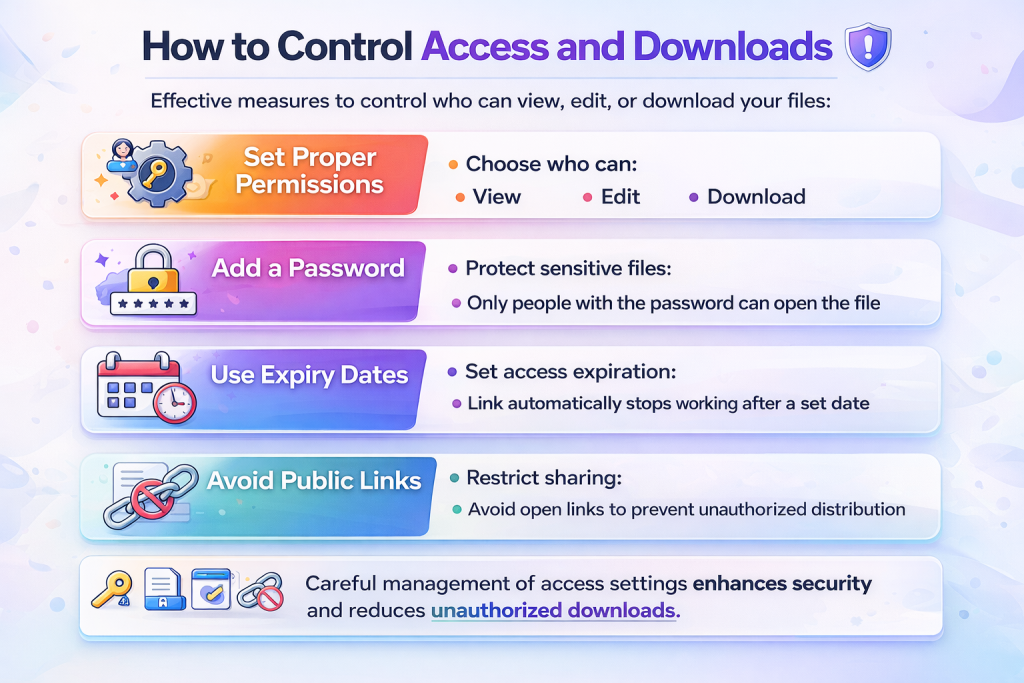
Here are three simple habits to keep your shared files safe:
- Set links to expire. If you’re sending a quick quote or a draft, set the link to self-destruct after a week. It keeps old, outdated files from floating around the web forever.
- Audit your permissions regularly. Before you hit share, check if the recipient actually needs to edit or download the file. If they don’t, set the file permissions to view-only and turn off the option to copy or download.
- Use password protection. If you’re sending confidential information, add a password and share it through a different channel (like a text message) so a forwarded email doesn’t expose your data.
The Reality Check: Where File Tracking Hits a Wall
No tracking system is 100% perfect. Before you base all your business decisions on your dashboard, keep a few limitations in mind.
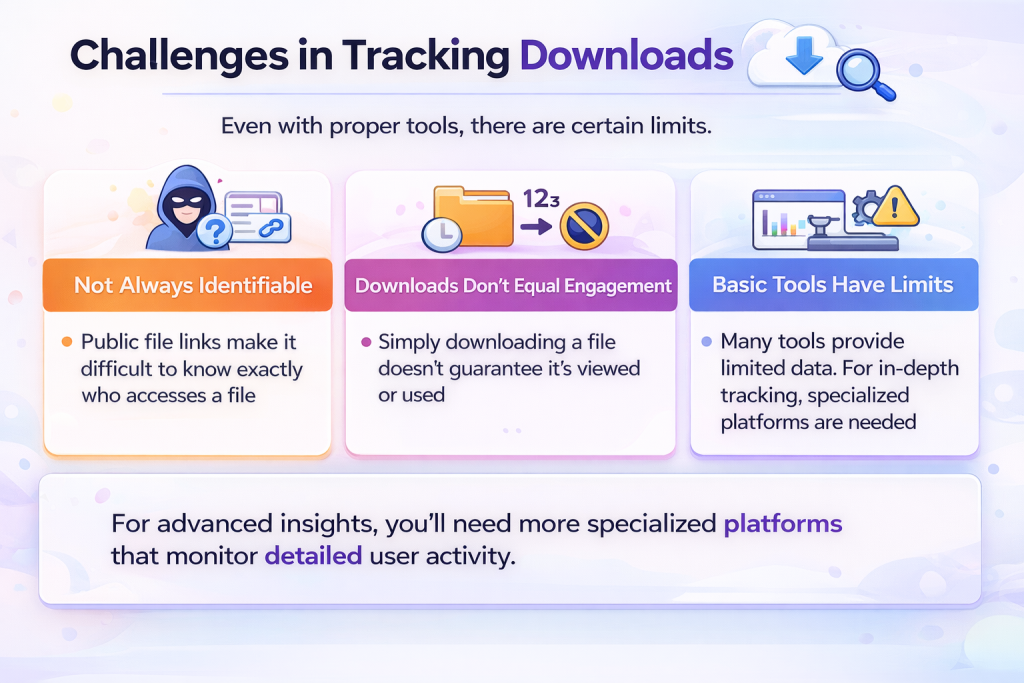
- Forwarded links mess up the data. If you send a restricted link to a client and they forward it to their colleague, the system might show the colleague’s access under the client’s name.
- A download doesn’t mean they read it. Someone might download your PDF, save it to their desktop, and let it sit there for three weeks without ever looking at it. Tracking page-view time is always a better indicator of interest.
- Privacy tools can block tracking pixels. Some corporate networks and privacy-focused browsers block tracking scripts, meaning a client might view your file without triggering a notification.
Not every file needs advanced tracking. Choose tools based on importance and sensitivity.
How to Get Clean Data
If you’re trying to keep your logs accurate and your folders secure, try making these three small adjustments:
- Skip the public link option and invite people directly. When you send an open link, anybody can pass it along. If you add their specific email address instead, they are forced to log in, which means your logs will show their actual name.
- Don’t let the data replace real conversation. Use your logs to figure out when to send an email, but don’t guess what they’re thinking. If you see they grabbed the file, send a quick text asking if they need help.
- Tidy up your shared folders. Name your directories clearly and deactivate old links once a project is done so you don’t leave open backdoors into your files.
Let’s Wrap It Up
When you get down to it, monitoring who opens your files isn’t about keeping tabs on people. It’s just about making your day-to-day communication less chaotic.
But more than that, it builds a foundation of trust. Instead of sending nagging emails every couple of days, your follow-ups actually make sense. You know if they’ve looked at the proposal, which means you can approach the conversation with the right context. If they haven’t opened it, you can give them space. If they have, you can reach out when interest is high. It takes the guesswork out of collaboration, keeps your company data secure, and helps you run your business with way more confidence.


Leave a Comment