If you run live chat on your website, you’ve almost certainly stared at your dashboard, squinting at a number like 3% or 12%, and wondered: Is this actually good, or are we completely missing the mark?
It’s a frustrating spot to be in. Live chat engagement benchmarks matter because engagement is the first real domino to fall. If visitors aren’t clicking that little bubble in the corner, they aren’t getting help, and they definitely aren’t converting into paying customers.
But let’s be honest: there is no single, magical number that means you’re winning. Your true engagement rate depends heavily on your traffic sources, your industry, where you hide or show your widget, and how fast your team responds once someone updates a chat thread.
Let’s skip the fluff and break down what live chat engagement really means, what common benchmarks look like, and how you can boost your numbers without driving your visitors completely insane.
What Is Live Chat Engagement Rate Anyway?
Stripped down to the basics, your live chat engagement rate measures the percentage of website visitors who actually start a conversation.
The math is simple:
Live Chat Engagement Rate = [Number of Chats Started / Total Website Visitors] x 100
For example, if 500 people drop you a line out of 10,000 total visitors, you are looking at a 5% engagement rate. It answers a straightforward question: Are people using your chat, or ignoring it?
It’s Just One Piece of the Funnel
Don’t confuse engagement with customer satisfaction (CSAT) or overall conversion rates. Engagement sits right at the top of your funnel. Think of it like this: engagement rate tells you if people are opening the door. First reply time tells you how fast your team greets them. CSAT tells you if they left happy.
You can easily have sky-high engagement but terrible satisfaction if your agents are slow, overwhelmed, or unhelpful. On the flip side, a lower engagement rate might actually yield incredible conversions if your chat is only visible to highly motivated buyers. Context is everything.
The Benchmarks: What Does a “Good” Number Look Like?
While every business is a bit different, a solid overall benchmark range to keep in the back of your mind is 5% to 15%. That means for every 100 people wandering around your site, you can expect 5 to 15 of them to open up a chat.
If you look across different sectors, the numbers shift slightly:
- SaaS: Typically lands between 10% to 15% because software users always have technical or pricing questions.
- E-commerce: Often hovers around 8% to 12% as shoppers ask about sizing, shipping, or returns.
- Financial Services: Tends to run lower, usually 5% to 10%, given the sensitive nature of data.
The Quick Reality Check
- Under 3%: This is low. Your chat widget might be invisible, buried under cookie banners, or your visitors simply don’t trust it.
- 3% to 5%: Perfectly fair for a lot of sites, especially if you aren’t aggressively pushing proactive popups.
- 5% to 15%: The sweet spot for most industries.
- Over 15%: Incredibly high. Just make sure your support team isn’t drowning or missing messages as a result.
What’s Actually Driving Your Engagement Rate?
Your engagement numbers don’t just happen by accident. A few massive factors push that percentage up or down every day.
Where Your Widget Lives
If people can’t find your chat, they won’t use it. Stick to the familiar bottom-right corner—it’s where everyone expects it to be. Beyond that, think about high-intent spaces like product pages, pricing tables, and checkout screens. Put chat exactly where the friction happens.
Going Proactive vs. Staying Passive
A passive widget just sits there waiting for love. Proactive chat jumps out with a targeted message. Platforms like Tidio make it incredibly easy to set up behavioral triggers based on user actions.
The trick is timing. Don’t ambush people the microsecond they land on your homepage. It’s annoying. Wait until a visitor spends 30 seconds eyeing your pricing page, or scrolls 70% of the way down a specific product description before offering a hand.
Hours and Availability
If your widget says “Offline” every time a user looks at it, they’ll stop taking it seriously. Look, if you can’t staff a live team 24/7, that’s fine. Set up clear hours, use a fallback form that turns chats into support tickets, or deploy a dedicated platform like Live Chat to handle automated basic replies when your team is asleep.
Speed and Trust
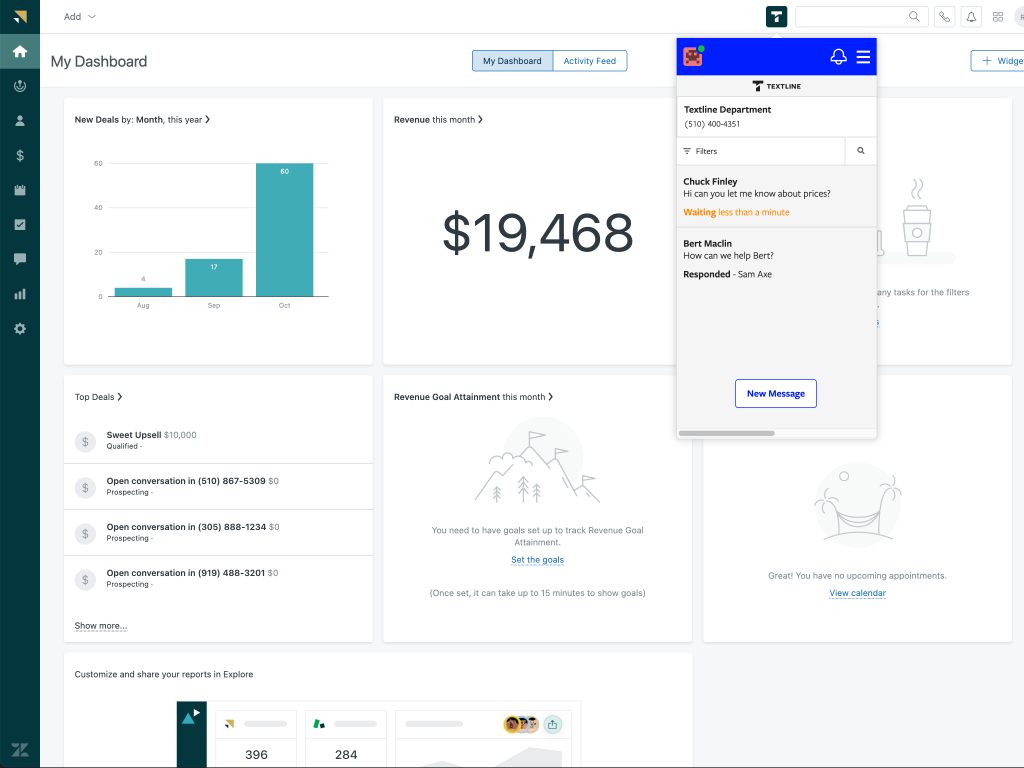
Slower responses kill trust, meaning fewer people will bother clicking that bubble next time. Leading teams use robust tools like Zendesk to keep their first response times well under 30 seconds. Across most industries, average reply times circle around 37 seconds, but elite performers keep it under two minutes consistently. If you make people wait, your engagement will tank.
Boost buyer confidence by showing real agent photos, setting clear expectations (like “We usually reply in under a minute”), and keeping a short, clear privacy line visible right inside the window.
The Sidekick Metrics You Can’t Ignore
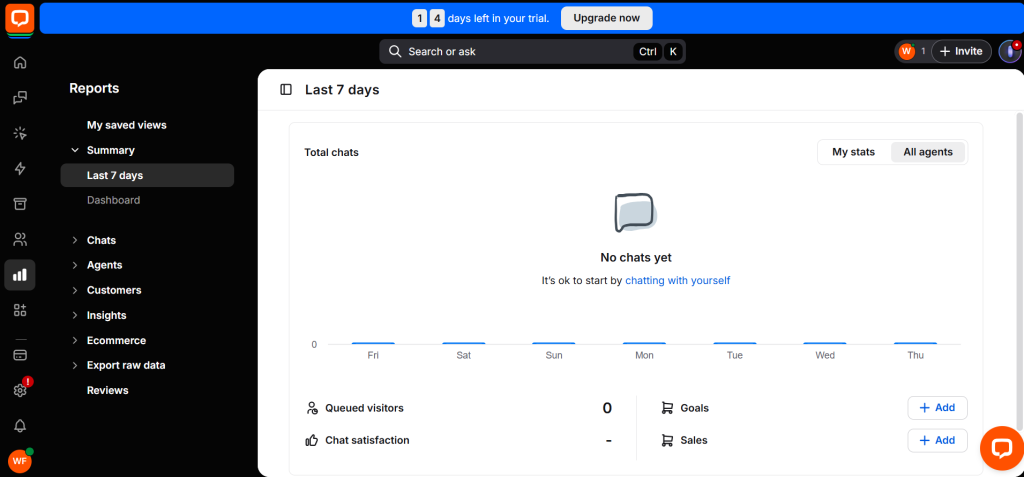
Tracking engagement alone can lead you straight into a trap. To get the full picture, you need to eye these metrics alongside it:
- Total Chat Volume: The raw number of chats coming in. You need this to plan your staff schedules so agents don’t burn out.
- Missed Chat Rate: The percentage of conversations you completely dropped. Excellent teams keep this under 3%. If you miss too many, your overall engagement drops because people realize no one is home.
- Chat Conversion Rate: For sales-driven teams, this is the holy grail. E-commerce benchmarks often show chat conversion rates around 4.7%, with top brands pushing all the way to 13%. High engagement is nice, but conversions pay the bills.
- Customer Satisfaction (CSAT): Are people actually glad they talked to you? Software like Freshworks makes tracking post-chat ratings effortless, ensuring you aren’t sacrificing quality for sheer volume.
Support vs. Sales: Different Goals, Different Targets
Don’t grade a support widget and a sales widget on the same scale. They have completely different jobs to do.
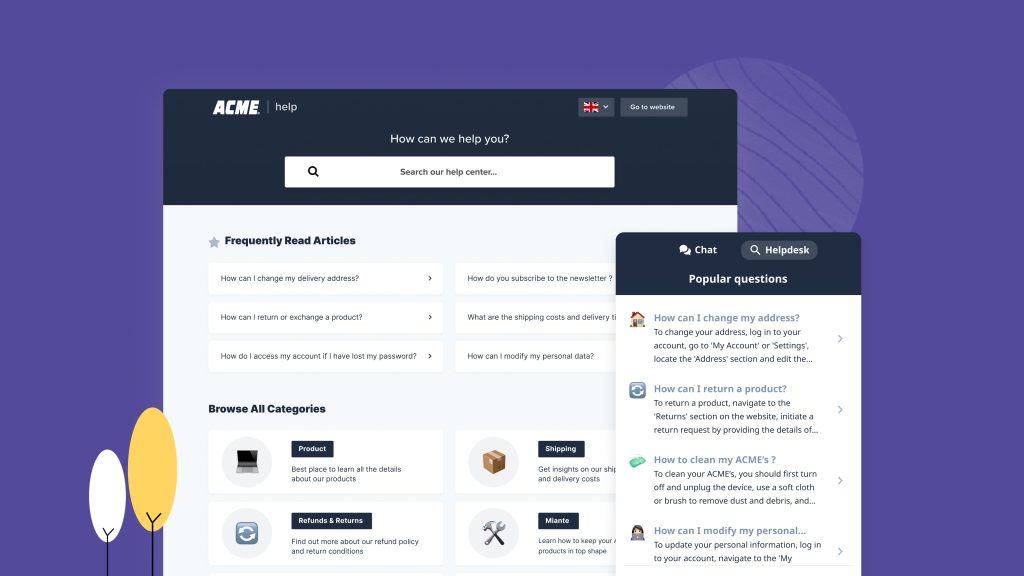
If your live chat is built mostly for customer support, you want a healthy, medium engagement rate. You aren’t trying to force everyone to chat—in fact, a lower engagement rate is perfectly fine if your self-service knowledge base is doing its job. Your main focus here is keeping missed chats near zero and response times blazing fast using an efficient helpdesk ecosystem like Zoho Desk.
If your widget is geared toward sales, you want higher engagement on critical pages like checkout or pricing. You want to use conversational tools like Intercom to launch highly proactive messages that clear up buying hesitation right before someone enters their credit card info.
Actionable Ways to Lift Your Numbers Safely
You don’t need to spam your visitors with invasive, full-screen popups to get results. Small, deliberate tweaks work significantly better.
- Ditch the Generic Greetings: Stop saying “Hi, how can we help today?” It’s boring and lazy. Instead, make it contextual. On a pricing page, try: “Quick question about our plans? Ask us right here.” On a shipping page, switch it to: “Need to know when your order will arrive? Let’s check.”
- Bake in Quick-Reply Options: Give people a zero-effort way to interact. Add clickable buttons directly inside the chat window for common tasks like “Track my order,” “View pricing,” or “Talk to a human.”
- Train for Chat, Not Email: Live chat is supposed to be quick, conversational, and light. Train your agents to send short, punchy messages rather than massive blocks of text. Validate the user’s issue fast, ask one clear question at a time, and keep the momentum moving forward.
Your Monthly Blueprint
If you want to track and improve your setup like a professional, run through this simple process once a month:
- Break it down by page type: Check how your engagement looks on your homepage versus your pricing and checkout pages.
- Look at your traffic channels: Does your paid traffic chat more than your organic readers?
- Diagnose the friction: If engagement is low and your response times are slow, fix the speed first. If engagement is high but satisfaction is bottoming out, fix your workflows and agent training.
- Pick one single variable to test: Change a greeting, adjust a proactive trigger time, or tweak the widget design. Test one thing at a time so you actually know what moved the needle.
Common Mistakes That Kill Engagement
Even great teams stumble into these traps without realizing it:
- The Ghost Town: Your chat toggle says “Online,” but nobody answers. Visitors remember that friction and won’t click it a second time.
- The Instant Ambush: Setting your proactive popups to trigger 2 seconds after a user lands on the page. It’s the digital equivalent of a pushy retail salesman. Give people room to breathe.
- The Desktop Bias: Forgetting to test how your widget behaves on a phone. If it blocks half the screen or interferes with mobile scrolling, users will just close your tab. Keep it clean.
The Wrap-Up
Your live chat engagement rate is a simple barometer for whether your visitors see your chat as a helpful tool or background noise. Aiming for that 5% to 15% window is a great starting point, but the number only carries weight when backed by stellar speed, minimal missed chats, and genuine customer satisfaction.
Start with the foundational pieces. Make the widget clean and easy to spot, write specific, contextual greetings, and back it up with an attentive team or smart automation. Focus on keeping the experience helpful, responsive, and thoroughly human.

Leave a Comment