Most projects don’t fail because the work was hard. They fail because nobody noticed things were going sideways until it was too late to do anything about it. Deadlines slip a day here, a task sits in “in progress” for two weeks, a dependency nobody talked about quietly blocks three other things—and by the time it surfaces, you’re already behind.
Good project tracking isn’t about micromanaging. It’s about having visibility early enough to actually fix problems instead of just apologizing for them later.
Here’s how to build that visibility without spending half your day updating spreadsheets.
Why Most Tracking Systems Break Down
The most common tracking system is a spreadsheet someone built at the start of the project and updated twice before abandoning it. The second most common is a tool nobody actually uses because it takes too long to update.
Both fail for the same reason: tracking only works when it’s low-friction enough that people do it consistently. If updating progress requires more than a minute or two, people stop doing it. If the tool doesn’t surface the information anyone actually needs—what’s late, what’s blocked, what’s coming up—managers stop checking it.
The goal is a system where:
- Tasks get updated because it’s fast and part of the workflow
- Deadlines are visible before they pass, not after
- Blockers surface automatically rather than waiting for someone to mention them in a meeting
That combination doesn’t require an expensive tool or a complex process. It requires picking the right approach for how your team actually works.
The Tracking Habits That Actually Matter
Weekly status check-ins, not daily standups. Daily standups sound rigorous but often devolve into “I’m working on the same thing I was yesterday.” A weekly checkpoint where each task owner updates status takes five minutes per person and gives you a clear picture of where everything stands. Do this at the same time every week so it becomes automatic.
- Track completion, not activity. “Worked on the landing page design” is not progress. “Landing page design 80% complete, final review Monday” is progress. Get your team in the habit of reporting percentage complete and next action, not effort spent. Effort doesn’t tell you whether you’re on track.
- Flag blockers the moment they appear. The most valuable thing a project tracker can surface is what’s stuck and why. Build a culture where raising a blocker is encouraged, not embarrassing. A task sitting blocked for three days without escalation is a missed deadline in progress.
- Keep the deadline list visible to everyone. A deadline that only the project manager knows about isn’t really a deadline. When the whole team can see what’s due and when, people self-manage their priorities more effectively than when they’re working from private to-do lists.
- Review variance, not just status. If a task was supposed to take two days and it’s taken five, that’s a signal worth paying attention to. Track planned vs actual time on at least your critical path tasks. Patterns in where estimates are consistently wrong tell you a lot about where your planning process needs work.
How to Structure Deadlines That Don’t Slip
Most deadline slippage comes from one of three places: unrealistic original estimates, untracked dependencies, or scope that grew without anyone adjusting the timeline.
Set milestones, not just a final deadline. A single end date for a six-week project gives you no early warning. Breaking the project into two-week milestones means you know by week two whether you’re on track or already behind—with enough time to recover rather than crunch at the end.
Map dependencies before you set dates. If task B can’t start until task A is done, that dependency needs to be explicit in your project plan. Deadline slippage almost always traces back to someone not knowing their work was blocking someone else.
According to the Project Management Institute’s Pulse of the Profession report, organizations that use formal project management practices waste significantly fewer resources on failed projects and meet their original goals at a much higher rate. The difference isn’t talent—it’s structure and visibility.
Build buffer into your milestone dates, not just your final date. If you only buffer the end date, every earlier slip gets absorbed and you run out of buffer exactly when you need it most. A small buffer at each milestone checkpoint keeps the project recoverable throughout.
Tools That Make Tracking Practical
Monday.com — Best for Visual Deadline Tracking Across Teams
Monday gives you a timeline view where every task and deadline is visible across the whole project at once. It’s easy to see at a glance what’s on track, what’s late, and what’s coming up next week. Owners can update task status in seconds from the board view without navigating anywhere else, which is why people actually keep it current.
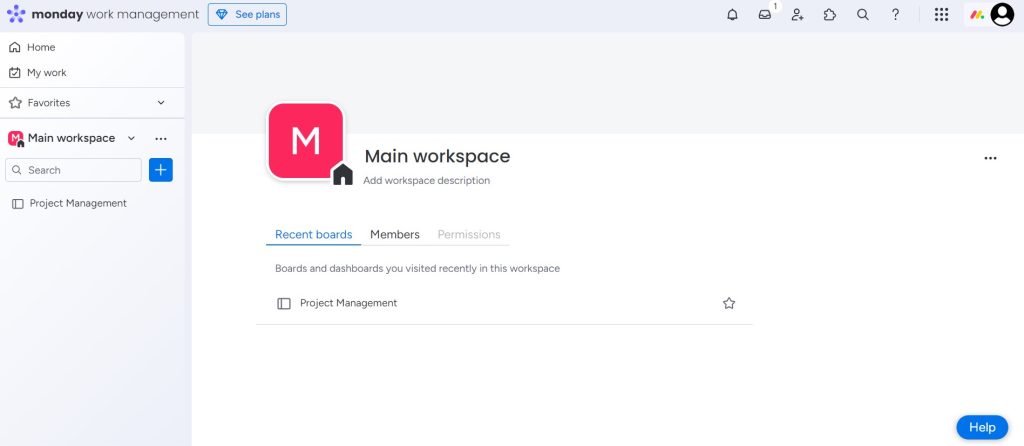
The automation features handle the routine stuff—sending reminder notifications when a deadline is 48 hours away, changing task status automatically when a dependency completes, alerting the right person when something is marked blocked. That means you’re catching issues before they turn into missed deadlines rather than discovering them in a retrospective.
For teams running multiple simultaneous projects, the portfolio view shows all active projects on a single screen so you can see resource conflicts and deadline clashes across workstreams, not just within a single project.
Trello — Best for Straightforward Task and Deadline Tracking
Trello is the easiest entry point for teams that don’t need complex project management but do need a shared, visible task board. Cards move through columns—To Do, In Progress, In Review, Done—and due dates are attached directly to each card. The calendar view shows every upcoming deadline across all active boards in one place.
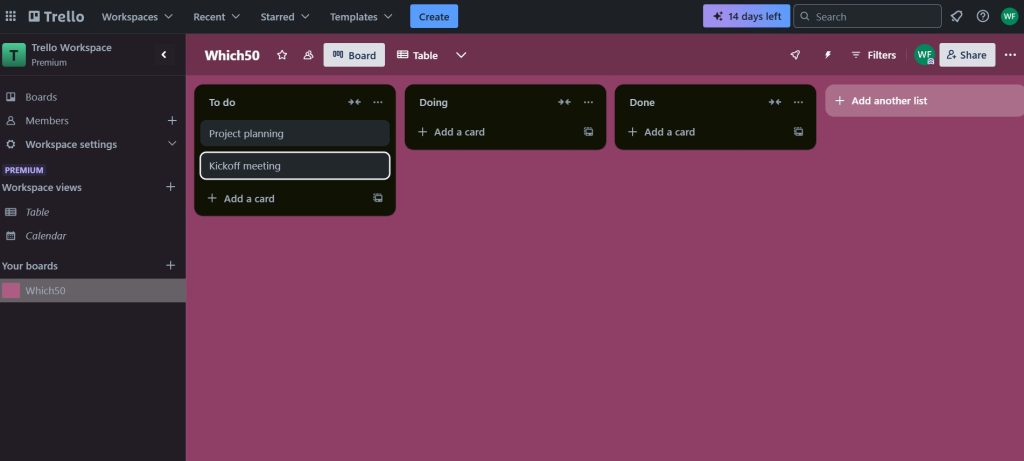
But here’s the catch: Trello’s simplicity is also its limitation. It doesn’t have native Gantt charts or dependency tracking, so it works best for projects where tasks are relatively independent and timelines are straightforward. For more complex work with lots of dependencies and multiple parallel workstreams, you’ll outgrow Trello quickly and feel that friction in every planning session.
For smaller teams, freelancers, and straightforward project work, though, it’s one of the fastest tools to set up and keep current.
Smartsheet — Best for Spreadsheet-Thinkers Who Need Real Project Structure
Smartsheet looks and feels like a spreadsheet but has full project management features built in—Gantt charts, dependency tracking, resource management, automated alerts when deadlines are at risk. If your team is already comfortable working in a row-and-column format, Smartsheet has essentially no learning curve and immediately gives you deadline visibility that a regular spreadsheet can’t.
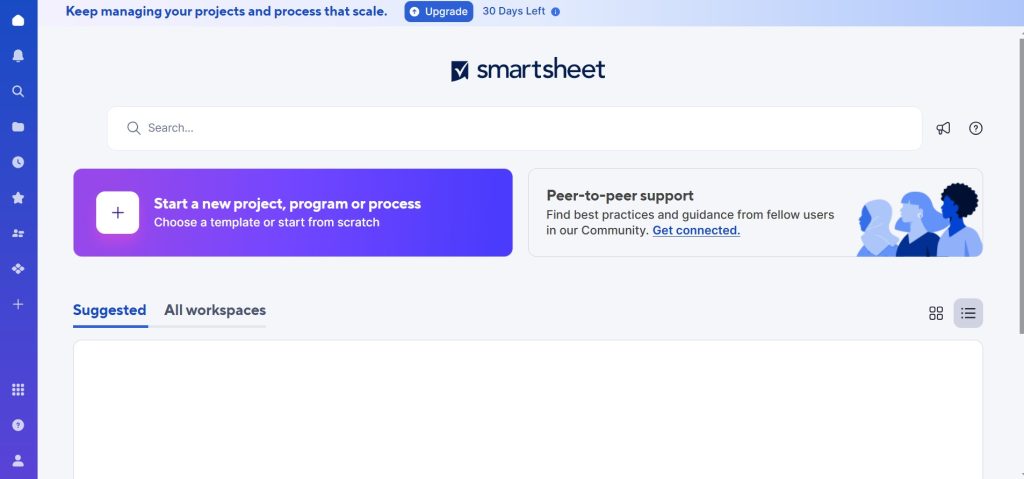
The dependency feature is genuinely useful. Mark that task B depends on task A, and if task A’s deadline shifts, Smartsheet automatically recalculates every downstream date. You see the ripple effect of a slip immediately rather than manually recalculating your whole timeline.
According to Harvard Business Review’s research on project deadline management, the teams that consistently hit deadlines are the ones that review project health data weekly rather than waiting for status meetings—exactly what a tool like Smartsheet is designed to support.
For organizations that work heavily with external stakeholders—clients, contractors, auditors—Smartsheet’s sharing and reporting features let you give read-only access to relevant parts of the project plan without exposing your whole workspace.
Notion — Best for Teams That Want Docs and Project Tracking Together
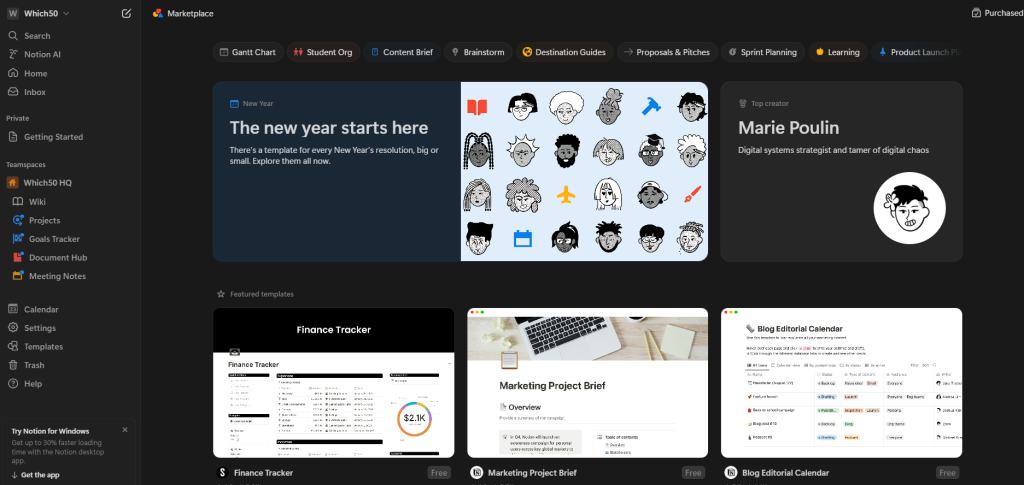
Notion is worth considering when your project tracking and your project documentation are currently living in separate places and creating friction. In Notion, the project database, the meeting notes, the decision log, and the task list all live in the same workspace and link to each other. A task can link directly to the brief it came from, the conversation where it was decided, and the document where the output lives.
The timeline view handles deadline visualization, and database properties let you filter tasks by owner, status, or due date in whatever combination is most useful right now. The tradeoff is that Notion requires more setup work than purpose-built project tools—you’re building the system rather than starting from a template that already works. For teams that use documentation heavily and want everything connected, that investment pays off. For teams that just need a task list with deadlines, it’s more than you need.
The Minimum Viable Tracking System
If you’re starting from nothing and want to get tracking in place fast, here’s what actually matters:
One place where all tasks live. Not a folder of individual to-do lists. Not tasks split between email and a tool. One shared place.
Every task has an owner and a due date. Without both, it’s not a task—it’s a wish.
Status updates happen weekly on a fixed schedule. Block thirty minutes every Monday morning for the whole team to update their task statuses. Make it non-negotiable for four weeks and it becomes a habit.
Blockers get flagged immediately and escalated within 24 hours. A blocked task that sits blocked for a week has already cost you a week. Treat blockers like fires—small ones are easy to put out, but only if you don’t wait.
That’s the whole system. Everything else—Gantt charts, resource leveling, portfolio dashboards—is useful when your projects are complex enough to need it. Most aren’t, yet.
Conclusion
Tracking project progress isn’t complicated. It’s consistent. The teams that hit their deadlines aren’t using better tools—they’re using any tool consistently and reviewing progress weekly with enough lead time to adjust.
Pick a tool that your team will actually update, build the habit of weekly status reviews, make deadlines visible to everyone, and escalate blockers fast. Everything else follows from those four things.



Leave a Comment