Think about the last time you ran into a strange software error. Did you open the official, three-hundred-page manual, or did you immediately type the error code into Google, hoping to find a forum post where someone else solved the exact same problem?
Most of us choose the forum.
There is a simple reason for this: official guides show you how a tool is supposed to work in a perfect lab environment. Community discussions show you how it actually behaves in the messy real world. That is why community-driven knowledge bases are becoming so popular. Rather than asking a small team of technical writers to maintain everything, these systems tap into the daily observations of thousands of active users who suggest changes and update articles in real time.
Defining the Community-Driven Model
A community-driven knowledge base is a living database where the users themselves create, update, and organize the content. Instead of a one-way street where a company broadcasts instructions to its customers, it operates as a shared workspace.
These systems typically include:
- Guides written directly by hands-on users.
- Troubleshooting steps born from actual, frustrating system errors.
- Lively discussion threads: Users chat about confusing steps and clarify them on the fly.
- Quick, on-the-go edits: When someone notices a broken link or a misspelling, they can correct it in seconds.
Typical internal wikis are stiff and sit unused. A peer-supported setup updates quickly as new product versions launch.
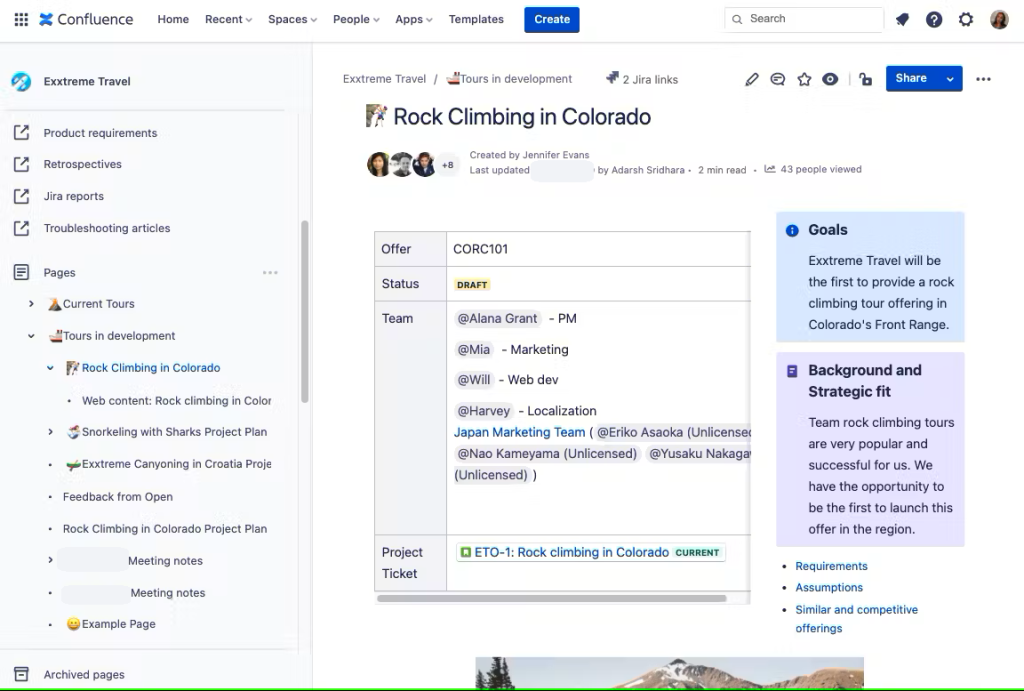
Consider Confluence as a prime example. Businesses deploy it to build internal workspace boards where staff members share configuration guides, project milestones, and everyday tricks. It turns static company documentation into a collective resource.ontent.
Why Peer Advice Feels More Trustworthy
Let’s be honest: corporate documentation can feel sterile. It rarely admits when a feature is clunky, or when a specific update has a habit of breaking third-party integrations.
They point out the quick workarounds, the hacks, and the trial-and-error steps they took to get results. This raw honesty is what makes the tips so useful.
Data on search behavior confirms this trend. Most people skip official press releases and head straight for customer forums. We want advice from a practitioner who wrestled with the system when it crashed, not from a marketing writer describing a perfect product demo.
User-written guides are also way easier to digest. They rely on casual phrasing, walk you through the fix step-by-step, and bypass the dry, formal terminology.
How Community Guides Evolve over Time
A collective knowledge hub isn’t made in a single session. It compiles over months as visitors contribute their experiences:
- Writing a quick fix: A user finds a solution, writes a brief description, and posts it.
- Filling in the gaps: Someone else reviews the post, notices a missing detail, and adds it.
- Sharing setups: Users discuss their results in comment threads, helping adapt the guide for different configurations.
- Sorting the database: Volunteer moderators tag the pages, clean up the format, and slot them into the main directory.
This ongoing cycle generates a highly accurate, low-cost support library.
The Core Advantages of Shared Knowledge
Building your database around user input has several clear benefits:
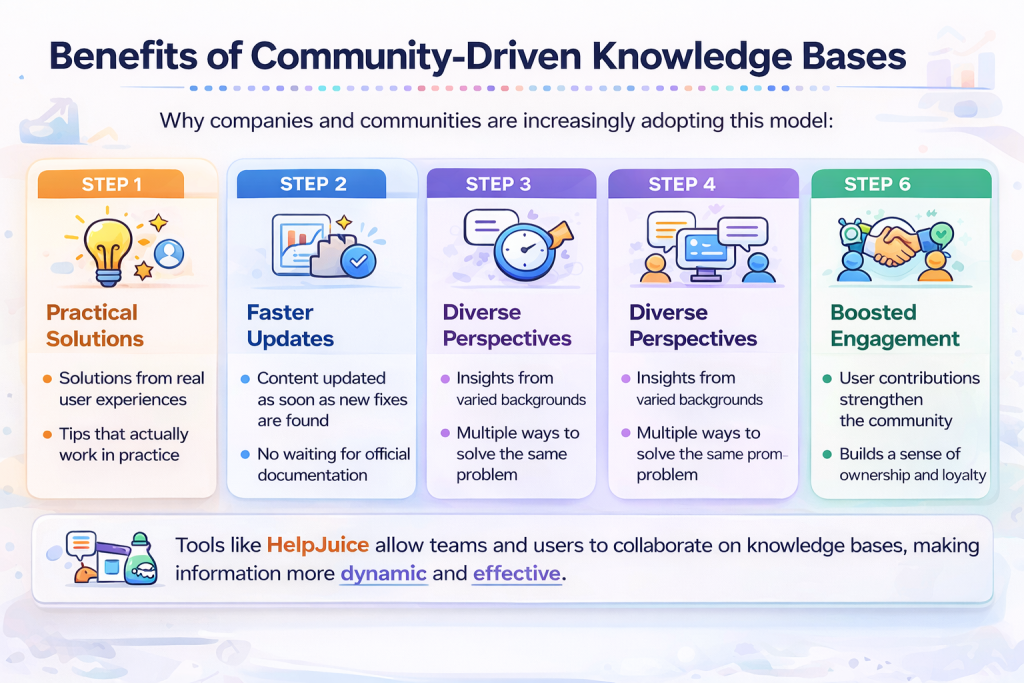
Answers from actual experience: Every guide is based on a real event, meaning the steps are practical and tested in real scenarios.
Rapid update cycles: When a new software bug appears, community members can update the guide in minutes. An official support team could take weeks to release a certified guide.
Multiple solutions for one error: A single page might list three different fixes, letting you pick the one that matches your configuration.
Building user investment: Giving visitors a platform to speak turns them into active collaborators who flag incorrect guides.
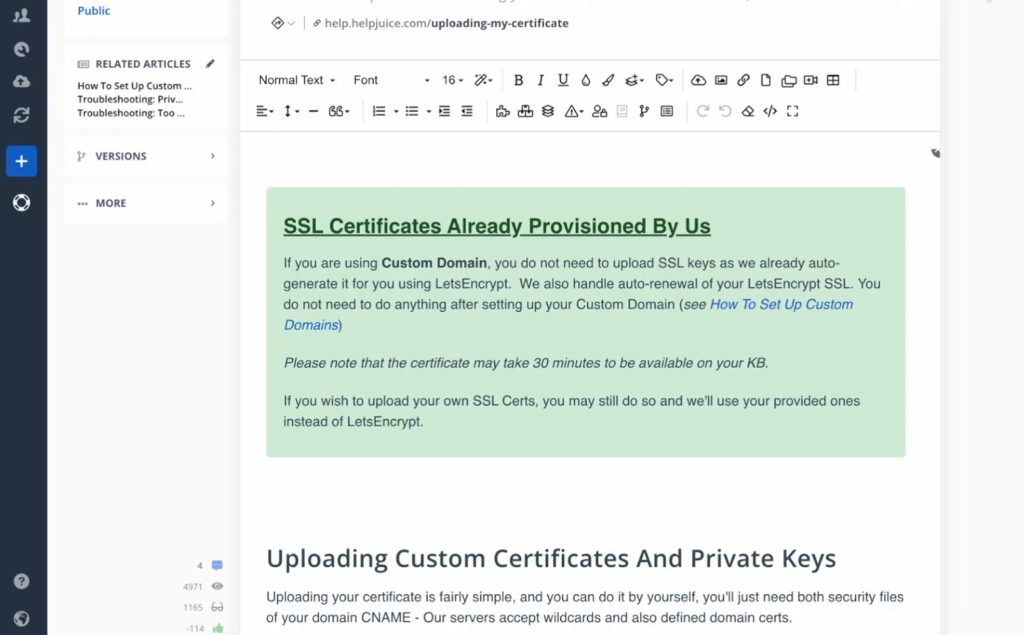
To organize these contributions, businesses deploy tools like Helpjuice to host their guides. These tools enable multiple team members to edit files together, review older versions, and add new sections without breaking the layout.
Risks You Need to Manage
Letting anyone contribute can cause a few headaches:
- Unclear instructions: Not all contributors write clean, step-by-step guides. You will occasionally find confusing entries or incorrect troubleshooting paths.
- Overlapping pages: As contributions grow, you will get multiple articles addressing the exact same subject.
- No uniform layout: Without an admin setting up rules, your database can turn into a messy pile of files where finding a basic setup guide is painful.
- Quiet communities: If your users lose interest and stop contributing, the help center will quickly become outdated.
To prevent this, most companies use a light review system to check user posts before publishing them.
Where the Collaborative Model Excels
This approach is highly effective in specific environments:
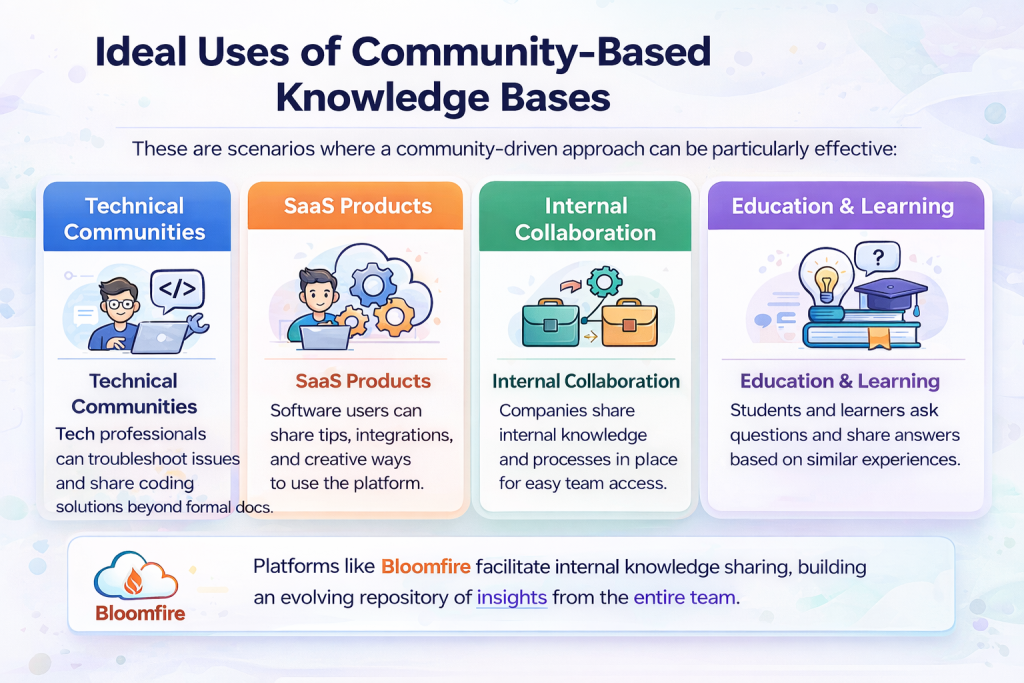
Developer and Tech Spaces
Software developers and system administrators deal with highly complex, changing environments. Because official manuals can never cover every server configuration, developer forums and wiki sites are essential tools for finding real code solutions.
SaaS Product Communities
Complex software products change fast. Users constantly find creative workarounds or build custom integrations that the original developers never imagined. Making these workarounds public helps the entire user base get better usage out of the software.
Team Hubs
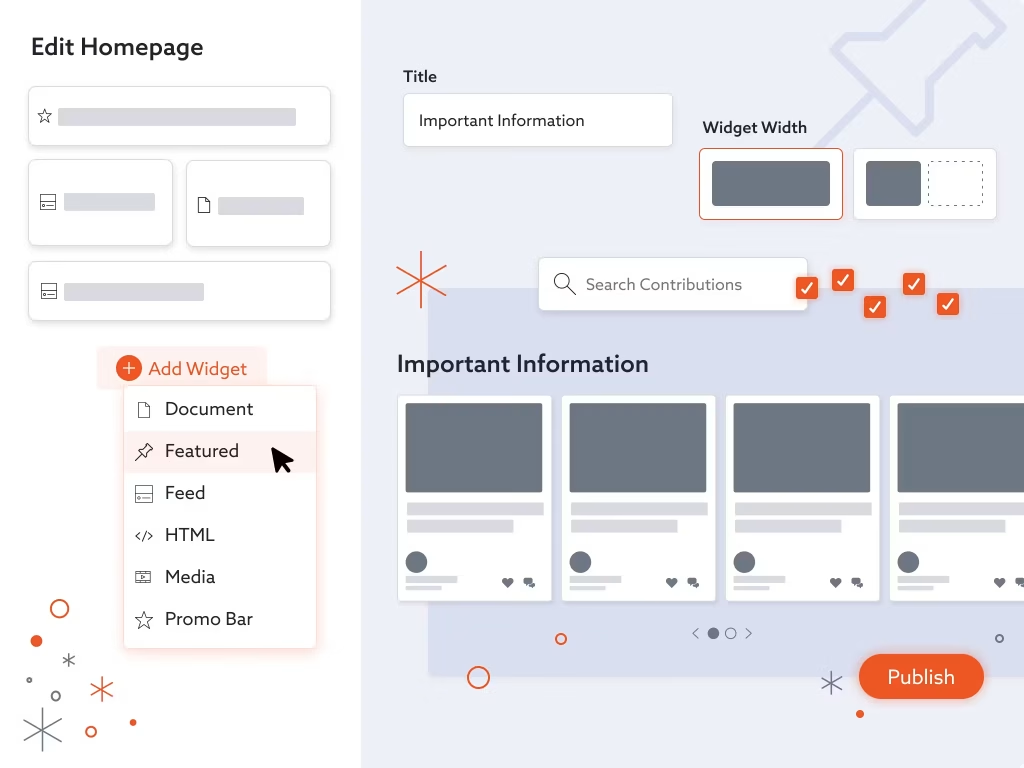
Organizations utilize options like Bloomfire to construct internal knowledge wikis. Rather than burying tips in private email threads or chat app channels, employees post their answers in a searchable space. This helps new hires get up to speed quickly and keeps departments aligned.
External Elements That Predict Success
Even if you have the best software, your collaborative database will fail without three main ingredients:
- An active, supportive user base: You need users who are willing to spend their time writing and editing guides.
- An easy formatting tool: If editing is a chore, people won’t contribute. The system needs a simple writing editor that does not require coding skills.
- Fast, accurate search: Visitors need to find answers in a couple of clicks. A smart search tool stops readers from leaving the site in frustration.
Wrap Up
A collaborative help portal is not a build-it-and-forget-it project. You have to provide an intuitive writing interface, encourage your active contributors, and keep the file tree clean. If you manage these three elements, you will build a self-updating guide center that helps your users solve problems instantly.



Leave a Comment