Most websites don’t need a content management system that can handle three thousand articles, a multilingual taxonomy, custom post types, and a real-time editorial queue. Most websites are not yours.
If you’re running a publication, a knowledge base, a large-scale marketing site, or any platform where content is the product rather than just a supporting page, the CMS you choose will determine how fast your team can produce, how cleanly your content is structured, and whether your site stays performant when the article count climbs into the thousands.
The wrong platform will have your editors working around limitations, your developers patching plugin conflicts, and your SEO team frustrated by slugs they can’t control. The right one becomes invisible—it just works, and lets your team focus entirely on content.
What Makes a CMS Work for High-Volume Content
Before picking a platform, it helps to be clear about what “content-heavy” actually demands from the system underneath.
- Flexible content modeling is the most important requirement. If your platform only supports a title and a body field, you’ll spend years forcing your content into the wrong shape. You need custom fields, structured content types, and the ability to define relationships between different content categories.
- Editorial workflow matters the moment you have more than one person publishing. Draft states, review queues, scheduled publishing, and role-based access controls keep content moving without creating a bottleneck at the admin level.
- Search and taxonomy become critical at scale. When you have five hundred articles, a simple category structure is fine. At five thousand, you need tag hierarchies, faceted navigation, and internal linking that doesn’t break when you reorganize.
- Performance at content volume is often overlooked until it’s a problem. A CMS that renders pages dynamically from a database on every request starts showing cracks around ten thousand posts. You want either a static generation layer, a caching strategy, or a headless architecture that separates content delivery from content management.
The Platforms That Handle Scale Without Breaking Down
WordPress — Best for Established Content Teams
For sheer breadth of use, nothing touches WordPress. Over forty percent of the internet runs on it, and the reason is straightforward: the ecosystem is enormous, the editorial interface is familiar to almost everyone, and custom post types let you model content in ways the default setup doesn’t expose.
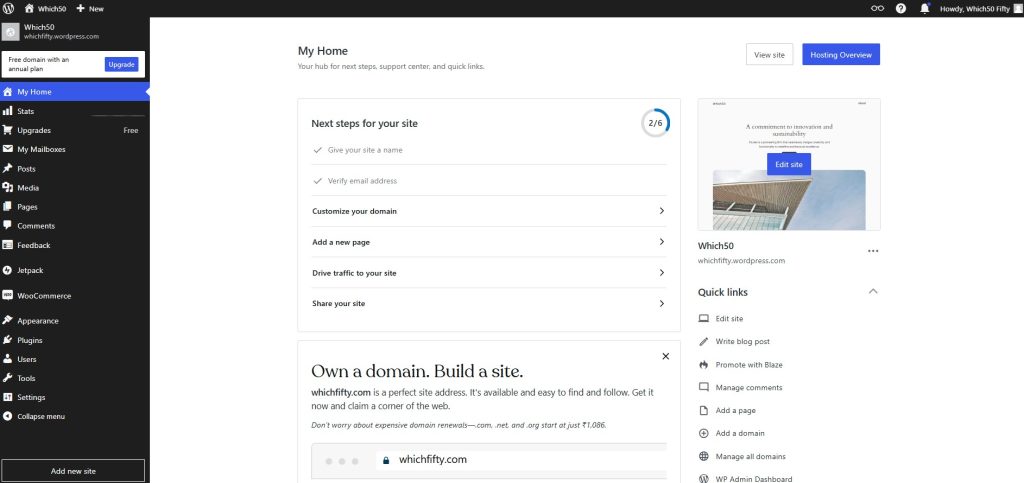
For content-heavy sites, WordPress really starts to shine when you add Advanced Custom Fields and a proper caching layer. Custom taxonomies give you full control over how content is organized and surfaced. The Gutenberg block editor handles long-form writing better than most alternatives, with real support for structured content inside a post rather than just a title and a blob of text.
The catch is performance. A poorly configured WordPress site with a large article database and no caching strategy will slow down. The platform rewards teams willing to invest in a proper hosting setup—managed WordPress hosting, a CDN, and object caching make a significant difference. Get that infrastructure right and WordPress handles content volume without complaint.
Contentful — Best for Headless, API-First Teams

If your team has developers involved in the publishing stack and your content needs to appear across multiple channels—web, mobile app, digital signage, third-party integrations—Contentful is the platform built for that architecture.
Contentful is a headless CMS, meaning there’s no front-end layer included. You define your content model through a visual interface, editors fill in structured fields, and your developers pull that content via API into whatever front-end framework they’re using. The separation gives you full control over performance and presentation while keeping content management in a clean, editor-friendly interface.
The content modeling tools in Contentful are genuinely strong. You can define custom content types with typed fields, set validation rules, create references between entries, and build localization into the structure from day one. For large teams managing international content across multiple regions, that last point alone is worth the evaluation time.
Ghost — Best for Publishers and Membership Sites
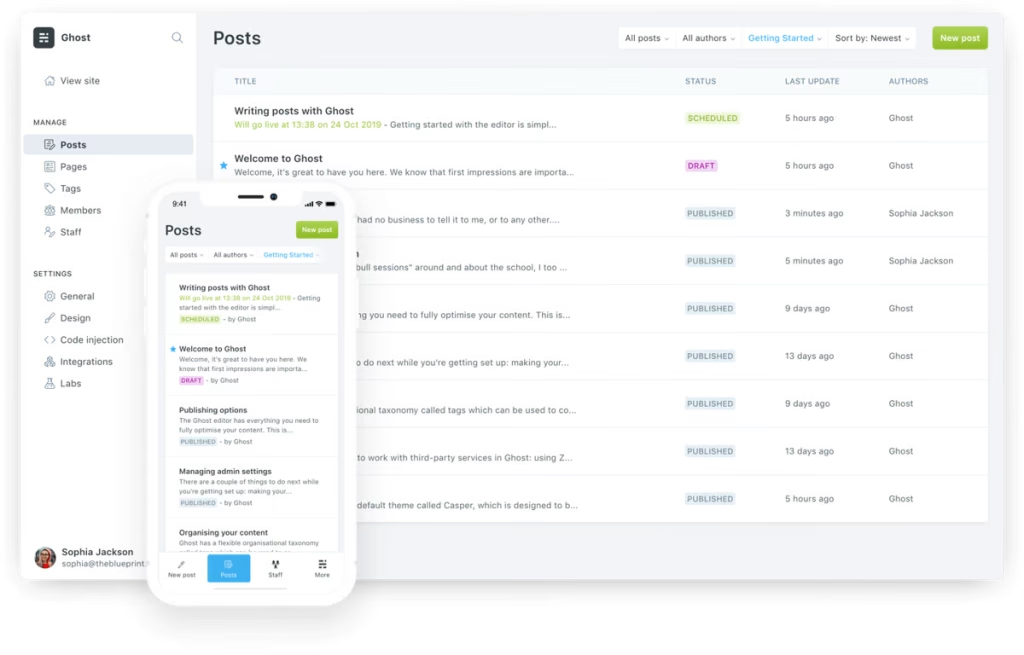
Ghost is purpose-built for professional publishing, and it shows in every design decision. Where WordPress is a general-purpose platform with publishing bolted on, Ghost is the opposite—publishing is the foundation, and everything else is secondary.
The editorial experience is fast and focused. The native editor handles long-form writing cleanly without the cognitive overhead of a clunky page builder. Everything you need for publishing—tags, internal links, custom slugs, and SEO meta controls—lives directly in the writing sidebar rather than hidden behind third-party plugins. Ghost also comes with native subscriber management and paid tiers out of the box, which is a huge plus if your publication relies on paid members instead of ad revenue.
If you’re running a larger editorial team, Ghost’s clean API and webhooks let you deliver content to mobile apps, custom front-ends, or email platforms without having to manage a messy web of plugins.
HubSpot — Best for Marketing-Led Content Operations
When content production is tied directly to lead generation and marketing campaigns, HubSpot closes the gap between your CMS and your CRM in a way no other platform does natively.

Articles, landing pages, pillar pages, and topic clusters all sit inside the same system as your contact records, email sequences, and conversion forms. Your content team publishes a piece, and HubSpot tracks which contacts read it, how long they spent on it, and whether it contributed to a deal. That attribution loop is genuinely hard to replicate by stitching together separate tools.
The SEO recommendations built into the editor are practical rather than superficial—topic clustering tools help you plan content around keyword relationships rather than individual targets, which is the right approach for a large content library that needs to build topical authority.
Webflow — Best for Visually Driven Content Sites
For teams where design and content are inseparable—editorial publications, brand storytelling, long-form feature articles with custom layouts—Webflow gives editors and designers a shared canvas that most CMS platforms don’t offer.
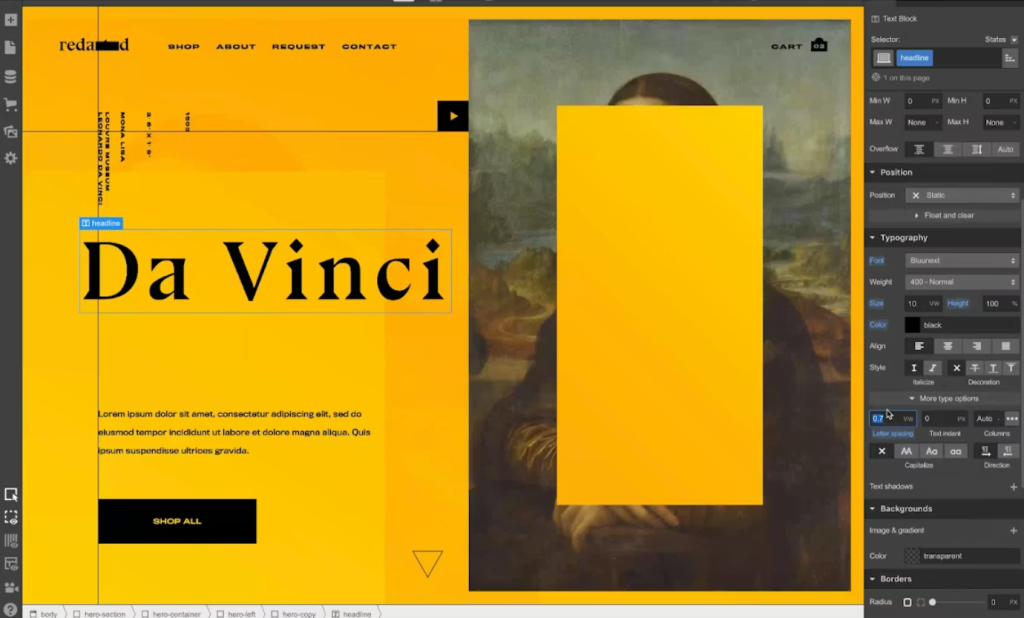
Webflow’s CMS is collection-based. You define a content schema, design the template once, and every new entry inherits that structure automatically. The platform generates static-ish pages from your collections, which means performance holds up well even with large content volumes. Publishing a new article doesn’t require a developer, but the visual fidelity of each piece can match anything a developer would build by hand.
The tradeoff is that Webflow is not the right choice for pure writing-volume operations. It’s excellent when the design layer of each article matters as much as the content itself.
ConcreteCMS — Best for Structured Enterprise Content
For organizations managing complex content hierarchies across departments, intranets, or institutional websites, ConcreteCMS offers fine-grained permission controls and in-context editing that enterprise teams actually use.
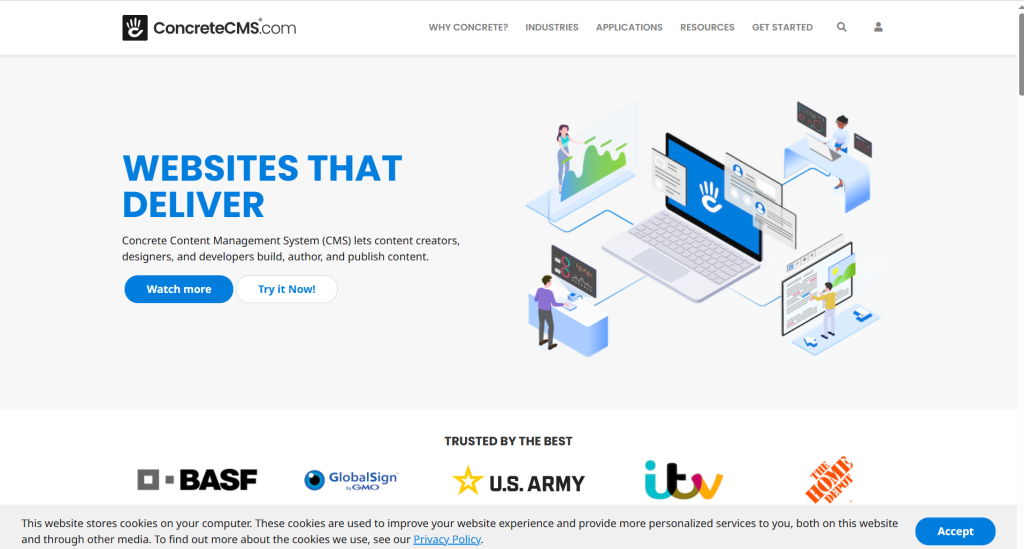
The permission model lets you assign different editing rights down to the page level, which matters for large organizations where different teams own different sections of the same site. Workflow approval chains, multilingual content management, and version history are all included without requiring third-party plugins. For government agencies, universities, and large enterprises managing thousands of pages across multiple contributors, that level of governance control is not optional.
How to Choose Based on Your Actual Situation
The best CMS for your site isn’t the one with the most features. It’s the one that fits how your team actually works.
- If your team is made of writers and editors without dedicated dev support: WordPress or Ghost will get you furthest fastest, with the least friction between an idea and a published article
- If content needs to appear across multiple channels or apps: Contentful’s API-first architecture is the right foundation to build on
- If content production is tied to a sales funnel: HubSpot keeps content and conversion data in the same place without requiring third-party integrations to track what’s working
- If design is part of every editorial decision: Webflow gives you layout control that traditional CMS templates can’t match
- If you’re managing permissions and approvals across a large organization: ConcreteCMS is built for that governance layer
Conclusion
High-volume content doesn’t fail because of a lack of content—it fails because the platform underneath can’t keep up with how the team needs to work. WordPress, Contentful, Ghost, HubSpot, Webflow, and ConcreteCMS each handle scale differently, and each fits a different team structure. Match the platform to how your editorial operation actually runs, not to the feature list on a comparison chart.



Leave a Comment