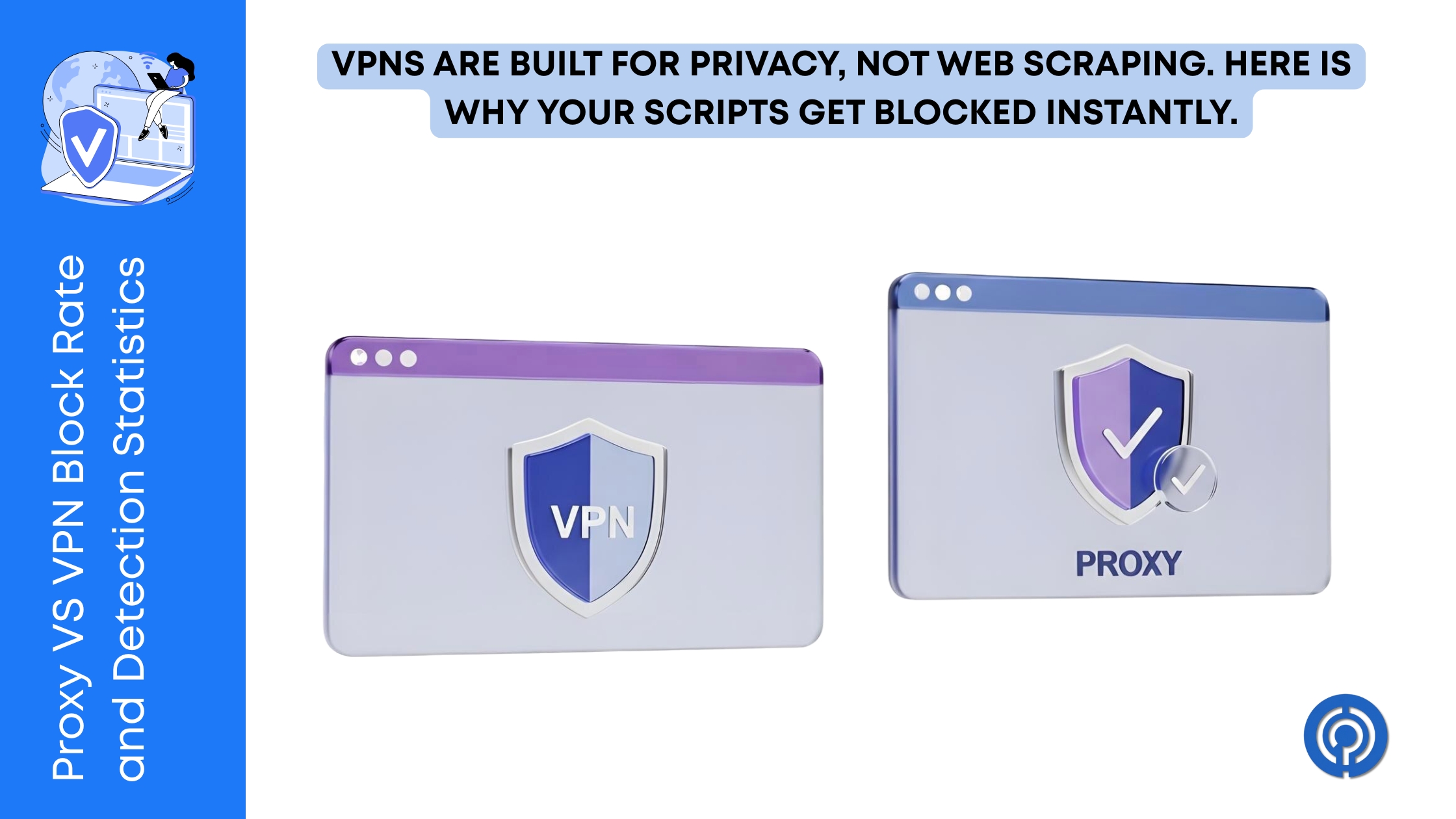
A few months ago, a developer colleague of mine tried to scrape product pricing data from a major e-commerce platform. To save money, he hooked up a commercial VPN service, configured a basic rotation script, and let it run.
Within four minutes, his scraper was dead. Every request returned a 403 Forbidden error. He switched locations, added headers, and slowed down his requests. Nothing worked.
The site’s security shield had blacklisted his entire setup.
He was using a VPN that routed his requests through datacenter servers. To the target site’s security system, a sudden spike in traffic coming from an IP address registered to a commercial cloud provider is an instant red flag. Real customers do not browse e-commerce shops from AWS or DigitalOcean servers.
Understanding the difference between how a proxy and a VPN interact with target servers is the difference between extracting clean web data and getting your IP permanently blocked.
Let’s break down the block rates, detection statistics, and when you should use tools like Bright Data and 9Proxy versus consumer VPN options like ExpressVPN, CyberGhost VPN, and IPVanish VPN.
The Core Technical Difference
Think of a VPN as a blanket encryption sleeve for your entire machine. Once you turn it on, every single byte of data leaving your device—whether it is your email app, Slack, or a browser window—goes through that tunnel.
A proxy works on a much smaller scale. It only intercepts the traffic of a specific application or browser tab you configure. If you set up a SOCKS5 proxy in your web scraping script, only that script uses the new IP. The rest of your apps go about their business using your regular home connection.
Because VPNs focus on encrypting every single packet of data, they rely on protocols like WireGuard or OpenVPN. These protocols leave a very clear signature on your network packets, making it incredibly easy for web hosts to identify and block them.
Why VPN Block Rates Are So High
If you try to run automated scripts or access highly protected websites over a standard VPN, your success rate will be low. Statistics show that commercial VPN block rates on major e-commerce, travel, and social media sites hover between eighty and ninety-five percent.
There are three main reasons for this:
- Datacenter IP Ranges: Most consumer VPN services buy server bandwidth in bulk from commercial data centers. These IP ranges are publicly documented. Security platforms like Cloudflare and Akamai keep lists of these datacenter blocks and flag them immediately.
- High IP Sharing: Because VPN providers have millions of users, hundreds of people often share the same IP address simultaneously. When a target website sees fifty different users logging in, browsing products, and clicking links from the exact same IP address at the same second, it triggers a rate-limit block.
- TCP/IP Fingerprint Mismatch: Modern bot detection systems look at the deep network parameters of your connection. A VPN changes your apparent location, but it does not change your device’s operating system signature. If your IP address claims you are a home user in London, but your TCP/IP packet parameters indicate you are routing through a Linux server in a German data center, the mismatch results in a block.
How Residential Proxies Keep Block Rates Low
To bypass bot detection systems, you need your requests to look like they are coming from real household internet connections. This is where residential proxy networks come in.
Residential proxies swap out datacenter servers for standard home connections. Your requests route through actual residential Wi-Fi networks leased from local internet providers.
When you use a residential proxy, the target website sees a request coming from a standard home Wi-Fi network. The block rate for residential proxies on protected sites is usually under five percent.
If you are scraping at a large scale, Bright Data is the service most developers turn to.
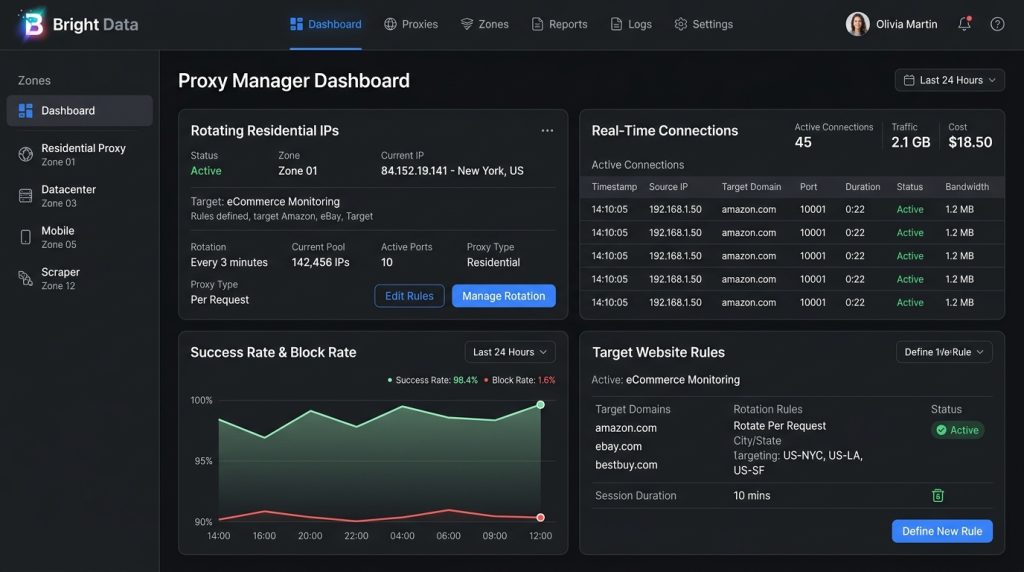
They manage a huge pool of rotating residential connections, build custom scraping tools, and offer pre-packaged datasets. Since the connection looks like it is coming from a standard living room, it slips right past security filters without raising any alarms.
For managing multiple social accounts or configuring SOCKS5 settings, 9Proxy offers a pool of twenty million residential IPs across ninety different countries.
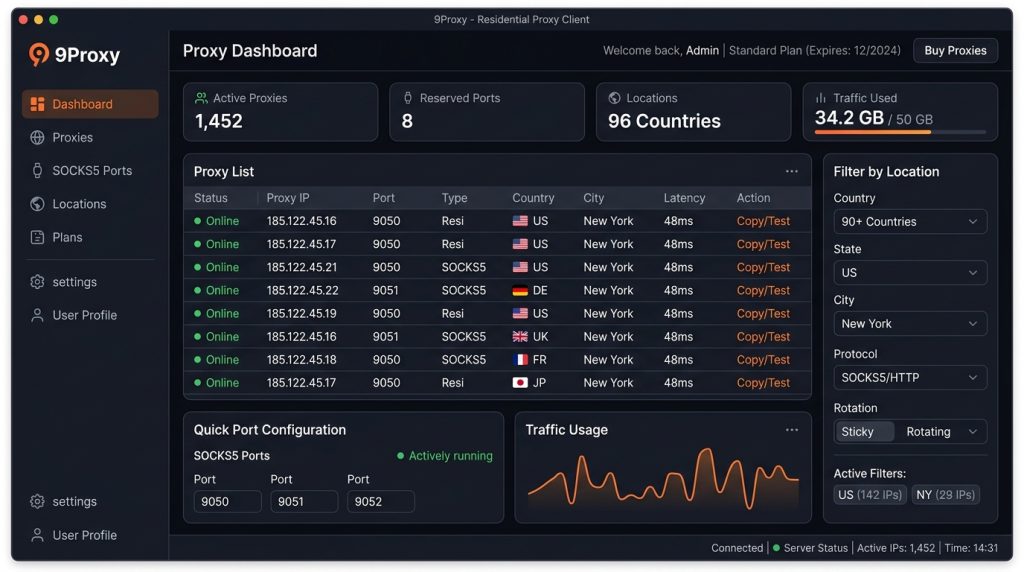
You can filter the pool down to specific cities or regions, which makes bypassing geoblocks straightforward.
Static Residential Proxies: The Hybrid Option
Sometimes you need a single IP address to stay active for an extended period. If you are logging into client portals or managing e-commerce shops, rotating your IP with every single request looks suspicious and will get your account flagged.
In these situations, static residential proxies (often called ISP proxies) provide a hybrid solution. These are hosted on datacenter servers but lease IP ranges directly from commercial consumer ISPs (like Comcast or AT&T).
You get the high speed and stable connection of a data center combined with the high-trust reputation of a home internet connection. While the block rate is slightly higher than rotating residential networks, it remains vastly superior to standard datacenter VPNs.
The Security Risk of Free Public Proxies
If you search the web, you will find hundreds of lists offering free public HTTP or SOCKS5 proxies. It is highly tempting to plug these into your scraper to save money.
However, public proxy lists have a block rate close to one hundred percent on any modern commercial website. Because these servers are public, thousands of scrapers use them simultaneously, which flags and blacklists them almost instantly.
Even worse, many of these free servers are set up by bad actors to intercept your data, inject malware, or steal credentials. They are slow, drop connections constantly, and go offline within minutes of appearing on a list. For any professional data task, using a vetted, paid network is the only way to keep your scripts running safely.
When to Use a VPN Instead
If you want to protect your personal browsing on public airport Wi-Fi, keep your ISP from logging your history, or secure employee laptop connections, use a VPN. Here is how the main tools fit:
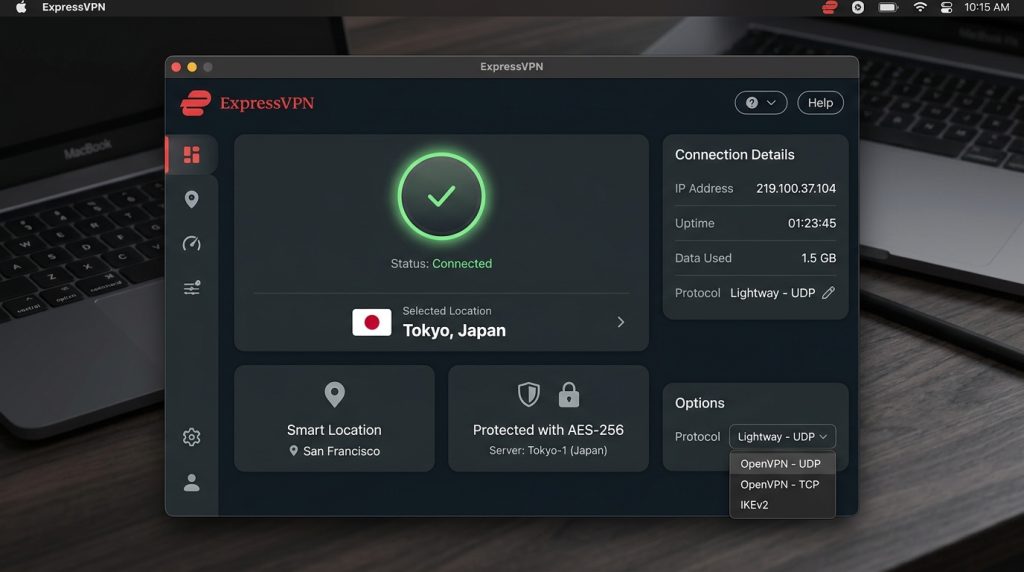
- ExpressVPN: Good for speed and basic security. ExpressVPN uses RAM-only servers that wipe data automatically, offers locations in 105 countries, and builds in leak protection to hide your coordinates.
- CyberGhost VPN: A privacy option based out of Romania. CyberGhost VPN gives you dedicated IPs, lets you run split tunneling, and protects up to seven devices on one account.
- IPVanish VPN: A solid option if you need to secure a lot of hardware. IPVanish VPN allows unlimited connections under a single subscription, offers a cloud browser to cut down on malware risks, and throws in encrypted storage.
Choosing the Right Tool for the Job
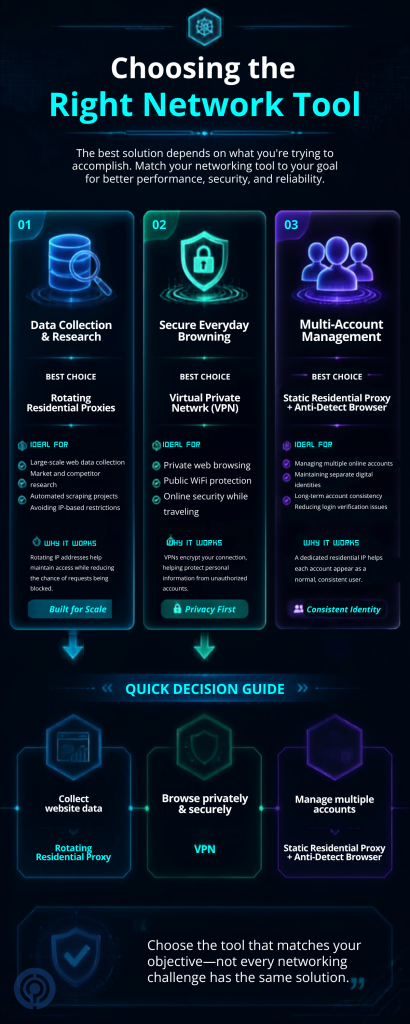
Deciding between a proxy and a VPN depends entirely on your specific use case. If you try to use the wrong tool, you will waste time and end up blocked.
For Scraping and Market Research
Use rotating residential proxies. They give you the scale, rotation speed, and IP reputation needed to gather data without triggering blocks. Bright Data or 9Proxy are built for this.
For Personal Privacy and Web Browsing
Use a VPN. The encryption keeps your data safe from snooping, and the client applications are simple enough for anyone to use. ExpressVPN, CyberGhost, or IPVanish fit this need perfectly.
For Managing Multiple Accounts
Use static residential proxies paired with a anti-detect browser. This setup gives each of your accounts a dedicated, static IP that looks like a standard household connection.
Matching your network tool to your specific project needs keeps your scripts running without getting locked out.
Final Verdict: Proxy or VPN?
If you are building scrapers, managing marketing accounts, or crawling search engines, do not waste your time with a consumer VPN. You will spend all your day fighting blocks and swapping datacenter locations. Invest in a residential proxy network like Bright Data or 9Proxy to get the trust scores you need.
On the flip side, if you just want to secure your local traffic while working remotely or bypass geographic streaming restrictions, a paid VPN like ExpressVPN, CyberGhost, or IPVanish is the best fit. Keep both tools in your network toolkit and use them for what they were actually designed to do.


Leave a Comment