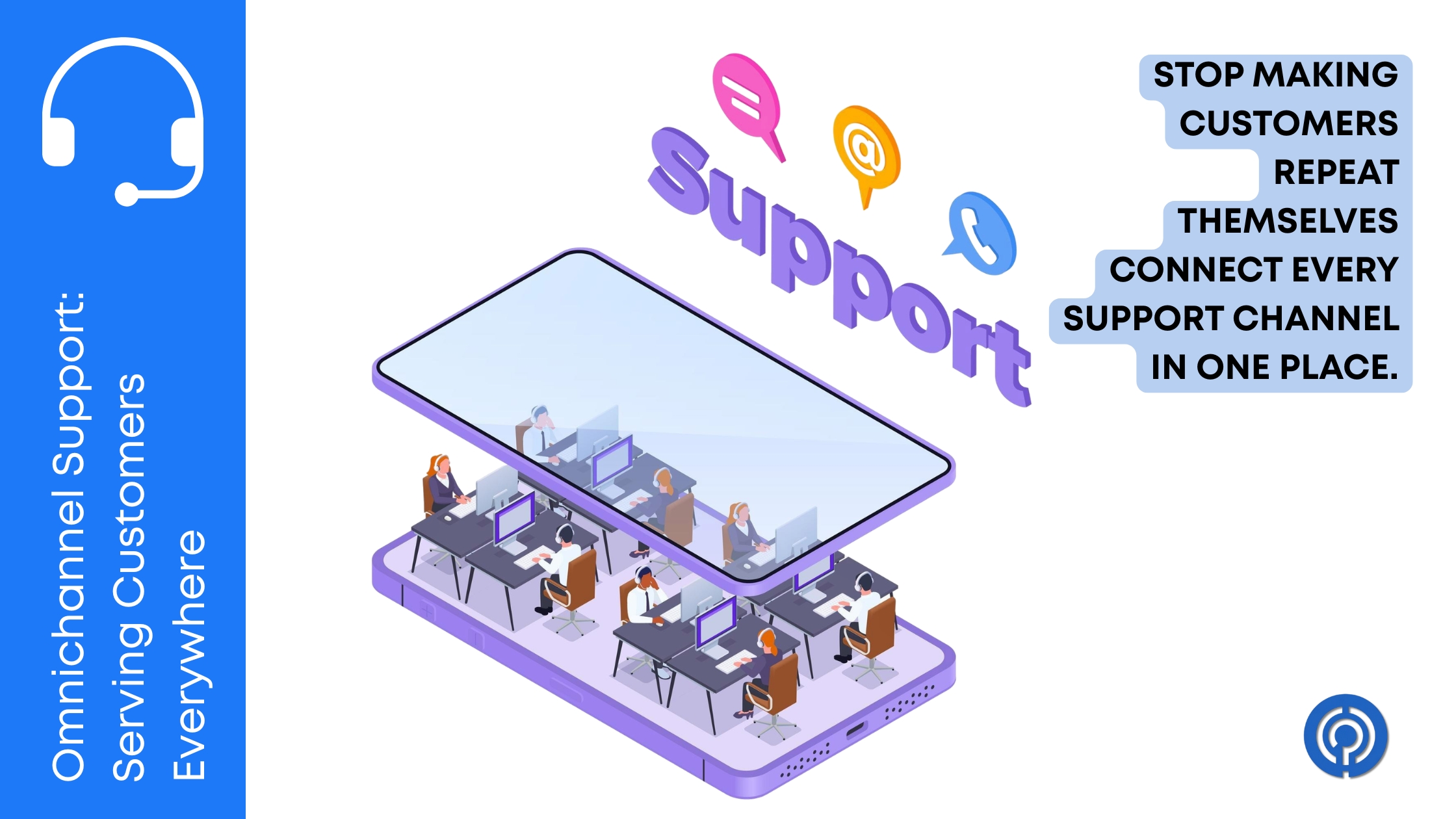
A retail brand I came across a few years ago was drowning in customer complaints—not because their product was bad, but because their support team was a mess. Customers emailed about a return, got no reply, then sent a live chat message, then called. Each time they reached a different agent who had zero context from the previous conversation.
The customer had to repeat their entire story from scratch every single time. The support reps, for their part, were frantically jumping between separate email inboxes, a standalone chat tool, and a phone system that logged calls in a completely different spreadsheet.
Three separate channels with three separate teams and three separate data silos. That is the exact problem omnichannel support is designed to solve.
What Omnichannel Support Actually Means
People tend to use “omnichannel” and “multichannel” interchangeably, but they are not the same thing. Multichannel support means you are reachable on email, chat, phone, and social media. Omnichannel support means all of those channels are stitched together into a single, unified view of each customer.
When a customer emails on Monday, sends a live chat on Wednesday, and calls on Friday, an omnichannel system shows every one of those interactions on a single timeline. The agent who picks up Friday’s call knows exactly what was said in Monday’s email without asking the customer to repeat themselves.
That one detail—not forcing customers to re-explain their problem—is the difference between a support experience that builds loyalty and one that drives people to leave a one-star review on Google.
Why Businesses Struggle Without a Unified Inbox
Most support teams start out managing support through tools that were never designed to work together. Email arrives in Gmail. Live chat runs through a separate widget. Social media mentions land in a marketing tool. Phone calls get logged in a CRM.
As your customer volume grows, agents start falling behind. They miss tickets buried in an inbox tab nobody checked. They respond to a social media complaint without knowing the same customer already has an open email ticket about the same issue. They promise resolution timelines in one channel that conflict with what another agent said on the phone an hour earlier.
The root cause is always the same: your support data is fragmented across tools that do not talk to each other.
Picking the Right Platform to Unify Your Channels
Finding software that actually connects all your channels without costing a fortune or breaking your workflow comes down to matching the tool to your team’s size and daily volume. Here are the platforms that handle omnichannel best in practice:
Freshdesk — Best for Growing Teams
If your team is getting hammered with email and live chat requests every hour, Freshdesk pulls email, phone, chat, social DMs, and WhatsApp messages into one unified queue.
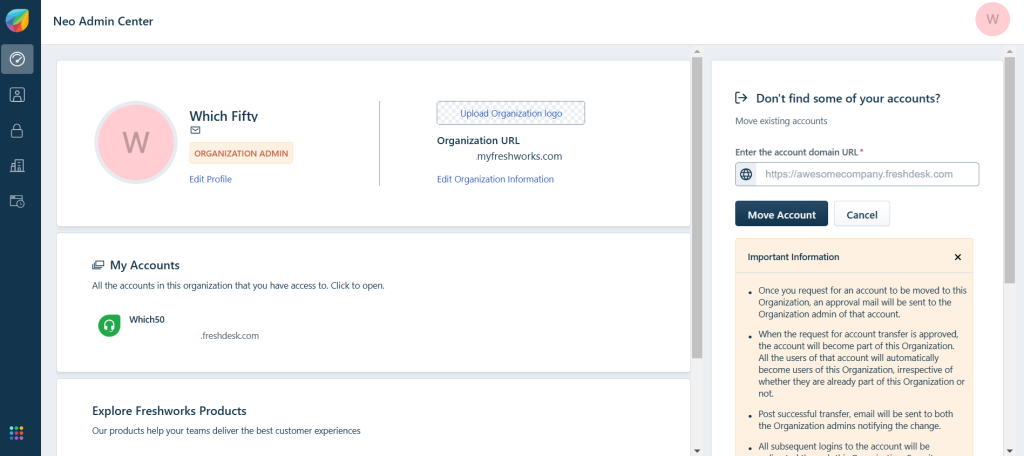
The main win here is context merging. If a buyer emails your support team about a missing package and then starts a live chat ten minutes later out of frustration, Freshdesk threads those two tickets together automatically. Your rep sees the full history on their screen before they even start typing a reply, so they aren’t firing off contradictory advice. You can also build quick routing rules to push specific ticket types—like billing issues or technical bugs—straight to the reps who know how to solve them.
Zendesk — Best for Enterprise Scale
When you’re managing dozens or hundreds of agents across multiple time zones, Zendesk is built to handle the heavy lifting. It is the go-to platform for large operations that need heavy-duty routing logic, strict SLA tracking, and deep custom reporting.
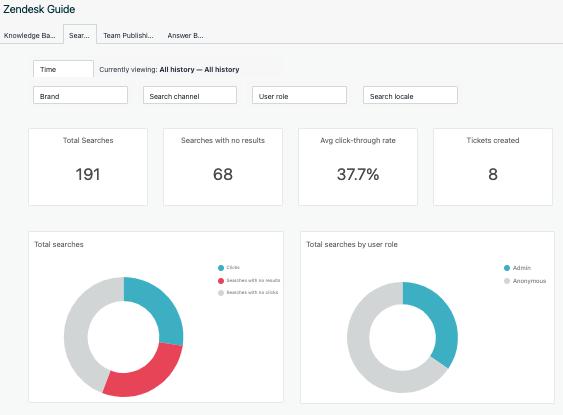
Every conversation—whether it starts on Twitter, a web form, WhatsApp, or a voice call—lands in Zendesk’s unified agent workspace with the customer’s full history attached. Agents can switch between replying to a live chat and handling an email from the same screen without losing their place.
Zendesk’s satisfaction scoring and CSAT tracking give you a real-time pulse on how your omnichannel operation is performing across each individual channel, not just as a blended average.
EngageBay — Best for Small Businesses and Startups
Not every team needs enterprise-scale infrastructure. For smaller businesses managing support alongside sales and marketing, EngageBay bundles CRM, live chat, email marketing, and a shared support inbox into one affordable platform.
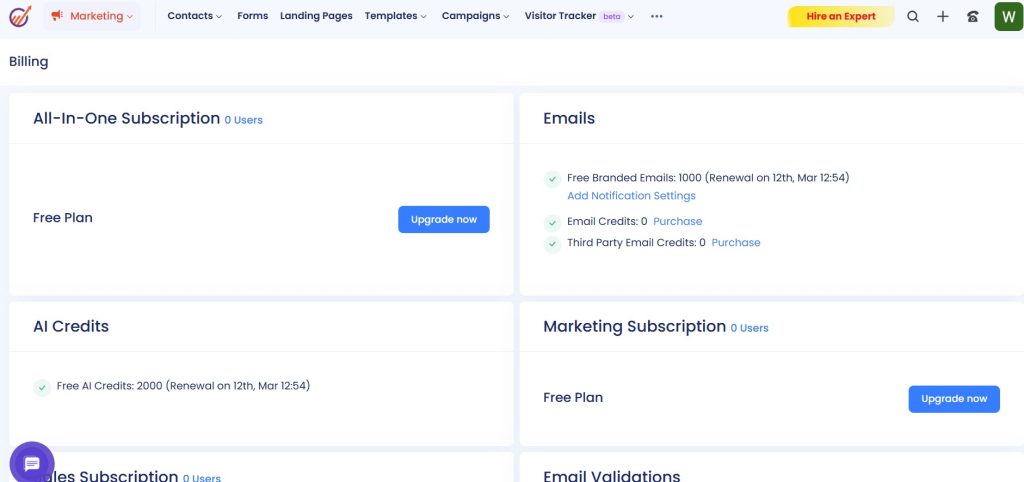
Instead of paying for four separate tools that barely integrate, your sales team’s contact notes and your support team’s ticket history live in the same customer record. That means a support agent can see that a customer has been in an active sales conversation before sending a generic canned reply that undercuts the relationship your sales rep has been building.
Intercom — Best for Product and SaaS Teams
If your business runs on a web app or SaaS product, Intercom is worth a close look. Their platform specializes in in-app messaging, proactive support nudges, and chatbot automation layered on top of a shared inbox.
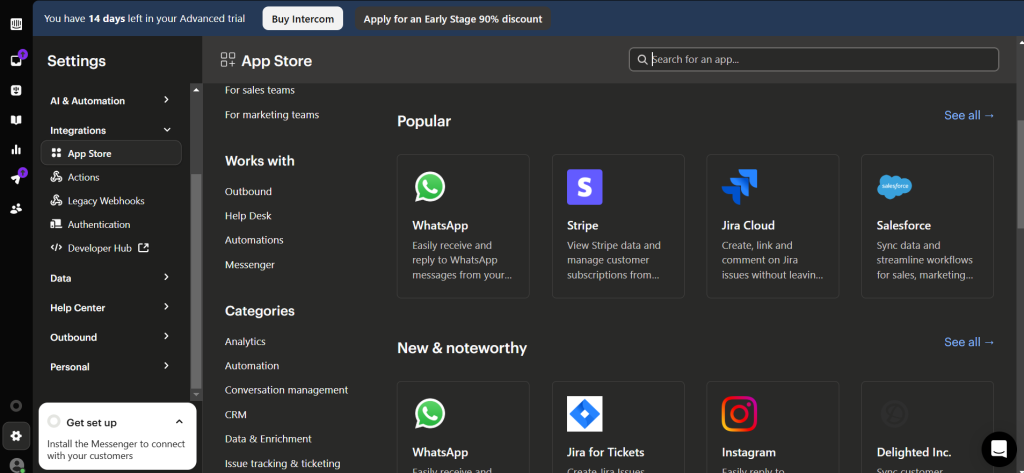
Intercom lets you target specific users based on behavioral triggers. If someone has been stuck on your billing settings page for five minutes, you can automatically push a chat message offering help before they even think about emailing support. That kind of proactive support deflects tickets before they land in your queue.
Crisp — Best for Teams Wanting a Simple Live View
For leaner teams that want a real-time customer communication hub without the enterprise complexity, Crisp gives you a live chat, shared inbox, email, and Facebook Messenger integration in a clean single-screen workspace.
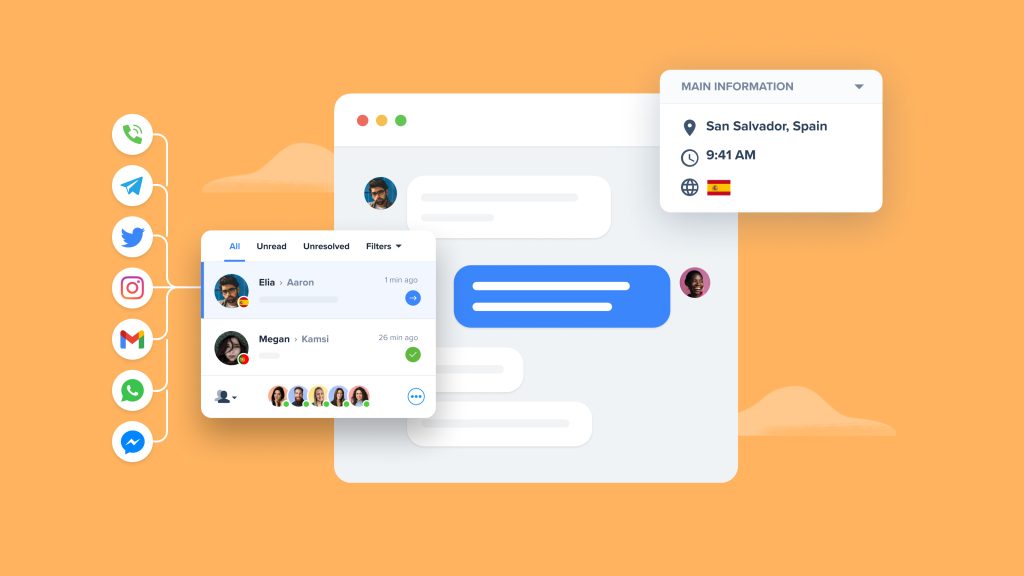
One feature that genuinely stands out is Crisp’s live typing preview—agents can see what the customer is typing before they hit send, giving your team a few extra seconds to pull up relevant information before the message arrives. Small thing, but it noticeably speeds up first response times.
The Support Channels You Cannot Ignore in 2026
Building a proper omnichannel setup means making a deliberate decision about which channels matter most to your specific customer base. Not every business needs to be active on every platform. Here are the channels worth prioritizing:
- Email — Still the backbone of business support. Customers send detailed problems to email. Your team uses it to track paper trails and share screenshots. No support operation functions well without a properly organized email inbox.
- Live Chat — Customers expect live chat on product and checkout pages. If someone is sitting on your pricing page with a question, chat converts them. If they have to email and wait, they leave.
- Social Media — Twitter mentions and Facebook comments are public. An unanswered complaint on your company’s social feed sits there for every potential customer to see. Routing social mentions into your main support queue ensures they get the same treatment as a private email.
- WhatsApp and SMS — Depending on your market, customers prefer to reach businesses the same way they message friends. WhatsApp integration is increasingly non-negotiable for teams serving international markets.
- Self-Service Knowledge Base — Every article your team writes in a knowledge base is a ticket that never gets submitted. Teams that invest in solid self-service documentation see measurable drops in inbound ticket volume within months.
Building Your Omnichannel Support Playbook
Having the tools in place is only half the job. The other half is deciding how your team actually uses them. A few things that separate teams doing omnichannel well from teams that just have a lot of channels open:
- Define channel-specific SLAs: Email might have a four-hour response window, while live chat should respond within two minutes. Set those targets explicitly so agents are not guessing what counts as fast.
- Write channel-specific reply templates: A canned response appropriate for a formal email reads strangely when sent as a live chat message. Build separate template libraries for each channel.
- Track per-channel CSAT separately: If your overall satisfaction score looks fine but your social media response rating is dragging, you will only catch that by looking at channel-level data.
- Run weekly ticket audits: Have a team lead spot-check a sample of closed tickets from each channel to make sure tone, accuracy, and resolution quality are consistent across the board.
Conclusion
Customers do not think about channels. They do not decide to contact you via email versus chat based on internal policy. They just reach out wherever is most convenient at that moment. Your job is to make sure that no matter where they land, they feel like they are talking to one cohesive team that knows their history.
Stitching your channels together with tools like Freshdesk, Zendesk, EngageBay, Intercom, and Crisp removes the friction that makes customers feel like they are being passed around a bureaucracy. It makes your agents faster, your resolutions cleaner, and your customers far less likely to churn because they felt ignored.



Leave a Comment