In August 2021, a ransomware attack hit Kaseya, a company whose software managed IT infrastructure for thousands of businesses worldwide. The attackers encrypted data not just at the primary target but across the managed service providers and their clients downstream — a cascading failure that affected roughly 1,500 organizations in a matter of hours. Many of those businesses had backups. Some of those backups were stored on systems connected to the same network the ransomware had already compromised. Those backups were encrypted too.
The question isn’t whether something will go wrong with your data. Hard drives fail at rates that storage engineers track with clinical precision. Ransomware has become an industrialized business. Human error — the accidental deletion, the overwritten file, the misconfigured sync — is a constant. The question is whether, when something goes wrong, you have a recoverable copy of your data that the same failure event didn’t also reach.
The 3-2-1 backup rule is the most widely cited framework for answering that question correctly. It is not new — it predates cloud storage by decades, originating in photography and adapted into IT practice in the early 2000s. Its durability is not nostalgia. It’s that the underlying logic addresses the failure modes that actually destroy data, and those failure modes haven’t changed.
What the Rule Says, and Why Each Number Is There
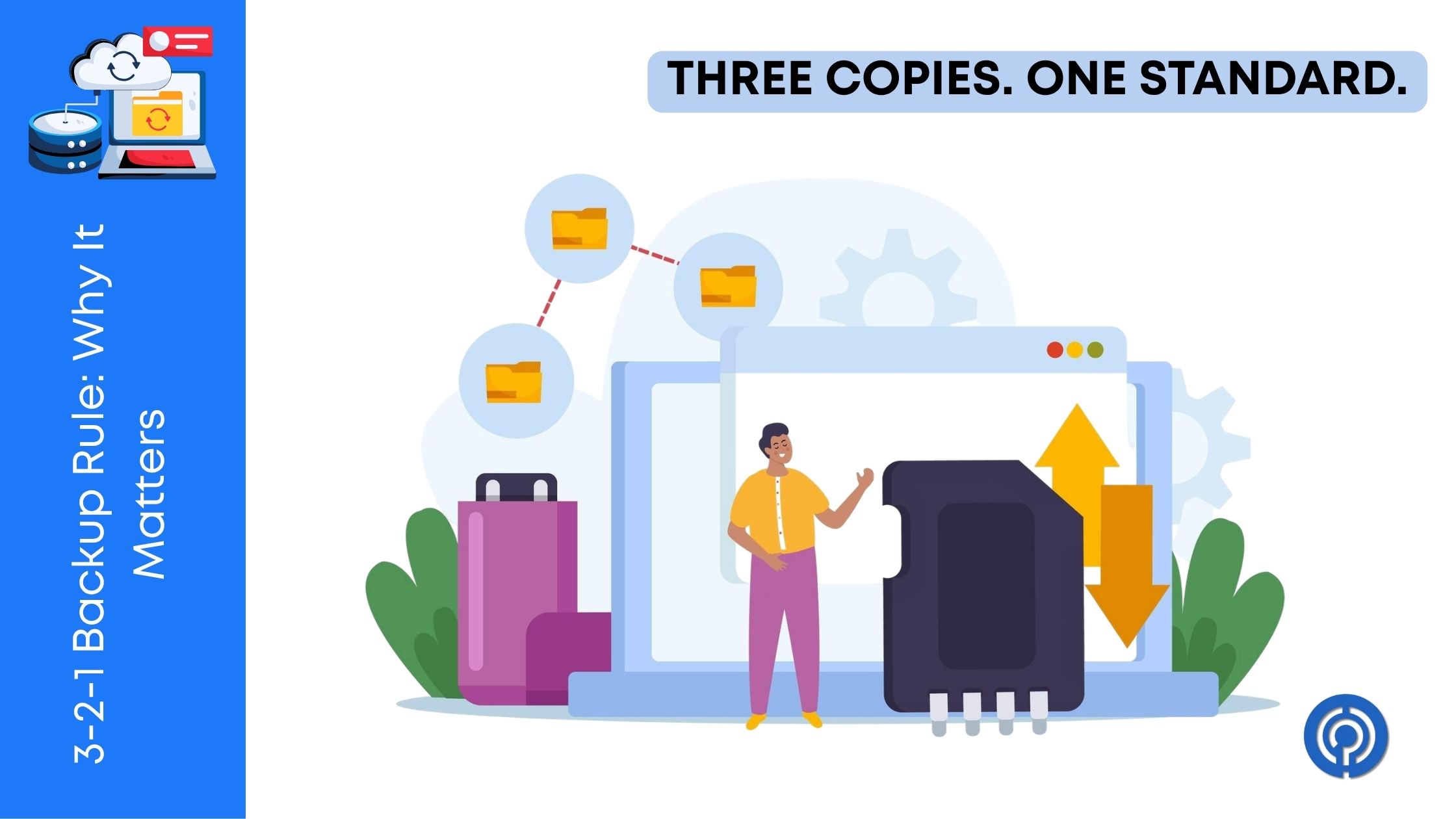
The rule has three components. Three copies of your data. Two different storage media types. One copy stored offsite.
Three copies is the baseline that provides meaningful redundancy. One copy is no backup — it’s the same data in the same place with a label on it. Two copies sounds like redundancy but collapses under correlated failures: if your primary drive and your backup drive are both in the same machine, the same office, or the same cloud account, a fire, a ransomware infection, or an account compromise can reach both simultaneously. Three copies, deliberately distributed, means that any single failure event — or even a correlated failure affecting two of the three — still leaves you with a recoverable version.
The logic here is probabilistic. The chance that three independently stored copies of the same data are destroyed by the same event, simultaneously, is orders of magnitude lower than the chance that one or two copies are lost. That probability gap is what makes recovery possible rather than theoretical.
Two different storage media types addresses a failure mode that single-medium redundancy misses entirely: the media-specific failure. A manufacturing defect affecting one batch of drives can affect multiple drives of the same model purchased at the same time — a real phenomenon that data recovery professionals encounter regularly. A software bug in one cloud provider’s infrastructure can affect all storage within that system. Distributing copies across physically different media types — local drive plus cloud, tape plus object storage, NAS plus external drive — ensures that a failure endemic to one medium doesn’t reach both copies simultaneously.
This component is also what creates resilience against provider-level failures. Cloud storage providers do fail — not often, but with enough historical precedent that treating a single cloud provider as a complete backup strategy reflects more optimism than engineering.
One offsite copy is the component that protects against the category of failures that destroy everything physically present in a single location: fire, flood, theft, power surge, or the scenario the Kaseya incident illustrated — a network-connected compromise that spreads to every system reachable from the infected environment. An offsite copy that is either physically in a different location or logically air-gapped from your primary network cannot be reached by the same localized failure event. That separation is the entire point.
The Failure Modes the Rule Is Designed to Prevent
Understanding why the rule works requires understanding the specific ways data gets permanently lost.
Hardware failure is the most statistically common. Consumer hard drives have annualized failure rates typically between 1% and 5% depending on model and age, according to Backblaze’s hard drive reliability statistics — the longest-running public dataset on drive failure rates in the industry. Enterprise SSDs perform better but are not immune. A RAID array is not a backup; it protects against drive failure but not against accidental deletion, ransomware, or corruption events that affect all mirrored copies equally.
Ransomware has evolved specifically to defeat inadequate backup strategies. Modern ransomware variants search for and encrypt backup files on connected drives and mapped network shares before encrypting primary data — specifically because attackers know that destroyable backups eliminate the alternative to paying the ransom. An offsite copy that is not network-accessible at the time of infection is the primary technical defense against this attack vector. Without it, an otherwise well-maintained backup set can be fully compromised in the same infection event.
Human error accounts for a larger share of permanent data loss than most organizations acknowledge. Accidental deletion, sync services overwriting newer files with older versions, and misconfigured automated processes that delete data they shouldn’t — these are common causes of data loss that do not trigger any alerts, do not look like attacks, and frequently aren’t discovered until well after the data is needed. A backup that preserves file versions over time — not just the most recent snapshot — is what allows recovery from this category of loss.
What 3-2-1 Looks Like in Practice
The framework is abstract until you map it to an actual implementation. A concrete example makes the components clearer.
A small business running on-premises servers might implement 3-2-1 as: primary data on local servers (copy one), automated nightly backups to a NAS device in the same building (copy two, different medium), and automated daily backups to a cloud storage service (copy three, offsite). That implementation satisfies all three criteria — three copies, two media types (server drives plus NAS hardware plus cloud), one offsite location.
A remote-first business with no on-premises infrastructure might implement it as: primary data in a cloud SaaS environment (copy one), automated backups to a second cloud storage provider in a different region (copy two), and periodic exports to local storage that is kept offline when not in use (copy three, air-gapped offsite). The specific tools change; the structural logic stays identical.
The 3-2-1 rule describes a minimum standard. Organizations with higher data sensitivity or more stringent recovery requirements sometimes extend it to 3-2-1-1-0 — adding a fourth copy on immutable storage that cannot be modified after writing, and zero recovery errors verified through regular restore testing.
Three Platforms That Support 3-2-1 Implementation
Carbonite

Carbonite provides continuous cloud backup for files, servers, and endpoints — automatically backing up changed data in the background without requiring scheduled jobs or manual intervention. For small and mid-size businesses implementing the offsite cloud component of a 3-2-1 strategy, Carbonite’s automatic versioning maintains multiple previous versions of files over a configurable retention period, which directly addresses the human-error loss scenario where the recovery window matters more than the most recent backup state.
Its endpoint backup capability extends the 3-2-1 framework to employee devices — laptops and workstations whose local data often represents a significant portion of organizational knowledge but sit outside the backup perimeter of server-focused solutions. Covering endpoints alongside servers ensures the “three copies” requirement extends to the data that lives on devices, not just the data stored centrally.
Druva

Druva is built as a cloud-native data protection platform designed for enterprises managing data across cloud workloads, SaaS applications, and hybrid environments. Its architecture stores backup data in an isolated cloud environment with immutable retention policies — meaning backup data cannot be modified or deleted, even by an administrator, during the configured retention period.
That immutability directly addresses the ransomware scenario: even if credentials are compromised, an attacker cannot encrypt or delete backup data that the platform’s architecture prevents modification of. For organizations implementing an extended 3-2-1 strategy with an immutable copy requirement, Druva’s approach provides the technical guarantee that the immutability is architectural rather than policy-based — it cannot be bypassed by an administrator under duress.
Its coverage spans Microsoft 365, Salesforce, AWS, Google Cloud, and on-premises workloads from a single management interface, which makes it practical for organizations whose data is distributed across cloud platforms rather than concentrated in a single location.
Commvault
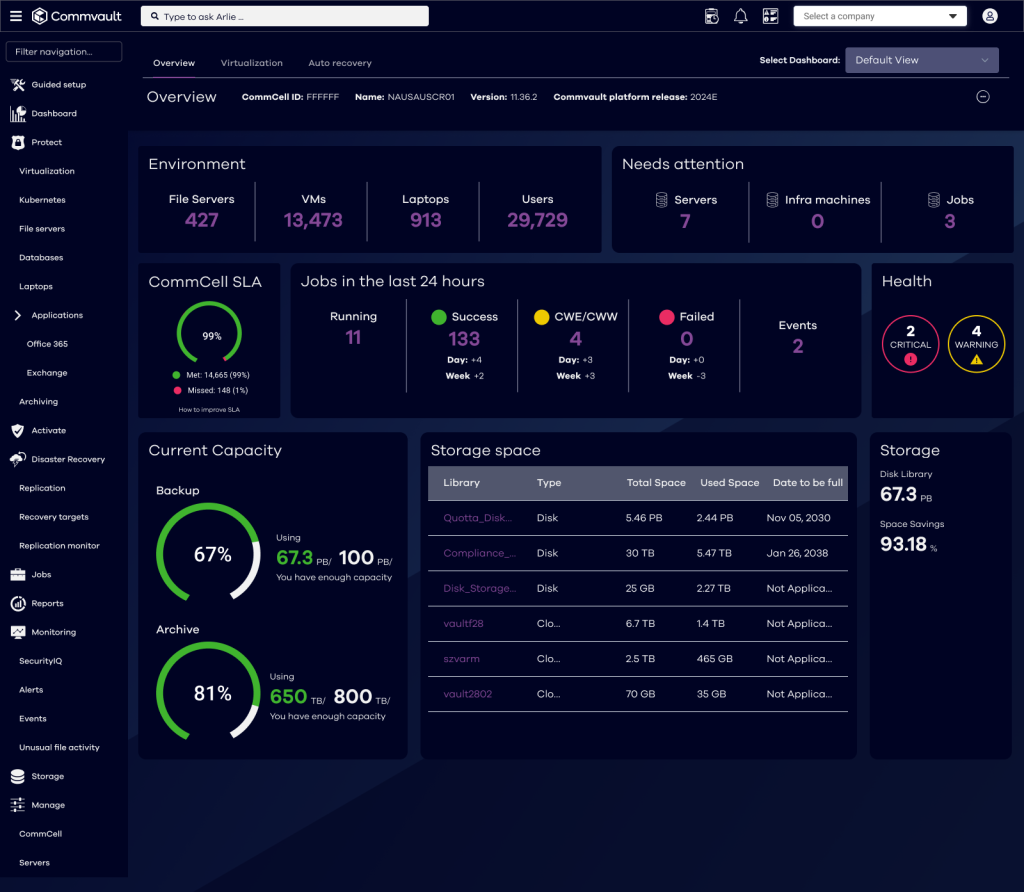
Commvault provides enterprise-grade backup and data management across on-premises, cloud, and hybrid environments with the configuration flexibility required to implement 3-2-1 across complex, multi-location infrastructure. Its policy engine allows backup administrators to define where each copy of data is stored, on what schedule, with what retention period, and to which storage tier — translating the 3-2-1 framework into operational rules that apply automatically across the environment.
Its SLA management and recovery orchestration capabilities address the often-overlooked operational half of backup strategy: not just whether copies exist, but whether they can be recovered within a timeframe that meets business continuity requirements. A backup set that exists but requires twelve hours to restore is functionally different from one recoverable in thirty minutes — a distinction that matters acutely during an incident. Commvault’s restore testing capabilities allow organizations to validate recovery time objectives regularly rather than discovering gaps during an actual event.
Recovery Testing: The Part Almost Nobody Does
The 3-2-1 rule governs how data is backed up. It says nothing about whether those backups can actually be restored when needed.
An untested backup is an assumption. Organizations that discover their backup files are corrupted, their restore process takes three times longer than anticipated, or their recovery software requires a license they don’t have — during the incident when recovery is urgent — are in a considerably worse position than if they had never had a backup strategy at all, because they delayed taking the incident seriously based on the false confidence of having “a backup.”
According to NIST guidelines on contingency planning for federal information systems, regular testing of backup and recovery procedures is a core requirement for any information system continuity plan — not a recommended enhancement, a requirement. The same principle applies to private sector environments regardless of regulatory obligation.
Restore testing should be scheduled quarterly at minimum. Each test should verify that the backup files can be accessed, that the restore process completes successfully, and that the recovered data is intact and usable. Documenting the restore time provides the baseline for realistic recovery time estimates in the event of an actual incident.
For context on how the 3-2-1 framework connects to broader backup strategy decisions, our guide on automated backups vs manual backups covers the operational tradeoffs that determine which backup methods are sustainable alongside the structural requirements the 3-2-1 rule establishes.
Conclusion
The 3-2-1 rule has survived as the standard for data protection strategy not because it is complex, but because it is structurally correct. Three copies, two media types, one offsite location — mapped to the specific failure modes that actually destroy data and designed to ensure that no single failure event reaches all copies simultaneously. The organizations that lose data permanently are almost always those who had some backup infrastructure but not the structural redundancy to survive the specific type of failure they encountered. The rule exists to close exactly those gaps.



Leave a Comment