Imagine two customers land on your product page at the same time. One of them sees the full price, winces, closes the tab, and forgets about you by next week. The other sees a “Pay in 4 installments” option, clicks through, and completes the purchase in under three minutes.
Same product. Same price. Very different result.
By 2024, there were an estimated 380 million BNPL users worldwide — and they weren’t just splitting sofas and laptops. Grocery runs, clothing, everyday purchases. People are breaking all of it into installments now.
The businesses that offer flexible payment options consistently see higher average order values, lower cart abandonment rates, and better customer retention. The ones that don’t are handing those customers to the competition.
This guide walks you through exactly how to set up payment plans for your customers — whether you’re running a physical product store, a digital goods business, or a service-based operation.
What Kind of Payment Plan Do You Actually Need?
The honest answer is that not every payment plan works for every business, and picking the wrong one creates more problems than it solves.
Take the split-payment model first — where you divide the total into equal portions and collect over a few weeks or months. A customer pays the first chunk today, gets the product, and clears the rest over time. That setup makes a lot of sense when you’re selling something with a price tag that makes people hesitate: a premium online course, a coaching package, a piece of equipment. The hesitation usually isn’t “I don’t want this.” It’s “I can’t do this all at once.”
Recurring billing works differently. The customer doesn’t pay once for a thing — they pay regularly to keep using it. Monthly, annually, whatever you settle on. Software companies, membership platforms, and agencies running retainers all live in this model. The relationship doesn’t end at checkout; it just keeps going.
Then there’s deferred payment, which flips the usual order. The customer gets access now and pays later — after a trial period, after a grace window, or on a net-30 invoice if you’re in a B2B context. This one works well for building trust before asking for money, but it only makes sense if what you’re selling justifies the risk of someone walking away after the trial.
The fourth option hands the problem to someone else entirely. Services like Klarna, Afterpay, and PayPal Pay Later sit inside your checkout and offer the customer their own financing. You get paid in full immediately. They deal with collecting the installments. The trade-off is a fee on every transaction — typically between two and six percent depending on the provider.
Get this choice wrong and things get messy fast. A consultancy that pushes monthly retainers at clients who were expecting a one-time project fee will stall deals that were almost closed. A small online shop adding deferred payment to items under twenty dollars is just building admin overhead for no real conversion benefit.
Setting Up Payment Plans on Shopify
If you run a product store, Shopify has probably the smoothest path to offering installments, thanks to Shop Pay Installments — their own BNPL product running on Affirm’s infrastructure.
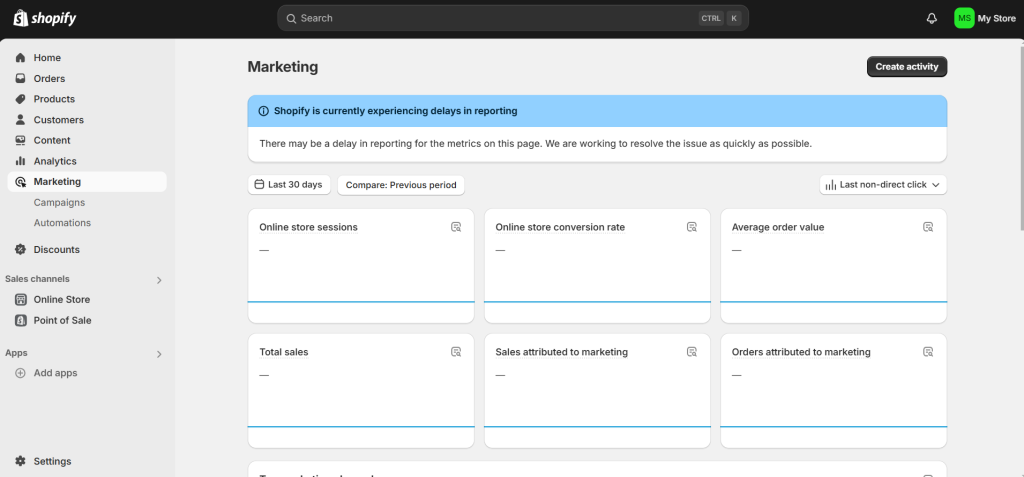
Getting it switched on requires a US-based store, Shopify Payments as your processor, and approval through Affirm’s eligibility check. Once that’s sorted, the split-payment option appears on product pages and at checkout automatically. No developer needed.
Buyers can see the per-instalment amount before they commit. On the merchant side, you receive the total sale amount immediately — Affirm takes their fee and handles the rest.
For merchants outside the US or those who want more control over the installment schedule, Shopify’s app store has third-party options like Partial.ly and Bold Subscriptions that let you create fully custom payment schedules tied directly to specific products or collections.
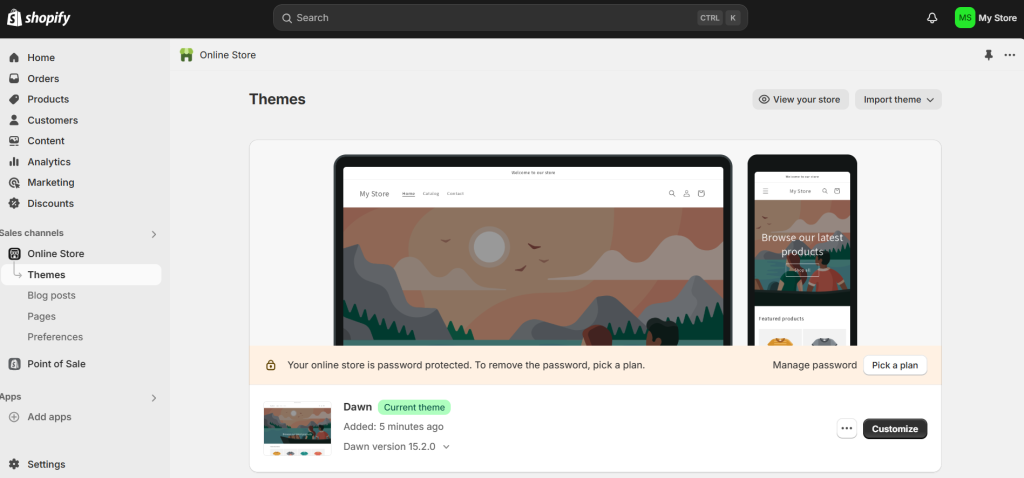
If you want to track how your payment plan products are performing separately from your standard sales, Shopify’s reporting dashboard lets you filter revenue by payment type and product collection. This breakdown matters when you’re reviewing which plans are driving conversions and which ones are sitting unused. For more on building out your reporting, check out this guide on how to generate sales reports from CRM data.

Setting Up Payment Plans on WooCommerce
For WordPress-based stores, WooCommerce doesn’t have a native installment tool out of the box, but the plugin ecosystem covers it completely.
The most common fix is the WooCommerce Deposits plugin. You pick either a flat deposit amount or a percentage of the total, and the plugin handles everything from there — the customer pays their share at checkout and settles the balance by the date you set.
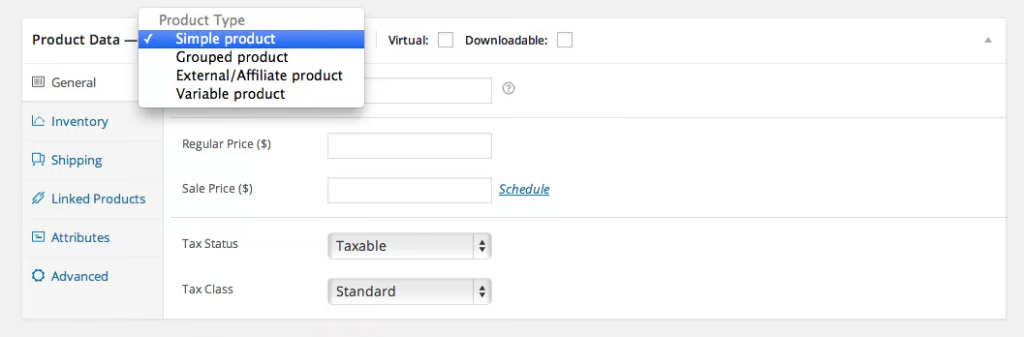
If recurring billing is what you’re after, WooCommerce Subscriptions handles that side cleanly — any billing frequency, signup fees, free trials, automatic renewal, failed payment retries, the lot.
Prefer to let someone else manage the credit risk entirely? Klarna, Afterpay, and Sezzle each have their own WooCommerce plugins. You install it, connect your account, and within a few minutes your checkout has a BNPL option sitting right next to the standard card payment.
The one thing WooCommerce store owners often miss is making the payment plan option clearly visible on the product page itself. A note in the product description saying “Available in 4 monthly installments” dramatically improves uptake. Check out this guide on how to add product descriptions that convert for practical tips on writing copy that highlights payment flexibility without burying it in the fine print.

Setting Up Payment Plans for Digital Products on Sellfy
If you sell digital products — courses, templates, ebooks, design assets — Sellfy gives you a clean, fast way to offer installment billing without needing a full eCommerce setup.
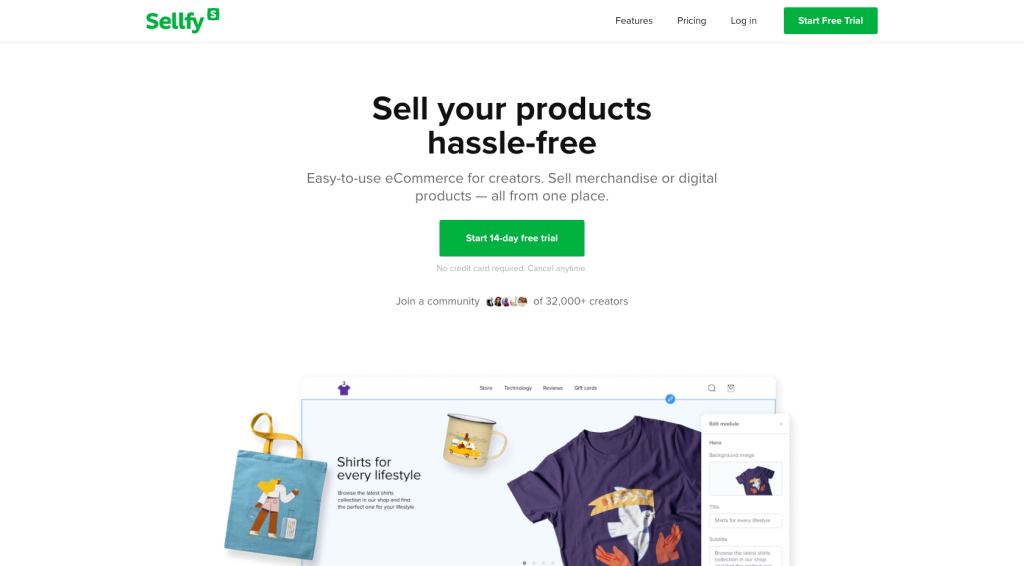
Sellfy’s subscription billing feature lets you create membership-style payment plans where customers pay monthly or annually for access to your digital library. For one-time products with an installment option, you can set up a Sellfy subscription that mirrors an installment plan — for example, three monthly payments that give access to a course until the total is cleared.
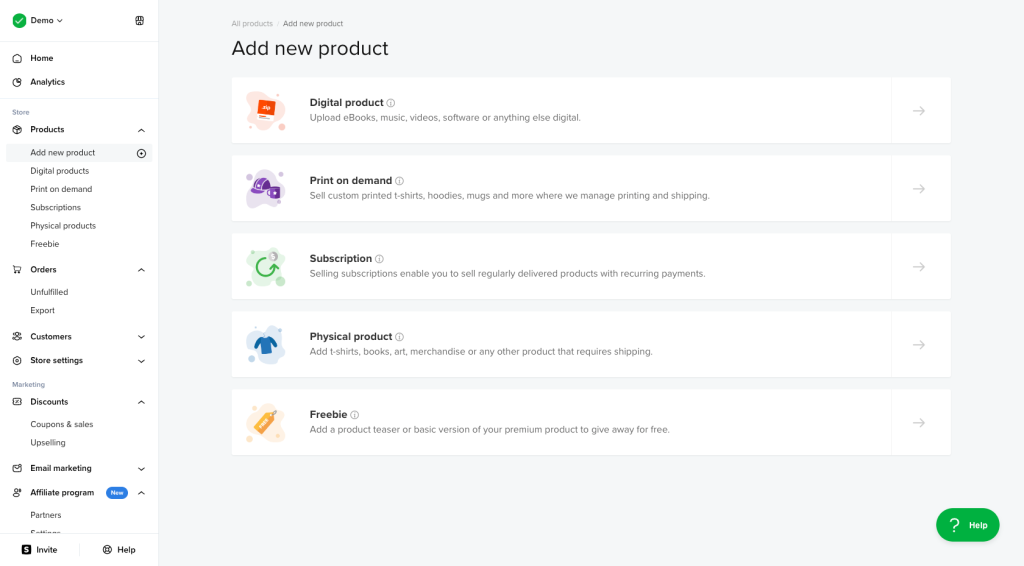
What makes Sellfy particularly useful here is that you can tie content delivery to payment milestones. A module unlocks after payment two clears. The final download goes live after payment three. It all runs automatically, so you’re not sitting there manually sending files every time someone hits a billing date.
The Rules You Need to Set Before You Launch
A payment plan that isn’t clearly governed can turn into a customer service nightmare. Before you go live, establish the following in writing and make sure it appears somewhere visible during checkout.
- Payment Schedule: Don’t say “four monthly payments” and leave it there. State the exact dates. Customers read “monthly” differently — some assume calendar months, others assume 30-day intervals. A specific date removes all guesswork and kills 90 percent of billing disputes before they start.
- Missed Payments: What actually happens when a card gets declined? Does access pause immediately? Does the system retry in three days? Is there a grace window? Write all of this out. Customers who know the rules upfront are far less likely to feel blindsided — and far less likely to dispute the charge.
- Refund and Cancellation Rules: Payment plans complicate your standard return policy. If a customer has paid two of four installments and wants a refund, what do they get back? Define this before someone asks.
- Eligibility Restrictions: Some products shouldn’t be available on a payment plan — heavily discounted items, digital goods that are instantly delivered and non-returnable, or limited-stock items where holding inventory across a multi-week payment window creates risk. Set those product exclusions upfront.
Wrap Up
The best payment plan setups feel invisible to the customer and effortless for the business owner to manage.
From the customer’s side, it means they knew exactly what they were signing up for, nothing surprising showed up on their statement, and updating their card didn’t require them to hunt through three different support pages.
From your side, it means the billing runs on its own, failed payments get retried without you having to chase anyone manually, and your reports show a clear picture of what’s been collected versus what’s still outstanding.
Start with one product or one customer segment as a test. Watch how completion rates look at the end of your first payment cycle. If most customers complete all payments without chasing, you’ve built something worth scaling. If dropout is high after the second installment, your pricing structure or plan length needs adjusting.
Payment flexibility is one of the fastest ways to close sales that would otherwise stall at the price objection. The setup takes an afternoon. The revenue impact shows up for months.
Leave a Comment