When you drop a file into a cloud storage folder, you’re making a quiet agreement: you trust that company to keep your files safe and give them back to you when you need them. It sounds like a simple service, but it’s where things get complicated. Some providers lock down your files like a digital fortress but make uploading feel like dialing up in 1999. Others are lightning-fast but play loose with your privacy.
If you’ve ever watched a progress bar freeze on a critical file, or worried about your private data leaking onto the web, you know how frustrating this choice is. Let’s break down how speed and security clash in cloud storage, and how to find the right balance for your daily work.
Why You Can’t Just Look at Price
When people shop for cloud space, they usually look at two metrics: price and gigabytes. While that is fine for family photos or backing up your music collection, it’s a dangerous way to run a business. As you start storing client contracts, tax returns, and proprietary code, two new priorities take over:
- How safe is it? A single data leak can ruin a brand’s reputation overnight. Statistics on security show that hacking attempts and system breaches spike every single year. This makes basic, unprotected online folders an easy mark for cyber criminals. If a hacker accesses your database, you aren’t just losing files—you are losing client trust.
- How fast is it? Time is literally money. If you are waiting ten minutes for a presentation to sync before a meeting, or if your team is constantly waiting for media files to download, your productivity is taking a hit. When multiple team members are working on the same folder, sync lag can lead to overwritten files and lost progress.
The best services don’t make you choose between these two, but they do have different strengths. Finding the right fit requires looking past the marketing slogans.
The Digital Locksmiths: Crucial Security Features
All cloud providers claim they are secure, but their actual features vary wildly. Some services protect your data while it travels, but keep copies of your keys on their servers. If privacy is your top concern, here are the terms you need to know:
- Zero-knowledge encryption: This means your files are encrypted on your device before they upload to the servers. The provider does not hold your decryption key. Even if a government requests your data or a hacker leaks the server files, they only see gibberish. If you lose your master password, the provider cannot reset it for you.
- Double-checking your logins: Simple passwords don’t hold up anymore. Adding a second layer of proof—like a temporary code on your phone or a hardware key—stops unauthorized entries.
- Controlling who sees what: Good software lets you add password gates to shared links, block file downloads, set timers on access, and see exactly who opened a folder.
This is where privacy-focused options like Internxt shine. Their structure keeps your files unreadable to everyone else, even the network engineers running the database. Rather than keeping all data in one location, they split your scrambled files across a distributed network to prevent centralized attacks.
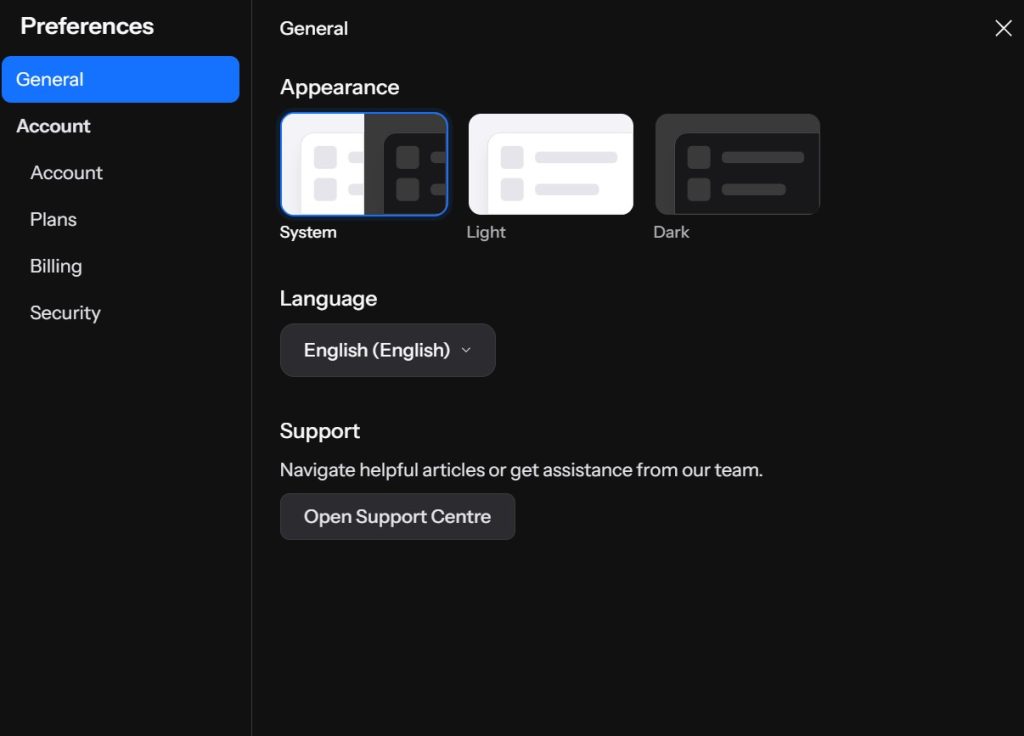
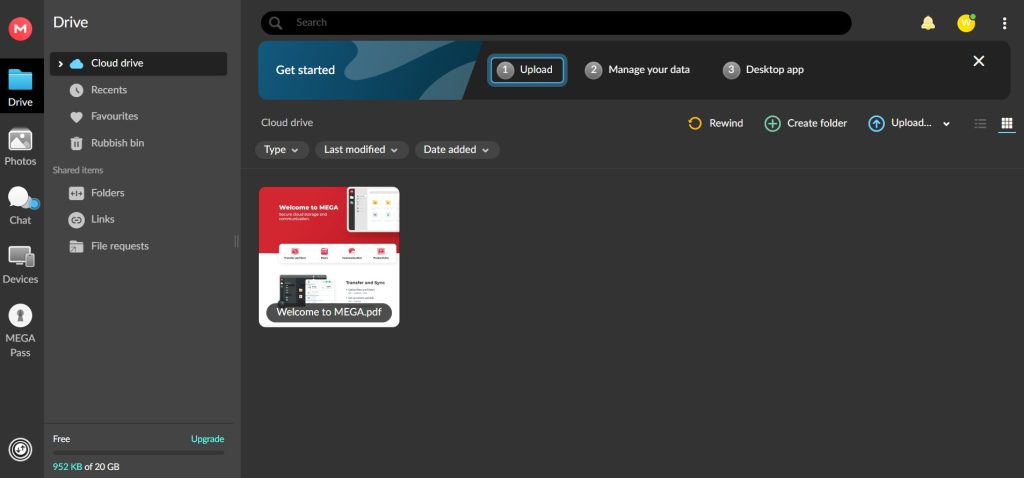
For a solid alternative, Mega provides built-in end-to-end encryption and gives you tools to fine-tune who gets to open your shared links. You can easily build secure portals for colleagues, even if they don’t have their own Mega account.
The Need for Speed: What Makes Syncing Fast?
Speed isn’t just about your home internet connection. Cloud storage speeds are heavily dictated by the provider’s infrastructure and software engineering:
- Server network: If a provider has data centers close to your location, your speeds will be much faster. A service with a massive global server presence will always outperform a local provider when syncing files internationally.
- Block-level sync: Instead of re-uploading an entire three-gigabyte file every time you make a tiny change, the software should only upload the specific blocks of data that changed. This saves massive amounts of bandwidth and time.
- Bandwidth throttling: Some services artificially limit your upload speed to save server costs. You want a provider that offers unlimited speeds, letting you maximize your local connection.
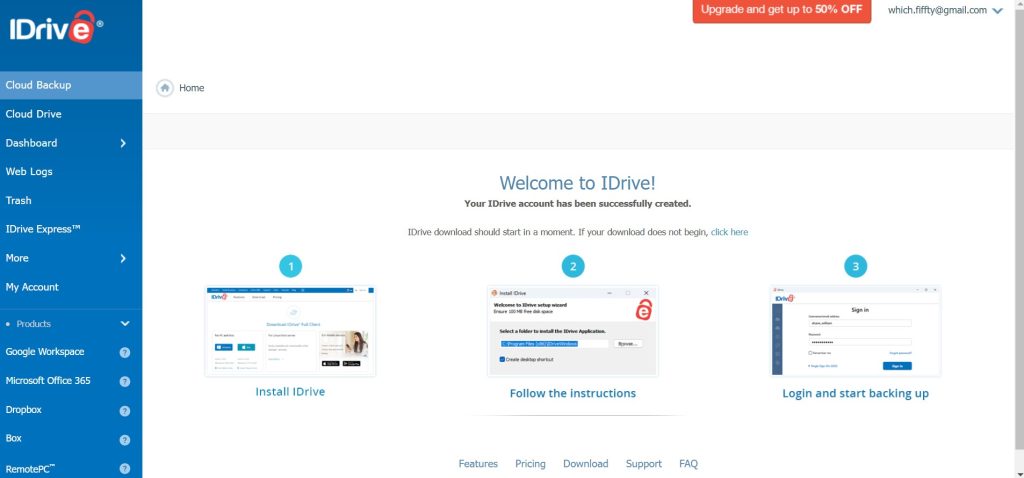
When it comes to scheduling rapid system backups and quick folder syncs, services like iDrive stand out for their raw performance. They use optimized sync tech designed to handle large backups without freezing your computer, making it easy to schedule automated system images in the background.
Security vs. Speed: The Ultimate Trade-Off
It is a hard truth of computer science: encryption takes time.
When an older computer has to do the heavy math of encrypting files before uploading, it can lag and slow your upload speed down.
Here is the basic choice you have to make:
- The Privacy Route: You encrypt files yourself before they leave your device. It takes slightly longer, but it is the best path for legal files or financial details because nobody else can read them.
- The Speed Route: The host handles the encryption on their end. Your uploads finish much quicker, making this the best choice for sharing media files or working live with a group.
Decide based on what you actually do each day.
Picking the Right Tool for the Job
Remote Workers and Freelancers
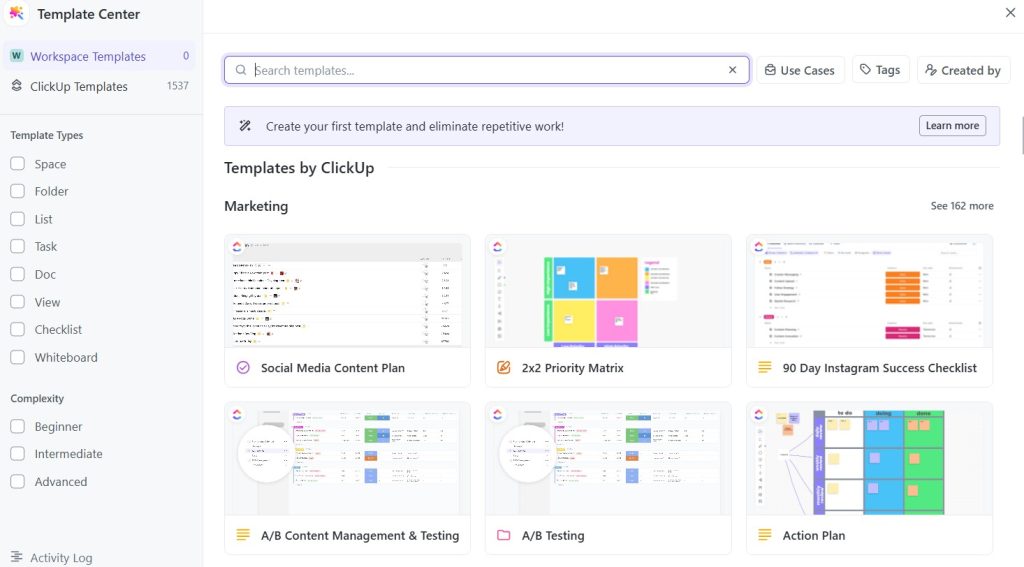
If you are managing projects using a system like ClickUp, you need a storage solution that integrates smoothly. You need to attach files to tasks and sync templates without waiting. A balanced option with fast download speeds keeps your projects moving.
Sensitive Business Data
If you work in accounting, law, or healthcare, you have zero room for compromise. Speed is a minor detail compared to data security regulations. Stick to zero-knowledge setups and lock down your sharing permissions.
Video Creators and Designers
If you are uploading massive video exports or raw photos daily, a slow sync process will destroy your day. You need high-speed transfers and block-level updates. Prioritize bandwidth performance.
Roadblocks Outside Your Control
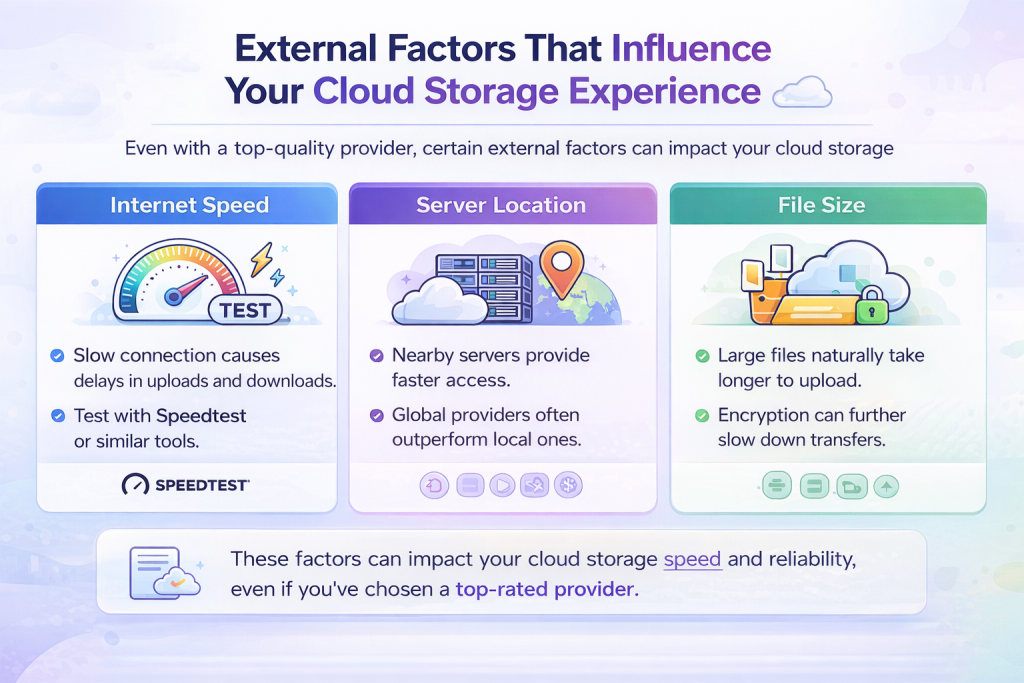
No matter how much you pay, a cloud app can’t fix these issues:
- Asymmetric home connections: Your home internet plan likely has high download speeds but very slow upload speeds. This is the biggest speed bottleneck.
- Server distances: If your office is in Tokyo and your cloud service hosts everything in Virginia, data packets have to travel across the planet, causing lag.
- Upload limits: A few platforms set caps on single file sizes, which can disrupt large system image backups.
Final thoughts on choosing the right provider
Don’t guess which service is right for you. Create free accounts on a couple of platforms, upload a large folder of varied files, and see how the sync performance feels. Pay attention to how easy it is to share a link and whether the security settings fit your workflow. Cloud storage should work silently in the background, not become another chore on your desk.


Leave a Comment