I will never forget that terrible Tuesday! It was a normal morning at the office. I was sitting at my desk. I had a warm cup of hot chocolate with tiny marshmallows. I was feeling so great! My boss walked over to my desk and asked me to share a very important document. It was a giant spreadsheet. This document had all our secret customer names. It also had a big list of exactly how many dollars they paid us every single year. We are talking about millions of dollars! It was a very secret file.
I wanted to be fast! I wanted to show my boss that I was a really good worker. So, I opened the document. I clicked the big blue “Share” button in the corner. A little box popped up on my screen. I saw a button that said “Copy Link”. I clicked it! I pasted that link into an email and I hit send. I smiled and took a sip of my hot chocolate.
Then, my heart completely stopped! I looked closer at the screen. I realized what I had just done. I did not just share the file with my boss. I made a public link! That meant anyone in the whole wide world could see it. Even worse, I left the settings on “Editor”. I gave everyone permission to change the numbers! I almost fell out of my chair. My hands were shaking so fast! I had to fix it quickly before a stranger ruined our company.
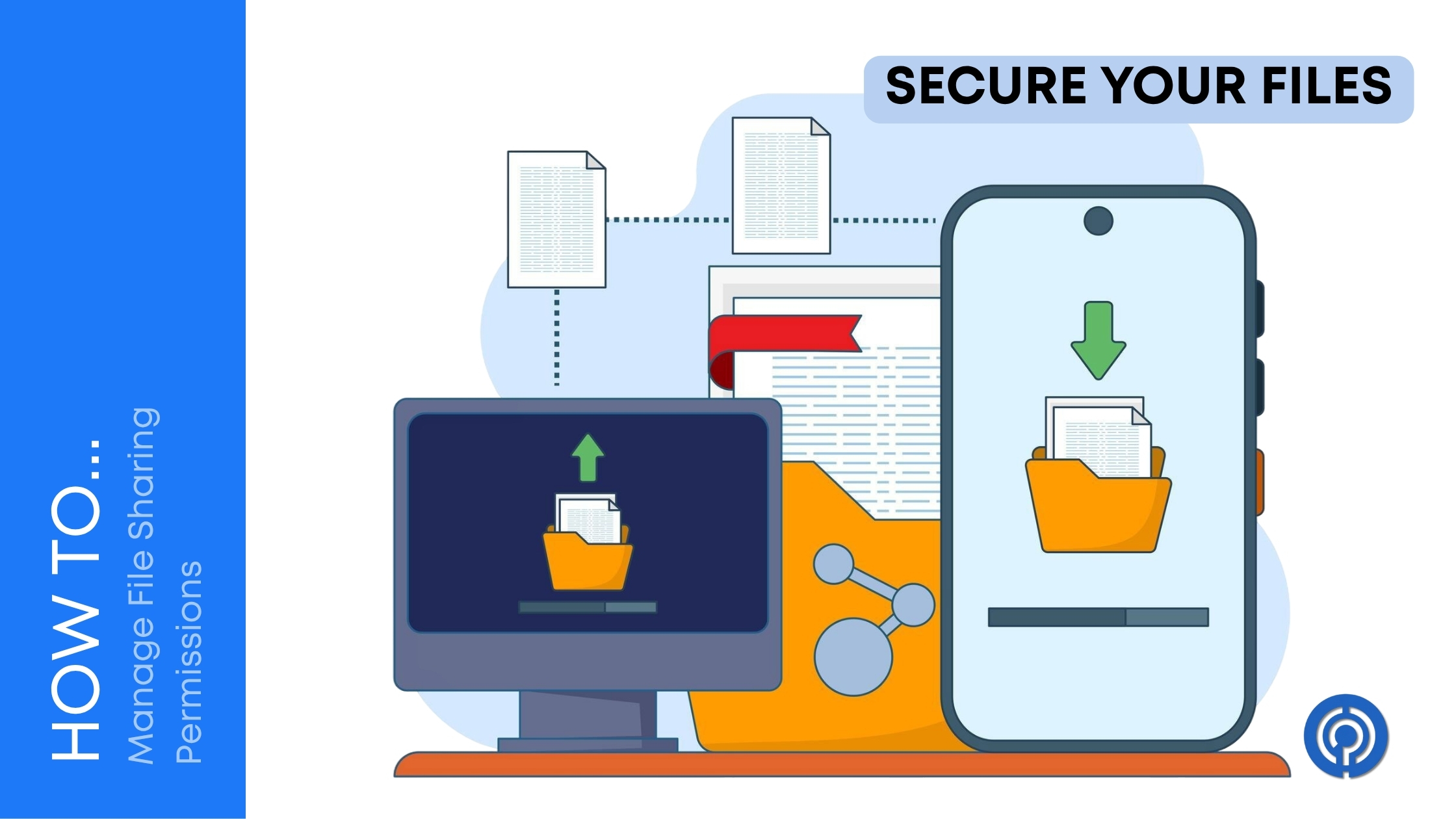
This is the story of how I learned to manage file sharing permissions. I had to learn the hard way! I was so scared! But you do not have to be scared. I will teach you everything I know right now!
What Is A File Permission?
First, we need to talk about what a permission actually is. Think of your file like a secret clubhouse. A permission is the special key to the front door. You do not give the key to your secret clubhouse to strangers on the street! You only give the key to your best friends.
When you make a file on the computer, the computer asks you who gets a key. If you are not careful, the computer might leave the front door wide open. Then anyone can walk in and make a giant mess. You have to be the boss of the door! You have to tell the computer exactly who is allowed to come inside.
The Museum Rule For Visitors
My boss sat me down and taught me the “Museum Rule”. This is the best way to think about sharing files! When you go to a dinosaur museum, you are a Viewer. You can look at the giant T-Rex bones. You can read the little signs. But you cannot touch the bones! You definitely cannot take a dinosaur bone home in your backpack. You are just looking.
On the computer, this is called “Viewer” access. This is the safest way to share anything! When you give someone Viewer access, they can read your words. They can see your pictures. But they cannot erase anything at all!
Then, you have the tour guides. They can point at things and tell you facts, but they still cannot break the bones. On the computer, this is called “Commenter” access. A Commenter can leave little sticky notes on your file. They can say, “Hey, I think this word is spelled wrong!” But they still cannot change the actual words. This is so helpful for teamwork!
Finally, you have the museum owner. The owner can paint the walls! They can move the dinosaur bones! They can even throw the bones in the trash! On the computer, this is called “Editor” access. Editors can change everything. You should only ever give Editor access to people you trust completely!
Why The Default Settings Are So Bad
My big mistake happened because of default settings. Default settings are the choices the computer makes for you when you are too lazy to choose. Computers are sometimes very silly! Many computers have a default setting that says “Anyone with the link can edit”. That is crazy! That is like leaving the keys to your car in the door!
You must always check the little drop-down menu before you share. Do not just click the share button and run away! You have to stop. You have to look. You have to click the menu and change it from “Anyone” to “Specific People”. Then, you type in the exact email address of your friend or your boss. This forces the computer to check their ID before letting them inside the file.
Sorting Out Our Messy Folders
After my big mistake, I looked at our company folders. It was a giant mess! Everyone had access to everything. The marketing team could see the math files. The math team could see the secret design files. It was like living in a house where nobody had a bedroom door!
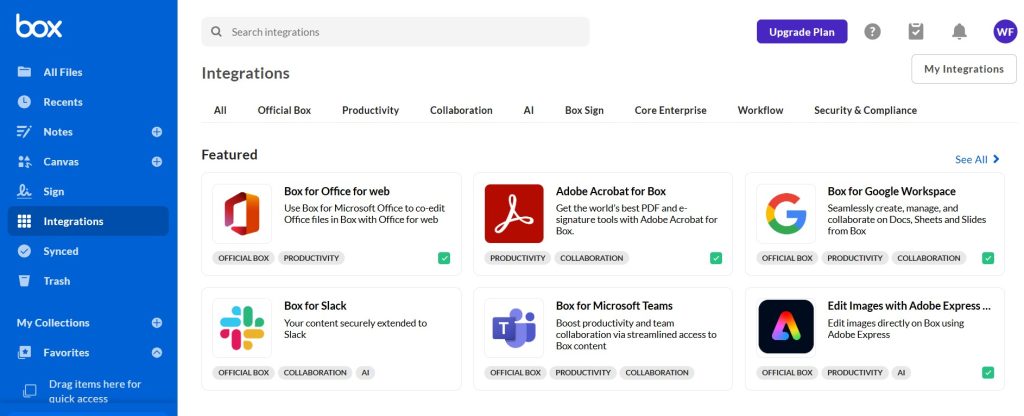
We had to fix this. We decided to use a really cool system called Box to organize our folders. We made a special folder for the marketing team. We made a special folder for the sales team. Then, we locked the doors! We told the system that only marketing people get the key to the marketing folder. This is called “Role-Based Access”. It is a big fancy word, but it just means you only get to see the things you need for your job. If you do not need it, you do not get to see it! It made everything so clean and tidy.
Sharing With People Outside The Company
Sometimes, you have to share a file with someone who does not work at your company. Maybe it is a customer. Maybe it is a person who is helping you design a logo. This is very scary! They are outside the walls of your secure office.
When you share outside the company, you have to be extra super careful. My boss made me read a great guide on sharing large files safely online to learn the best tricks.
One of the best tricks is using passwords. When you send a file to a customer, you can lock it with a secret word. You send them the file link in an email. But you do not put the password in the email! That is silly! If a bad guy steals the email, they get the file and the password together. Instead, you send the link in the email, and you send the password in a text message to their phone. Now the bad guy needs their email and their phone!
Time Limits Are Your Best Friend
Another amazing trick is using an expiration date. Have you ever bought a ticket to the movies? That ticket only works for one day! You cannot use the same ticket next week. You can do the very same thing with your file links!
When you share a file with an outside person, you can tell the computer to break the link after five days. When the five days are up, the door locks forever! The outside person cannot look at the file anymore. We started using a program called Folderit for our client papers because it handles these time limits so well. I love time limits! I do not have to remember to go back and lock the door later. The computer does it for me!
Watching What Happens To Your Files
Did you know your computer is always watching? It is true! A good computer system keeps a secret diary of everything that happens to a file. It writes down exactly who opened the file. It writes down exactly what time they opened it. It even writes down if they downloaded it to their own computer!
This is called an audit trail. If something goes wrong, you can open the secret diary and find out who made the mistake! We use a tool called pCloud for some of our special files because it keeps a very good diary of who is looking at our stuff.

The government even says this is super important! The people at the CISA guide on data safety always tell businesses to check their secret diaries. If you do not watch who is opening your files, you will never know if a bad guy sneaked inside!
The Golden Rule Of Least Privilege
I want to teach you the most important rule in the whole world. It is called the Principle of Least Privilege. It sounds like a rule a king would make!
This rule means you should give people the smallest amount of power possible. If your friend only needs to read a document, you only give them Viewer access. Never give them Editor access just to be nice! Being nice is how accidents happen!
The very smart computer scientists at the NIST rules for access control say that this golden rule is the best way to stop disasters. If nobody has extra power, nobody can make a giant extra mistake! Start by giving people zero power. Then, slowly give them just enough power to do their work. That is it! No more!
What To Do When Someone Leaves
Sometimes, people get a new job and leave your company. You have to say goodbye! It is sad! But you also have to remember to take their keys away!
If you forget to turn off their permissions, they might still be able to open your secret files from their house. They do not work for you anymore, so they should not see your secrets! You need a checklist. On their very last day, you go into the system and you click “Remove Access”. You turn off their email. You lock all their doors. Then they can go have fun at their new job, and your files stay safe and sound.
My Summary Table
Here is a simple table I made for you! It summarizes all the main points from my scary story!
| Permission Tool | What Does It Do? | Why Is It Good? |
| Viewer Access | Only lets people look at the file. | Nobody can delete your hard work! |
| Editor Access | Lets people change everything. | Great for teammates, but very dangerous! |
| Passwords | Locks the file with a secret word. | Keeps bad guys out even if they steal the link! |
| Time Limits | Breaks the link after a few days. | You do not have to remember to lock the door! |
| Secret Diary | Writes down who looked at the file. | Helps you find out who made a mistake! |
The Happy Ending
After that terrible Tuesday, I never made a mistake with a file link ever again! I am now the smartest person in the office when it comes to sharing files. My boss is very proud of me. I always check the drop-down menu. I always use the Museum Rule. I always give out the smallest amount of power possible.
Managing permissions takes a few extra seconds of your time. You have to stop and think before you click. But those few extra seconds will save you from so much crying and shaking! Protect your files like they are treasure. Lock the doors. Check the keys. And enjoy your hot chocolate without any worries!


Leave a Comment