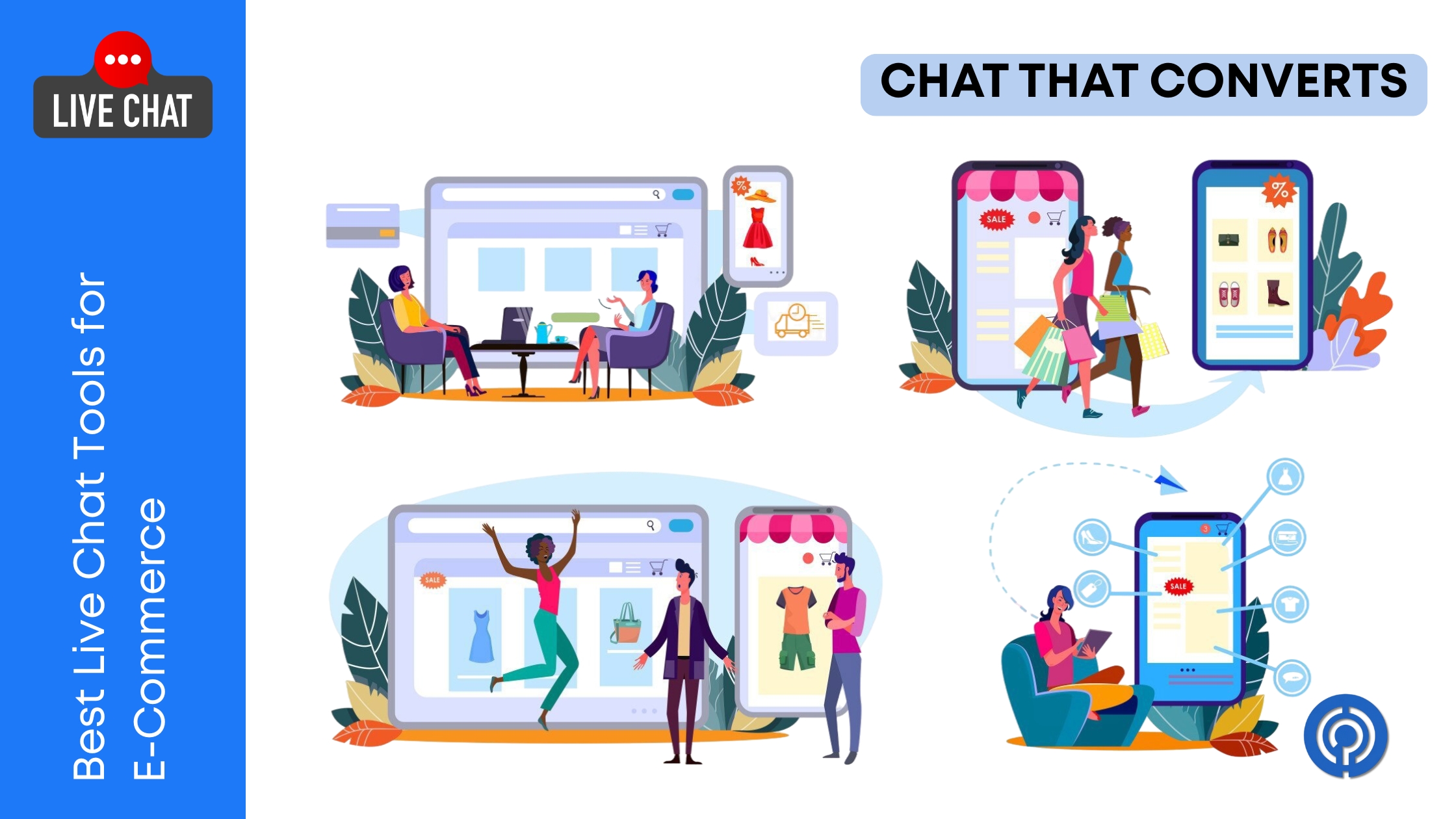
Think of live chat on an e-commerce site like having a knowledgeable store clerk standing near the fitting room entrance. Nobody needs them until they do — and when they do, the difference between getting help in eight seconds and wandering around confused for five minutes is usually the difference between a sale and a lost customer.
The data backs this up pretty hard. According to Forrester Research on customer engagement, shoppers who use live chat convert at roughly three to five times the rate of those who don’t. And average order values tend to be higher too, because a quick “yes, that ships to your country” or “here’s a 10% code for your first order” eliminates the hesitation that kills carts.
But not every live chat tool works the same way, costs the same, or fits the same kind of store. A five-person Shopify brand selling candles has wildly different needs than a mid-market retailer processing 800 orders a day across three countries. Picking the wrong tool means paying for features you’ll never touch or, worse, outgrowing something that can’t keep up.
Here’s an honest look at what actually matters and which tools earn their spot.
What Makes Live Chat Work in E-Commerce Specifically
Live chat on a SaaS website and live chat on an online store look similar on the surface. Same little widget in the corner. Same typing indicator animation. But the job is fundamentally different.
E-commerce chat has to be fast. Not “we’ll get back to you within the hour” fast — genuinely instant. A shopper deciding between two sizes at 11:47 PM is not going to wait around. If the answer doesn’t come before their attention drifts to another tab, the moment is gone.
E-commerce chat also needs to be deeply connected to order data. When someone writes “where’s my package,” a good support agent shouldn’t have to ask for an order number, open a separate system, and dig through shipment tracking manually. The chat tool should surface that context automatically — who this person is, what they ordered, when it shipped, and whether there’s a problem with delivery.
And finally, e-commerce chat needs to handle volume spikes gracefully. Black Friday doesn’t care about your staffing plan. A tool that works fine at 40 conversations per day needs to handle 400 without everything breaking.
The Features That Actually Move Revenue
It’s easy to get distracted by feature checklists. Every chat tool has a long list of capabilities, and most of them sound important in the abstract. In practice, a handful of features separate the tools that genuinely increase sales from the ones that just exist on your site looking friendly.
- Proactive chat triggers. The single highest-impact feature for e-commerce conversion. Instead of waiting for a shopper to click the chat icon, proactive triggers send a targeted message when someone exhibits high-intent behavior — sitting on the checkout page for more than 30 seconds, revisiting a product three times, or adding something to cart and then navigating to the FAQ page. These contextual nudges pull hesitant shoppers into conversations they wouldn’t have started themselves, and the conversion lift is real.
- Cart and order data integration. When your chat tool connects directly to Shopify, WooCommerce, or whatever platform runs your store, agents can see the customer’s cart contents, order history, and shipment status in real time — right next to the conversation. This eliminates the back-and-forth that wastes time and frustrates customers who already gave you their email address.
- Canned responses and shortcuts. High-volume e-commerce support means answering the same twenty questions hundreds of times. Return policy? Shipping time? Size guide? Chat tools that let agents fire pre-written answers with a keyboard shortcut keep response times low without sacrificing quality.
- Chatbot handoff. The best setup for most stores is a bot that handles the simple stuff automatically — order tracking, return initiation, store hours, stock availability — and transfers complex or emotional conversations to a human seamlessly. Customers hate repeating themselves after a bot transfer. The tools that pass full conversation context to the agent during handoff are the ones that get this right.
Four Tools That Earn Their Spot
Crisp — Best for Small to Mid-Size Stores That Want Everything in One Place
Crisp is the tool I’d recommend to any e-commerce founder who wants live chat, a shared team inbox, a basic CRM, and chatbot functionality without paying enterprise prices.
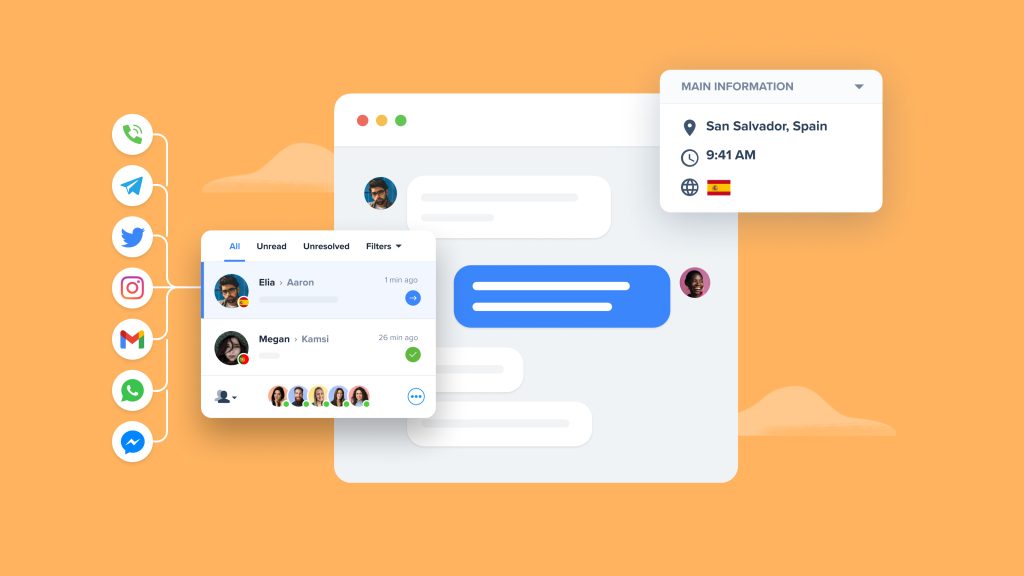
The free plan is genuinely useful — not a crippled trial but an actual working chat widget with two agent seats. The paid plans add the features that matter for growing stores: automated chatbot flows, a knowledge base that customers can search directly inside the widget, video chat for high-touch product consultations, and integrations with Shopify, WooCommerce, and Magento.
Where Crisp gets clever is its MagicBrowse and LiveTranslate features. MagicBrowse lets agents see and interact with a customer’s screen in real time — useful when someone is stuck on checkout and can’t explain what’s going wrong. LiveTranslate automatically translates messages in both directions, which quietly solves a massive problem for stores selling internationally without multilingual support teams.
The tradeoff is that Crisp’s reporting is less granular than enterprise tools. For stores processing under a few hundred conversations per day, that’s a worthwhile exchange for the price and simplicity.
Zendesk — Best for Mid-Market and Large Retailers With Complex Operations
Zendesk is the heavyweight. It’s not the cheapest, not the flashiest, and definitely not the quickest to set up. But for e-commerce operations that handle significant support volume across multiple channels, Zendesk’s depth is difficult to match.
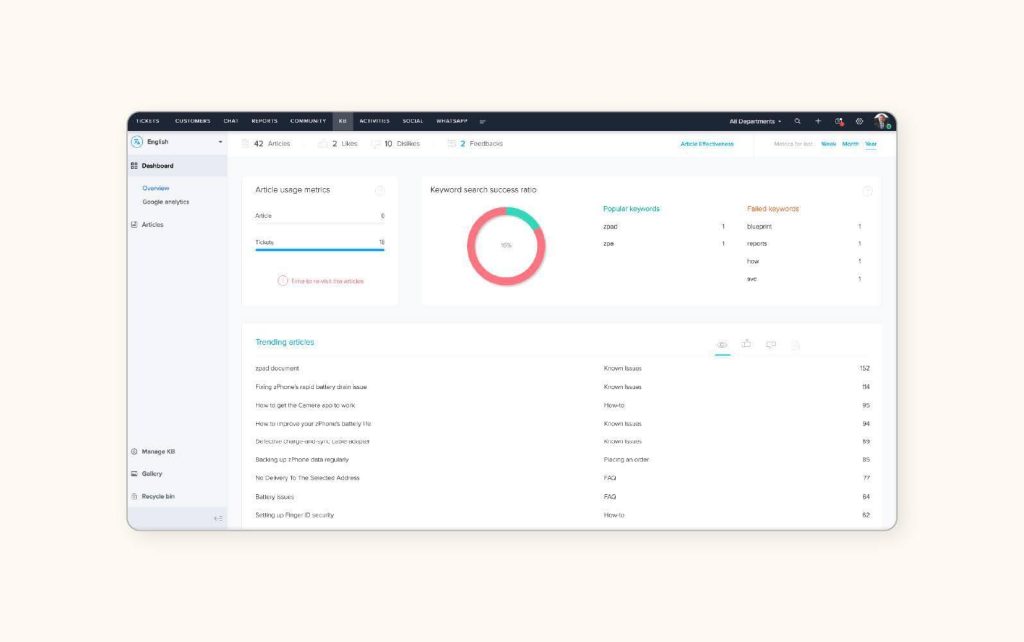
The live chat (Zendesk Messaging) sits inside a much larger customer service platform that includes email ticketing, phone support, a help center, and AI-powered answer bots. For stores that receive customer inquiries through Instagram DMs, Facebook Messenger, email, and website chat simultaneously, Zendesk unifies all of those into one workspace. Agents see a single customer timeline regardless of which channel the conversation started on.
According to Zendesk’s own CX Trends research, e-commerce brands that unify their support channels see measurably faster resolution times and higher customer satisfaction scores compared to brands managing each channel in separate tools. The efficiency gain compounds as volume grows.
Zendesk’s Shopify integration pulls order data directly into the agent sidebar, and the platform’s macro and automation capabilities handle the kind of complex routing rules that large retailers need — escalating VIP customers to senior agents, auto-tagging conversations by topic, and triggering follow-up workflows after resolution.
Freshdesk — Best for Cost-Conscious Teams That Need Solid Omnichannel Support
Freshdesk occupies an interesting middle ground. It’s significantly cheaper than Zendesk for comparable features, the interface is cleaner and faster to learn, and the free tier supports up to ten agents — which is generous enough to be operationally meaningful for a growing e-commerce team.
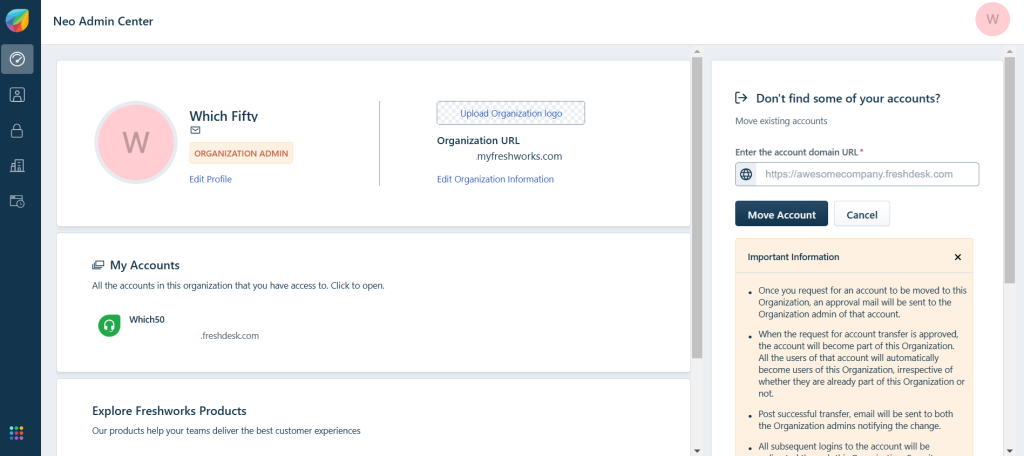
Freshdesk’s chat module (Freshchat) integrates directly with the helpdesk, so conversations that start as chats can become tickets when they need follow-up, without the customer repeating any context. The chatbot builder uses a visual flow editor that non-technical team members can actually work with, and the bot can pull product recommendations from your catalog during conversations.
For Shopify and WooCommerce stores specifically, Freshdesk’s marketplace apps connect order data into the agent view. The feature set isn’t as deeply customizable as Zendesk’s, but the gap is smaller than the price difference would suggest. For teams that need professional omnichannel support without the enterprise price tag, Freshdesk delivers.
Intercom — Best for Stores That Want AI-First, Proactive Engagement
Intercom is the most opinionated tool on this list. It’s built around the idea that most support conversations shouldn’t involve a human at all — and for routine e-commerce questions, that’s probably right.
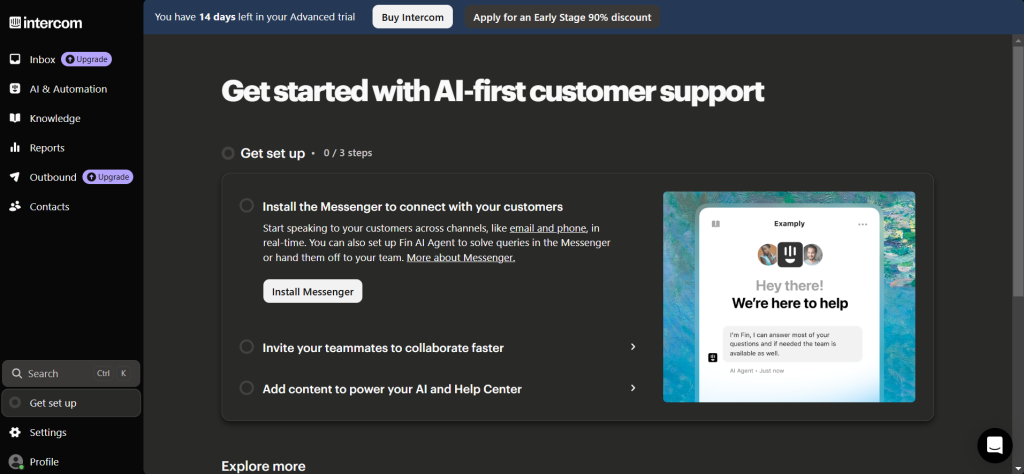
Intercom’s AI agent, Fin, is genuinely impressive for e-commerce use cases. Train it on your help center, product pages, and shipping policies, and it handles a meaningful percentage of incoming chats autonomously — order status lookups, return policy explanations, product comparison questions. When Fin can’t resolve something, it hands the conversation to a human agent with full context preserved. No “please describe your issue again” friction.
The proactive messaging system is where Intercom really separates from the pack. You can build targeted campaigns based on customer behavior, page visits, cart value, and purchase history. A returning customer who hasn’t bought in 60 days gets a different message than a first-time visitor browsing your highest-margin category. That kind of segmented, behavior-driven outreach turns a passive chat widget into an active sales channel.
The cost is real — Intercom is the most expensive option here for most team sizes. But for stores where the lifetime value of a customer justifies investment in personalized, AI-augmented engagement, the ROI math tends to work.
Common Mistakes When Choosing E-Commerce Live Chat
- Picking a tool based on the chatbot demo and ignoring the human agent experience. Bots handle the easy stuff. The hard stuff — angry customers, complex order issues, product questions that require actual judgment — still lands on a person. If the agent interface is clunky, slow, or disconnected from your order data, your team’s response quality suffers where it matters most.
- Forgetting about mobile. The chat widget needs to work on a phone screen without covering the product images or blocking the add-to-cart button. Test the widget on mobile before you commit. An annoying widget that interrupts the browsing experience actively hurts conversion.
- Setting up chat and then not staffing it. An offline chat widget that says “Leave a message and we’ll get back to you” performs worse than having no widget at all. It sets an expectation of immediacy and then immediately breaks it. If you can’t staff live chat during business hours, use a bot or don’t offer it.
- Ignoring the analytics. Every good chat tool tells you which pages generate the most conversations, what questions come up repeatedly, and where customers are dropping off. That data is a direct feed of product and UX insights that most teams never look at.
Conclusion
The right live chat tool for your store depends on three things: your current volume, your budget, and how much of the customer interaction you want to automate. Crisp is the best starting point for smaller teams that want a full toolkit without complexity. Zendesk is the choice when operational scale demands sophisticated routing and omnichannel unification. Freshdesk hits the sweet spot for growing teams watching their budget. And Intercom is for stores ready to invest in AI-first, behavior-driven engagement.
The chat widget itself is simple. What you do with it is what drives revenue.



Leave a Comment