It’s 9:00 AM on a Monday. Alex, your brand-new marketing manager, pushes open the office doors with a mix of excitement and first-day nerves.
Instead, he’s met with blank stares. Nobody was expecting him today because the HR notification went to a spam folder. His manager is stuck in a last-minute emergency meeting, his laptop is still in a shipping box under the desk, and he spends his first four hours sitting in a breakroom chair, scrolling through his phone.
By lunchtime, Alex is already wondering if he made a massive mistake accepting your offer.
This kind of chaotic first day is surprisingly common. According to a landmark Gallup study on onboarding, only twelve percent of employees strongly agree that their organization does a great job of welcoming new hires. The other eighty-eight percent are left to navigate a confusing maze of unshared logins, missing paperwork, and unstructured expectations.
Getting someone up to speed shouldn’t involve a weekly panic or a scramble to find a spare chair. It needs to be a clean, repeatable routine. We are going to walk through how to build a clear, phase-by-phase onboarding schedule that takes the anxiety out of day one.
Step 1: The Pre-Boarding Setup (Ditching the Bureaucracy)
Real onboarding kicks off the minute your new hire signs their contract, long before they actually sit down at a desk. This initial stage is all about knocking out the boring admin stuff and setting up software accounts so their first morning can focus on training and introductions, not waiting around on the tech team.
You want to gather tax forms, clear background checks, execute agreements, and build user logins before they ever log on.
To handle this logistical tangle, many operations use Rippling. Their system links employee data directly to your device and software management, meaning you can set up employee profiles and order company laptops in a single workflow.
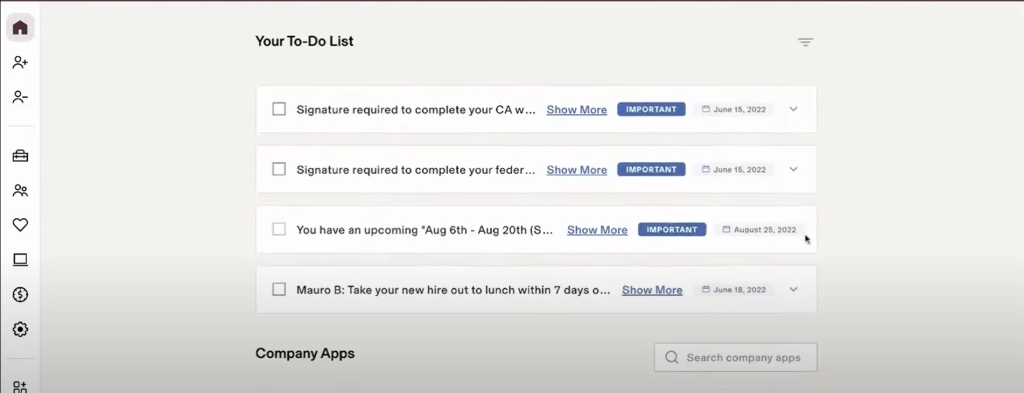
Once you bring someone new onto the team, you kick things off by entering their name and role details into the Rippling system. From there, the platform automatically generates their employment agreements and sends them out for digital signing.
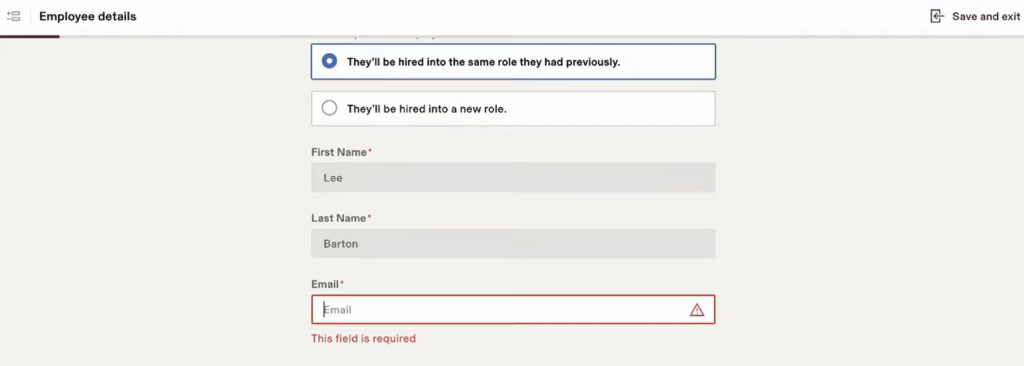
At the same time, Rippling trigger-starts your IT setup. With a few clicks, you can order a pre-configured laptop, assign their local email address, and auto-provision accounts for tools like Slack, Google Workspace, and Jira.
By the time the employee starts, their hardware is ready on their desk, and their digital workspace is active.
Step 2: Week One (Handshakes and Setting Priorities)
Once the signing and tech setups are complete, you can pivot to the social side of the job. Their first week should be dedicated to making them feel part of the team, explaining how the group communicates, and setting immediate priorities.
Start by sending over a personal welcome note that breaks down what their first few days will actually look like.
For this stage of the journey, BambooHR offers an exceptionally clean platform to manage cultural introductions. It acts as your company’s central directory, giving new hires a clear look at who is who in the organization.
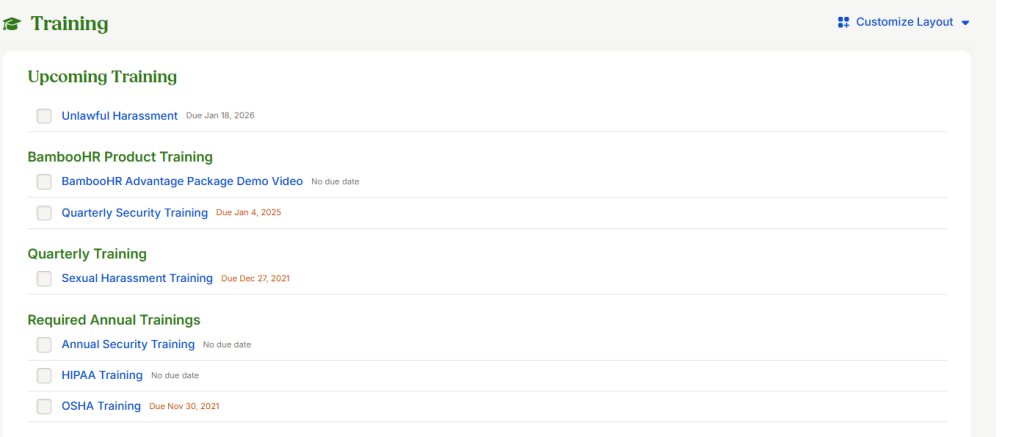
Inside BambooHR, you can customize your onboarding welcome package. When Alex logs in for the first time, he’s greeted by a personalized dashboard with welcome messages from his immediate team, a directory containing team bios, and a copy of the company organization chart. This visual guide helps him put names to faces without the awkwardness of trying to memorize dozens of people on a brief office tour.

Once they are settled in, it is time to assign their initial learning tasks. Rather than dumping a massive pile of PDF manuals on their desk, break their training down into small, bite-sized checklists.
You can build these tasks directly inside your project management software. For guidance on structuring these lists, check out this guide on how to assign tasks to team members. Giving them clear, small wins early on builds their confidence without causing burnout.
Step 3: Month One (Finding a Rhythm and Training)
By their second week, the new-job novelty wears off, and the real work begins. Your task now is helping them find their footing, establish good scheduling habits, and work through their initial training milestones.
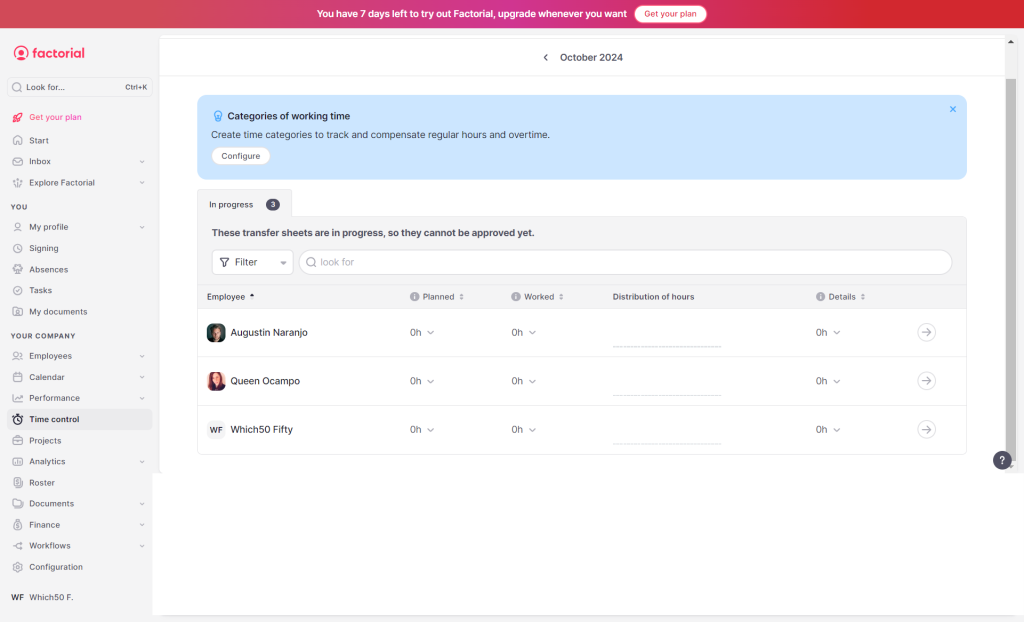
First, get the daily scheduling mechanics sorted. This includes configuring their work calendars, explain your attendance rules, and show them how to request holiday time. To manage these scheduling details, Factorial HR offers a clean interface that takes the pain out of tracking hours for both the employee and their manager.
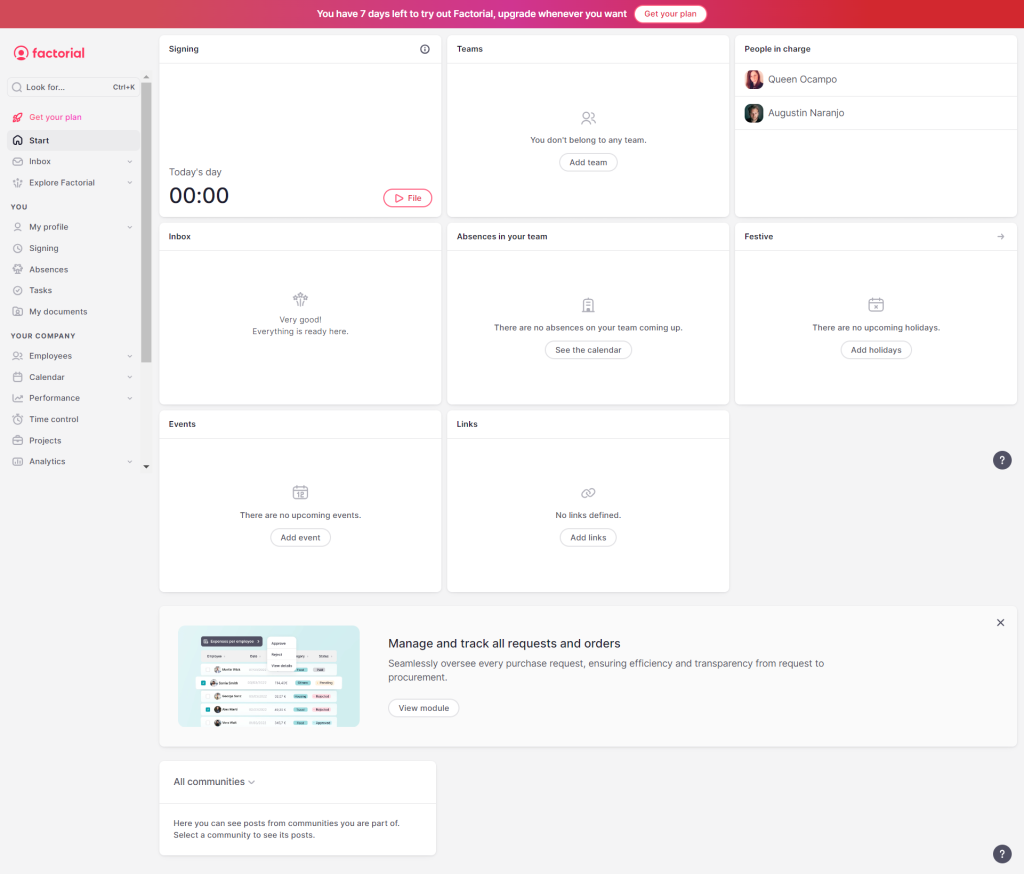
Within the platform, you can configure their weekly shifts and align them with the rest of the team’s calendar. The clean employee interface lets them clock in, review their holiday balance, and submit requests in a couple of clicks.
Locking down these details during their first week prevents scheduling headaches later on. You can adjust the rules in the system to match your local company policies. Review this step-by-step breakdown on how to manage time off and leave requests to ensure your holiday accruals and review processes are set up correctly from the start.

Next, you need to manage their ongoing training. Every role requires unique domain knowledge, whether it’s understanding your product features or learning compliance rules.
For structured training pathways, TalentHR is an excellent, lightweight option to host your onboarding training modules. Inside TalentHR, you can build custom learning pathways for different departments. You can assign training sequences that cover your company handbook, customer communication style guides, and role-specific technical skills.
The system monitors their progress and flags when a module is finished. Using pre-built training sequences ensures every new employee gets the same training, saving senior staff from repeating the same lectures week after week.
Handling the Security Handover Safely
Handing over keys to your company files and dashboards requires caution. The onboarding window is your best shot at establishing strong security habits. If you treat data safety as an afterthought, you’re practically asking for account breaches and leaks.
Make sure your setup list includes a walkthrough of your company password manager. Establish clear rules on setting up two-factor authentication, choosing passwords, and sharing folders securely. Getting people to change their security habits isn’t easy, but it’s the only way to protect your business systems.
Take a look at these password manager adoption rate statistics among employees to understand where most teams struggle and how to get your new hire onboard with safe habits.
Wrap Up
A solid welcome workflow is more than just a nice gesture. It is an operational playbook that protects your recruitment budget, saves time for your management team, and makes growing your organization much smoother.
Break the journey down into logical steps. Handle the IT provisioning before they arrive, focus on social integration during their first week, and build consistent tracking and training routines during month one. Having a clear playbook ensures every new hire gets the support they need to succeed.


Leave a Comment