Ever stared at your to-do list wondering who should tackle what? You’re not alone. Assigning tasks right turns chaos into smooth teamwork, saving time and headaches for everyone.
A good task assignment isn’t just dumping work. It builds trust, boosts output, and keeps projects on track. Let’s walk through how to do it step by step, with real tips that stick.
Why Task Assignment Changes Everything
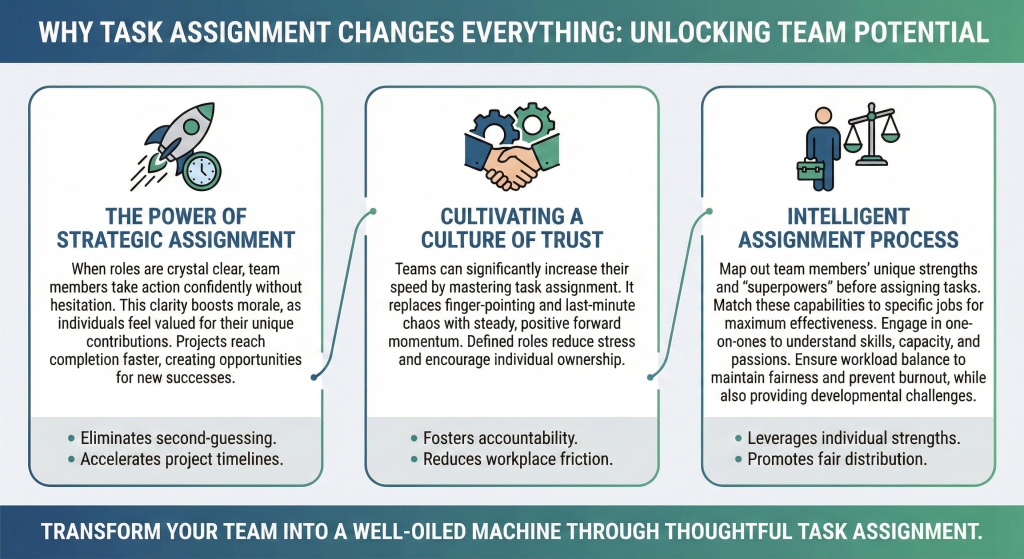
Task assignment sits at the heart of any solid team setup. Get it wrong, and you see missed deadlines, frustrated folks, and stalled progress. Do it right, though, and your group hums along like a well-oiled machine.
When people know their roles clear as day, they dive in without second-guessing. Morale climbs because everyone feels valued for what they bring. Projects wrap up faster too, leaving room for new wins.
Building Lasting Team Trust
I’ve seen teams double their speed just by nailing this one skill. No more finger-pointing or last-minute scrambles. Instead, steady forward motion that feels good.
Clear roles cut stress and spark ownership. Folks step up when they see how their work fits the bigger picture. Over time, this creates a culture where everyone pulls together naturally.
Mapping Skills and Superpowers
Before you assign a single task, map out your crew’s superpowers. Who excels at creative brainstorming? Who’s your go-to for crunching data? Matching strengths to jobs makes all the difference.
Sit down with one-on-ones if needed. Ask about their skills, bandwidth, and what fires them up. Some shine under pressure, others prefer steady rhythms.
Checking Workloads for Fairness
Note it all down for quick reference later. Don’t forget development angles. A junior ready to step up? Give them a guided challenge.
It grows them while lightening your load. Balance keeps things fair and fresh. Tools like skills assessments from Harvard Business School Online can help spot hidden talents fast.
Break Projects into Manageable Chunks
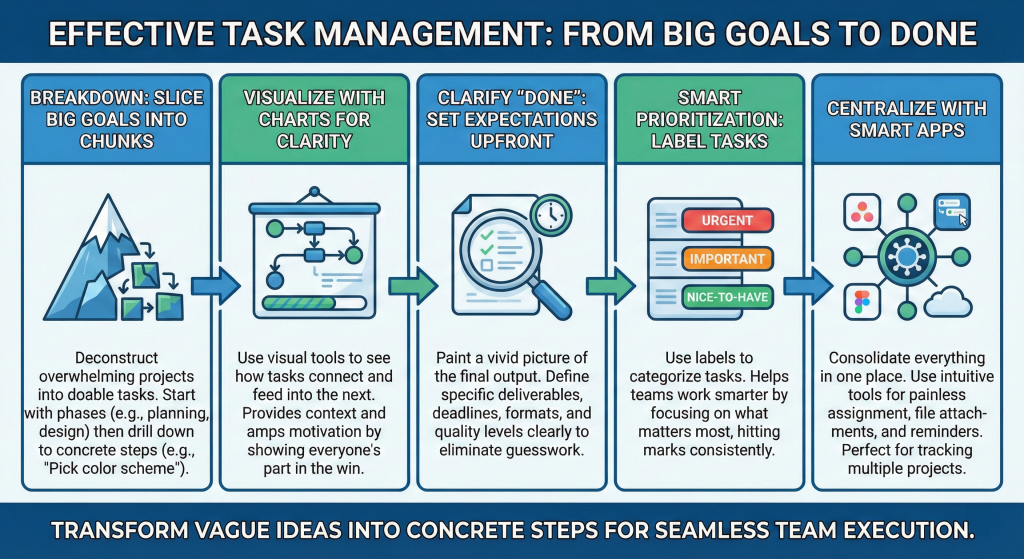
Big goals overwhelm everyone. Start by slicing them into small, doable tasks. This work breakdown turns vague ideas into concrete steps anyone can grab.
Lay out the full picture first. For a website relaunch, list phases like planning, design, coding, testing, launch. Then drill down: “Pick color scheme” or “Write homepage copy.”
Visual Tools for Clarity
Visualize with a simple chart or board. Seeing pieces connect shows how one task feeds the next. No loose ends, no surprises down the line.
Everyone gets context too. They see their part in the win, which amps motivation naturally. Atlassian shares great visuals for this.
Clear Expectations Up Front
Vague instructions breed mistakes. Paint a vivid picture of “done.” What exactly do you expect? Deadlines, formats, quality levels, all spelled out upfront.
Instead of “update the report,” say “Refresh sales data for Q1, add charts, aim for 10 pages, due Friday noon.” Questions drop because expectations align perfectly.
Smart Prioritization Tricks
Prioritize too. Label tasks urgent, important, or nice-to-have. Tools help here, but even a shared doc works. Clarity cuts confusion at the knees.
Teams thank you for this. They work smarter, not harder, hitting marks every time.
Centralizing with Smart Apps
Manual emails and notes lead to lost info fast. Smart tools centralize everything, making assignment painless. Pick ones your team already likes to cut learning curves.
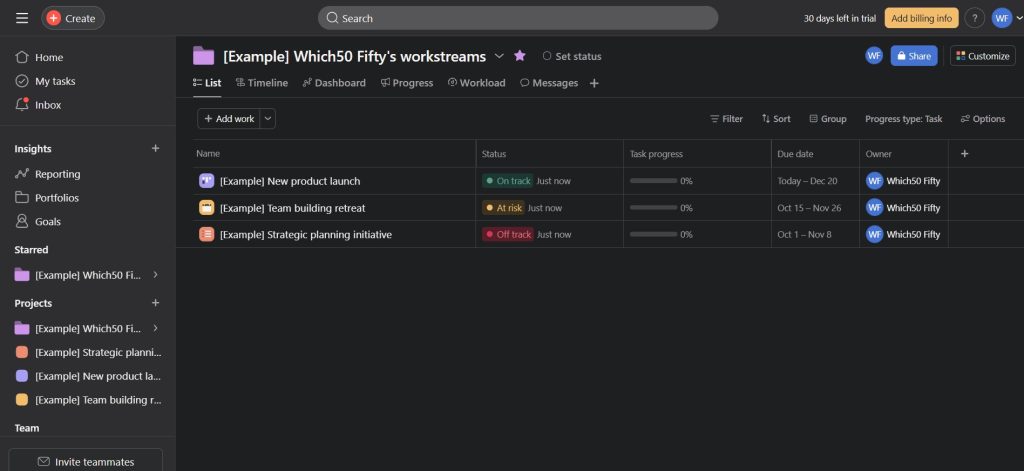
Asana stands out for its clean interface. Drag tasks to assignees, set reminders, attach files all in one spot. Perfect for mid-sized teams tracking multiple projects.
Visual Boards and Advanced Dashboards
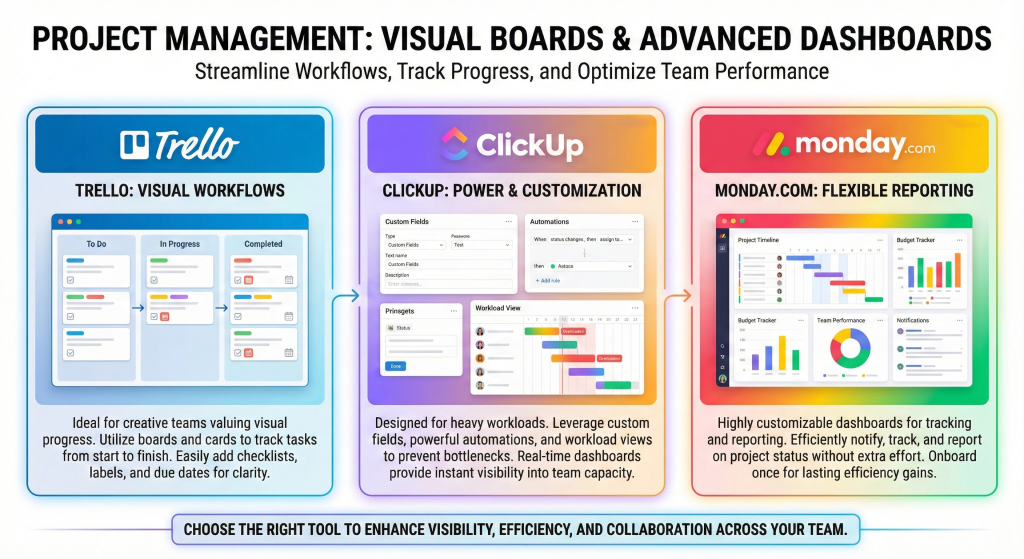
Trello keeps it visual with boards and cards. Great for creative groups who love seeing progress shift from “To Do” to “Done.” Add checklists, labels, due dates easily.
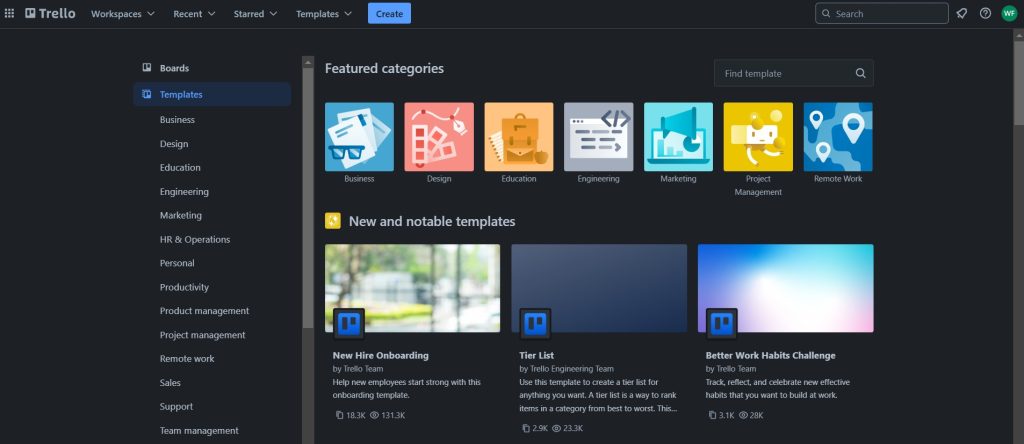
Bump it up with ClickUp for heavy hitters. Custom fields, automations, workload views prevent overloads. Dashboards give real-time peeks at who’s swamped.
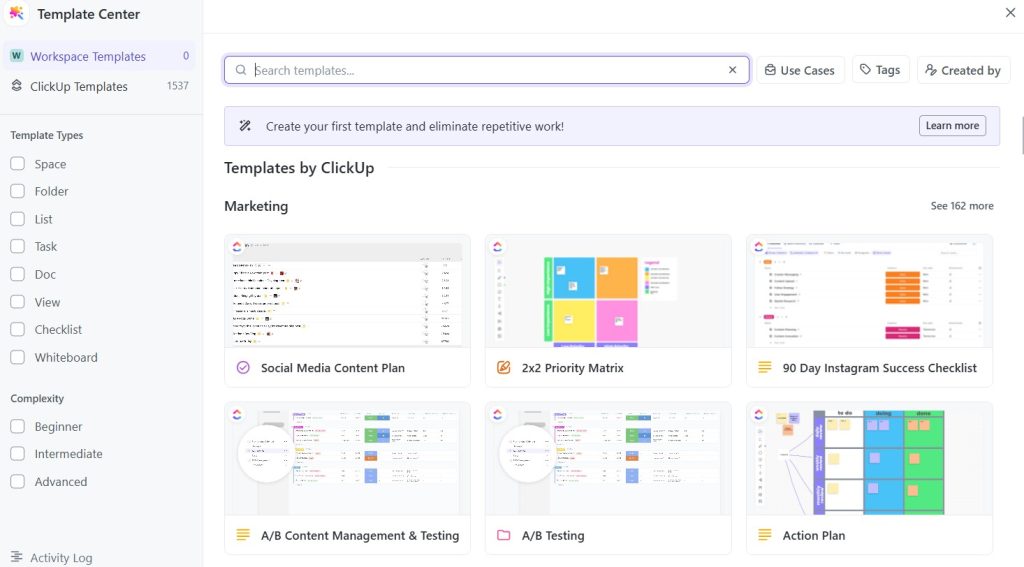
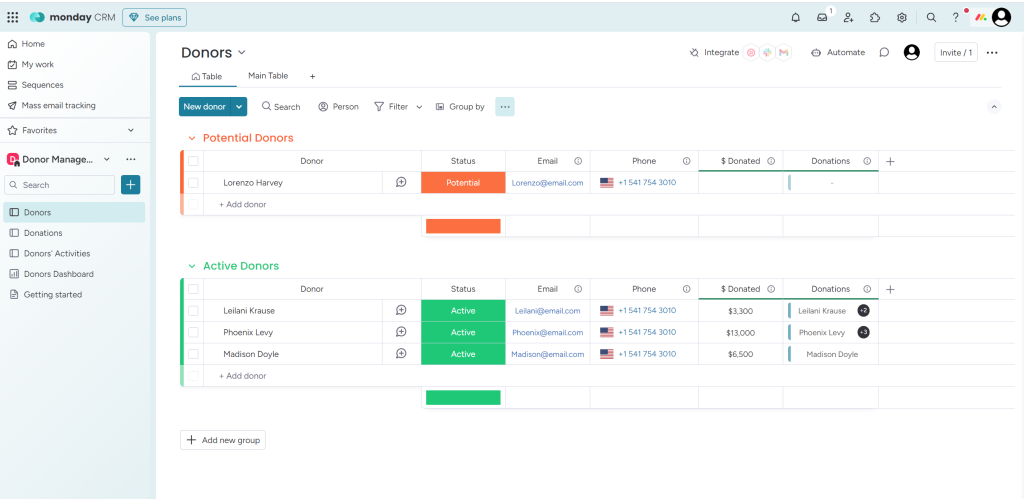
Try Monday.com for customizable dashboards too. These apps shine because they notify, track, and report without extra fuss. Onboard once, reap rewards forever.
Communicate Assignments Like a Pro
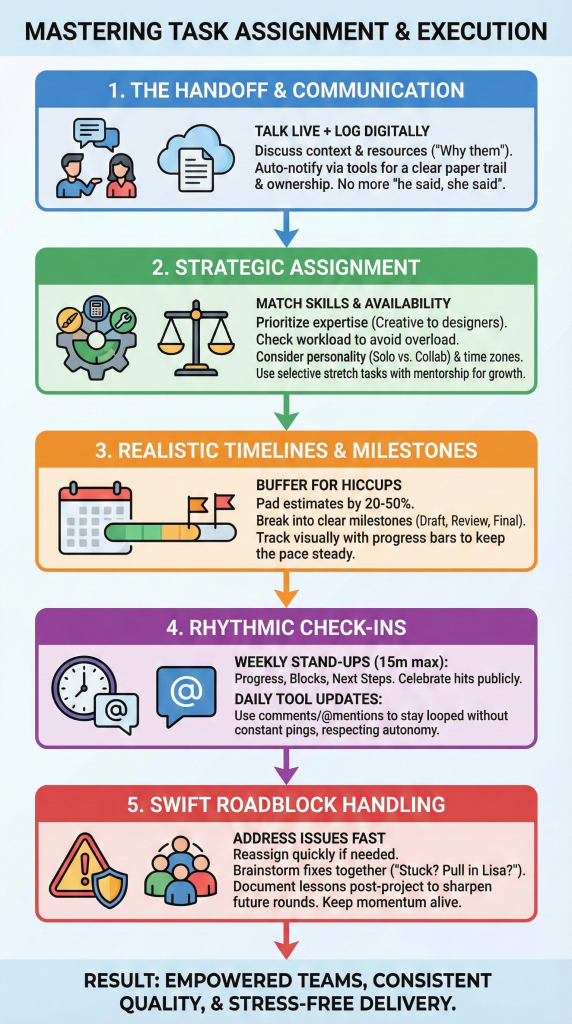
Handing off isn’t a memo and done. Talk it through live or via quick chat. “Jake, this design task suits your eye. Run with bold colors, check in Thursday?”
Give context on why them. Ties their work to team goals, sparking buy-in. Share resources upfront: docs, links, contacts they might need.
Digital Logs for Tracking
Log it digitally right after. Tools auto-notify, creating a paper trail. Follow-up questions stay threaded, answers findable. No “he said, she said” nonsense.
This builds ownership. People step up when they feel the trust. ProjectManagement.com has solid advice on this.
Prioritizing Skills and Availability
Skills first, always. Review your map: creative to designers, analytical to number crunchers, detail work to meticulous types. Availability next, no piling on the busy bees.
Consider personalities too. Introverts might prefer solo deep dives, extroverts thrive on collab tasks. Remote workers? Factor time zones for fairness.
Selective Stretches for Development
Stretch selectively. Pair new challenges with mentors or check-ins. Growth happens without resentment if handled right.
Fair loads prevent burnout. Happy teams deliver top work consistently.
Buffering Against Delays
Rushed deadlines kill quality. Pad estimates by 20-50% for hiccups. Break timelines into milestones: draft by day 3, review day 5, final day 7.
Build in buffers for feedback loops. Early wins build momentum, late surprises don’t derail everything.
Visual Progress Tracking
Track with progress bars in your tool. Visual cues keep everyone paced right. Adjust openly if shifts happen, no blame games.
Steady rhythm beats sprint-and-crash every time.
Weekly Stand-Ups Done Right
Touch base rhythmically, not randomly. Weekly stand-ups work wonders: “Progress? Blocks? Next steps?” Keep it 15 minutes max.
Celebrate hits publicly. “Team crushed that deliverable early, nice!” Fuels the fire for more.
Tool-Driven Daily Updates
Use tool updates for day-to-day. Comments, @mentions keep you looped without constant pings. Trust them to flag issues first.
This respects autonomy while catching drifts early.
Handle Roadblocks Swiftly
- Stuff happens: sick days, tech glitches, scope creeps. Stay alert via status shares. Reassign fast if needed, no ego trips.
- Brainstorm fixes together. “Stuck on data? Pull in Lisa?” Turns problems into team bonds.
- Document lessons post-project. “Next time, clarify vendor timelines sooner.” Sharpens future rounds.
Proactive vibes keep momentum alive.
Avoid Pitfalls That Trip Teams Up
- Micromanaging smothers initiative. Delegate authority with the task, step back. Vague scopes lead to rework, so over-communicate upfront.
- Overloading stars breeds resentment. Rotate spotlights for fresh energy. Ignoring workloads? Use views in ClickUp or Asana to spot imbalances quick.
- Skipping feedback loops? Monthly retros fix that. Honest chats surface tweaks before they fester.
Dodge these, watch productivity soar.
Automation for Efficiency
Automate repeats: Zapier links tools for seamless handoffs. AI in ClickUp suggests assignees based on past wins.
Cross-train sparingly. Backup plans prevent single points of failure. Bonding for Better Communication, simply says Offsites for bonding clarify comms styles. Virtual coffee chats work too for distributed groups.
Wrap Up
Task assignment gets easier with practice. Start small on your next project: map skills, pick a tool, communicate clear. Watch the magic unfold.
Your team is gold. Set them up to shine, step back, enjoy the ride. What’s your first task to reassign smarter? Go get it.


Leave a Comment