Have you thought this when filling a form online, “ Why are they asking me this? It does not even apply to me,” then you already understand why conditional questions matter here.
Conditional questions, also called skip logic or branching, make surveys feel smarter and it helps to curate the leads. They show people only the questions that match their answers. Which means less annoyance, fewer drop-offs, and better data for you.
In this how-to guide, you will learn and understand how to create conditional questions in surveys step by step, how to plan your logic so it does not break, and most importantly how to avoid common mistakes. At the end of this blog, you will build surveys that feel short, personal, and easy to complete, meaning a customized survey for all the viewers, now let’s start.
What Are Conditional Questions?
Let’s start with the actual theme of the blog straightly, a conditional question is a question that appears only when a certain condition is met. Imagine a branch having many fruits, if a customer needs a carrot, they will redirect to the carrot branches, like that.
For example:
- If the users answers “Yes” to “Do you own a gaming console?”
Then you show: “Which is your current gaming console?” - If someone answers “No”
Then you skip all gaming console-related questions and move on.
Basically these are called as:
- Skip logic: Jumping over questions or pages that do not apply.
- Branching: Sending people down different “paths” based on answers.
- Display logic: Showing or hiding a question depending on prior responses.
Different tools use different names, but the idea is the same and simple: ask only what matters.
Why Conditional Logic Improves Survey Results?
So here is the thing, conditional questions are not just a fancy feature. It’s a real deal, they fix real problems in surveys.
Here is what they help with:
- Less poll fatigue: People are happier to finish if they don’t have to answer a lot of questions that don’t matter.
- Better quality responses: People stay on task and give better answers.
- Cleaner data: You don’t get random answers from people who are trying to hurry through parts that don’t matter.
- The survey feels more like a chat than an interrogation, which means it is more personalized.
To sum up, conditional logic helps you be considerate of the other person’s time. And people are more honest when they feel like they are being appreciated.
When You Should Use Conditional Questions
Now we know the difference, so actual game starts here, where or when conditional questions needs to be used? Because they are useful in many situations, but they shine in a few common cases only.
Use Them for Screening Questions
Understand your visitors, a screening question helps you decide if someone is the “right” person to ask certain questions. This step will reduce massive unwanted errors.
Here are the few examples:
- “Have you used our product in the last 30 days?”
- “Are you a student, employee, or business owner?”
- “Which plan are you on?”
After getting answers for these questions, based on the answer, you show questions that match that user type. That’s what the screening process will do.
Use Them to Avoid Asking “Not Applicable” Questions
Always be mindful to decide the questions, your target audience will get more exposure here, If you ask a question that does not apply to them, people will
- Skip it (or)
- Choose random answers (or)
- Get annoyed and leave
Thus, use the ideal conditional logic to prevent these incidences.
Use Them to Dig Deeper When It Matters
Surveys won’t stop with just questions, if you want to know your customers, and you want to make your visitors into customers, or sometimes you want a detailed follow-up only when someone gives a specific answer, you need to get their feedback. Something like these,
- “How satisfied are you?”
If they select “Not satisfied”, then show: “What went wrong?”
This way, either customers will share feedback, that gives you deeper insight without forcing everyone to answer extra questions.
Types of Conditional Logic (Simple Explanation)
So let’s say you’re building a survey, before you build anything, it’s mandatory to know and differentiate the conditional logic based on your needs. It helps to know the most common logic styles.
1. Skip Logic (Jumping Ahead)
In terms of usage, this is the most fundamental way.
For example:
- If answer is A, jump to question 10.
- If answer is B, continue to question 3.
It’s important to plan the order of the questions because skip reasoning usually only works forward.
2. Branching (Different Paths)
Branching signifies that the survey goes in multiple directions.
Here is the example:
- “Are you a first-time customer or returning customer?”
- If it’s a first-time -> show onboarding questions
- If not -> how experience and loyalty questions
3. Display Logic (Show or Hide)
It is more accurate to say that this is displaying a follow-up question within the same area. Here is an example,
If the customer chooses “Other,” show a text box that says “Please specify.”
The logic is still conditional, yet it feels simple to understand.
Step-by-Step: How to Create Conditional Questions
Survey tool designs vary, but workflow is usually the same. Any platform will work with this process.
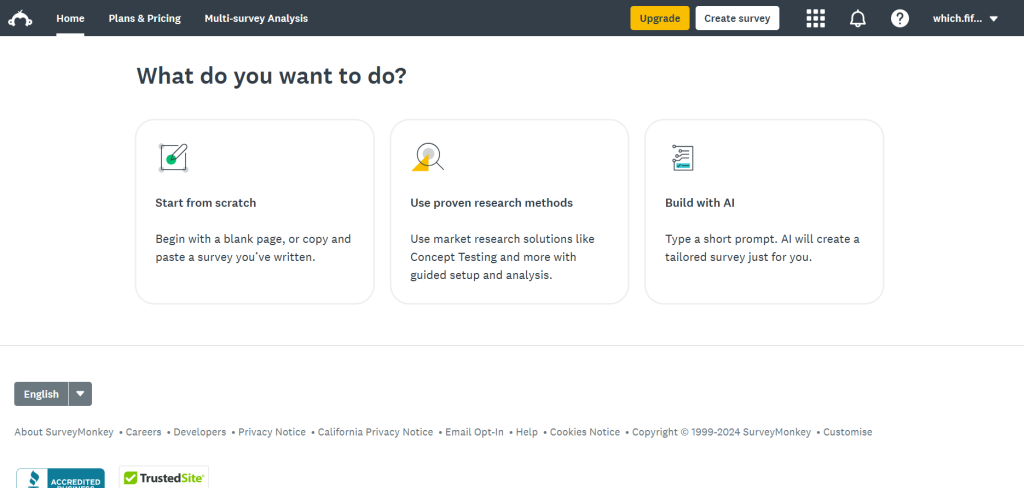
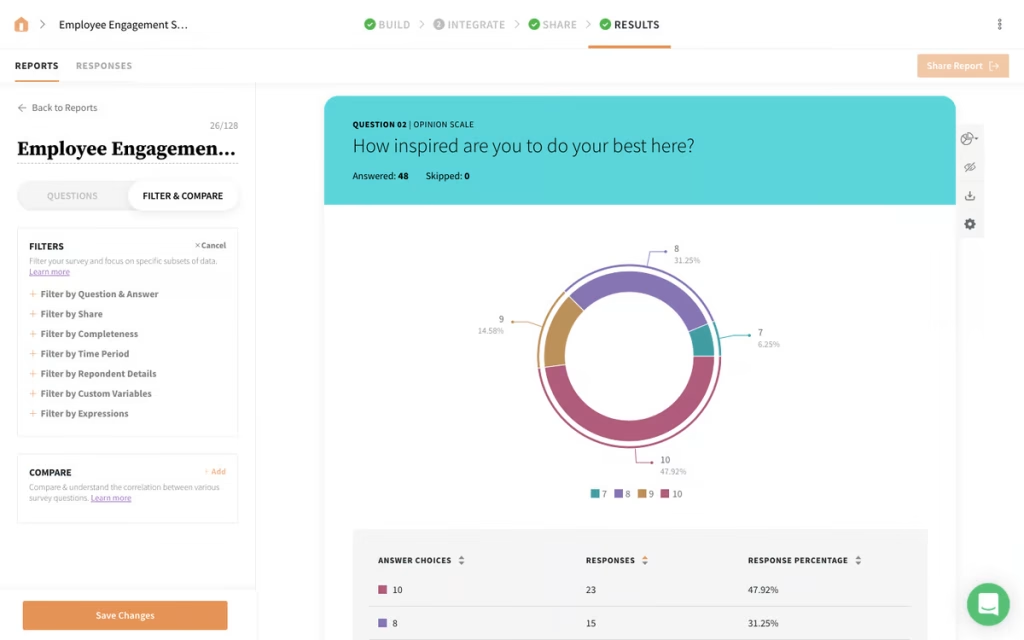
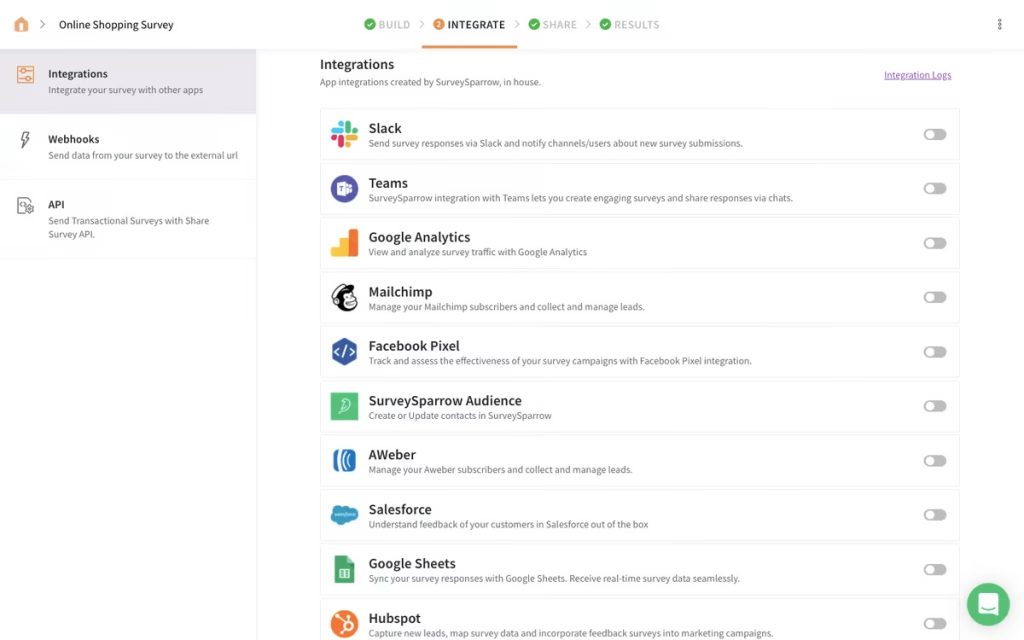
Step 1: Set Survey Goals
- Define your learning goals before touching logic settings.
- You may wonder:
- This survey helps me decide what?
- Most important questions?
- Who answers which questions?
- Building complicated logic that doesn’t improve results is avoided with a clear goal.
Step 2: Paper Survey Flow Outline
Although boring, this step saves time later. Order your questions roughly. Mark the survey split.
Flow may be simple:
- Customer type?
- For new customers: Q2–Q5.
- For returning customers: Q6–Q9.
- Q10 final feedback from all
You can avoid messy logic with a rough outline.
Step 3: Select Logic-Triggering Questions
Logic needs “trigger question.” Most tools need questions like:
- Single-answer multiple-choice
- Dropdown
- Yes/No
Since people type unpredictable answers, open text questions are harder to use for logic.
Structure the trigger question for conditional logic.
- Trigger questions that work:
- Which best describes you?
- Purchased in the last 3 months?
- “What did you buy?”
Step 4: Add Sections or Pages
Conditions are handled by sections in many tools. Each section is mini-page. This is common in Google Forms, where “Go to section based on answer” directs users. When branching, it’s easier to divide your survey into sections like:
- Introduction and screening
- Path A: Section 2
- Path B: Section 3
- Fourth section: Last questions
Branching is easier with this.
Step 5: Add Logic Rules
- Include rules such as: If answer is X, display question Y.
- Answer Z skips to section 4.
- If no, end survey.
To keep it clean, write rules in simple language first:
- Skip car questions if “No.”
- Show car questions if “Yes.”
Everyone then answers the final satisfaction question. Insert them into your tool.
Step 6: Add Default Path
Simple to overlook. Respondents may skip the trigger question.
- Opt for something unexpected
- Blank question
A default rule is needed: Go to the next general section if no answer is chosen.
Keeping the survey from breaking or trapping people.
Step 7: User-Test Each Path
Not optional. Please test. All your trigger question answers. All branches
- Any survey-end logic
- Desktop and mobile views
Creating a checklist simplifies testing: Test paths: A, B, and C.
Multiple branches make it easy to miss one and ship a broken survey.
Examples of Conditional Questions You Can Copy
Real templates help sometimes. Some are here.
1st Scenario: Customer Support Survey
- Did we resolve your issue today?
- Yes → Q2
- No → Q3
- Solution satisfaction?
- What prevented us from fixing it today?
When needed, deeper feedback is given.
2nd scenario: E-commerce post-purchase survey
What did you pay for?
- Shoes → Size inquiries
Ask about fit and warmth for jackets.
- Accessories → Style inquiries
Then, everyone answers: “Would you order from us again?”
3rd Scenario: Employee Survey
What department are you in?
Questions about sales workflow
Help with workload queries
Questions on engineering tools and processes
Next, everyone answers: “What is one thing you want authority to improve?”
Best Practices for Conditional Questions
Conditional logic works best when kept simple and clear.
- Shorten Branches – You may lose someone who goes down a 25-question branch.
- Attempt each branch:
- Focused
- Quick
- Worth it
Consider multiple surveys for deep research.
- Avoid Overtriggering – Your survey can be confusing with too many branching points.
- Most surveys should follow this:
- 1–3 main branches
- Some simple show/hide questions
- Show progress always Clearly – Conditional logic can cause progress bar glitches, particularly when users skip sections. A progress indicator or clear section titles can guide respondents if the app allows it.
- Use Consistent Language – It may seem like two surveys if a single location says “clients” and another says “customers.” Ensure language consistency across paths.
- Do Not Hide Important Questions with Logic – Occasionally people hide essential inquiries behind logic and wonder why they didn’t get enough responses.
For critical questions, ensure: Either everyone sees it or the target audience is large enough.
Wrap Up
Conditional questions are the absolute easiest way to transform a boring, clunky form into an intelligent conversation. They protect your data quality, respect your audience’s time, and dramatically reduce completion friction.
Start small. Introduce one or two clean branching points, select clear trigger fields, and map out your flow on paper before clicking around your software. Once you get a feel for how your data flows, you can easily scale up to advanced show/hide rules and hyper-personalized follow-ups. Plan your paths early, test thoroughly, and build an experience your audience won’t mind completing.



Leave a Comment