UltraVNC is a free, open-source remote desktop software for Windows that lets you securely access and control PCs over the internet or local network. UltraVNC supports file transfer, chat, encryption plugins, NAT traversal, and an embedded JavaViewer for browser-based access, making it ideal for IT support, help desks, and remote assistance for individuals and businesses.
Info Table | ||
|---|---|---|
| Tier | Free Plan (Freemium) | |
| Affiliate Program | Yes [view all] | |
| White Label | Yes [view all] | |
| API | Yes [view all] | |
| Support | Yes
| |
| Social Media Platforms | ||
Features
Plans
FREE
$0
Fully free under GNU General Public License (GPL) for UltraVNC and UltraVNC SC; non-GPL variants like PcHelpWareV2 and uvnc2me are also free.
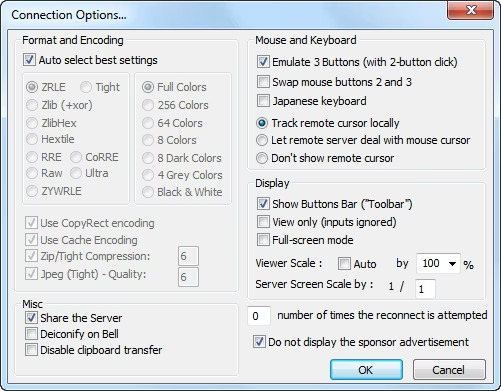
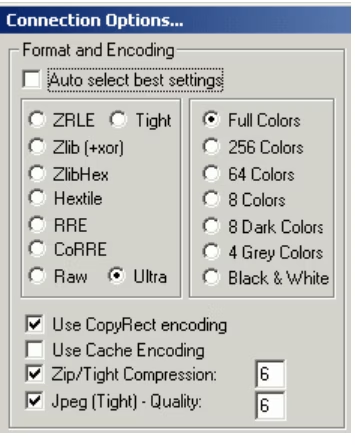
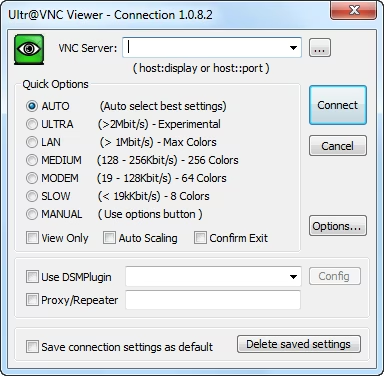
Supports remote desktop access, file transfer, chat, encryption (plugin or built-in AES), NAT/NAT2NAT traversal, and service mode on Windows.
No pricing starts or ends; unlimited use without subscriptions or limits.
No paid plan available for this product.
Refund Policy
UltraVNC is free software and does not have a refund policy since no purchase is required.
Ratings
Ai Opinion
Expert Opinion
Videos
Reviews
No reviews yet. Be the first to review!
Leave a Review
Similar Apps
- Affiliate Program
- Starting: $30
- Free Trial

- Affiliate Program
- Starting: $8.25
- Free Plan (Freemium)
- Free Trial

- Starting: $33

- Affiliate Program
- Starting: $22

- Affiliate Program
- Starting: $22
- Free Plan (Freemium)