Bootstrap Studio is a desktop web design tool that lets you build responsive, SEO‑optimized websites using a drag‑and‑drop interface based on the Bootstrap framework. It features a rich component library, real‑time preview, AI‑assisted design, advanced code editing, and one‑click publishing, making it ideal for freelancers, agencies, and developers who want fast, clean, static HTML sites without relying on a CMS.

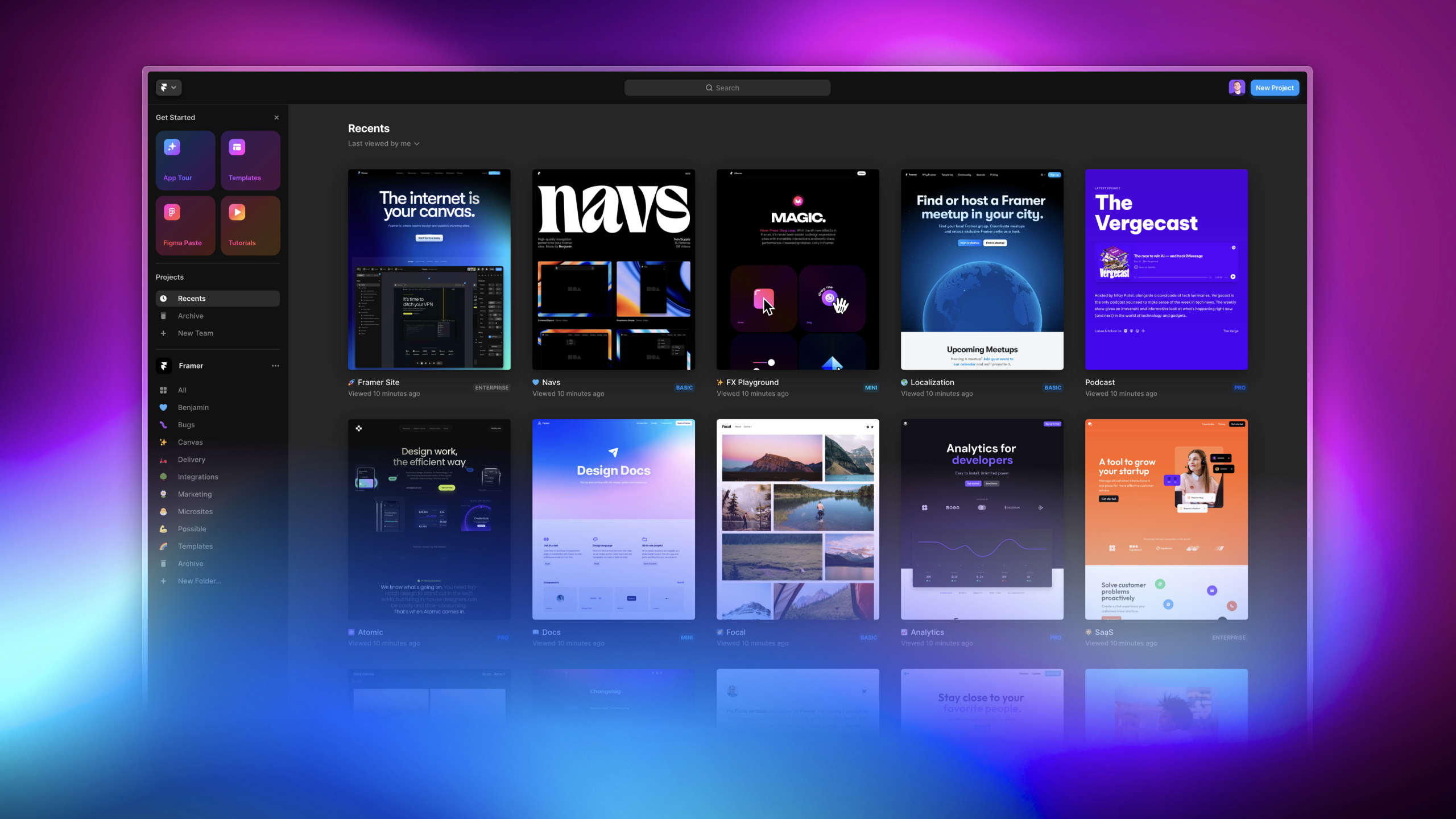
Framer
Info Table | ||
|---|---|---|
| Tier | Discount, Free Plan (Freemium), Paid Plan, Per-User Pricing, Tiered Pricing, Usage-Based Pricing | |
| Affiliate Program | Yes [view all] | |
| White Label | Yes [view all] | |
| API | Yes [view all] | |
| Support | Yes
| |
| Social Media Platforms | ||
Features
Plans
Free
$0
Unlimited projects, Framer subdomain, up to 1,000 pages shared between CMS and custom pages, 10 CMS collections, SSL, 100 MB bandwidth, up to 1,000 visitors per month.
Basic
$10/month (or $15 monthly)
Up to 30 pages, 1 CMS collection with 1,000 items, 10 GB bandwidth, custom domain, removes Framer branding, suitable for personal and small sites.
Pro
$30/month (or $45 monthly)
Up to 150 pages, 10 CMS collections and 2,500 items, 100 GB bandwidth, staging environments, redirects, instant rollback, well‑known files, more hosting locations, roles and permissions.
Scale
$100/month + usage
Up to 300 pages (expandable to 500), 20 CMS collections (expandable to 40), 10,000 items (expandable to 40,000), 200 GB bandwidth (up to 2 TB), premium CDN, events and funnels, priority support, optional A/B testing and reverse proxy, usage‑based overages.
Enterprise
Custom
Tailored limits and infrastructure, enterprise‑grade security and compliance, SSO, dedicated support, custom hosting and networking options, built for large organizations with advanced needs.
Refund Policy
Framer offers refunds within 7 days worldwide; 14 days for EU/Turkey residents after initial purchase. No refunds after that period.
Ratings
Ai Opinion
Expert Opinion
Reviews
No reviews yet. Be the first to review!